This is the first release in the long awaited Sailfish OS 5.1.0 series.
Many thanks to you our active contributors for your feedback and proposals.
Known issues
Update size check
There was issues with the update installation required disk space check. We made a fix for that and published it in Sailfish 5.0.0.78 hotfix release. You should install that first. If you are on 5.0.0.77 and it already offers you 5.1.0.x, check again for updates from the pulley menu and it should give you the correct version.
After updating to 5.0.0.78, the update UI will correctly check required space for 5.1 update, but just to be sure you can check that you have at least the following amount of free space for system data:
- Sony Xperia XA2 and 10: 800MB
- Sony Xperia 10 II, III, IV, and V: 1.2GB
- Jolla C2: 1.3GB
Other known issues
-
On Xperia 10 IV and V user data encryption does not work on first boot after flashing, so flashable images are not provided for those devices at this point. Flashing 5.0.0.78 and doing a OTA update works.
-
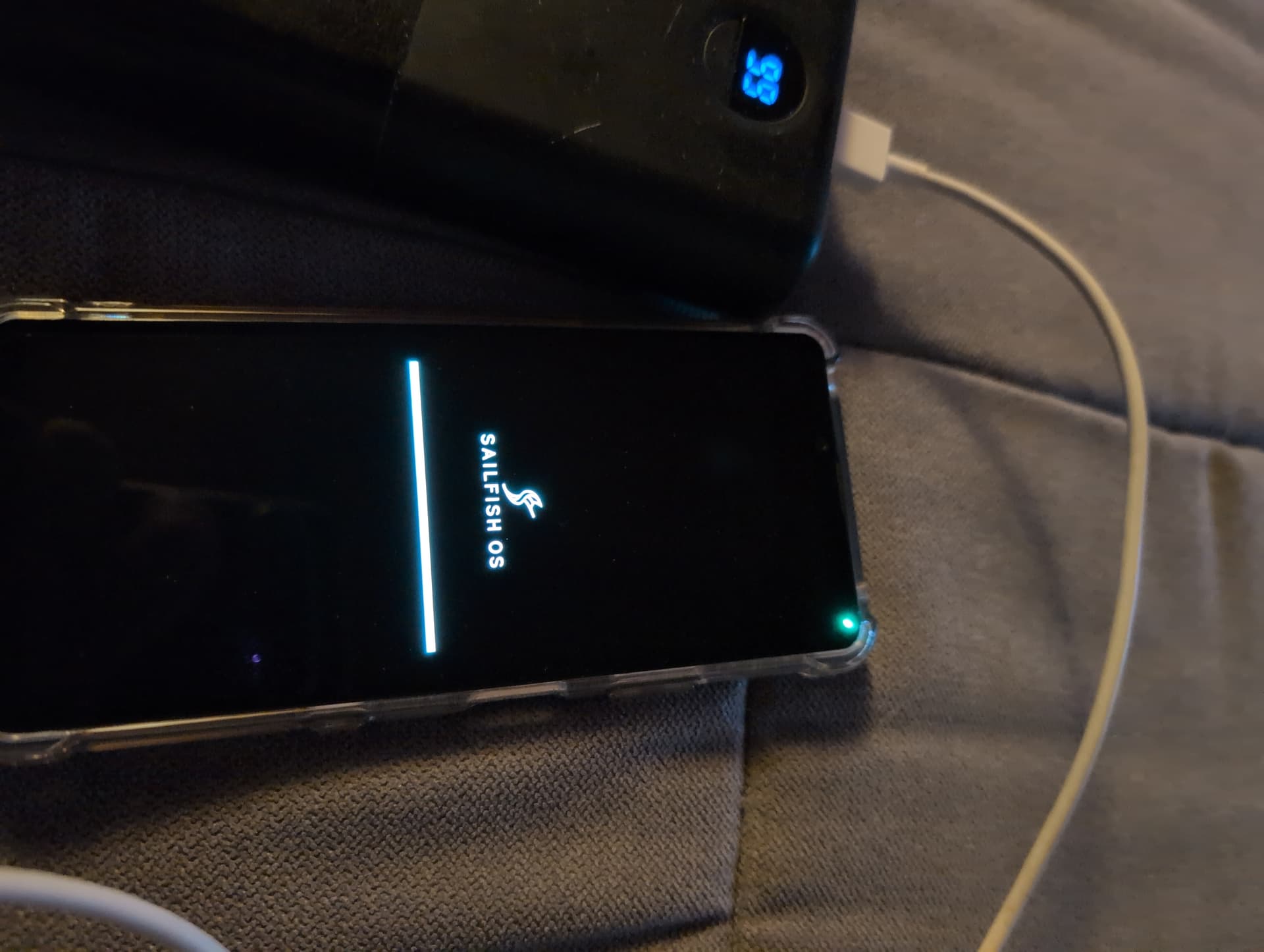
Sometimes the device does not automatically reboot after successful update installation. If the installation progress bar has reached the end, it is safe to reboot the device with power button after few minutes (may require forced boot on some devices with power + vol up buttons pressed).
-
Call history access over bluetooth doesn’t work in some cases.
5.1.0.11 release highlights
A major part of this update are “just” updates to libraries and components that are not so much directly visible to the average user. But they do contribute to the overall system stability, security, performance, and progress.
Even though the grunt work of distribution jenga has taken a lot of our time, we have managed to also include some much awaited features and bug fixes in this release.
AppSupport Bluetooth for Android applications
The long promised bluetooth support for Android applications is now here! It is still considered a beta release and your experience may vary depending both on which Sailfish device you have and what kind of bluetooth device you are trying to use.
After system update you can find the “AppSupport Bluetooth (beta)” from the store. Install it, reboot the devices, and you are good to go. Try out all the weird bluetooth thingies you have and let us know how it went it this separate feedback thread, which also has more information, debug logging instructions, etc.
And if it turns out that it does not work out for you and causes more problems than it solves (it may in some cases interfere with the Sailfish side bluetooth functionality), you can just uninstall it from store and get the bluetooth stack back in the normal mode.
Note: AppSupport Bluetooth is currently not available for Xperia 10 V, as the device does not boot properly with it, and bluetooth might stop working completely at least with some versions of the vendor blobs.
WLAN WPA3 support
WLAN now supports WPA3 on some devices, but unfortunately not on all due to kernel driver or binary blob issues.
| Device | WPA3 works | Driver issue | Binary blob issue |
|---|---|---|---|
| XA2 | M | ||
| X10 I | M | ||
| X10 II | M + S | ||
| X10 III | - | unknown | unknown |
| X10 IV | not tested | ||
| X10 V | M + S | ||
| C2 | - | unknown | unknown |
M = mixed WPA2/WPA3
S = WPA3 SAE
Other user facing features
- Connectivity:
- Option to set default VPN, and top menu toggle
- Tethering / WLAN hotspot client details
- Settings / Utilities option to restart ofono cellular subsystem
- Browser:
- Option to start in private browsing mode
- Option to make toolbar fixed
- Enable mouse scroll-wheel scrolling and back/forward buttons
- Email:
- Support for using email address aliases
- Always show from address in composer (for better usability with multiple accounts and aliases)
- Account auto-configuration from network resources
- Gallery
- Allow to open location from image details
- Use Nextcloud image thumbnails in gallery
- Calculator:
- Add basic hardware keyboard support
- Add grouping separator support
- Display settings:
- Add “Gigantic” font size option
- Add inverted landscape in orientation options
- Clock: Default to next starting hour on new alarm dialog
- Weather: Back with support for multiple weather data providers
- Location: Replace obsolete Mozilla Location Services with BeaconDB
- Sharing: NFC and QR-code sharing options
- AppSupport:
- Security patch level updated to 2025-12-05
- “Treat mobile data as WLAN” -option available on all devices
Bugs fixed
- Connectivity
- No Ringback tone (ringing tone) when calling with VoLTE
- Forgetting connected WLAN network does not work
- Enabling WLAN shows connection selector unnecessarily
- Settings WLAN page does not refresh after entering the WLAN credentials
- WireGuard VPN connection may get restarted twice/more when network changes
- Booting device with WireGuard VPN enabled does not allow it to be disconnected via top menu
- WireGuard configuration loading does not work
- WireGuard (at least on C2) fails to reconnect after connection change
- WireGuard cannot handle DNS server names
- Media and Camera
- Camera zoom indicator is drawn on top of top items on C2
- Camera stores image timestamps with extra UTC offset
- Taken photo metadata reports wrong camera model (product code name)
- Selfie top menu shortcut doesn’t open front face camera (selfie camera)
- VP9 videos segfault on C2
- MMS video fails to open externally
- Settings
- Backup page link in settings reset page is broken
- Mounting storage device freezes Storage settings page for dozen seconds
- Microsoft 365 Calendar multiplying
- App launcher web page link icons don’t load on reboot
- Clock stopwatch gets confused by time and date changes
- Time picker 5 minute rounding is broken
- systemd-bootchart segfaults
- sdk-pythonapp-rpm-generators does not understand relative imports
- No access to /dev/null in sandboxed app
Developer corner and lower level components
As mentioned, much of this release was about updating the tooling and libraries,
which is probably of special interest to all the awesome developers in our community.
Some notable features and changes include
- Compositor support for Wayland xdg_shell protocol and subcompositor/subsurface interfaces
- cmake rpm dependency generator
- Use systemd resolved as the DNS resolver
- New things allowed in Harbour applications
- Nemo.Time QML components
- Mimehandlers as Provides in RPM metadata
Several build and development tools received major updates
- gcc - 10.3.1 => 13.4.0
- make - 4.2.1 => 4.4.1
- cmake - 3.27.1 => 3.31.8
- meson - 1.4.1 => 1.9.1
- gdb - 12.1.0 => 16.3.0
- valgrind - 3.18.1 => 3.26.0
As did many libraries and languages…
- abseil-cpp - 20230802.1 => 20250127.1
- curl - 8.9.1 => 8.19.0
- cython - 0.29.14 => 3.0.11
- glibc - 2.30 => 2.41
- glib2 - 2.78.4 => 2.86.4
- glslang - 14.1.0 => 15.3.0
- gobject-introspection - 1.72.1 => 1.86.0
- gstreamer1.0 - 1.24.6 => 1.26.11
- libphonenumber - 8.13.27 => 9.0.5
- linux-glibc-devel - 3.18.136 => 4.4.302
- lxc - 5.0.2 => 6.0.3
- ncurses - 6.5 => 6.6
- net-tools - 1.60 => 2.10
- openssh - 9.8p1 => 10.3p1
- openssl - 1.1.1v => 3.5.6
- openssl1.1 kept available for compatibility
- perl - 5.16.3 => 5.40.3
- poppler - 24.08.0 => 25.12.0
- pulseaudio - 14.2 => 17.0
- python3 - 3.8.18 => 3.11.15
- python-pip - 19.3.1 => 23.3.2
- python3-fuse3 - 2.0.0 => 3.4.0
- python3-lxml - 4.6.5 => 5.3.0
- python3-setuptools - 46.1.3 => 70.3.0
- python3-twisted - 20.3.0 => 22.10.0
- sqlite - 3.46.1 => 3.50.4
- taglib - 1.12 => 2.0.2
Changelog
The lists above are not at all comprehensive, and more details can be found from the
full Changelog_from_5.0.0.77_to_5.1.0.11.md (211.9 KB)
Also, the changelog may mention some things that were already included in the 5.0.0 minor updates, as our diff tool is not perfect.
Changes and fixes in the Early Access updates can be found from
Changelog_from_5.1.0.7_to_5.1.0.11.md (2.9 KB).
Thanks to all our EA users for the feedback that helped iron out some of the issues.
How did the upgrade go?
- I had no issues during the upgrade process
- I had small issues, but was able to handle them
- I got into serious trouble when upgrading my device (please help!)
- I did not dare or want to update
Version history of the Sailfish 5.1.0 releases
| 2026-06-16 | 5.1.0.11 | Released to all |
|---|---|---|
| 2026-06-12 | 5.1.0.11 | Early Access |
| 2026-06-04 | 5.1.0.10 | Early Access |
| 2026-05-28 | 5.1.0.8 | Early Access |
| 2026-05-28 | 5.0.0.78 | Hotfix for the update disk space check |
| 2026-05-25 | 5.1.0.7 | Early Access |
| 2026-03-30 | 5.0.0.77 |
All recent Sailfish OS release notes can be found here.
Help articles
The Sailfish OS help articles are available at Sailfish OS Documentation.

 Great support!!