Hi,
The Bluetooth bridge for AppSupport is finally in a fairly stable shape, so it is now available in the Jolla Store for cbeta users only. How much further it goes, and how quickly, depends on your feedback.
IMPORTANT: Don’t install this on an Xperia 10V. See the note below for details.
What it is
The AppSupport Bluetooth Bridge shares the phone’s Bluetooth controller between Sailfish OS and AppSupport. It acts as a router, so each Bluetooth device can be handled by either Sailfish OS or AppSupport without handing the whole controller over.
For most devices this is controlled through pairing. BLE devices are more complicated, and that is one of the areas where broader testing will be useful.
For now, you should reboot after installing. The Bluetooth settings page now has an extra option to route incoming pairing requests to AppSupport. Devices found during scanning also have a long-press context menu option to pair them with AppSupport. You can see devices paired with AppSupport on the same page, and you should also unpair them from there when needed. Turning Bluetooth on and off in Sailfish also turns it on and off in AppSupport. You should not try to turn it on or off from Android apps.
Android apps that are designed to pair with devices internally should be able to do so.
If you have previously handed Bluetooth completely over to AppSupport as described elsewhere on the forum, revert those changes first. Otherwise things are likely to break.
When it breaks
We have tested this internally with a range of phones and Bluetooth devices, but there is a lot of Bluetooth out there. We need more testing before releasing this more widely.
When reporting problems, please include:
- Phone model
- Bluetooth device make and model
- Android app involved, if any
- Whether the device was paired with Sailfish OS, AppSupport, or both
- What else is paired
- Exact steps to reproduce the problem
- Whether it works after restarting Bluetooth or rebooting
- Relevant logs with debug logging enabled
- Logs may contain Bluetooth device names and addresses, so possibly best not to share them publically. Have a look through before you share.
Debug logging goes to the journal. The main daemon logs as appsupport-bridge-bt, and the AppSupport companion service logs as appsupport-bridge-bt-aidl. Debug logging is disabled by default. You can enable it from the AppSupport settings page. The toggle is runtime-controlled, so you can enable it only for a short period if you are able to reproduce the problem reliably. Though it doesn’t do a lot of harm so it would be great if you could keep it turned on during this testing phase.
You can export the relevant journal logs with:
journalctl -lab 0 -u appsupport-bridge-bt -u appsupport-bridge-bt-aidl -u bluetooth > appsupport-bt.log
Crash logs for Android-side services can usually be found under:
/home/.appsupport/instance/defaultuser/data/tombstones/
or the equivalent path for your username.
Special warnings
The Jolla C2 has been known to be a little crashy in the Bluetooth. It should be fine in ordinary use, but restarting the services a lot probably will make it reboot at some point.
When we tested this on an Xperia 10 V, it broke the radio badly enough that even the modem stopped working until the device was reflashed to Android.
For that reason it has not been marked as available for the Xperia 10 V in the Jolla Store. You may still be able to install it manually, but you should not do that unless it is your phone and you enjoy breaking your phones.
Known issues
-
Some people have reported that AppSupport later decides Bluetooth is off, and toggling Bluetooth off and on again in Sailfish fixes it. We do not have logs showing what happens here yet.
-
If you pair a watch or some notification forwarding device with an Android app, then you will only receive notifications on it that originated in other Android apps. This has always been deliberate in Sailfish: we forward Android notifications to Sailfish but for privacy reasons not the other way around.

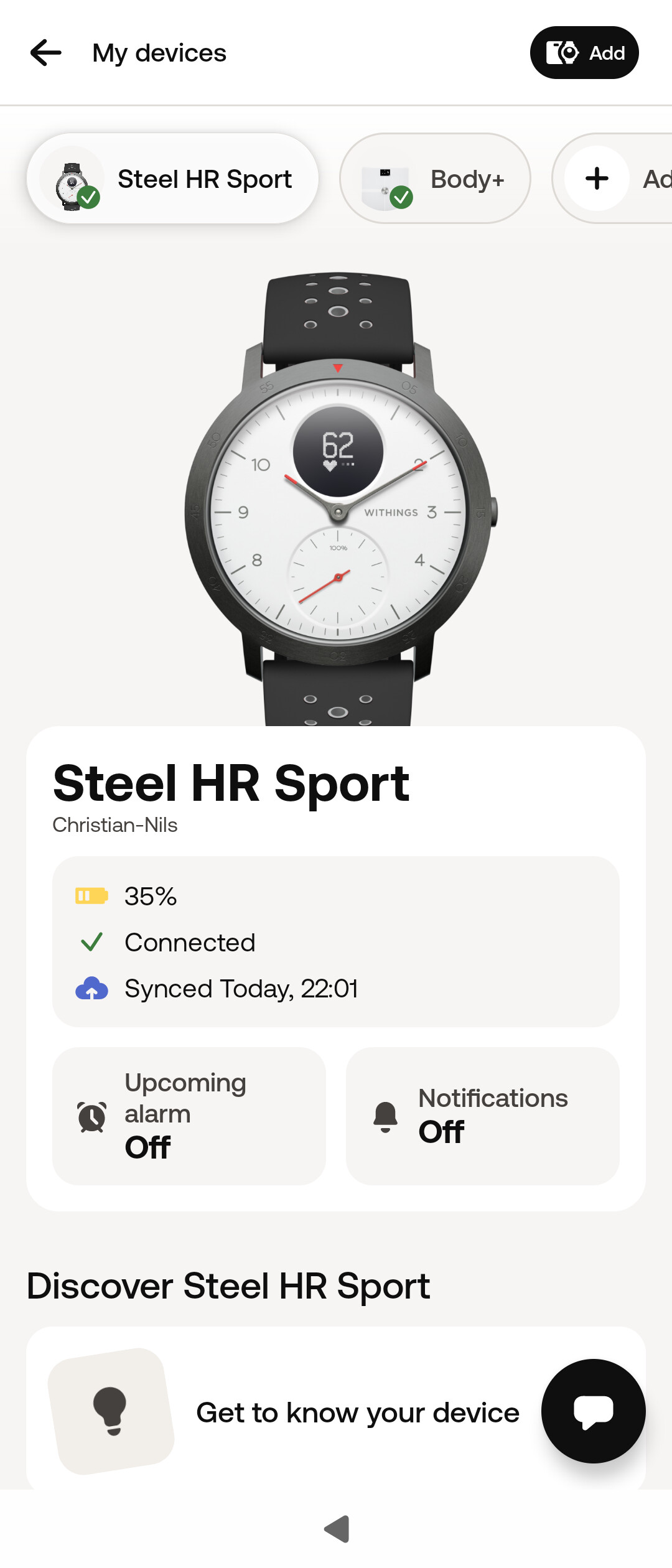


 ). I got paired my C2 and Nokia X20 wich had a working OP- app. My X20 app asked me to scann the tag on my C2 OP-app etc… First it was bit hard to make bt start on android side.

