Ok, should I remove this and add to feature requests? Its difficult to understand what are settings in reference to the pull down menus. Are pull down menus more like “actions” and settings somewhere else?
Edit: Yes, pull down menus are “actions” and not settings (and a pull down “action” cannot issue a setting). The framework is discussed for example here. So this would be a feature request for more settings on the system email app. There a are a few listed here and I’ll merge them.
Edit. This will take a moment because I need to figure out the Patchmanager Web Catalog I’m on 5.2.0.17. The current patch is for .16 (I enabled “Version check: No check”, activated the patch and set activate on booting). The pull down menu shows “Sort by: Status” every time I reboot (I’ve set it to “Sort by: Status” before rebooting). But I don’t yet know if what reads in the pull down menu is how it behaves. I will continue testing! Brilliant!
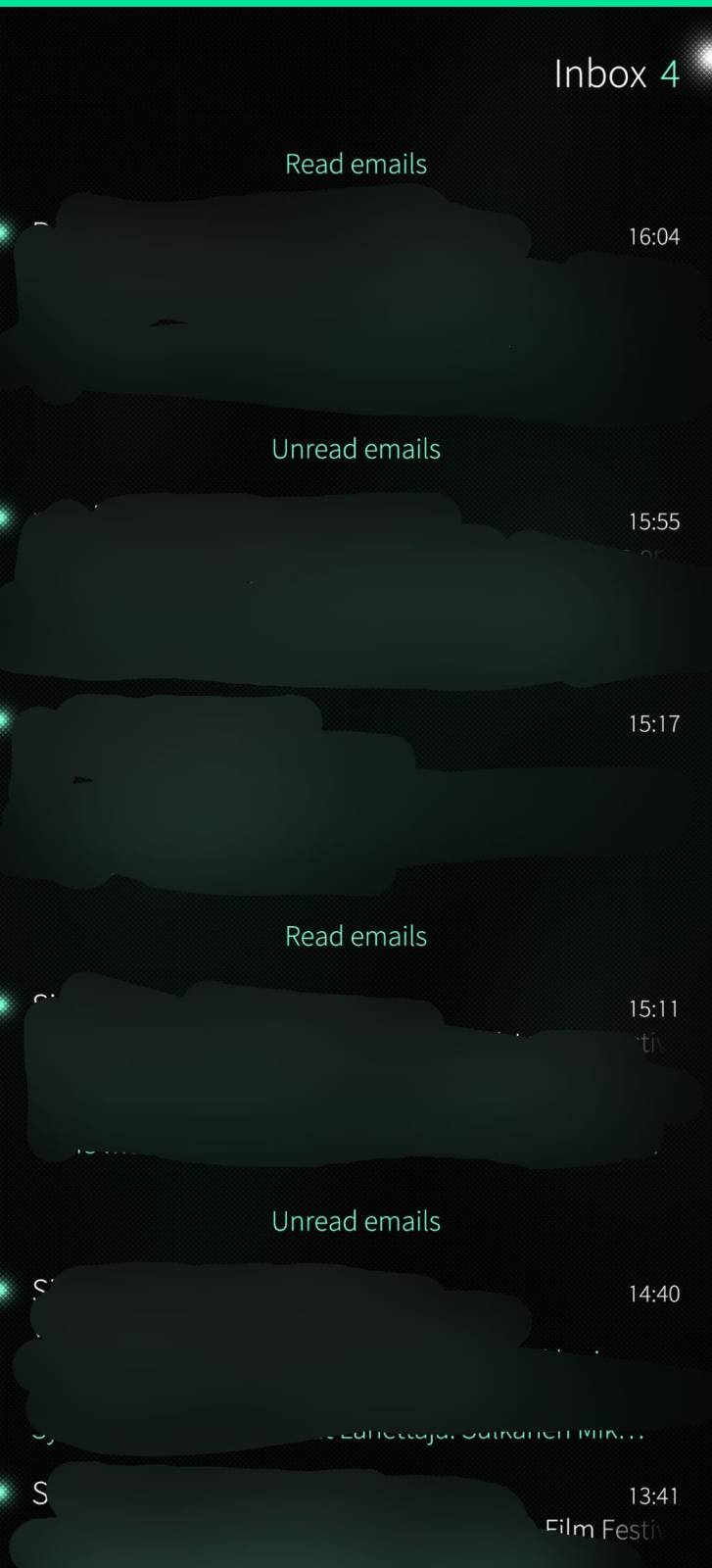
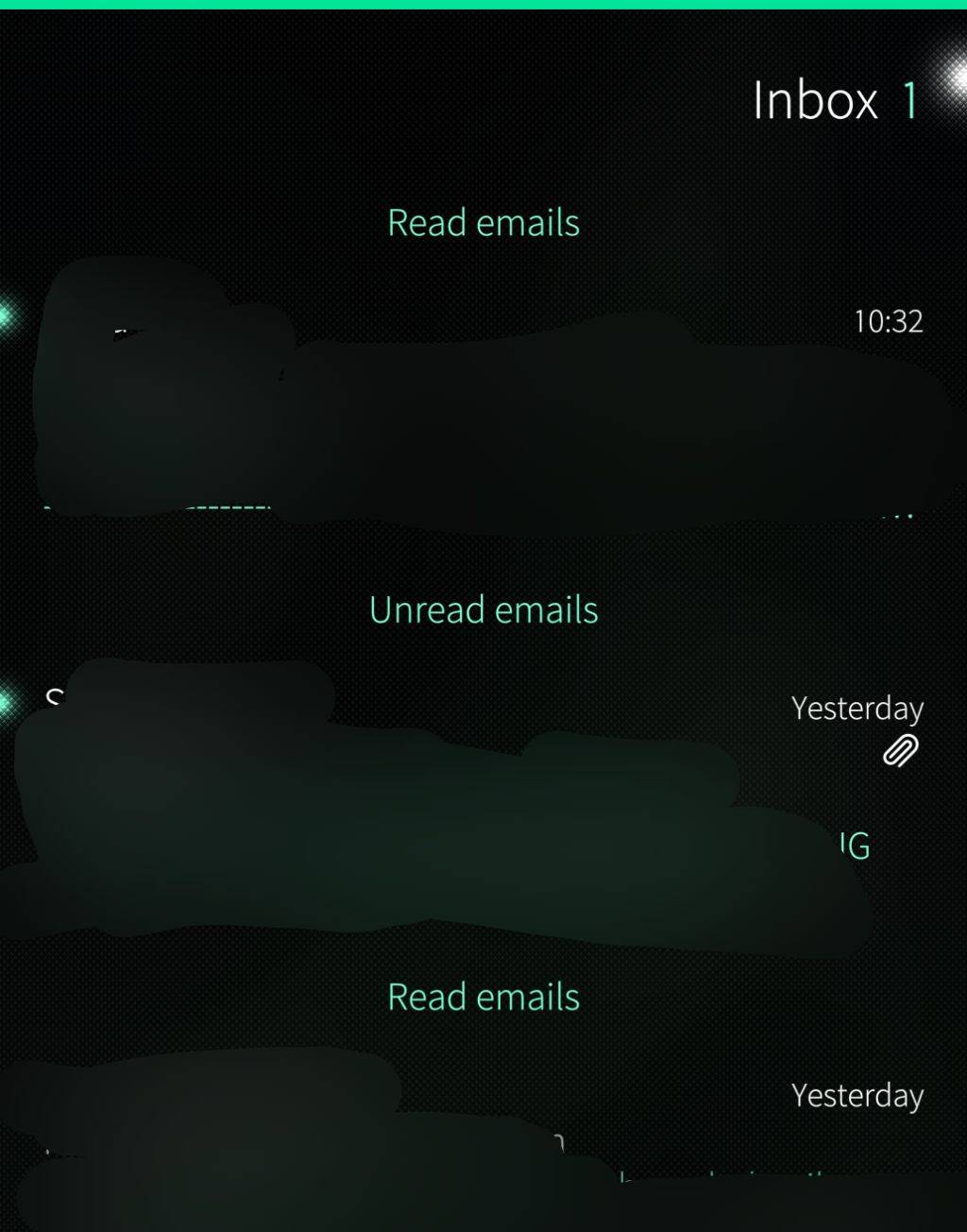
I was able to replicate the issue. When navigating from Notifications to the system email, the 1.0 version of Persistent Email Sort Order -patch lists messages weirdly and does not mark read messages as read (and move below the unread email on list).
 I’m on 5.2.0.17. The current patch is for .16 (I enabled “Version check: No check”, activated the patch and set activate on booting). The pull down menu shows “Sort by: Status” every time I reboot (I’ve set it to “Sort by: Status” before rebooting). But I don’t yet know if what reads in the pull down menu is how it behaves. I will continue testing! Brilliant!