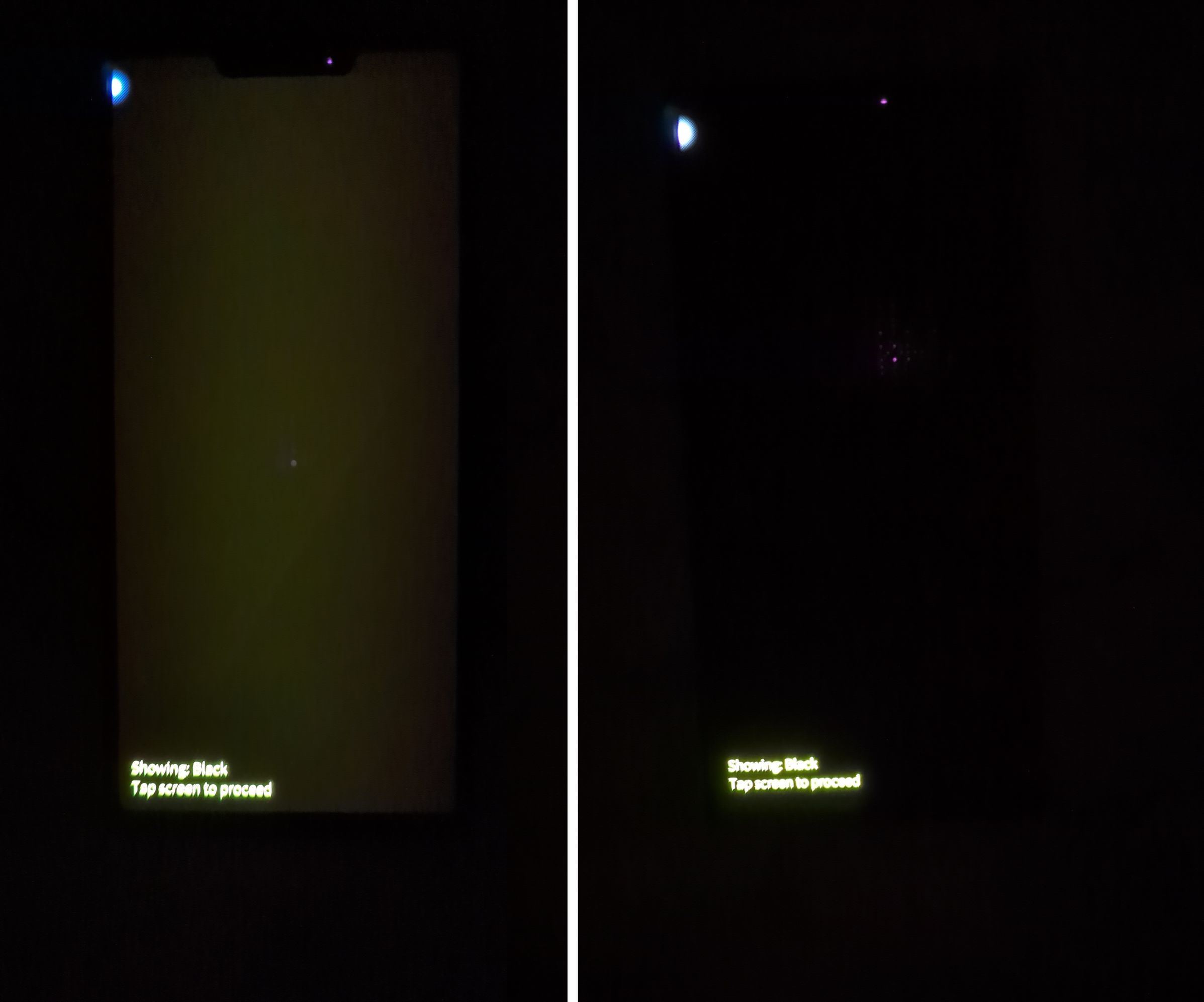
This is a small update to address some security issues that popped up last week after the previous .20 release. We also got a fix for the display color issues on early Jolla Phone production batches, which now makes the black truly black . And finally, this release goes out also to the older devices!
5.2.0.22 release highlights
CA certificates updates following the eMudhra compromise
Thank you so much for this update! Quite nice to see huge improvements as an addition to security fixes I hadn’t noticed how much the yellowness in the screen bothered me, can’t believe how good it suddenly looks when black is black! And high res mode for camera is huge plus, keep rocking
@haf-med SaneFish itself wouldn’t have a problem, it’s the patches themselves that wouldn’t work.
They need to be tested, and if it works, telling Patchmanager that they work fine (or updating to make it compatible)
You can eventually bypass the firmware checker by going into Patchmanager and disable it within the Settings. That way you can still enable the patch (in case it’s still working without issues).
Fantastic, to get an update so soon after receiving my JP2026 and trying out its functions! It’s running nicely, I added (to my testing SIM) my main SIM from my Google phone (which I still need for work).
What’s more, I could even update my testing device Sony Xperia 10 III! Thank you so much!
Quick question:
On the Sony I cannot find the option to reset the device which is available in the settings menu on the JP2026. Is that intentional?
 . And finally, this release goes out also to the older devices!
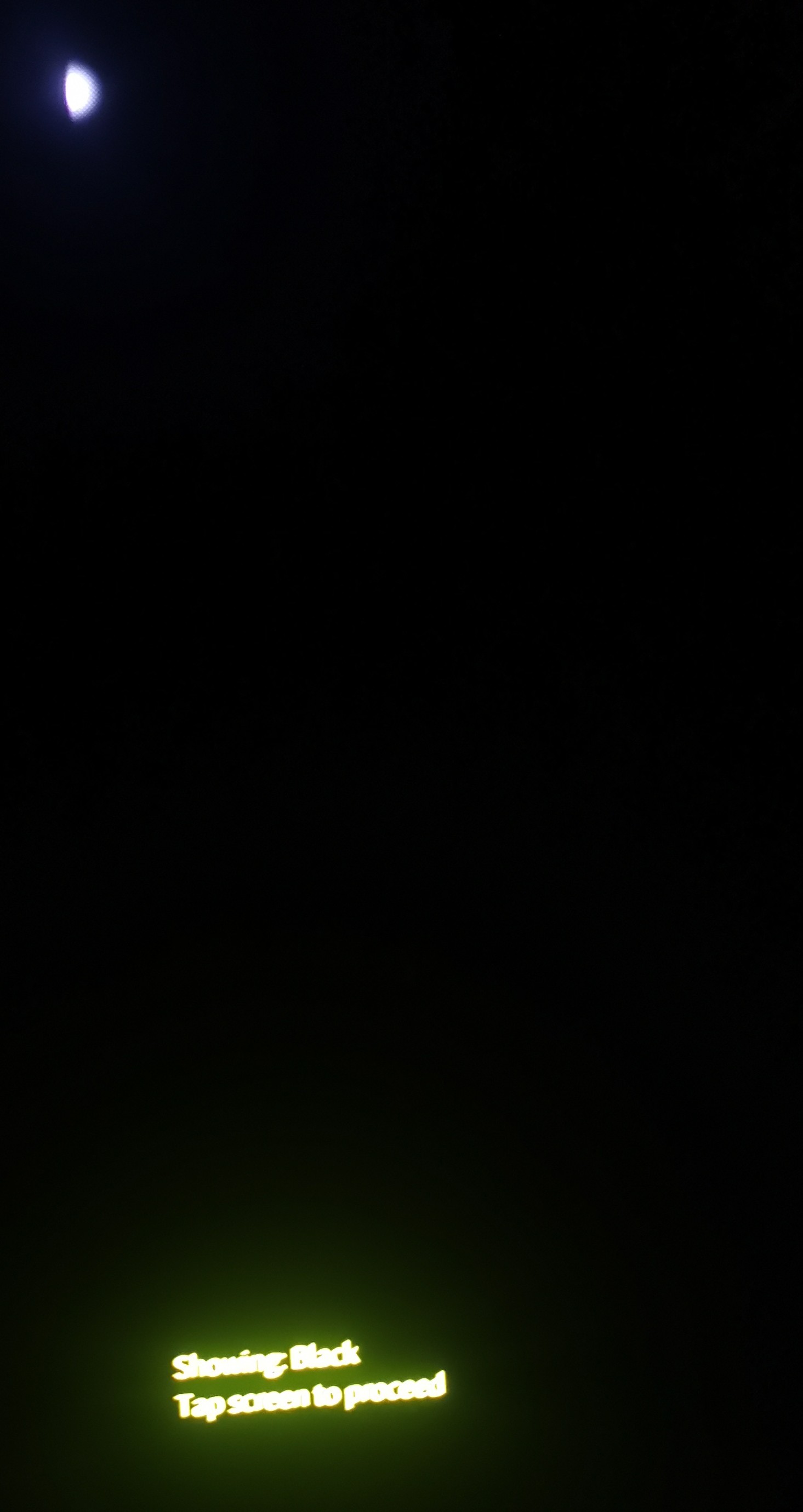
 I hadn’t noticed how much the yellowness in the screen bothered me, can’t believe how good it suddenly looks when black is black! And high res mode for camera is huge plus, keep rocking