OTA should recognise. But the more free space you have, the better it is.
2 Likes
The update went smoothly on both my Jollas 2026 and the C2.
Thanks a lot for your decent work, guys!
1 Like
I would like to express my gratitude to the Jolla team. Miraculous work!
I think in 5.2.0.20 update my Jolla Phone can fast charge with all my typically used USB PD bricks, without the need of turning it off. Now with this new update the screen looks fantastic, it’s like my screen was full of dirt before 
Also I have still never done any backups, even though it would be wise to do it, but I have never had any hiccups while updating so far. So I am definitely glad that my laziness didn’t cause any unexpected interference with my daily life
I have said before that I am very much in belief that JP2026 users are still using SFOS alpha/beta software. However, there have been very nice quality of life improvements, which make sailing A TON more pleasing. And I am very glad that I took this (perhaps) once in a lifetime opportunity. Thank you all for making it happen.
4 Likes
You don’t need backup. Until you do.
8 Likes
The black level fix did not fix this Jolla Phone 2026 – Black crush below a certain brightness threshold - #34 by Dequei
3 Likes
now that 10III/etc are supported, will this release finally bring flashable images?
1 Like
Already answered. See above.
1 Like
Update from 5.2.0.17.
install fails, on reboot got error “Can’t update, try again later“ already try two times
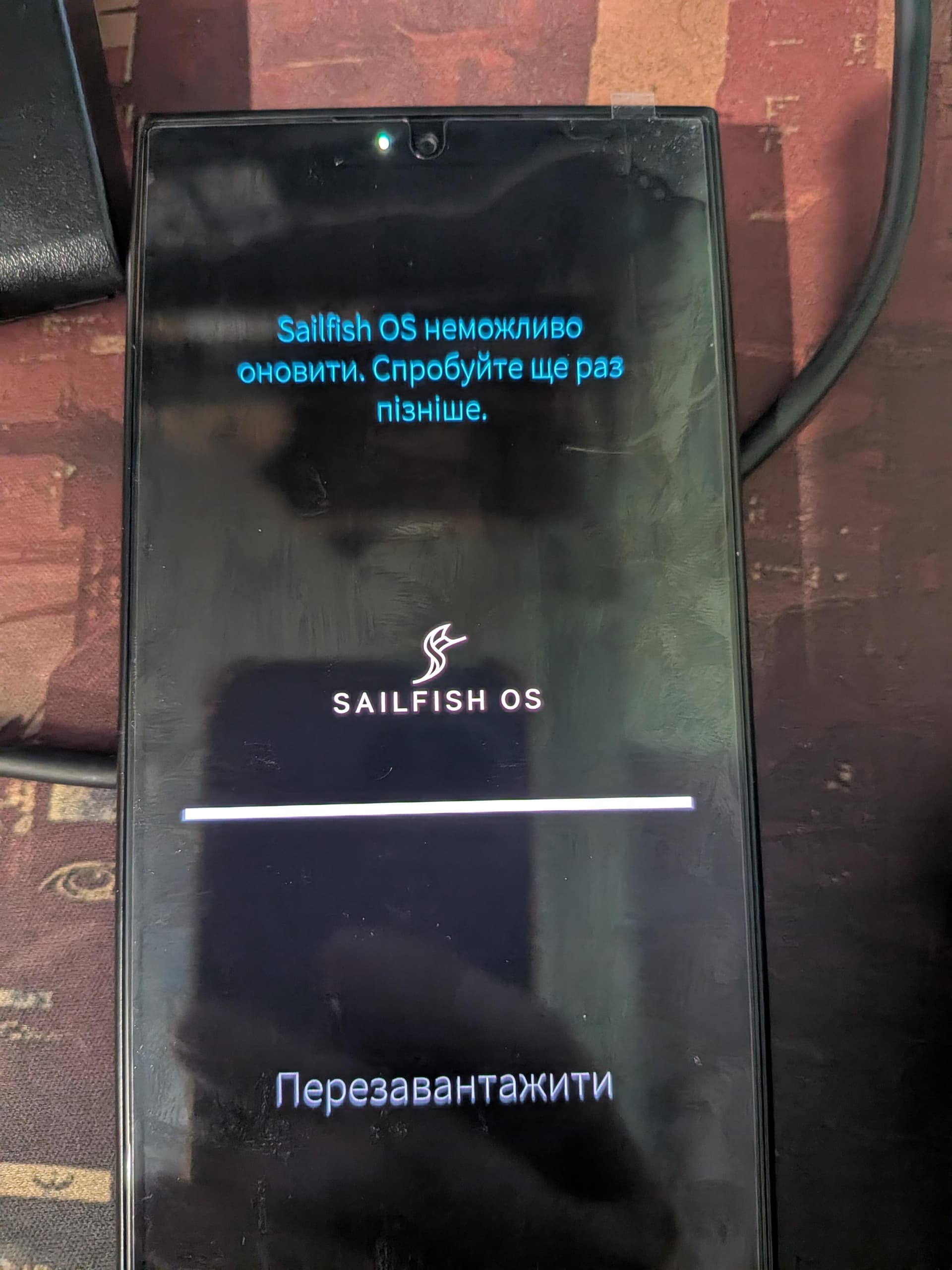
The update went perfectly. No errors in the update process. Update was installed and the phone rebooted without issues. Jolla Phone 2026, updated from 5.2.0.20 to 5.2.0.22. Thanks Jolla.
3 Likes
I can confirm. Black is back! 

It awkwardly bothered me even though it was really just apparent in the very dark. Now it looks fine for an OLED screen. It is great that this could be resolved with a simple system update.
4 Likes
JP2: apparently all ok (from 5.2.0.20)
It rebooted twice by itself after the update (jolla logo, some seconds delay, reboot, jolla logo, decrypt PIN, normal boot).
I want to update on my xperia 10iii, but i can’t it requires 1.3gb, i have uninstall all my application it remain AAS, is it save to uninstall AndroidAppSupport and update Sailfish and reinstall affter AAS
I have just updated my new Jolla phone to the latest version and since then whenever I try to install an app leveragin Aurora, it emits the following error “ &$Server Busy, please try again later”
1 Like
Update seems to have worked fine on both my phones JP2026 and Xperia 10 iii.
1 Like
Upgrade on my Xperia 10 iii worked nice.
I thought I saw a mention of implemented Cell broadcast support flash by, so searched for it in the systemsettings (I want to be sure it is enabled for NL-alertst) but I could not find anything.
Should it be somewhere on a 10-iii?
Happy. The new Jolla phone is a bomb!
3 Likes
Check out “Emergency” in the Settings app, under subheading “Security”.
2 Likes
JP2:
First attempt to download update doesn’t work, error: “Problems with the shop”
Finally downloaded it, saying update is ready, but can’t update asking to retry later. And again “Problems with the shop” waiting for connection 
As far as that is possible. scnr
After updating my Xperia 10 III, the Jolla store is no longer working. General communications problem with the store server. Trying to install something with zypper results in:
Location ‘https://store-repository.jolla.com/xqbt52/aarch64/repodata/repomd.xmlversion=5.2.0.22&credentials=store’ is temporarily unaccessible.
3 Likes