Could a moderator please move all this off-topic ui design and widget discussion to an own thread?
21 Likes
For me, personally, it would be rather cool if these active covers can be made “sticky”, as in, it can be made to survive reboots and such. But in the end, it’s just a (small) part of an operating system, and this will not make it or break it for the majority of people. In my personal opinion, the majority would be more disappointed if they can’t do everyday things with the same ease, as in, their bank doesn’t work here, or their virtual (credit, debit) cards can’t be added to SFOS, and so much more.
They can… kind of! Take a look at the Situations app.
1 Like
Is this like the old “profiles” on Nokia-phones? I miss those.
Absolutely! It’s the only way the covers truly make sense, because if you can’t rely on them being in a specific position all the time, they quickly lose their added value as it then becomes easier to just open the application from the icon. There’s a feature request for sticky covers:
3 Likes
Even better would be that open covers/applications could be selected and saved into ambiences.
6 Likes
Did you try Situations app? That should be possible to do with it.
Agreed! That was actually the original intention behind ambiences, you can see it if you check out old promotional material - changing the ambience changes the active covers/applications.
4 Likes
No, I haven’t tried Situations. If that allows this, it is off course good.
I’m just contemplating how that idea of ambiences never turned into what it IMHO could and should be.
For instance we have option to turn AppSupport/Android off through the side switch, quick toggle at the top menu and through the normal settings.
Coupled with specific set of applications to open up, the Ambiences would be the most natural, and above all built-in, way of switching between Android compatibility and native use modes.
It would have that certain “wow!” factor as well.
4 Likes
Ultimately this was correct. I got it to a point where I’m happy with it, even if the path I took was probably a little too overly-complicated.
First I went and modified compositor.qml:962
peekFilter {
                enabled: appLayerItem.active
                            || cameraLayerItem.active
                            || launcherLayerItem.active
                            || alarmLayerItem.active
                            || topMenuLayerItem.active
                            || (homeLayerItem.active && root.deviceIsLocked)
                leftEnabled: false
                rightEnabled: !Desktop.startupWizardRunning
This might not be the canonical place to modify this, but it does work to disable the left swipe in an application window.
Next, I wanted to remove the back button from android. I did so by adding the following to the props:
echo 'qemu.hw.mainkeys=1' >> "build.prop"
which makes the android container believe that there are physical hardware buttons, hiding the navbar.
I added this to the img at /opt/appsupport/system.img - This might not have been necessary, there might have been a better way to do this. I was messing around with system.img to try to add some other things too.
Next, it should have been just a case of …
appsupport-attach
cmd overlay enable  com.android.internal.systemui.navbar.gestural
annnd.. oh
Exception occurred while executing 'enable':
java.lang.SecurityException: commit failed
	at com.android.server.om.OverlayManagerService$1.commit(OverlayManagerService.java:913)
	at com.android.server.om.OverlayManagerShellCommand.runEnableDisable(OverlayManagerShellCommand.java:251)
	at com.android.server.om.OverlayManagerShellCommand.onCommand(OverlayManagerShellCommand.java:89)
	at com.android.modules.utils.BasicShellCommandHandler.exec(BasicShellCommandHandler.java:97)
	at android.os.ShellCommand.exec(ShellCommand.java:38)
	at com.android.server.om.OverlayManagerService$1.onShellCommand(OverlayManagerService.java:1030)
	at android.os.Binder.shellCommand(Binder.java:1230)
	at android.os.Binder.onTransact(Binder.java:1043)
	at android.content.om.IOverlayManager$Stub.onTransact(IOverlayManager.java:510)
	at android.os.Binder.execTransactInternal(Binder.java:1505)
	at android.os.Binder.execTransact(Binder.java:1444)
So it seems like actually this was removed from the image in appsupport. Unfortunate.
I spent an inordinate amount of time trying to restore it, grapping some AOSP images to try to extract it.
Then I got tired. So I just grabbed an apk that adds gestures. Fluid Navigation Gestures
And voila.
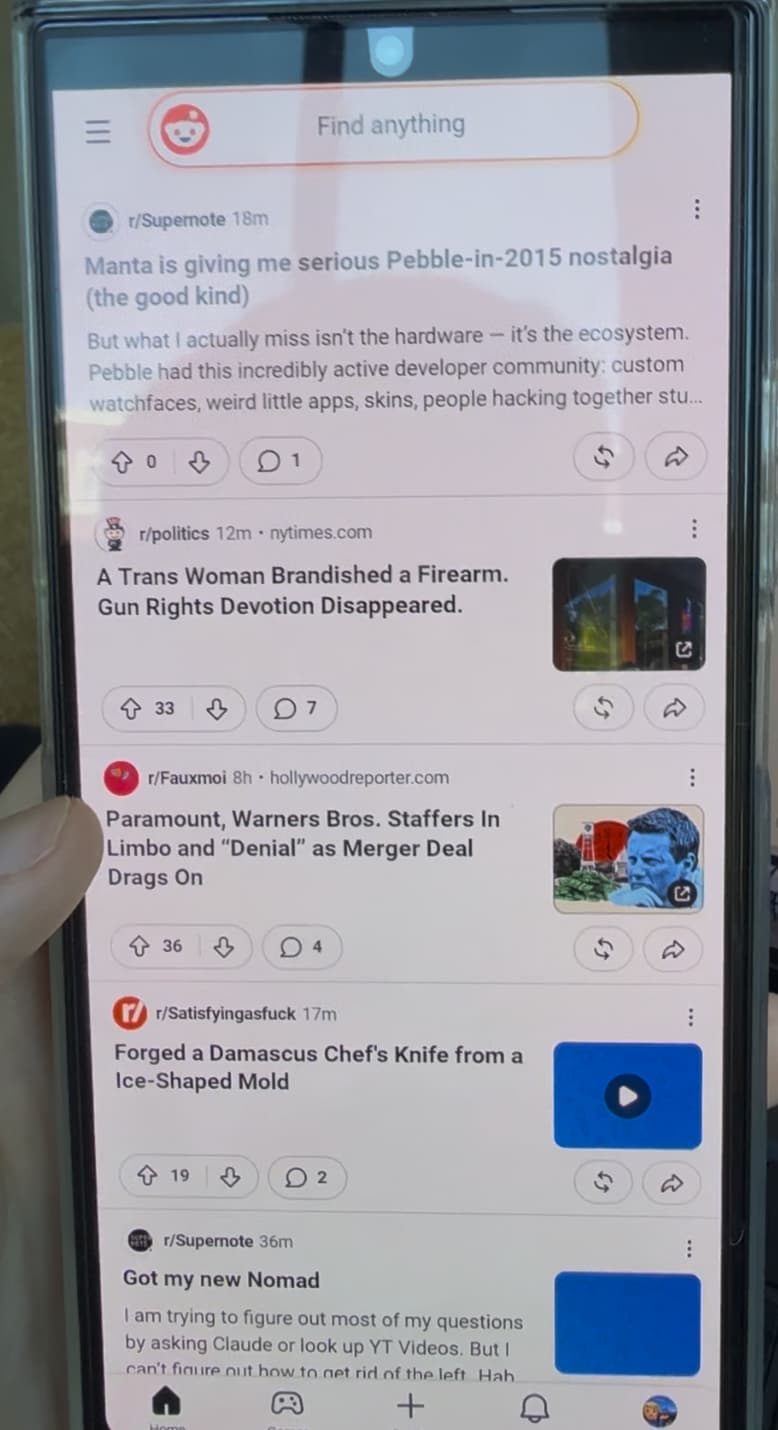
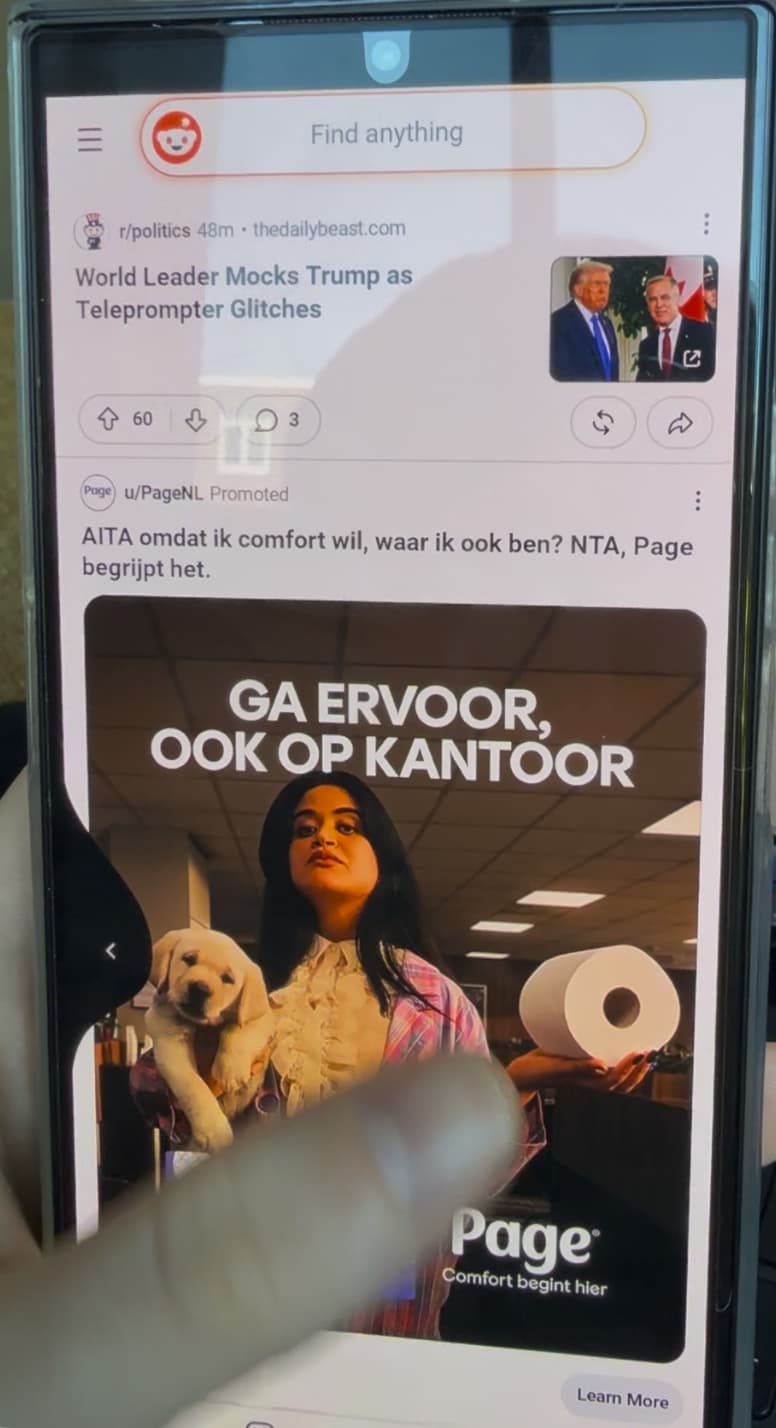
Swiping right retains it’s existing functionality of minimizing apps. Swiping left goes back in Android apps (with a little animation).
It also doesn’t mess with the UX for Jolla Apps too much. You can no longer minimise applications using a left swipe, but going back to a different screen still works as expected. You can also do this now from any part of the screen, instead of from the middle. I actually really really prefer this. Swiping from the right to minimise feels fairly natural, and doesn’t conflict with my muscle memory of other platforms.
Another small change I made was doing
dconf write /desktop/lipstick-jolla-home/peekfilter/boundaryWidth 30
This made the sensitivity of the right swipe less, to the point that I usually have to go from off the screen to on the screen to make it work. Makes for right swipe gestures in other applications a little more forgiving.
11 Likes
Could you define speaker quality? I like to listen to spoken word and of course have long conversations over speaker phone without echo.
-full impression
-not irritating and tiresome (screeching)
-high enough volume for outside speaker conversation, listening on driving bicycle 20km/hr until further deformation
I did a non scientific test wanting to know why N900 if low in volume sounded like good quality, providing a fuller image and non tiresome representation when used like desktop radio. So I recorded a song playing on the N900 and other phones with the 808 that has decent microphones. Played back on big 12" speakers. The N900 recording was “completer” and balanced even some bass preserved (the latter could of course have been due to fancy tricks on the recording device end) HP Pre 3 & Jolla 1 through same procedure did not come close.
For listening to podcast or someone’s voice, that will be intelligible, max volume is also good. For music, ringtones, sound effects, it lacks a bit of fidelity, it doesn’t sound as acceptable as what other similarly priced phones achieve. But maybe it’s just a matter of having an equalizer compensating (probably what other phone makers do)
Back to the topic with a few, pros, cons, experiences after a few days and migrating from my Xperia 10iii.
- Pros:
- Battery life: no power drain
- No glitches so far like fingerprint sensor not working, losing audio, battery drain…
- Nice screen.
- Very smooth experience, faster than my 10iii, no out of memory freezes…
- AAS is way better for me than on the 10iii. I was very surprised to get a lot of streaming apps going that wouldn’t work before. I don’t use microg on the old phone, so that might be the reason.
- The phone feels solid.
- My High-res USB DAC works out of the box. It doesn’t work on my Sony.
- Stock browser is way better.
- Better sound from speakers.
- The obvious stuff: great UI, privacy, no Google / Apple
- Cons (some of these have been discussed to death, I don’t want to resurrect these old ghosts):
- Some native apps don’t work any longer or don’t work correctly anymore (I suppose due to the changes in SFOS 5.2.). Luckily, AAS and F-droid can fill the gaps for me. That’s normal. The situation should improve.
- I’m affected by the dust in front camera problem. That should not affect most J2 owners. And I never use this camera. So, no big deal for me.
- The phone is too big for my taste. I can’t reach every part of the screen with my thumb. SFOS was built with one-finger-navigation in mind, if I’m not mistaken. I know, you can’t get smaller screens off the shelf these days.
- The sharp edges of the phone might destroy all my pockets in time.
- I need a 3.5 headphone jack for a medical device. Luckily, the USB-C dongle now works.
All in all, I’m quite happy, but I also realised that I need a secondary phone (Commodore Callback?) when being physically active. I simply can’t cycle, run or do manual work with such a big phone in my pocket. This would allow me to separate my work and my private life. So again, things could be worse.
19 Likes
My experience so far:
- one of the greatest SailfishOS experiences from my side so far
- smooth experiences
- i like the audio quality
- the device feels solid
Negative things:
- during a signal android apk video call using front camera i do get after 15-20mins the notification that i should close all my apps because the device is getting too warm, very strange and it is indeed very hot
- battery drain is from my point of view high
I do see the temperature problem as problematic.
7 Likes
I tested this under similar conditions. The list of contacts and call history work. I initiated the Bluetooth pairing from the vehicle infotainment system and said “yes” to all prompts on the phone.
Sending and receiving SMS is not supported, but this was always the case.
4 Likes
Yes, you’re right, it works when pairing from the car, I immediately went to try it. Thanks for the tip! 
3 Likes
Why does everyone put the phone in their pocket? You can buy cheap belt case to store your phone. And no worry about the phone damaging your pocket.
3 Likes
Can you quote the brands/models? There is a thread about jack/DAC adapters that work, we could add them there. USB-C to 3.5mm jack adapters known to work with Sailfish OS
Is it the late 90s? 
8 Likes
A things pops up sometimes: while deleting typed text the tap on delete removes two letters a once instead just one. If you delete severel letters in a row (with hold or additional taps on delete) this affects just the first of those taps and starts again when you type or set the cursor to another position.
I also noticed that bluetooth audio to my car system started to have bery short gaps/stops now like I already had (but mor often) on my Xperia 10 III (actual Volkswagen Media system). But this just seems to happen with Hi-Res Audio File and just with Bluetooth in my car - not with other Bluetooth speakers.