Long time ago I installed microG on my XA2 and it was running perfectly. Running the (German) Trade Republic (banking) app was working properly. A few days ago I realized it is not possible to open the app - error message says something like “missing Google Play services”. So I updated microG to the recommended 0.37 version. But again it is not possible to open the banking app.
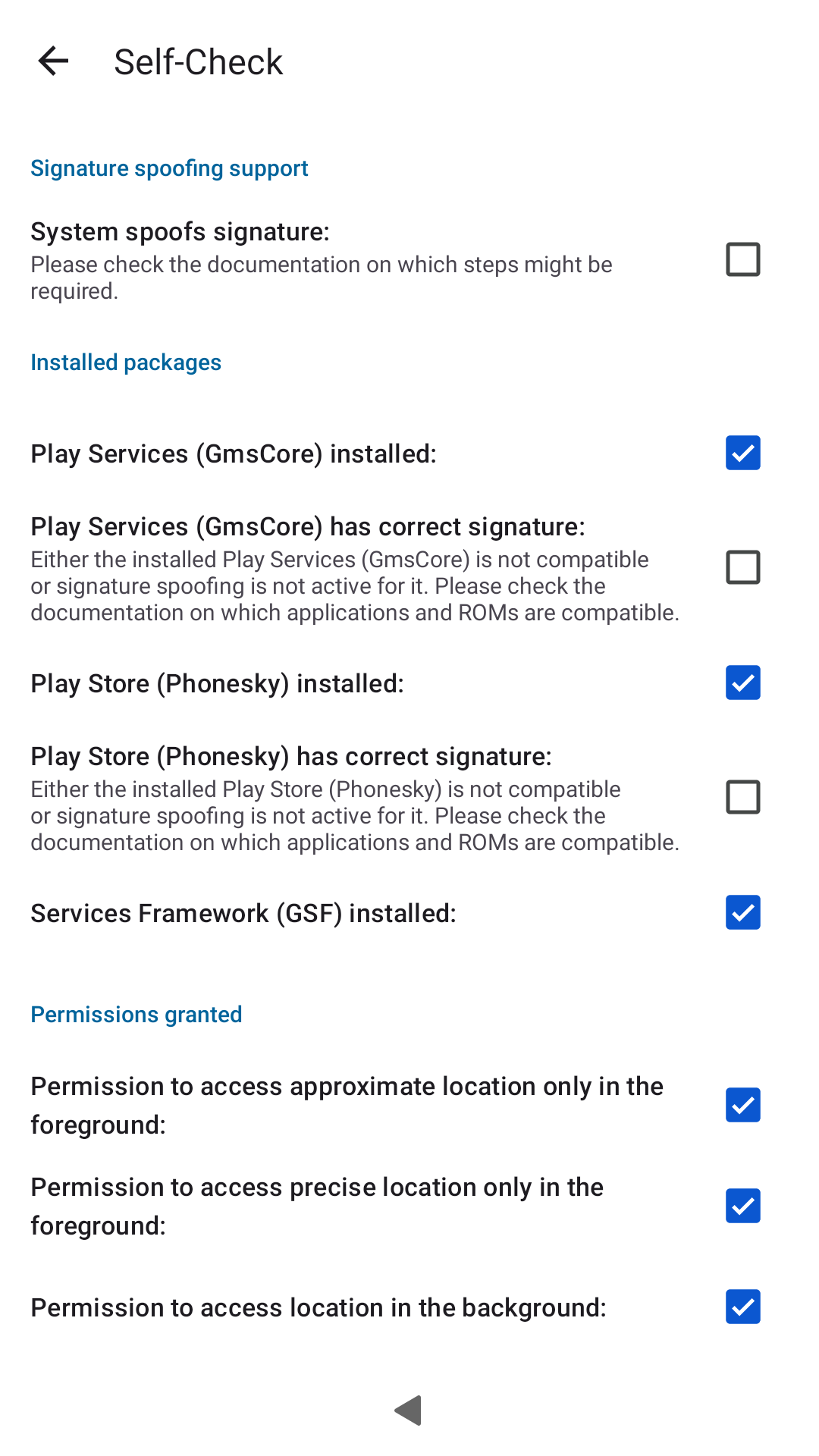
I realized that the self check in the microG settings is indicating that signature spoofing is not checked as working, see attached screenshot.
I deinstalled the three microG apps several times and installed different versions (the recommended 0.37 and the new 0.39) but with the same result: No check for signature spoofing.
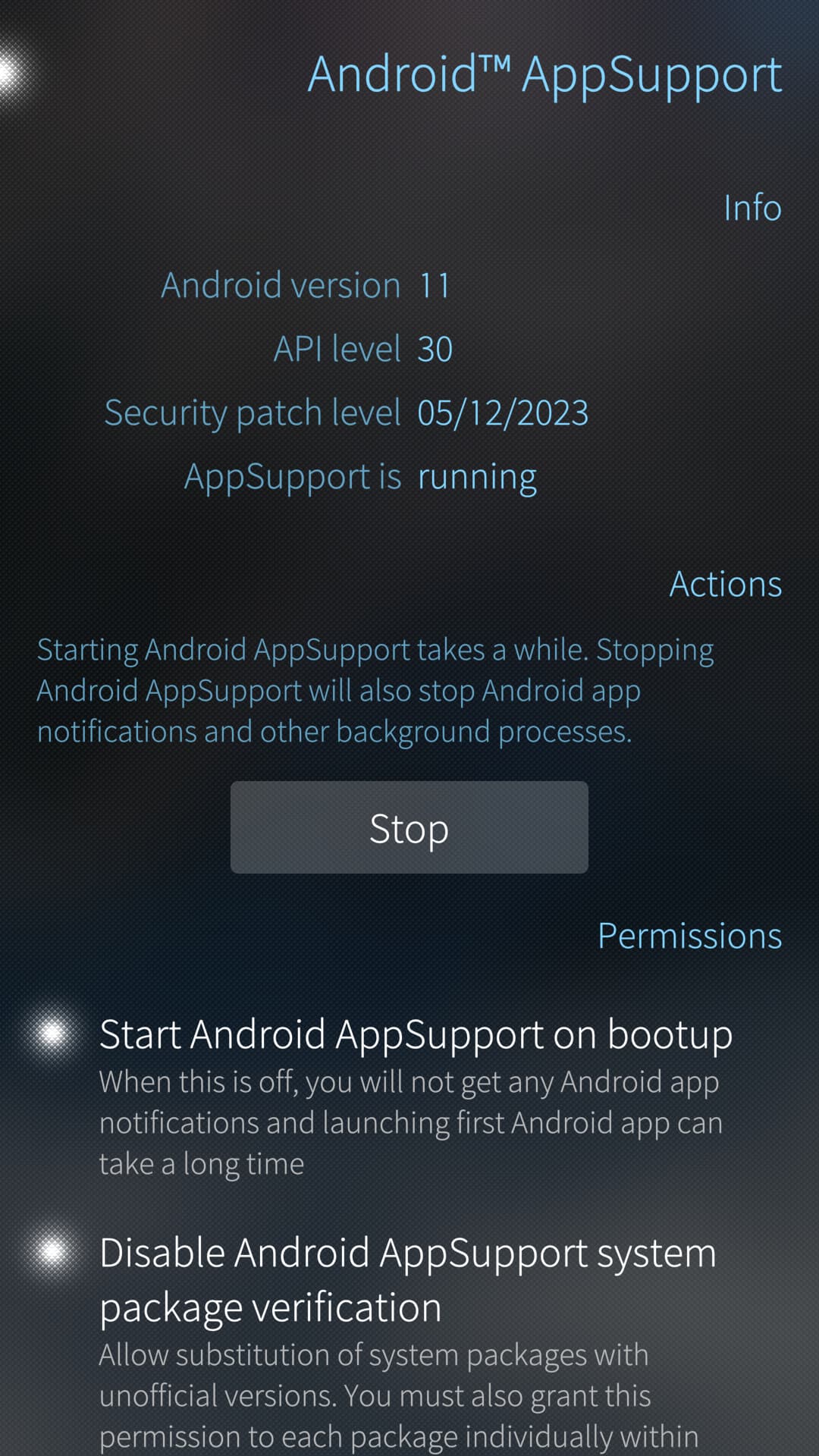
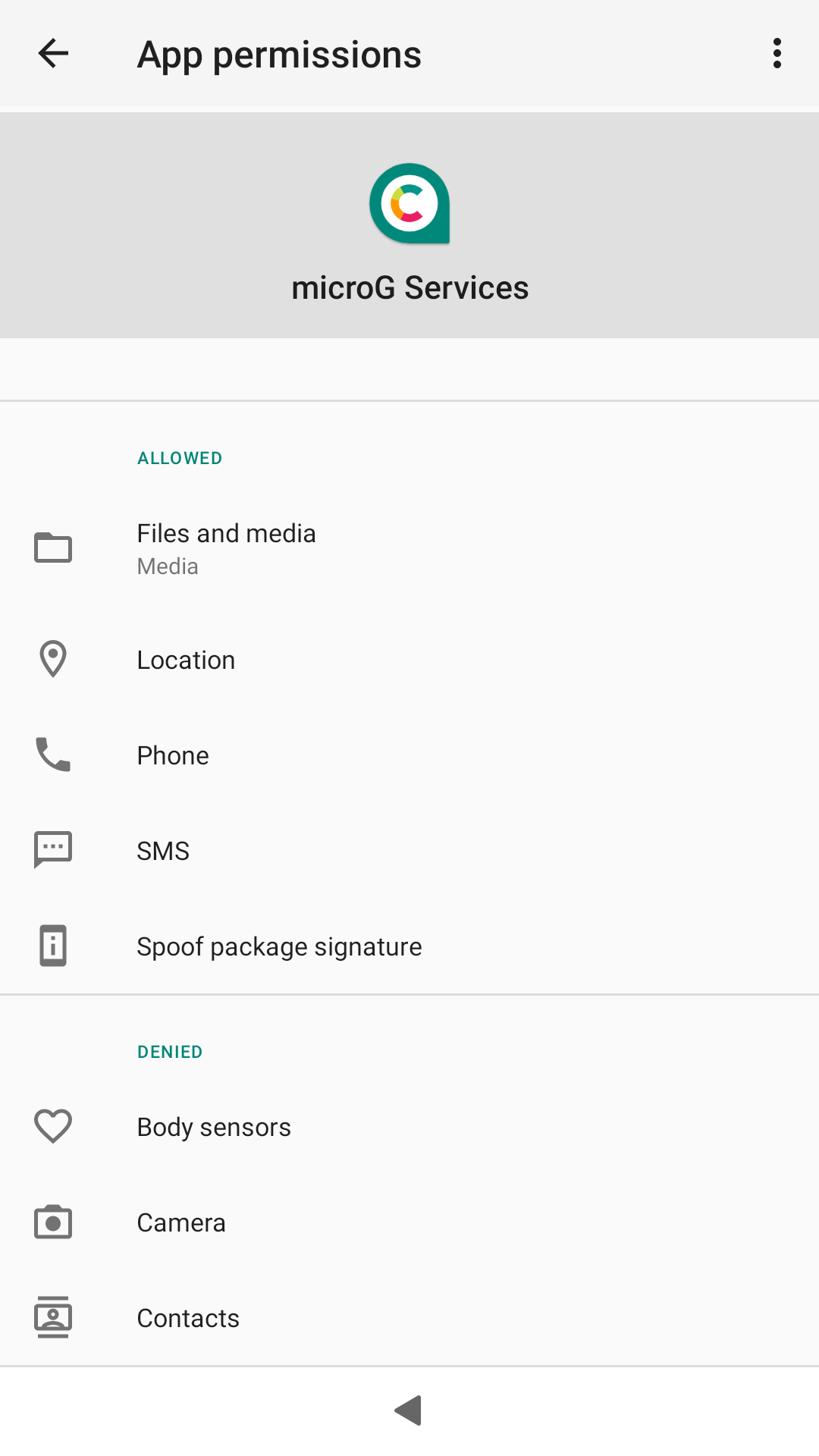
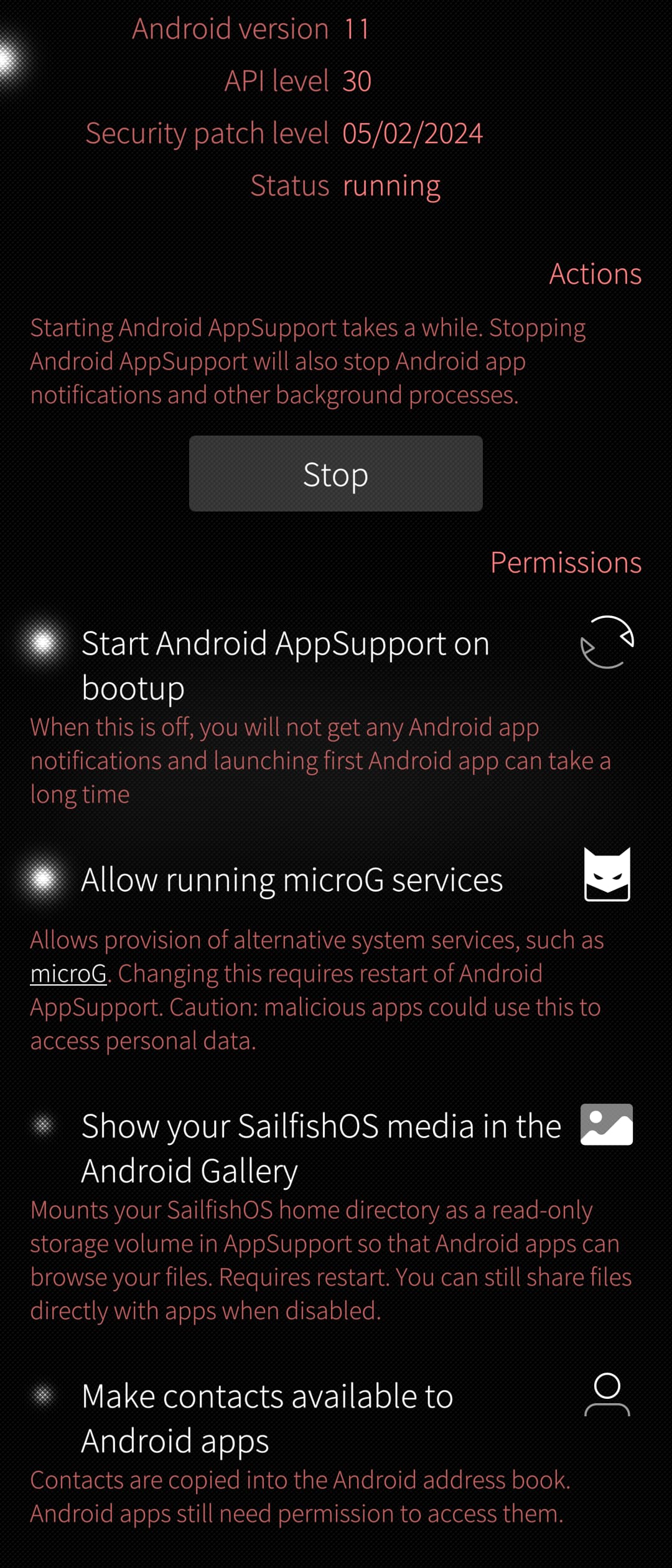
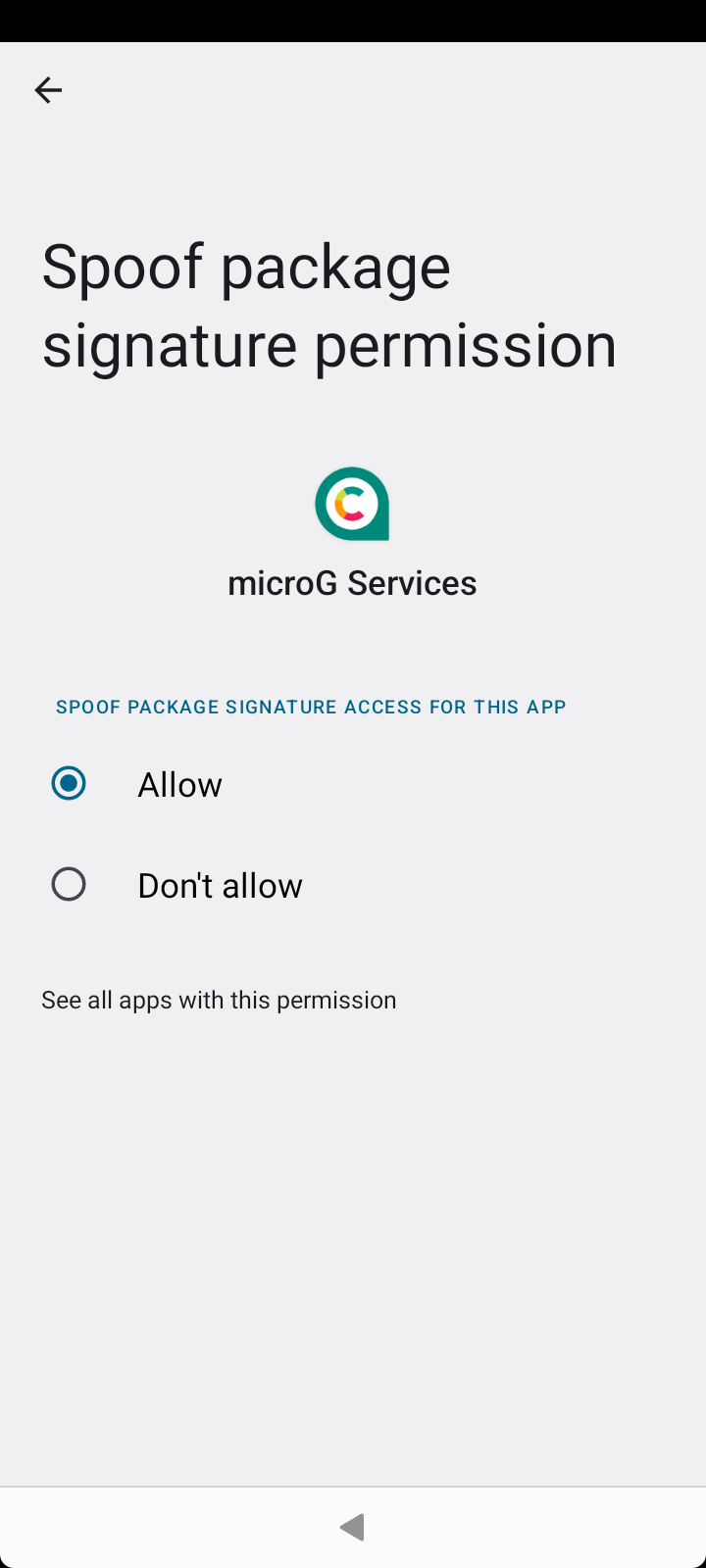
Of course it is enabled in the Sailfish Android App support settings as many years ago, see attached screenshot.. And also the app permissions page in the Android settings says signature spoofing is allowed, see attached screenshot..
Any idea why it is not working according to microG? And how to get it working again? Currently I do not have access to this banking app.
I do not think my issue described in the post above is related to your link.
It seems that microG is (somehow) causing the trouble and not the banking app.
On my Xperia 10 V mircoG is still working (signature spoofing is checked) and I can open and run the banking app - but could not use it as if forces me to use the camera to take a picture of myself which is not yet possible with Xperia 10 V running Sailfish, compare [Release notes] Sauna 4.6.0.15 - #201 by Finlandia
Sorry you misread the link @Finlandia - badly instructed as well. Could you try to follow that link on Jorma’s post, solution of domo141 works. I’d not be surprised if the Yama security module causes troubles.
Hi @rainemak I read the post you linked. On my XA2 (running with Sailfish 4.6.0.15) I do not have any files/folders in /etc/sysctl.d/. So I can not imagine how I could apply the solution you linked
My issues is fixed. The issue I described appeared while using Sailfish OS 4.6.0.15. Now I updated to 5.0.0.68 and now migroG (signature spoofing) is working as expected again.
Why is the package verification option nowhere to be seen now? I’ve checked F-droid and everything was installed correctly from Installgapps.sh, but apps keep freezing or “check that play is enabled on your device…”
No, I’ve bought a new Xperia 10 iii and after following the same install instructions as my old one, it doesn’t run the same android apps I want it to without freezing after a second.
I’ve tried different open_gapps-arm64-11.0-pico-*.zip files but it only works for apps installed from play store rather than Aurora and package installer. I don’t want to pay for the same apps again, this problem wasn’t present on my old and broken sim x10iii
I installed MicroG services recently and I have 1 issue I can’t solve for now. I simply can’t enable “Permission to Access to locations in the background” (or whatever its called, I have localized name so I translated back to English by myself). Whenever I tap on it nothing happens.
Ich bin neu hier und finde dieses Forum sehr spannend. Da wir uns das neue Jollaphone bestellt haben, lese ich mich etwas ein. Ich selbst nutze derzeit ein Shiftphone 8 mit Googlefreiem Shift OS Light. Dort kann ich dank MicroG und Aurora Store Bankingapps installieren und nutzen. Funktioniert das auch im Android System auf Sailfish OS? Es geht mir nur um die normale Bankfunktion. Zum bezahlen nutzen wir die normale Karte. Wichtig wäre das die normalen Funtionen wie Überweisungen funktionieren.
Danke für die Hilfe und entschuldigt bitte das ich nur auf deitsch schreiben kann.
I’m new here and find this forum very exciting. Since we ordered the new Jollaphone, I’ll do some reading. I’m currently using a Shiftphone 8 with Google-free Shift OS Light. Thanks to MicroG and Aurora Store, I can install and use banking apps there. Does this also work in the Android system on Sailfish OS? I’m just concerned with normal banking functionality. We use the normal card to pay. It would be important that the normal functions such as transfers work.