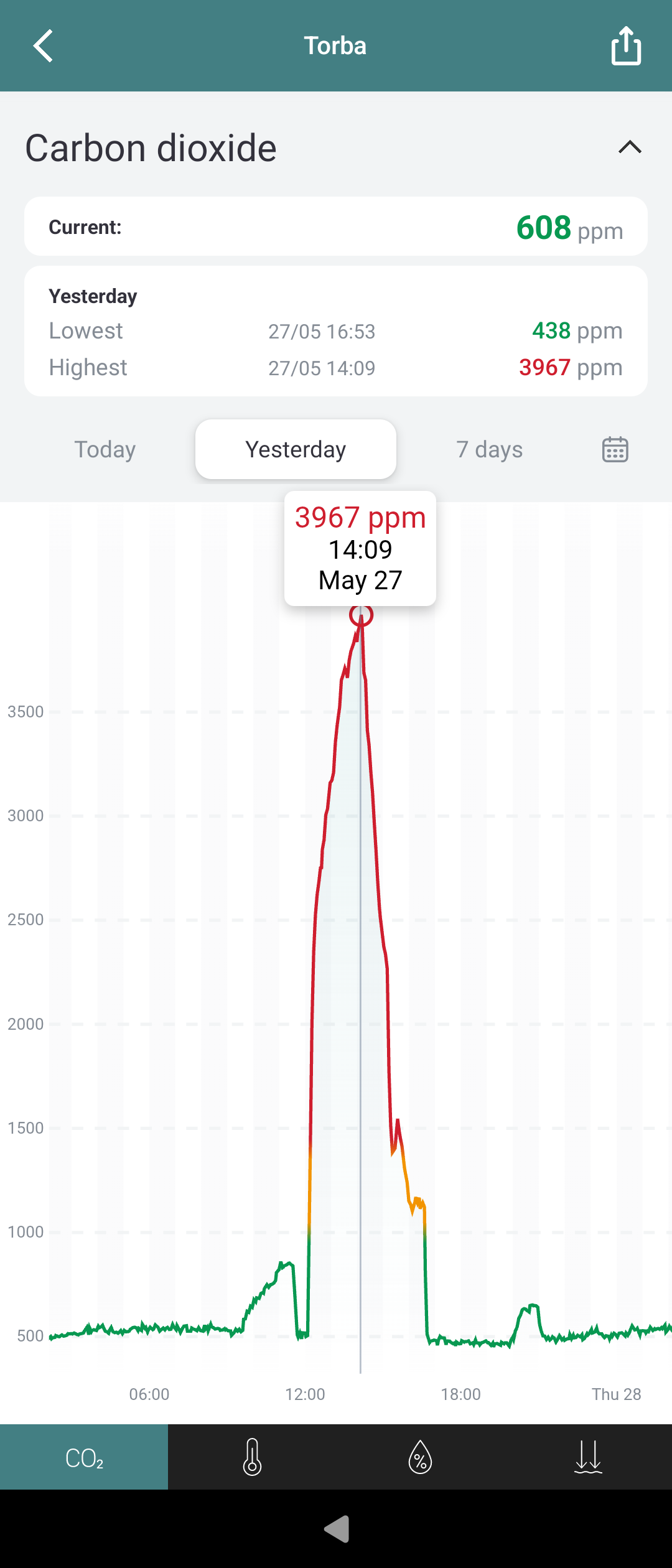
I had to activate bluetooth and pair from the Android side in order to be able to use it 
Xperia 10II
Bluetooth App Zepp
I had to activate bluetooth and pair from the Android side in order to be able to use it
Xperia 10II
Bluetooth App Zepp
Do we only want info is things do not work or breaks?
Or do we also want to add android apps that do work?
I think it’s helpful to report when things work. Some people might want to check if their device works before buying a Sailfish device, and also positive feedback makes the thread a happier place.
Polar Flow seems to be working and syncing. However, data did not appear to the app.
Working RingConn Smartdevice and App in Bluetootth appsupport
Phone model: C2
Bluetooth device make and model: RingConn Ring Gen1
Android app involved: RingConn App
Device is paired AppSupport
Getting it to go was a bit unstable on the C2 but after reboot through utilities it worked
When looking at the bluetooth settings we see the device connected as “Android AppSupport paired devices”
I am already loving this Android Appsupport. 
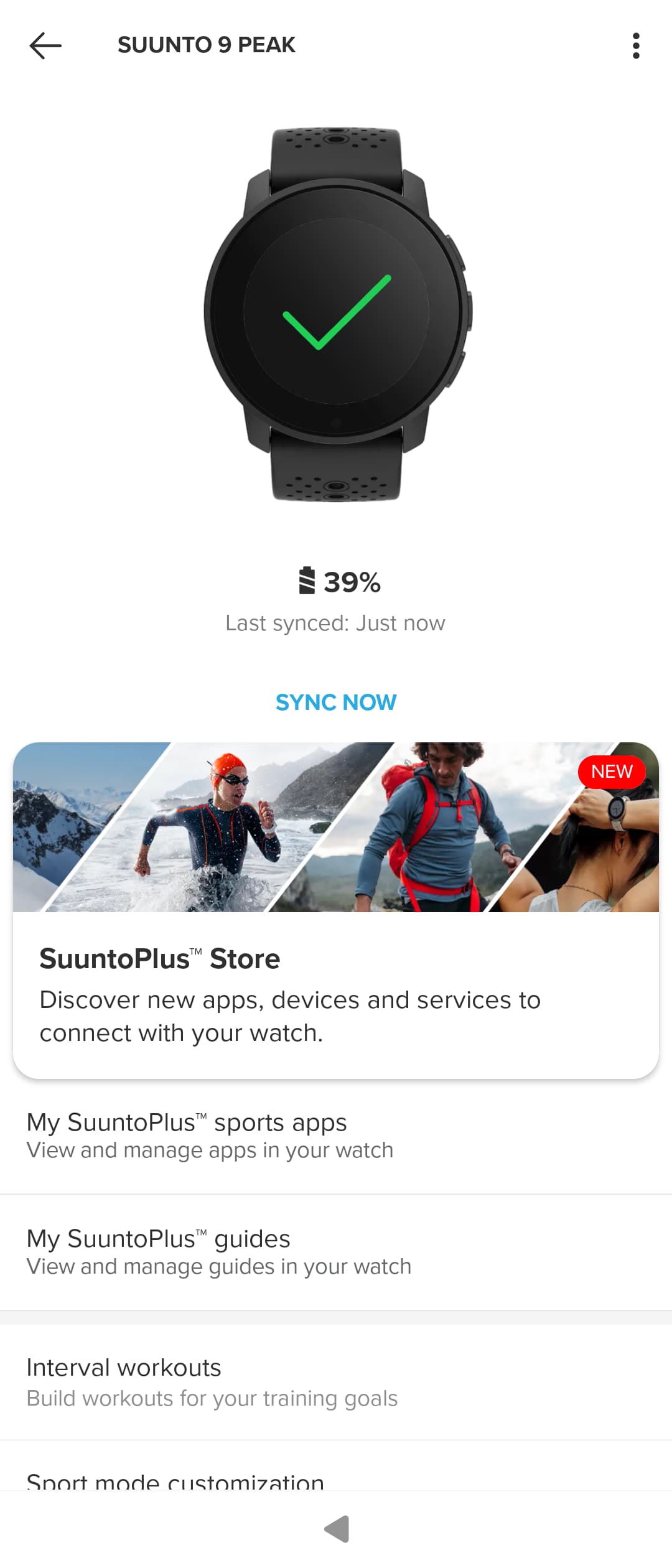
Xperia 10III, Suunto Vertical watch with the Suunto app (v6.9.11):
Initial pairing of Xperia 10 II (my test phone) with my bike computer Garmin Edge 1040 Solar was successful. Synchronization via Garmin Connect app works. Automatic reconnect seems to work reliably as soon as Garmin Connect app is started.
All in all, this is already much more than I expected. Kudos to Jolla for that piece of work!
Can confirm that the fossasia badge works fine with the Badge Magic app now! Awesome, thank you! (Xperia 10 III here)
Hi Sailors!
I just wanted to share some incredibly joyful feedback !!!
To be honest, I had completely stopped using my Sony Xperia 10 III and left it in a drawer because it felt outdated without proper Bluetooth support for my favorite daily gear. Today, after hearing about the Pispala release, I pulled the phone out of the drawer, updated it, and tested the companion app. It paired with my Suunto 9 Peak instantly!
The watch is fully connected and synced flawlessly.
This update literally brought my old phone back to life, and it is officially returning to my pocket as a daily driver. Thank you so much for this long-awaited feature.
It feels amazing to finally hold two great Finnish products working together in one hand! Kippis! 

Had to ssu via terminal from 5.0.0.71 to .77, then follow up with 5.1.0.7, but my 10iii upgraded fine. After also grabbing the X license, I was able to receive and run 5.1.0.8 from the GUI.
Prior to 5.1.0.8, I started testing things.
Installed AAS and the Bluetooth support, was able to install F-Droid without any trouble, used the camera through F-Droid to add the microG repo, installed and enabled signature spoofing from AAS and then in microG Settings successfully.
For testing Bluetooth, I grabbed Pebble via the Aurora Store, was prompted for the half-dozen permissions about locations, devices, notifs, and finally was prompted to pair my watch. Disconnected my Pebble 2 Duo from my Pixel Fold, the device showed up on the 10iii, I hit connect and got the various sides of Android and Sailfish Bluetooth pairing prompts until I arrived at a successful connection!
It didn’t last long, as I had to update my Pebble’s OS, and after that it was left just trying to reconnect. I tried to clear cache, data, restart the Bluetooth, forget and attempt to re-pair, but nothing quite worked after that. I had no issue with initial connectivity and successfully transmitted firmware; just re-establishing and testing for notifications. Pebbke reconnected to my Pixel Fold just fine after I removed it from BT settings.
This is exciting news, I’ll have to test further and provide logs when I get a chance.
Just noticed this thread. I’m having problems connecting to my hearing aids by Bluetooth. See:
My car radio cannot pull a list of contacts via Bluetooth. It’s a generic Renault radio (no infotainement, just a radio from the mid-10s).
Just to be on safe side, have you allowed contacts to be mirrored to AAS side? Under AAS settings “Make contacts available to Android Apps”
Does this use an android app for contact sync and not standard phonebook access via bluetooth?
I would guess so without any additional knowledge. Would imagine that even in mid 2010 functions are mainly created for android/IOS
Cars should be paired with Sailfish OS, not Android. Android isn’t allowed to handle calls, and BT audio, phonebook synching are all supported by BlueZ in Sailfish.
Anyone succeeded to pair two Sailfish devices AAS side?
Very good clarification and important info! Does this also apply for newer cars which have android auto?
Newer cars also support the standard bluetooth protocols. If you connect your car using bluetooth it should be the same. Android Auto is some Google proprietary stuff over USB to share the phone screen to the car’s infotainment display. This will most likely never work with SailfishOS.