[RELEASE] SaneFish - What Jolla Forgot

A whole new Sailfish OS experience is waiting for you with SaneFish!

YOUR PHONE! YOUR LOOK! YOUR RULES!!!

SaneFish brings a growing collection of Sailfish OS patches and apps together inside the Settings.
Discover them! Install them! Customize them!

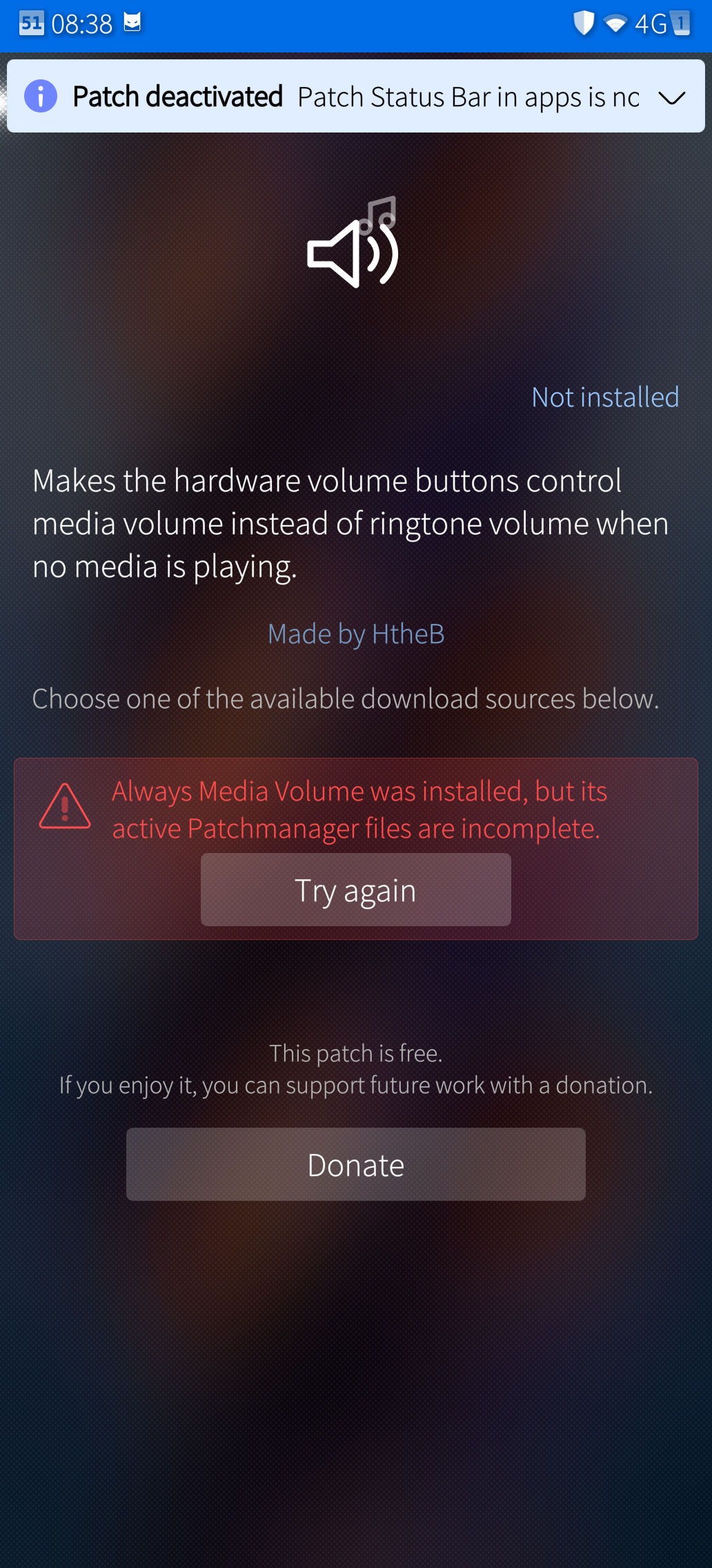
Always Media Volume

Take control before the sound starts! Make your volume buttons adjust media volume even when nothing is playing!

Android Edge Back

Swipe back YOUR way! Customize the activation zones and gesture behavior separately for portrait and landscape!

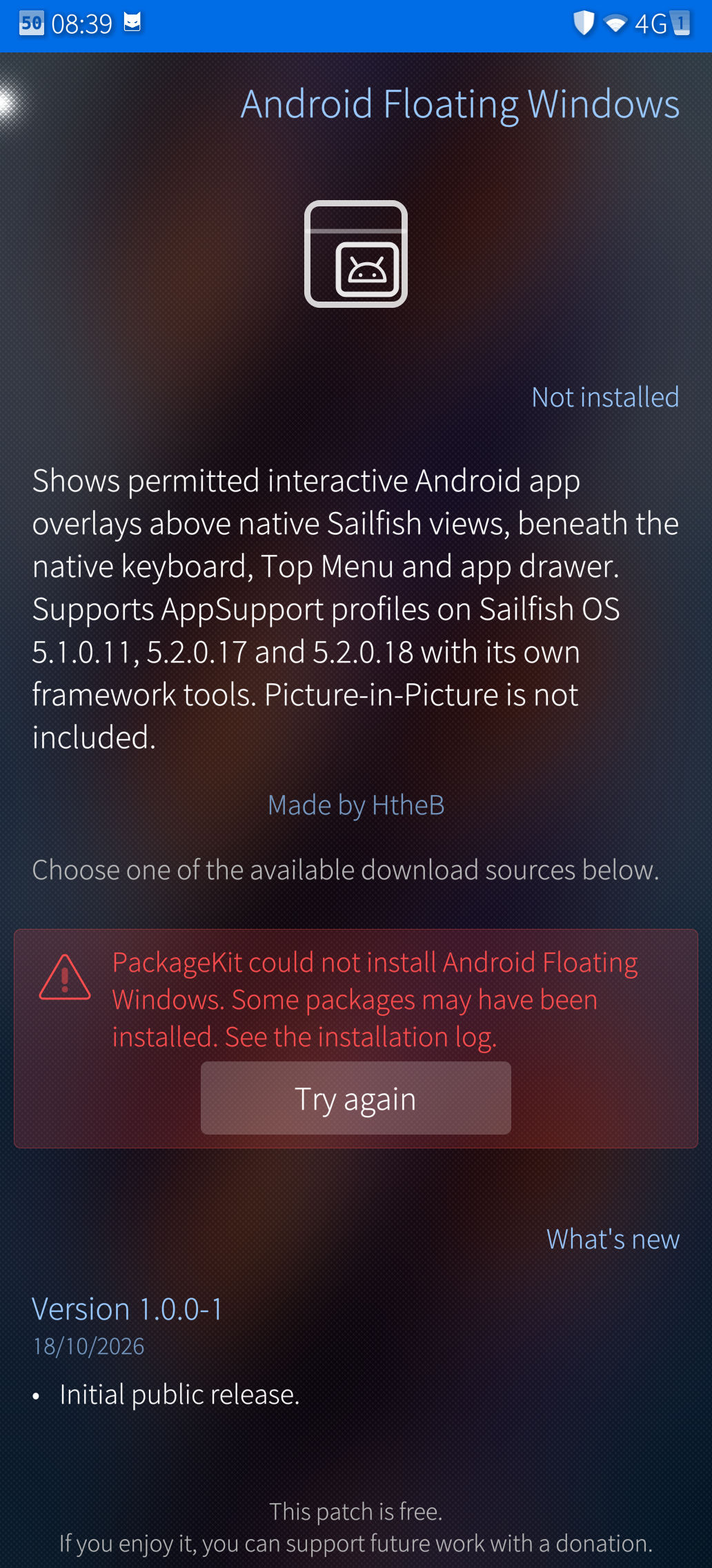
Android Floating Windows

Keep supported Android overlays accessible above native Sailfish views! Move between worlds without losing those floating controls!

App Background Studio

Give your apps a whole new atmosphere! Explore blur, glass styles and patterns, or draw, import and share your own motifs!

App Icons on Covers

Spot your running apps at a glance! Add their icons to the cover cards and choose where they belong!

Custom System Messages

Give your phone something NEW to say! Rewrite the shutdown, reboot and empty-notification messages with your own words!

Disable Shutter Sound

Choose what makes a sound! Control screenshot, camera-photo and video-recording sounds independently!

Gallery Enhancements

Share several photos TOGETHER! Share directly from thumbnails! Grab the crop handles and frame your pictures exactly how YOU want!

Hide Mouse Cursor

Keep the pointer working without that cursor getting in your way! Hide the visual pointer while retaining its input!

Inari Notification LED

Make your Jolla Phone 2026 light up! Customize LED notifications for apps, calls and messages!

Live Wallpaper

Bring your home screen ALIVE! Explore animated waves, waving flags, Pong, visualizers, weather effects and looping videos!

Minimized Apps

Keep selected apps running without filling your card view! Reach them from the Top Menu using a list or configurable grid!

Move Notifications

Put notifications where YOU want them! Move individual alerts or entire apps into a collapsible Top Menu section!

Organizable Lock Button

Make room in your Top Menu! Add a compact Lock shortcut and decide whether that large original button stays!

Pattern Lock

Draw your way through unlocking! Customize the pattern grid, line visibility, positioning and vibration!

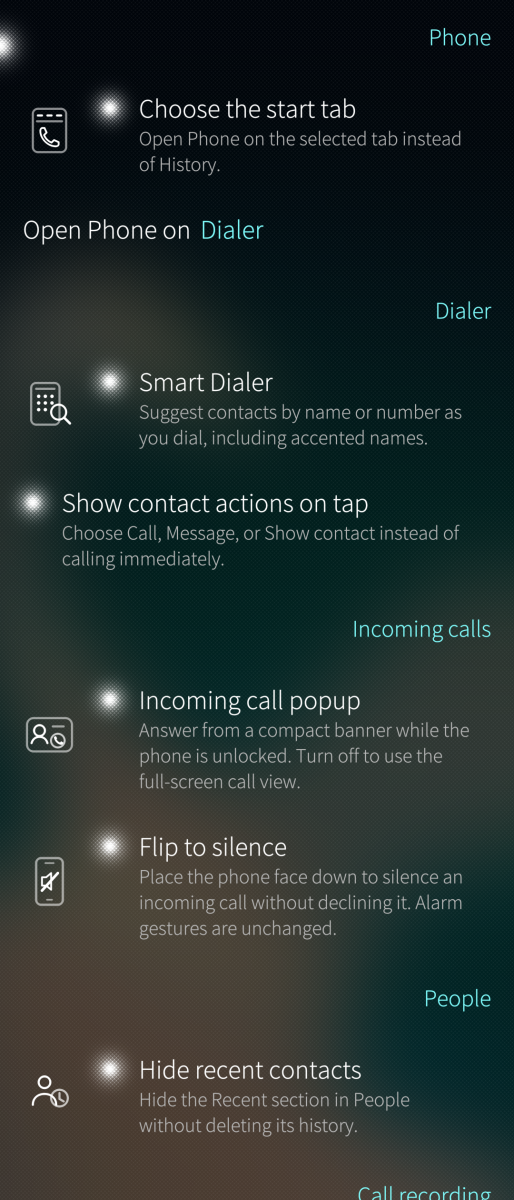
Phone Enhancements

Find contacts AS YOU DIAL! Choose your starting tab, hide recent contacts and decide which call recordings to save!

Privacy Launcher

Build your launcher YOUR way! Customize folders, sizing, labels and scrolling, with an optional protected Private Drawer!

Pulley Menu Editor

Make every pull look GOOD! Customize colors, opacity, bloom and lens flare, with an optional line that curves around your camera cutout!

Remorse Actions

Make those countdowns work for YOU! Change their duration, enable smooth movement, switch to Yes/No confirmation or act immediately!

Rotation Suggestion

Rotate when YOU decide! Get a handy rotation button while keeping orientation lock enabled!

Settings Search

Find the setting instead of hunting through menus! Choose a search bar or pulley-menu access and jump straight to matching settings!

Statusbar

Rearrange it! Resize it! Choose what stays visible! Customize the clock, battery presentation, indicators and active-call shortcut!

Text Selection Actions

Select your text and choose what happens next! Cut, copy, paste, select all or share without automatically replacing your clipboard!

Top Menu Date & Time

Put time in its place! Add dates, seconds and a second time zone, with compact, full-width, separate or stacked layouts!

Top Menu Media Controls

Keep your music within reach! Control native and Android media sessions from a movable Top Menu player with artwork and track information!

Top Menu Organizer

Take charge of your Top Menu layout! Move shortcuts, actions and full-width controls into an arrangement that works for YOU!

AND THERE’S MORE THAN THAT!


App Lock

Put selected apps behind your phone PIN or fingerprint! Keep their previews hidden from the running-app view!

FUTO Keyboard

Swipe it! Speak it! Make it yours! Explore multilingual predictions, offline voice input, configurable layouts, emoji and privacy controls!

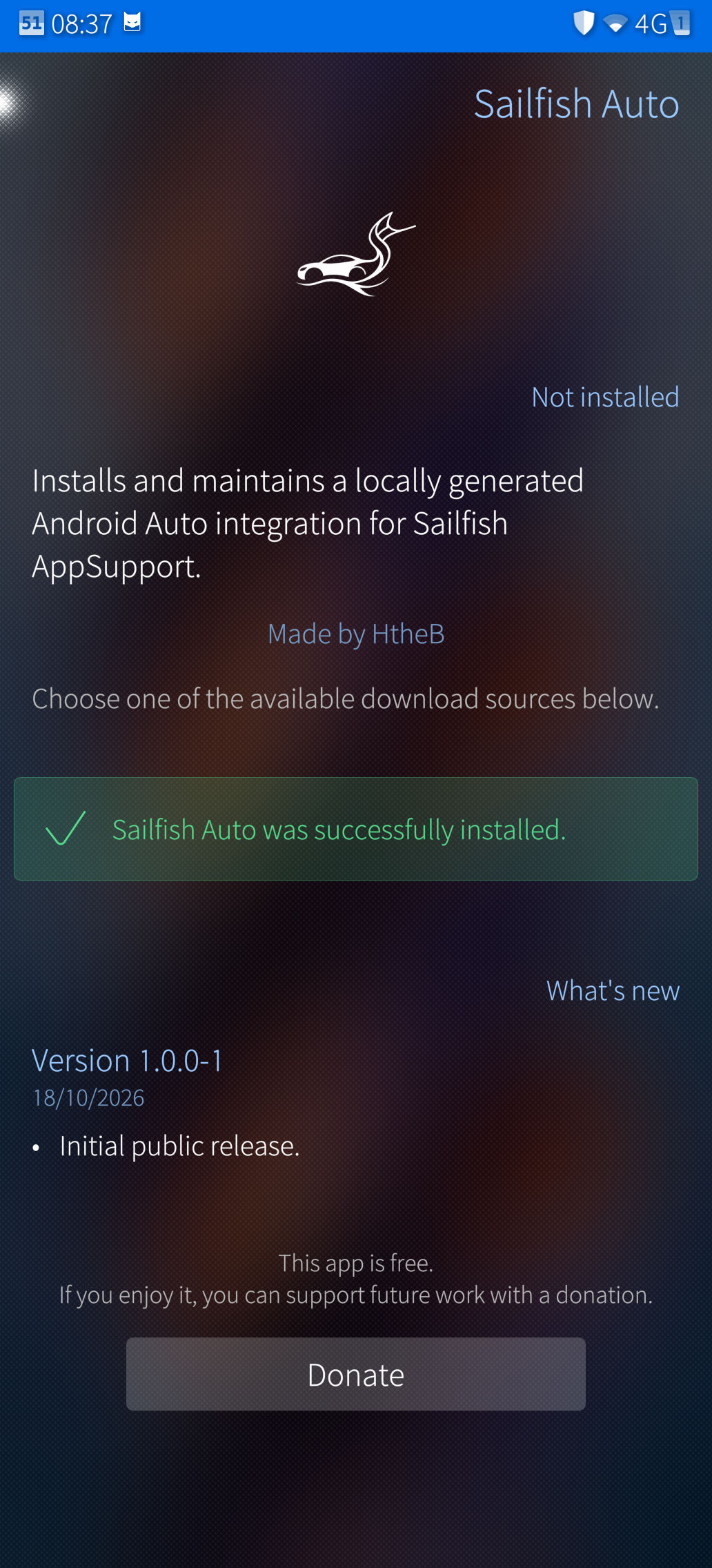
Sailfish Auto

Sailfish Auto
Bring Android Auto integration with native screen mirror support to compatible Sailfish Android AppSupport devices and take your setup on the road!

Screen Recorder

CAPTURE THE ACTION! Record your screen or a selected app, control your audio and manage your recordings from a native interface!

Pick your first addition!
Show off your setup! And Discover What Jolla Forgot!

Download

Downloads are available at OpenRepos.net or the OpenRepos app Storeman


Individual additions have device and firmware requirements. Patchmanager is required for patches.
29 Likes

nice one! great work!

Thank you! I am having errors installing some of them (JP 2026).

1 Like

Hi, I will try some of the Settings. Thanks for your work.

First struggle: Android Edge Back conficts with the keybord in default settings. The key on the edges don’t get pressed, because the Back gesture area overlaps. Ä,ü, a and q on german Layout with Futo. I try make it smaler.

I have not installed it (yet), as I’m a little bit cautious with things that go deep into the system, and I don’t use openrepos. But some of the patches look really interesting! Nice work.

That being said, a thing i also saw on your WhatsApp client: I don’t like how you’re not following basic SFOS UI/UX sometimes. Like for example:

I don’t mean to hate on your work (far from it) … it’s just another layer of why I currently don’t want to install this app - or WhatsUp.

In my opinion, native apps should also look and feel native to their platform.

(Also, as a side note: Your whole initial description post reads like what a teleshopping host would scream to the camera. Maybe it would not hurt to be a little more sparse with exclamation marks and call-to-action ad-like phrasing. :smiley: )

28 Likes

8 posts were merged into an existing topic: Apps and AI. A lot of opinions

Looks like that’s a

Row { Icon {} ; TextSwitch {} }

or so. There’s a Silica component called IconTextSwitch which could look a bit better, not sure.

9 Likes

So technically this introduces your own private app store where you distribute your patch rpms and additional packages?

9 Likes

The Sailfish logo is copyrighted.

10 Likes

Those ‘improved text selection’ bits are incredibly Android-brained. As are many of the other patches.

If people want it to work that way, good for them, I suppose, but having to press a bunch of buttons instead of having everything work automatically and intuitively is really completely missing the entire point of Silica.

12 Likes

I’ll get aome popcorn for the next SFOS update.

22 Likes

A valid point there! I didn’t notice any mentioning about update process and disabling patches in the first post. @HtheB how are these patches to be managed during system update? It sould be stated very clearly because there is a huge risk things going south. Well, hopefully that is managed in the app (haven’t used it so don’t know).

3 Likes

@davodego put it on 3mm

@WT.Sane @asavasa It’s stlil based on Patchmanager. It’s already been tested with previous firmware updates.

And I find it totally not making sense to have a text being copied automatically just because I (accidentally) highlighted something… Highlighting something shouldn’t automatically copy things, maybe I just highlight to delete some text, and paste what I already had on my clipboard?

But of course, like you’ve trying to bash me on other projects, go on… :slight_smile:

I’m happy that there are other people still loving my projects.

It’s a design choice. I’ve already tried a lot of different options and imo, this was the most good looking.

If you do not want to install just because of it’s looks, then you aren’t someone that is looking for something usefull, rather just for the looks I guess :man_shrugging:

I am doing this for people who (like me) are missing a lot of things from what an OS should provide OOTB but it’s just missing. Being a keyboard, a native messenger client a proper screen recorder with overlay buttons, Android Auto support for people that has AAS, and many other things.

3 Likes

No need to get personal.

It was meant as well-intentioned and honest feedback. We need more developers for SFOS, and this was my try to support someone taking an effort. If you don’t agree, that’s fine.

I still think respect for the platform you’re building apps for is important, and I don’t see that on your interfaces. They look like an wild mixture of Silica components and the typical “default AI slop” based on Android and iOS schemes that coding agents love to spit out. Not like something coherent.

The user interface is the first impression someone gets of an app. Especially when it’s not source available. It gives a feeling about the effort that has been put in. And this first impression, in my case, is lacking. Not generating much trust in the general quality of the software you invite us to run on our most personal devices.

Still: not my apps, so it’s not my choice to make. But your reaction (and general behaviour) is quite unnerving for me, and it’s making your apps not look like something useful, but like a risk not worth taking.

I’ll see myself out of this thread, good luck with your efforts.

19 Likes

Looks like quite a comprehensive set of utilities/tweaks/add-ons in one app.

But I’m going to hold off installing it for a while, until I’ve looked into it a bit.
I’m not dissing the app in any way it’s just there’s so many settings to go through and some of the apps/tweaks in the list are already installed, plus I’ve had to recover 2 of my Jolla 1s after patches have misbehaved and caused issues.

2 Likes

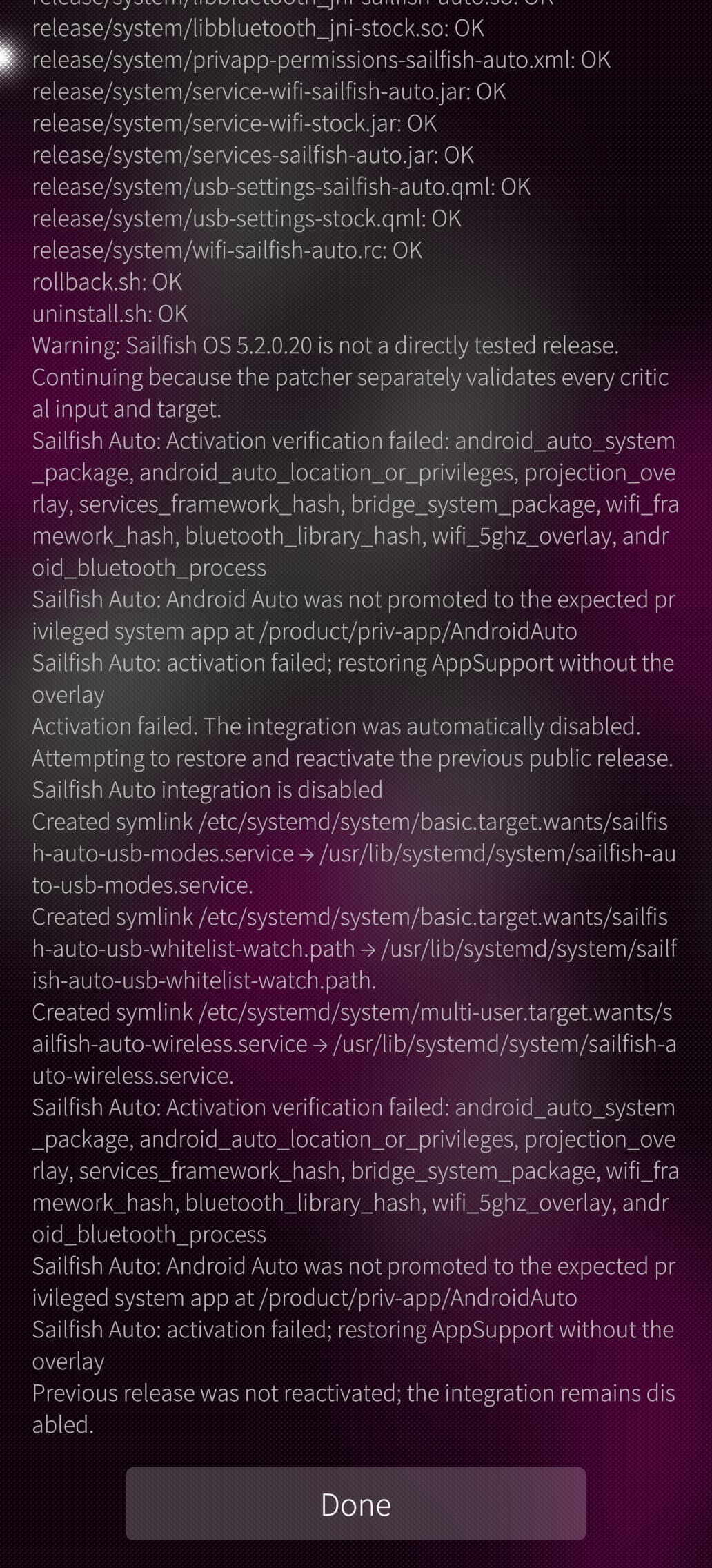
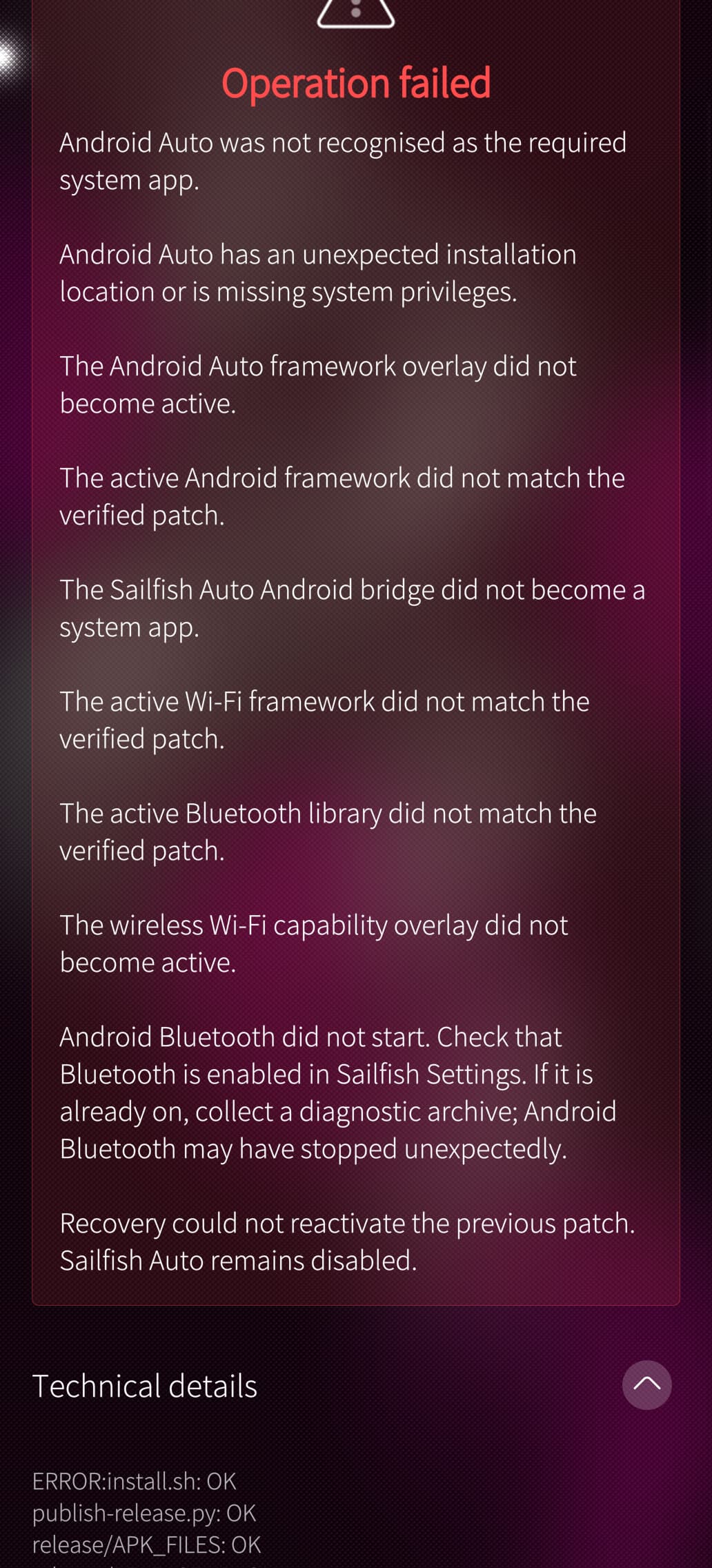
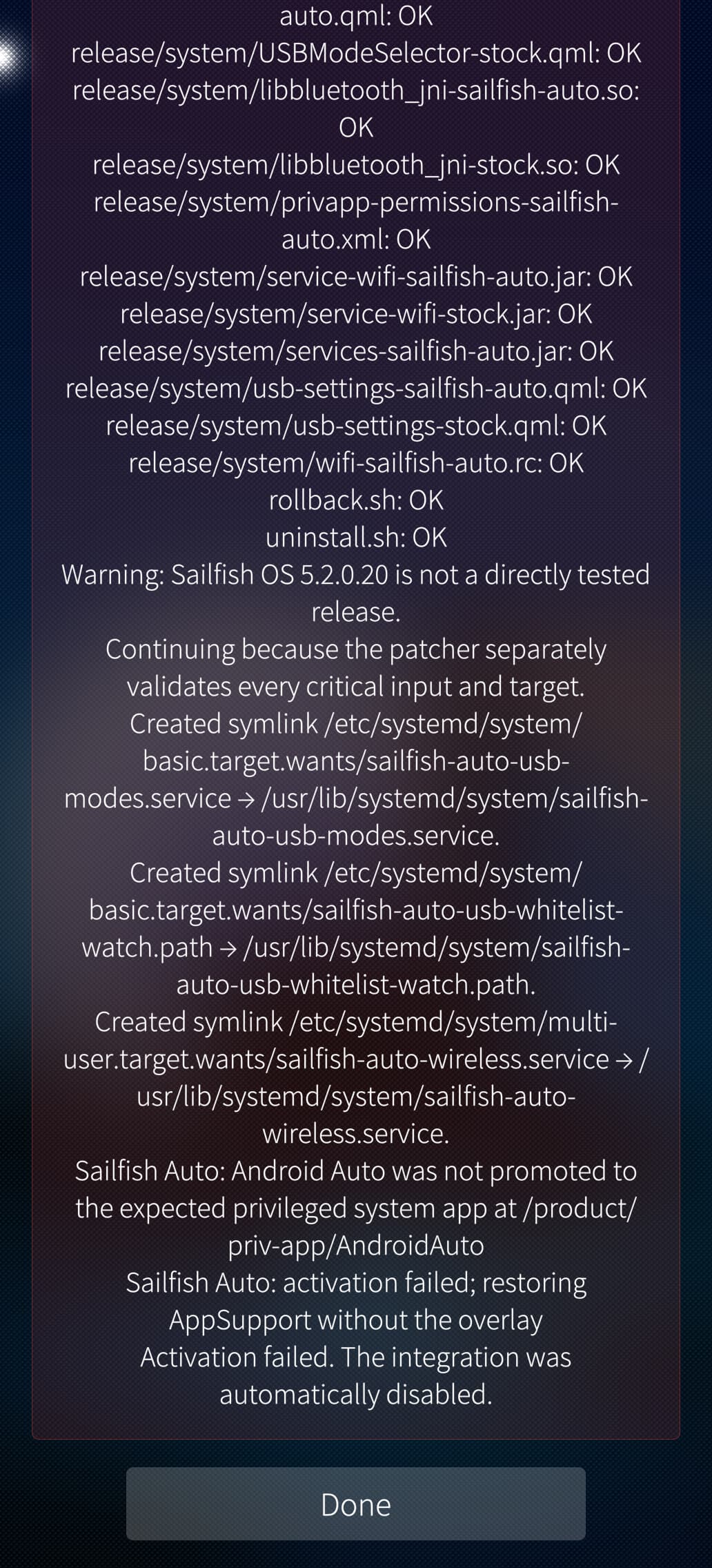
Hi, HtheB. How can i provide sailfish auto logs to you.

My sailfishos version is 5.2.0.20, and the first time i installed sailfish auto is version 5.2.0.19.

I have tried several times, but it still failed.
I even tried reinstall appsupport.(The first two pics)


1 Like

Will patches integrated in the app be uploaded to pm’s web catalog?

2 Likes