[RELEASE] Sailfish Auto - Android Auto support that also supports screen mirroring for native apps

Sailfish Auto

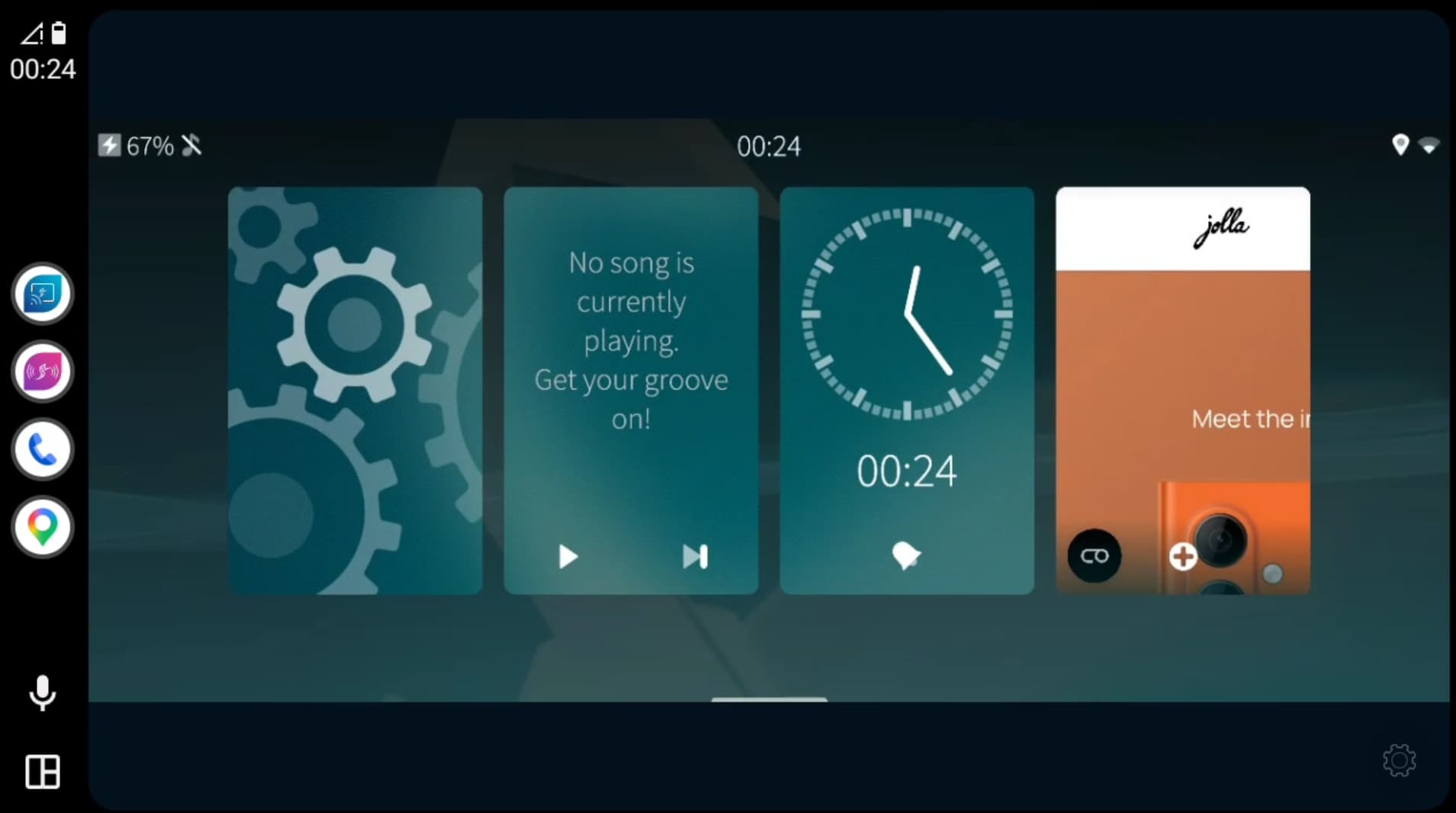
Bring Android Auto to your Sailfish OS phone with USB and wireless connectivity, native audio, and screen mirroring with Sailfish Auto!

  • USB or wirelessly!
    connect to a compatible head unit without switching to an Android phone.
  • Native Sailfish apps on your dashboard!
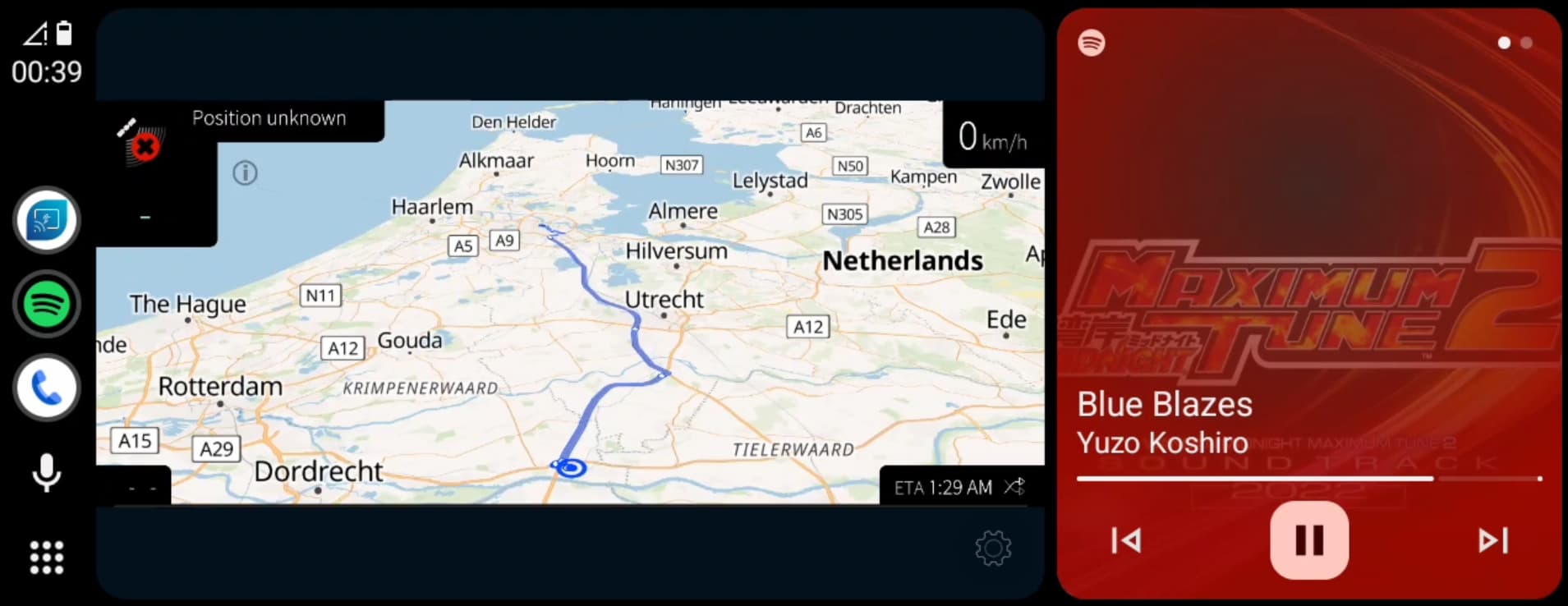
    • Sailfish Mirror lets you view and control native Sailfish OS apps, as well as Android apps, directly on the car display.
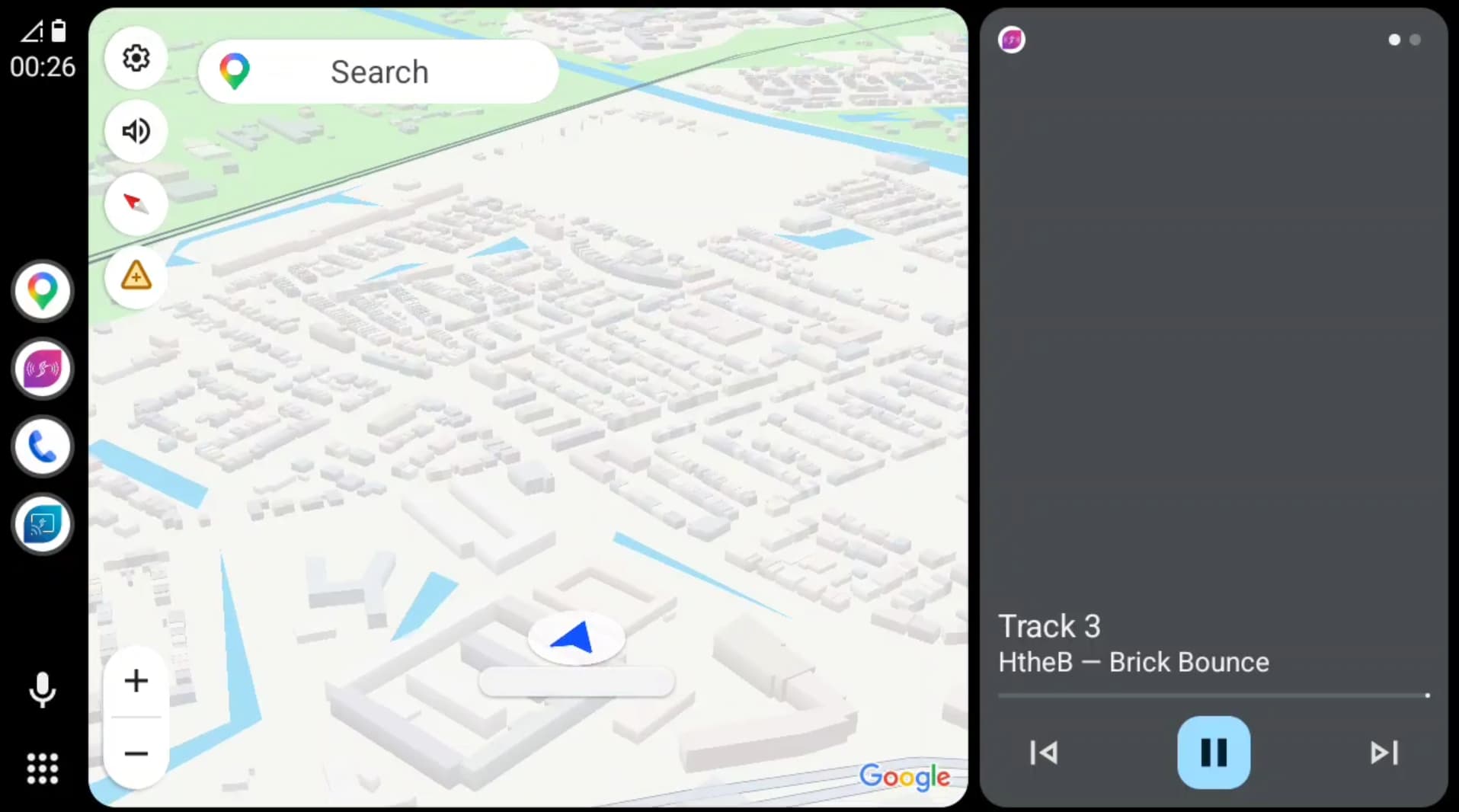
  • Your native navigation app, on a bigger screen
    • mirroring gives you another option alongside Google Maps!
  • Native music through your car speakers
    • Sailfish Media forwards Sailfish audio, with track information where the player provides it.
  • Not just for touchscreens
    • touchscreen and rotary-controller support, with pointer and keyboard modes for navigating apps.
  • A car- friendly app drawer
    • browse your applications and keep favourites within easy reach.
  • Start your preferred app automatically
    • choose a native or Android application to launch when Sailfish Mirror starts.
  • Choose your controls
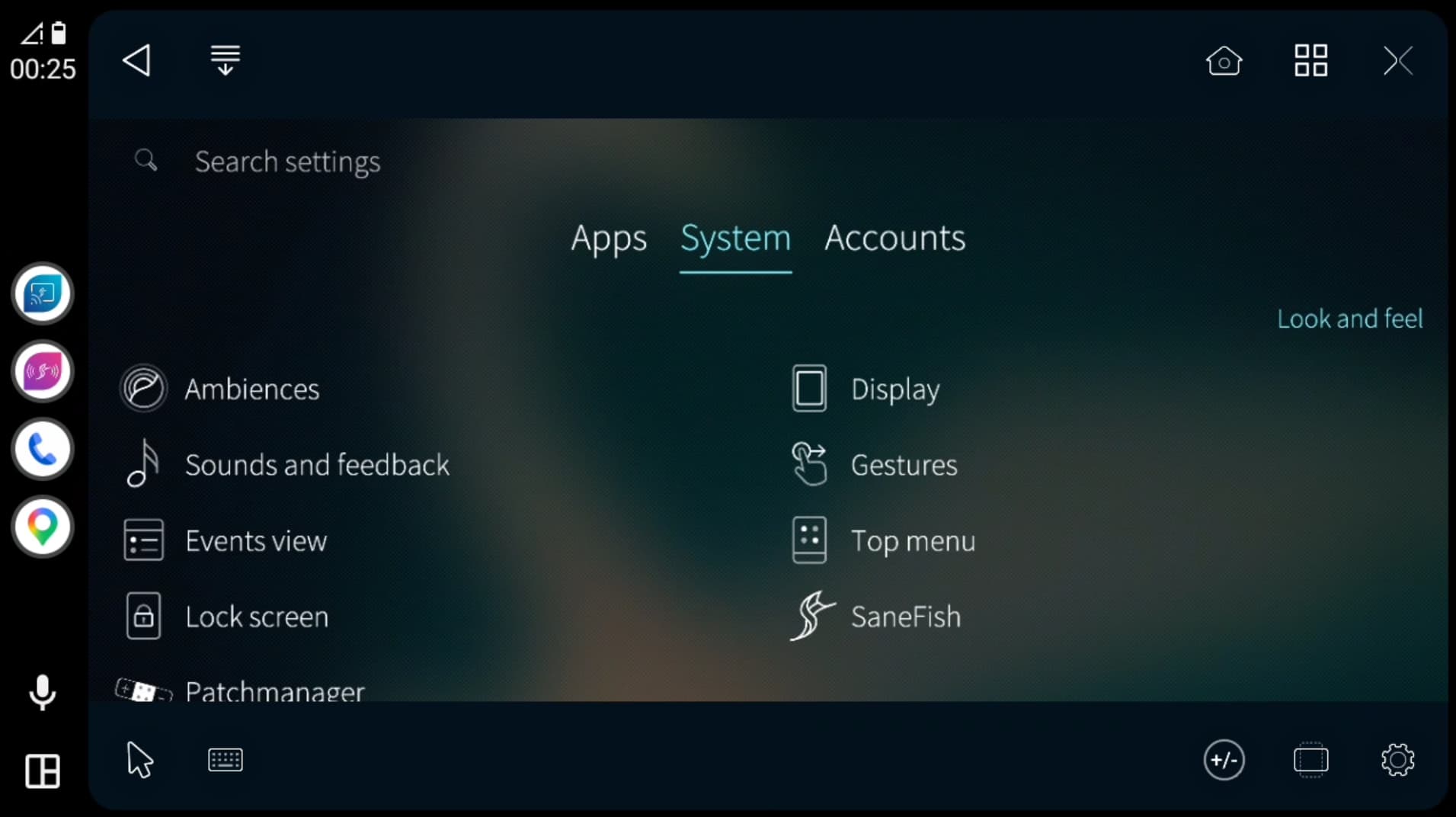
    • show, hide, rearrange and position shortcuts around the screen.
  • Zoom and rotate
    • adjust the mirrored view to suit your apps and display.
  • Personalise Android Auto
    • use your Sailfish ambience wallpaper or choose a custom picture.
  • Choose your languages
    • separate language settings for Android Auto, Sailfish Mirror.

Compatibility: Android AppSupport 13 supports USB; Android AppSupport 15 supports USB and wireless. Wireless also requires a compatible head unit.

More screenshots


Download

Downloads will available as soon as OpenRepos is back online.
For now, you can grab Sailfish Auto using SaneFish via OpenRepos.net or the OpenRepos app Storeman

This app is Free to use

If you’ve liked it, please consider a donation.

34 Likes

ARE YOU ROCKET MAN ? :face_with_hand_over_mouth:

The app looks fantastic! You’ve almost brought to life what Jolla wanted to create years ago as a portfolio piece. Thank you—seriously, thank you so much!

1 Like

After updating, repatching fails during “preparing wireless” or smth

@HtheB awesome \o/ !
Btw, any way to get only Android auto? I would like to keep patches to a minimum…

1 Like

@Maksettu Updating the patch or firmware? You don’t need to repatch once it’s done

You have to patch the framework to get it to work unfortunately….

1 Like

This looks really interesting, could you maybe explain a bit, how this works? I’m really curious how you achieved that

1 Like

When I try to search my car multimedia system, it doesn’t show name of devices, those bluetooth id’s. How I could map, which one is my car system to be paired? It shows several “car and audio” systems when searching :thinking:

How reversible is this? Does uninstalling remove the modifications?

Yes, uninstalling does reverse it

@Gepardi55 Yeah the Bluetooth device finding is a bit finicky.
How does it show as on the Sailfish OS Bluetooth list?
Some people had to try multiple times to get it right.

(I’ve already forwarded the Bluetooth issues to Jolla, and hopefully soon you don’t need to use my BT helper in the upcoming updates…)

1 Like

Works great on my xperia 10 III and Mazda. Thanks a lot!

2 Likes

Android Auto itself runs inside Android AppSupport

What I’ve built is the missing connection between Android Auto, Sailfish OS and the car. That includes getting USB and wireless connections working, handling the required permissions, and routing the audio correctly.

For native Sailfish apps, Sailfish Mirror captures the phone’s screen and displays it in Android Auto. Touches or controller actions from the car are sent back to the phone. Sailfish Media also lets native audio play through the car.

(And a lot of testing and trial and error :smiley: )

7 Likes

Hey everyone,

I received my new Jolla Phone (2026) a week ago and currently am in the process of getting to know all the different bits and pieces of SailfishOS.

OS version is: 5.2.0.20

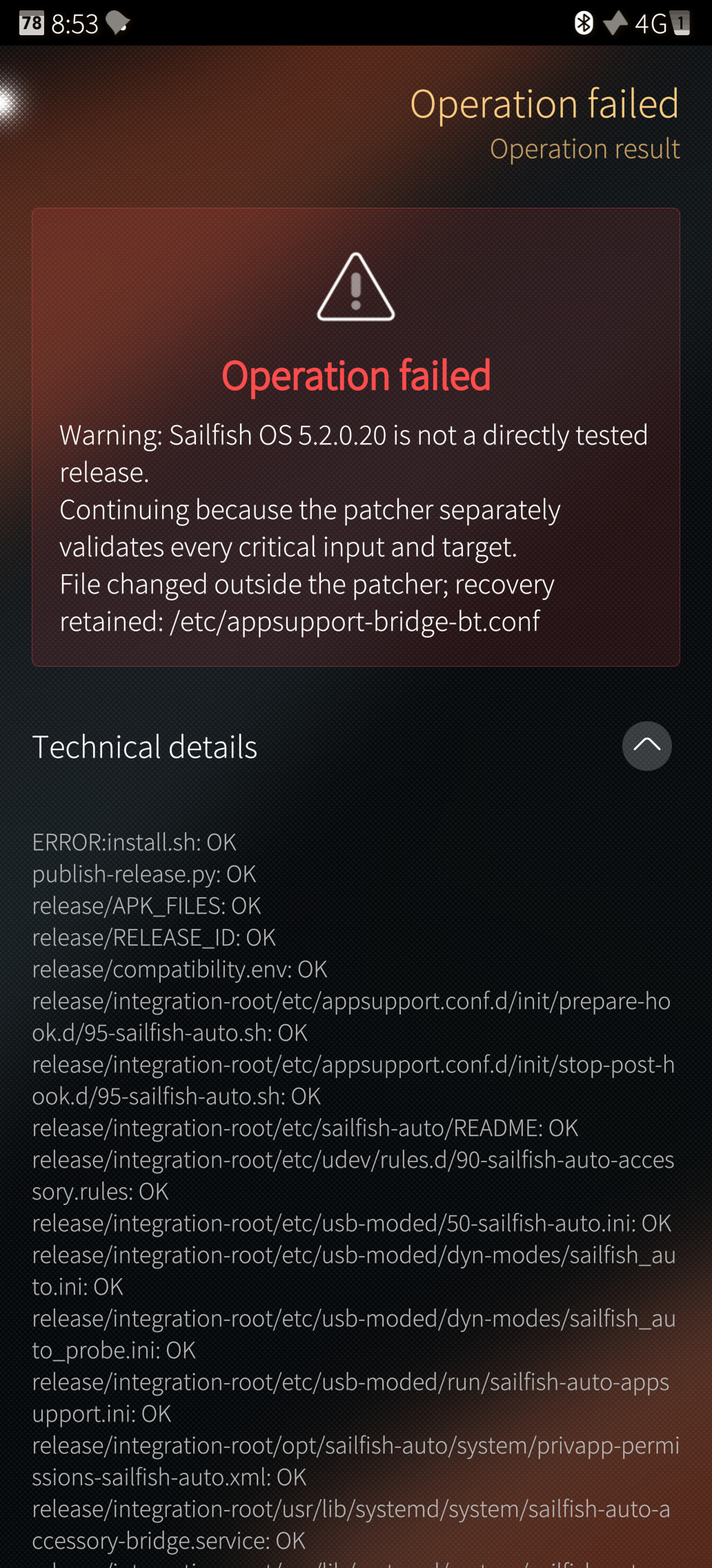
I installed Sailfish Auto using SaneFish but struggling a bit with setting it up properly:

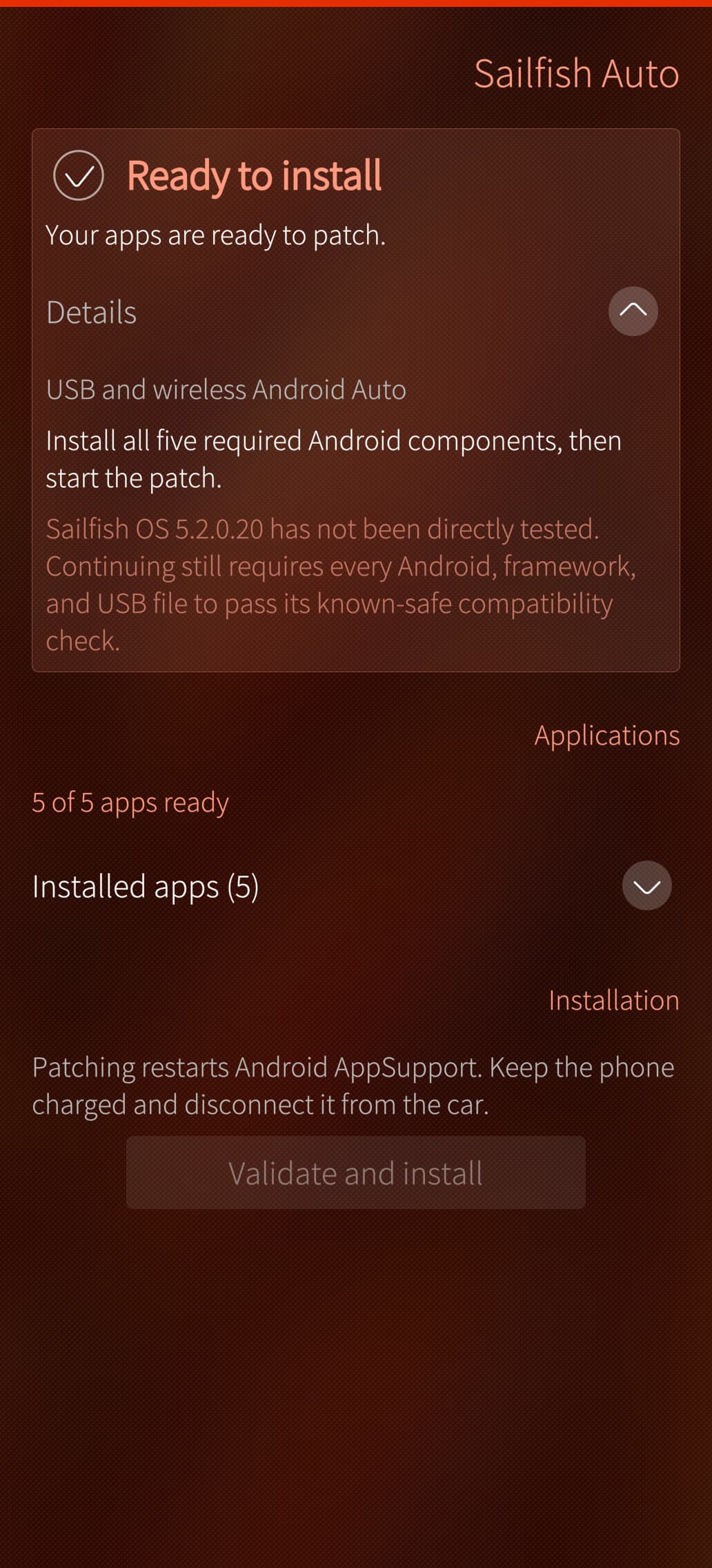
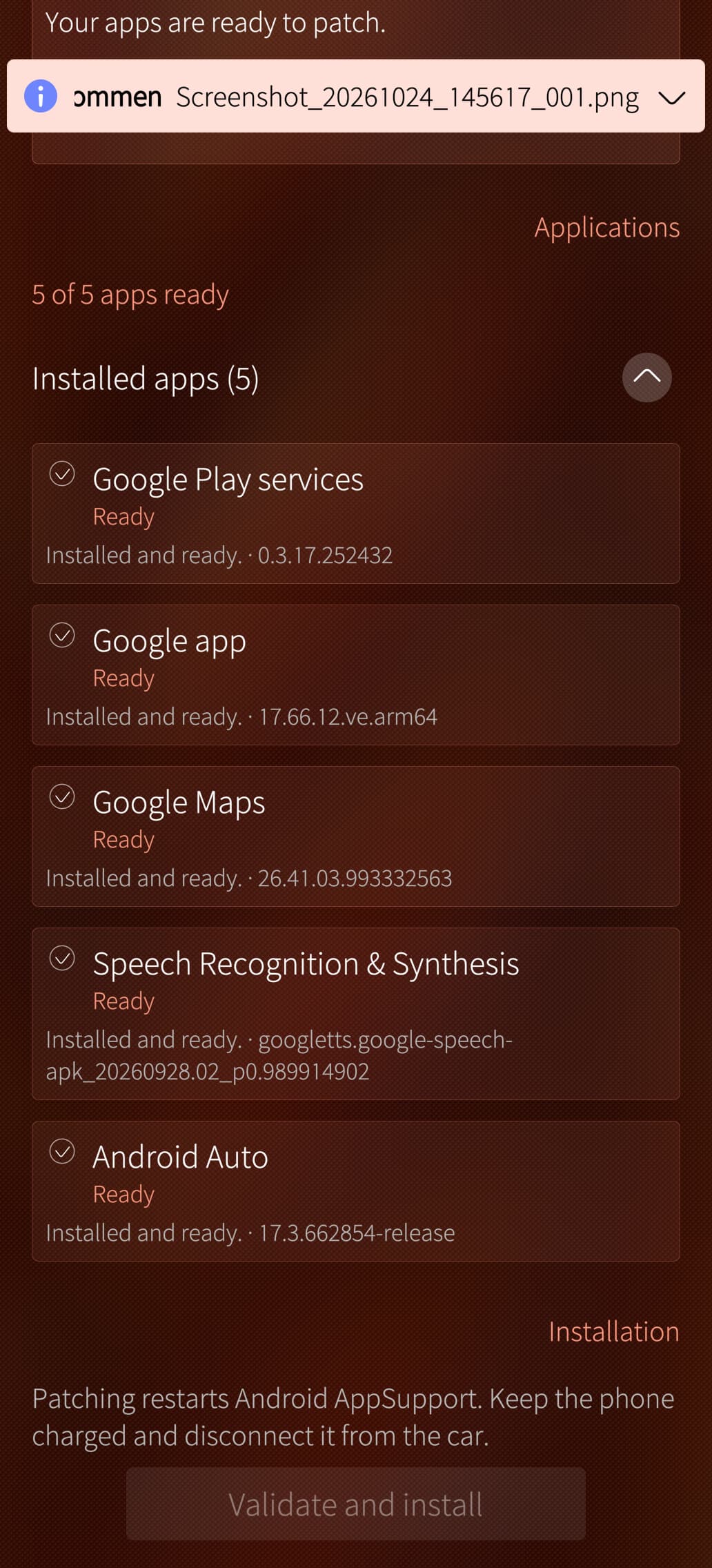
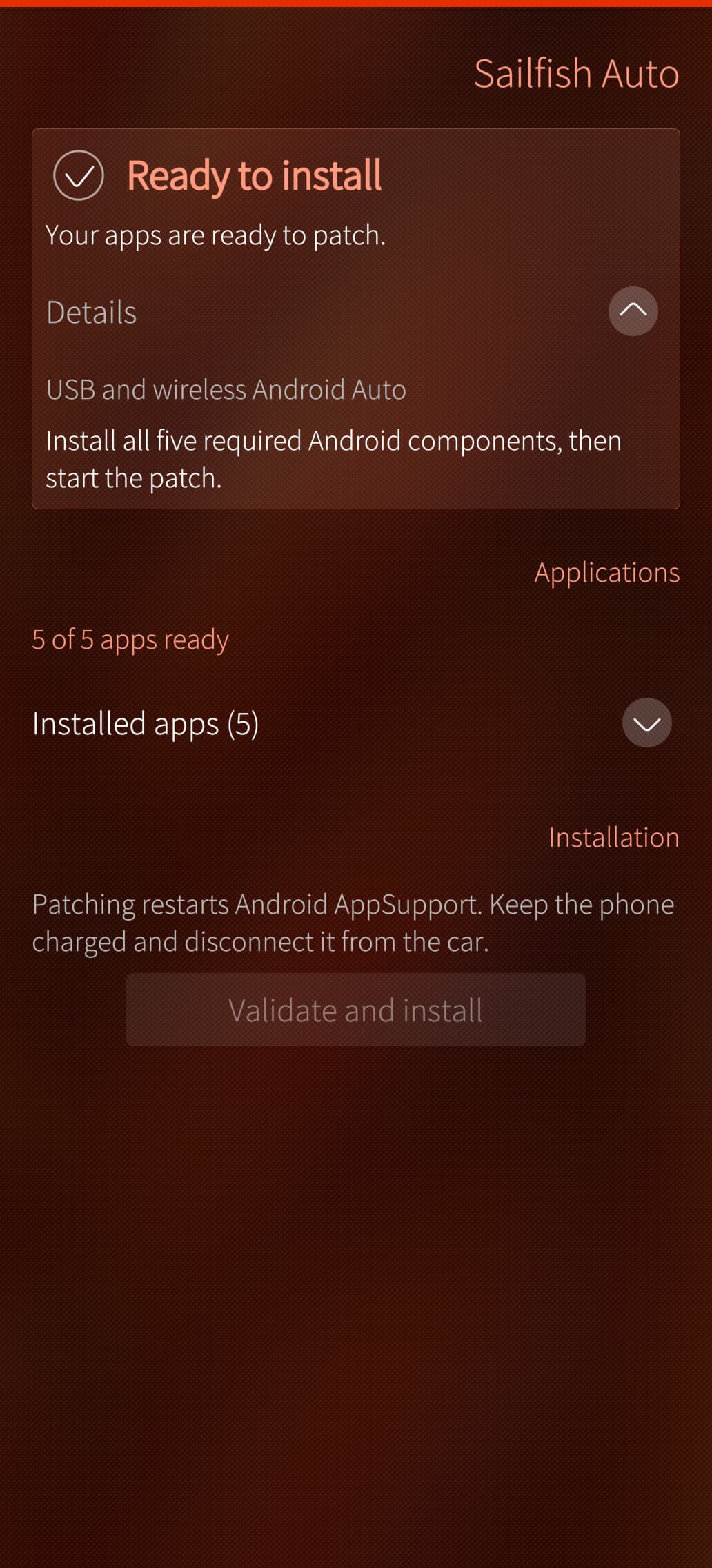
AppSupport including MicroG, AuroraStore etc. is installed, all Android App dependencies are installed as well and ready according to the status check inside Sailfish Auto

But for some reason the button to “Validate and install” is greyed out. Any advice what I can check what potentially went wrong is appreciated :slight_smile:

Ah, so it is an Android “app” which records the screen of your phone and forwards it to the Android AppSupport so that it can be shown in Android Auto as an “app”?

1 Like

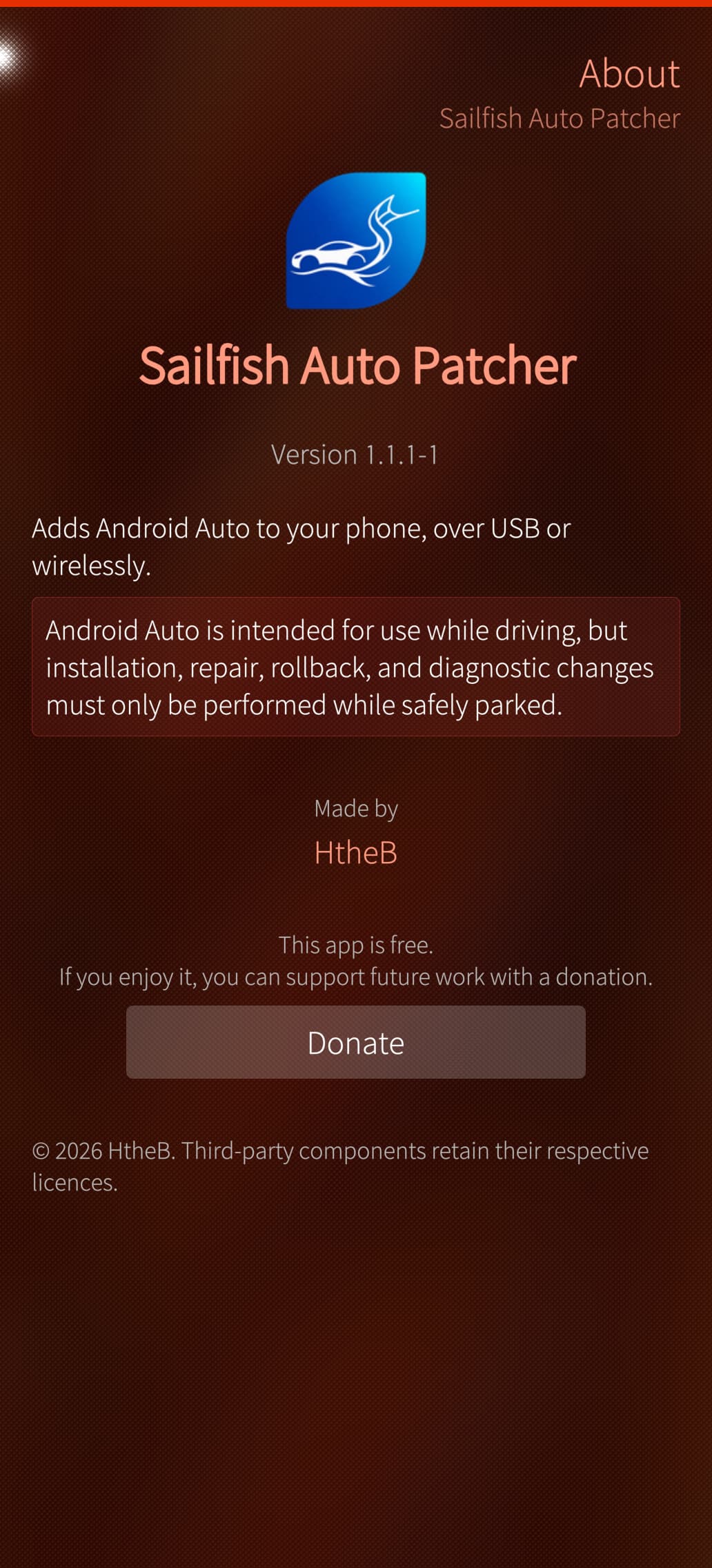
@daniel_h looks like you’re using an older version of Sailfish Auto, did you check for updates in SaneFish? The current latest version is 1.1.1-1

@NIS Touché! I guess you can call it an OS-ception :sweat_smile:

Or as the old meme:

Thanks, I updated to the latest version 1.1.1-1 but the “Validate and install” button is still greyed out unfortunately (Also rebooted the phone completely to make sure that all processes are restarted freshly)

@daniel_h Your phone is not connected anywhere with the USB port, right?

@HtheB No, the phone is neither paired with my cars bluetooth nor connected to any USB port. I just wanted to install/setup Sailfish Auto first, before trying the connection in the car