Hold + Tap “x” on lets say uTube or any other app does something for a brief moment, but doesn’t remove any apps.
zypper remove works
This might be indeed better left for 5.1 here, but WPA2 connman I was hoping would be able to connect to mixed / transitional with MFP requirement disabled. Anyway, Jolla hasn’t responded to many WPA3 complaints in 5.1 rel thread yet, so wait and see.
Yeah, posted more like for public benefit benchmark info. WPA3 is preventing me from testing a more natural “everything connected” use case for now, stay tuned.
EDIT
I see, unlucky for quite a bit of trouble on this device
I could make it even more rounded but i think it’s fine as it is
I’d say use zypper but it’d be cool if you didn’t uninstall my apps
basically on any device, in screen fingerprint = nope. Oh well hold on, it will work fine once jolla is porting device with in-screen fingerprint, because jolla fixes stuff only when they’re forced to
Found the culprit (damn, Claude is really helpful for debugging these issues): harbour-apocalypse seems to have a bug (need to check this) that tells mce to keep a wakelock but never to release it again. Uninstalling harbour-apocalypse returned the “display suspend disables wifi” behavior.
Thanks for your work on this port!! Sadly, I could not flash it successfully yet.
Flash SailfishOS rootfs via adb sideload
I tried to do so via adb sideload sailfishos-miami-release-5.0.0.77-STABLE1.zip in recovery mode but the signature verification failed. The error message is
ERROR: recovery: footer is wrong
On the phone I see a question where I can decide to install the package anyway but it doesn’t seem to be a good idea after this error.
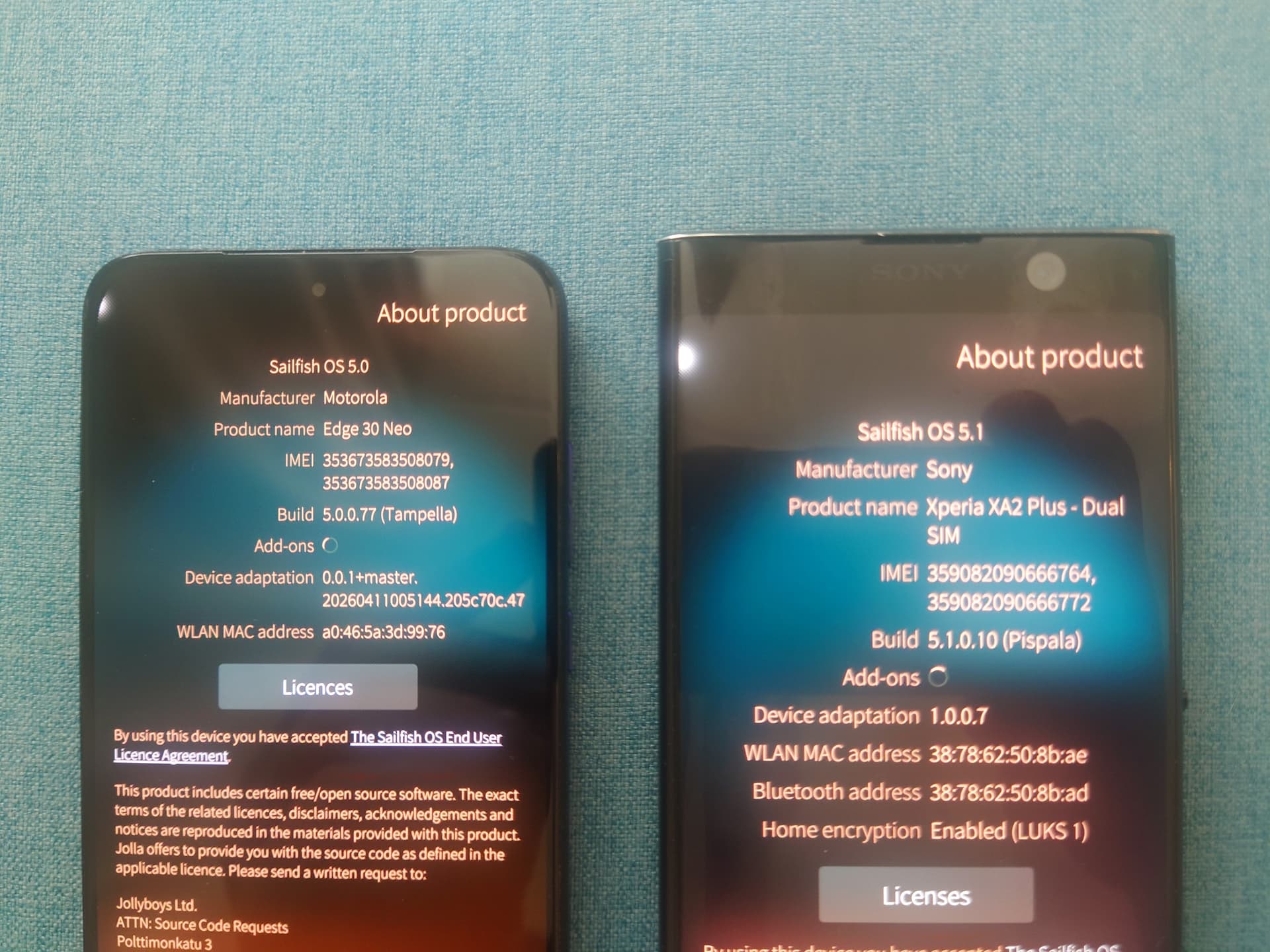
As of today, I’ve switched to the Motorola Edge 30 Neo as my daily driver. While I’ve been very happy with Sailfish OS on the OnePlus 6, I have to say that this device is a noticeable improvement in several areas:
The system feels much smoother. The OnePlus 6 was already quite responsive, but the Edge 30 Neo is even better.
Both 5G and VoLTE work. VoLTE support seems to depend heavily on the carrier, though. Here in Spain, I can confirm it works with Movistar, but not with Digi.
The 120 Hz OLED display makes a huge difference in everyday use.
Mine is the 256 GB model, which gives me twice the internal storage compared to my 128 GB OnePlus 6.
Battery life is also noticeably better. With my usage, it lasts significantly longer than the OnePlus 6, which has been a very welcome improvement.
GPS is also working properly and gets a fix within a few seconds outdoors.
Things that currently don’t work:
Fingerprint sensor.
Not all USB-C headphones are supported. However, they do work when connected through my HiBy DAC.
Meecast won’t launch. It looks like a permissions-related issue. Interestingly, it works fine on my other Sailfish devices.
Angelfish doesn’t start out of the box. It requires adding an environment variable in Qt Runner with “LD_PRELOAD” as the name and “libgomp.so.1” as the value. After that it will launch properly.
I haven’t tested VPN setup yet, but I believe WireGuard is not working at the moment.
Overall, the switch has been worth it for me despite the remaining issues. Thank you so much, @Mister_Magister!!
So you use Waydroid to launch android app? What about bank apps or ID verification asked from some EU government to validate some mandatory actions for administrative task?
MeeCast: it’s the same with Kuri - on first launch the directory structures in /home/defaultuser/ aren’t created and the error message about missing files or directories is correct.
I copied Kuri’s .cache, .config and .local from my XA2. Then it just segfaults, no more nagging about the missing workout directory.
pkexec - as in pkexec bash to get a root terminal - doesn’t work either. The polkit stuff in /etc and /usr/share seems to be identical to a Sony that works. Sudo works.
But I had copied ~/.config and ~/.local folders from my op6 and Meecast didn’t start. Config file is present but I get segfault error (core dump) and doesn’t start.
I fixed it by disabling sandboxing, but I can’t open Meecast from Event view.
Mine started working from the launcher icon after disabling sandboxing - no need to copy files. It still segfaults from the command line. Weird.
I had never tried to launch MeeCast from events. Now that I did, the first time MeeCast asked for permissions (so it ignores the desktop file) and started. After that it doesn’t start from events but switches to MeeCast if it’s running.
What I can’t understand is why Meecast fails on miami but it works perfectly on my other devices (oneplus 6 and xperias). Moreover, this is the only app that has this problem, all the other apps I use work fine (I don’t use Kuri, so I can’t say anything about this app)