may be referred to the (online) backup function.
1 Like
My work account requires ms intune and it doesnt seem to work.
1 Like
I’ve also noticed issues with bluetooth.
When the phone has bluetooth on, audio devices (like headsets) can connect to it, and they will work the first time. The second connection is somehow incomplete – the connection is formed, and the device appears in the phone menu as connected, but audio does not transfer over to it. The phone will still use its own speakers for sound.
Resetting bluetooth from the phone utilities menu will allow the connection to work, but again only for the first time.
3 Likes
A new and happy JP2 owner 
As I am going through installation of different things, I notice an issue I have with whatsapp. I am trying to install it with Aurora Store as I did with previous Xperias and C2. But on JP2, it does not work: basically it says downloading, but it does not really start, and it stops without any error message. I can try again to install but it repeats the same steps and nothing. I rebooted but still the same.
I could install Firefox and Deezer without issues just before. FYI I do not have MicroG.
Did it work for you (without MicroG)? Do you think this is temporary?
EDIT : forget about it as it worked in the end. Although it was after several attempts (the fact I deleted downloaded files may have helped)
4 Likes
Sometimes…? I don’t see shit without glasses, reading or not, so what does that make me on JP2? Font size “enormous”? 
6 Likes
I have now used mine for a day.
It feels really nice - not too slippery and just a touch on the big side (as expected). Build quality is great.
As expected, screen protectors completely destroy the side-swipe experience, and it is less oleophobic too - so away it goes. Not needed one to date, so i can live with having to replace a device if it comes to it.
Performance is where it needs to be - and what surprises me the most is how snappy app installation is.
The updated browser is really nice and now websites work again.
On the 10 III i was really considering turning down the scaling factor, but in the end i ended up not. On the J2 i have turned it up (2->2.5), making the content a touch bigger. Several websites were scaling out of phone mode to tablet/phablet mode (more than one column, sidebars popping in etc), which was not a great look. (Arguably software - but scaling is per device-size). OS scaling seems fine though.
14 Likes
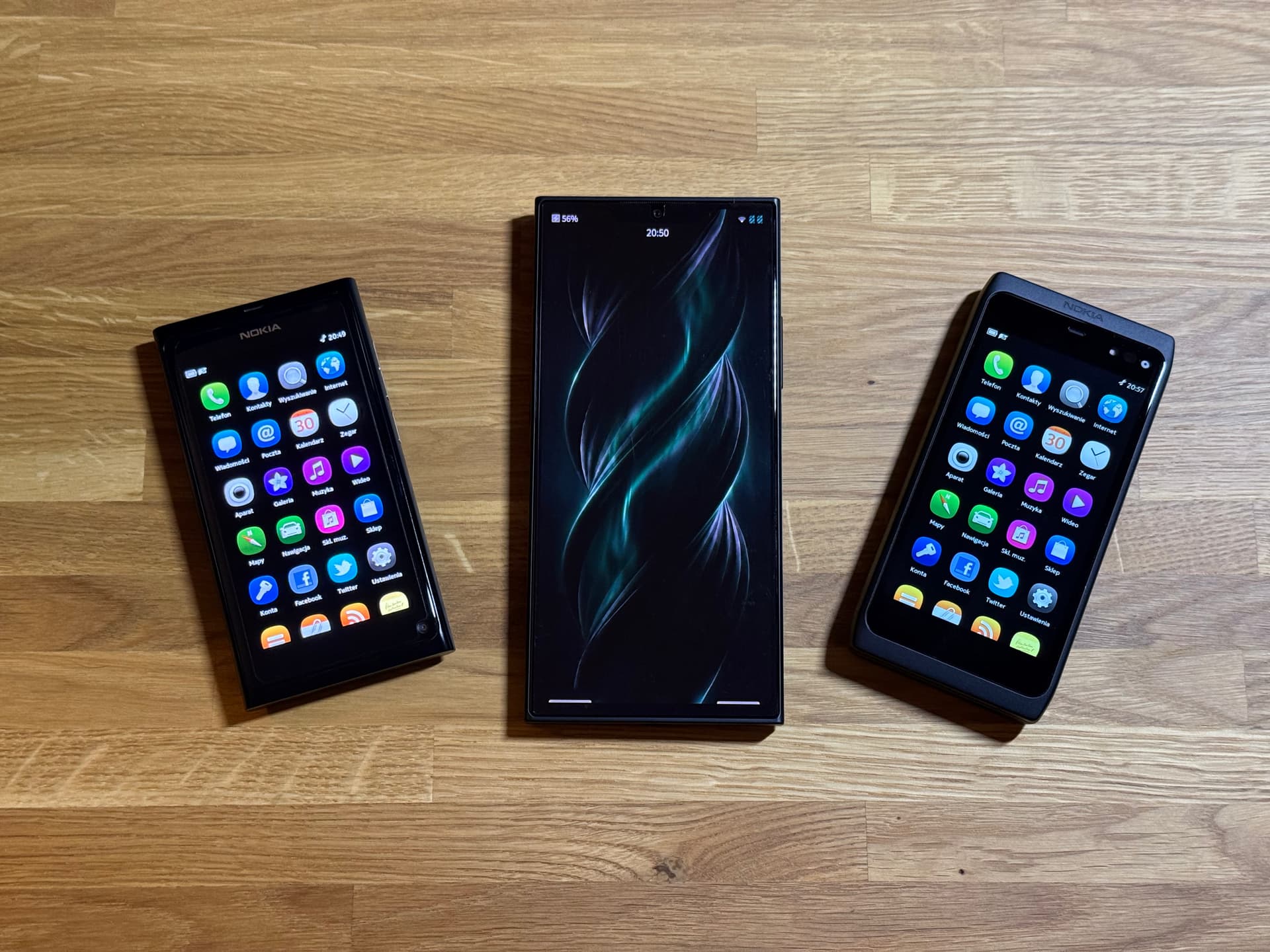
Finally, the Jolla Phone 2 has joined the family.
It’s a shame I don’t have my Jolla Phone 1 anymore.
I’m excited about the chance to rediscover the SailfishOS
31 Likes
You are indeed correct! I forgot google play services are not needed for WA to work - my bad. They are needed for online backup/restore to/from gdrive but I’m currently using it as companion device so didn’t test that feature yet
2 Likes
I only just learned of this yesterday, and it’s made a huge difference to my X 10III, with just an extra 4 pixels:
I’m far too clumsy to go without a screen protector
4 Likes
It is not supposed to work (that way). You need Company Portal in the first place. This will start to configure a Work Profile on your phone, which your AAS would have to support. Then, Company Portal will use the Play Store interface of your primary profile to install software into the Work Profile, and here things get very messy. I know some cases where this worked on alternative OSes, but only by injecting a lot of commands into Android via ADB in a very short time window Company Portal leaves for this.
TL;DR: no simple way to Intune managed devices non-Google Android.
1 Like
@filip.k ban-hammer, please?
No violence please. And on topic. I’m just a mod who work on flags.
3 Likes
This topic is temporarily closed for at least 4 hours due to a large number of community flags.
This topic was automatically opened after 12 hours.
Today I needed to first charge my new Jolla Phone (2026). It stops at 90%, so I found out the charging limit is set by default to 90%. I think this is suboptimal, because it may confuse new users who don’t know this option exists.
4 Likes
Won’t it just make them find out?
5 Likes
Yes, that is about how I understand it also. Only a small issue for me because I have a company provided device also that I use for Temas and MS Authenticator when needed. But unfortinately prevents me from being able to rely only on one device.
I personally think you make a valid point. The more experienced among us may see it as an opportunity to learn through investigation. The less experienced may just panic and flood this forum with a problem report.
I think the assumption that a new consumer will naturally read the entire ‘how to for SFOS’ along with all the forum chatter before asking for help is a pipe dream.
For most products, I have needed to visit a forum to research a problem maybe once or twice in its usable lifetime. Not every week or day. Maybe it is a measure about how far away from the consumer Jolla currently is?
Still looking forward to my new phone in August/September 
4 Likes
Jolla added a larger Font-Size option in version 5.1.0.11:
3 Likes
Thanks! I’ve actually missed that. 
2 Likes