Yes that’s what I meant. I currently don’t use AppSupport (though I paid for it), I use a separate Android device, but I plan to start using my J2 for heathcare/government/… apps. I have no idea if my local apps work or don’t, and nobody does, because on the forum we’re only 3 users from Portugal apparently (@amaretzek, @MeeGo-Junky and myself). I want to at least weed out those that don’t work. For example, lately the government healthcare app requires to be logged in Play Store to launch, even on my proper Android tablet (Samsung S9 FE). I expect it won’t launch when installed from AuroraStore.
1 Like
Tested sending/receiving files between Linux laptop and new JP failed as well for me. It worked between my laptop and C2 (5.1.0.11), both ways, using same files (jpg & docx).
1 Like
I can confirm that OKboard works on Xperia 10iii with the latest Pispala 5.1 release, installed from OpenRepos, nothing fancy (also, probably offtopic).
If it is not a deal breaker for you, you could try logging in to your Google account in the microG Settings and see if that is enough?
1 Like
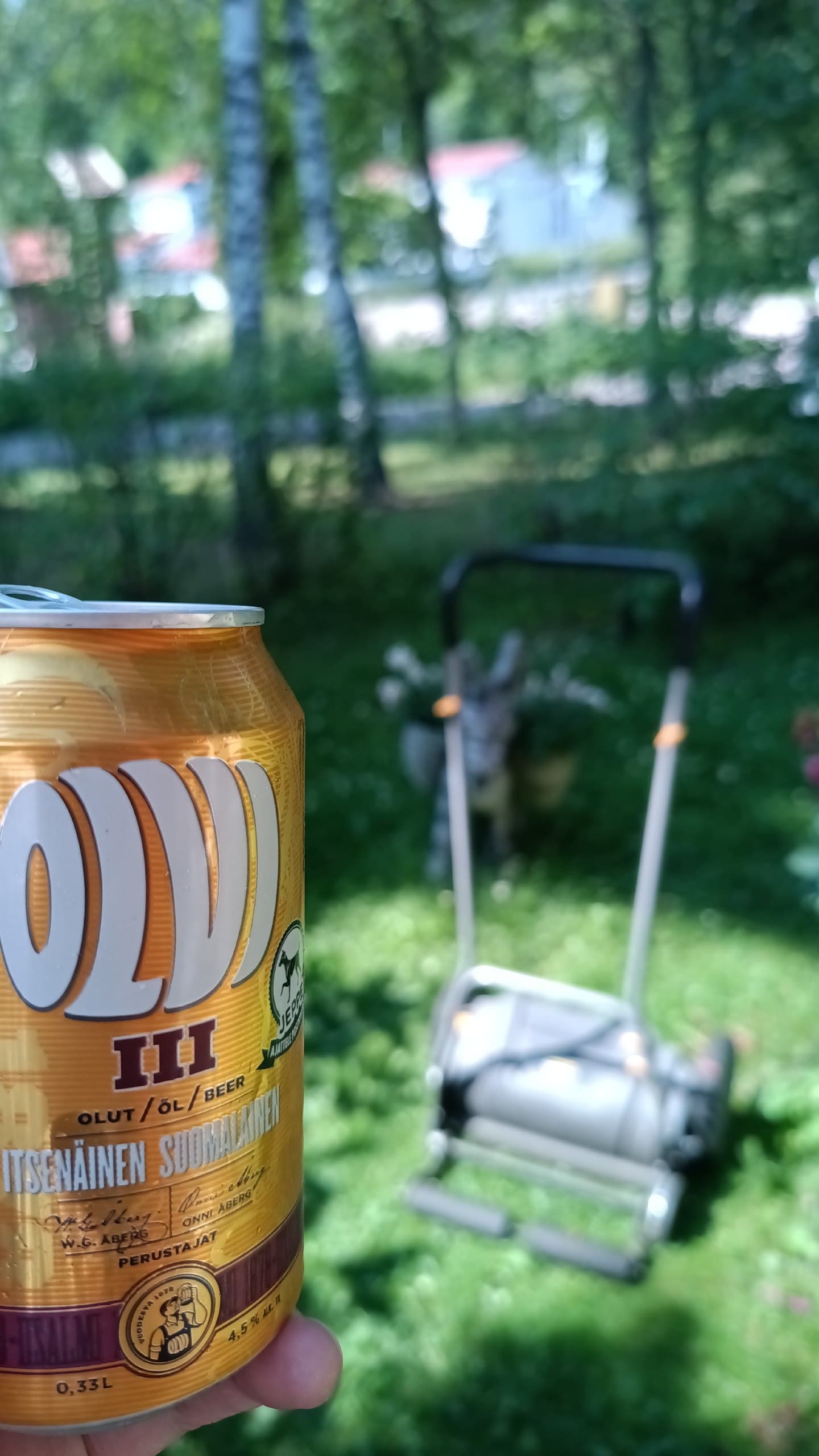
Just one photo to share from my today’s adventure with the new Jolla phone. Note, photo may include product placement 

The camera has alot of potential for even more, waiting for fine tuning what Jolla promised. Already nice results possible now.
I hope Jolla crew can also lower the anchor  sail into Harbour
  … and take it easy
46 Likes
I know that T-shirt
The camera/camera app is certainly not industry leading but I find the images perfectly fine for regular snapshots. With the right composition you can shoot some beautiful images even.
7 Likes
Looks very good. I have to be patient …  .
.
3 Likes
I’m very happy to see the camera doesn’t seem to suffer from the lighting issue on the Xperia 10 II!
What happens if you focus on something very close by? Do you get a decent bokeh effect? The Xperias are pretty great at it.
2 Likes
Thank you very much!
2 Likes
Update a week later; I tried launching the app again and for some reason it works now: I can access my watchlist and videos play with audio and subtitles. Disney+ version 26.11.1+rc4-2026.07.03
Nice 
8 Likes
Second time my camera goes black while everything else is working fine. Waiting or closing all apps does not solve it. Killing the camerahalserver does resolve it.
I’ve synced my phone with dropbox and pictures I take upload there fine. But the dropbox-folder in Gallery stays empty even when I move pictures to my shelfish-folder in dropbox. Aren’t they supposed to show up there or am I misunderstanding the folders function?
1 Like
Maybe it is only one way sync?
I don’t know, maybe. But why would it automaticly create the dropbox-folder in gallery if there is no use for it?
I don’t use Dropbox, so I don’t know, but have you checked if there are any options under your Dropbox-account in the phone settings? And maybe it doesn’t constantly check for if there is something to pull, but does it timed intervals and it just hasn’t hit that yet or other conditions isn’t optimal (WLAN only, when phone is not used for certain time etc.)?
Yea, that’s one bug that got fixed late and didn’t make it to the initial release.
6 Likes
I feel that black is not possible to achieve at the moment.
A dark/black image or apps with black background feels quite “lit” - especially visible when using phone in a darkness.
Now, this is not a big annoyance, but I could imagine that it would quite easily be fixed …now that Jolla Phone is in-house device. According to specs of the phone the display is AMOLED which can show true blacks.
Has nobody else reported on this one? I couldn’t find any bug reports or anybody other mentioning about it than ThijssjihT., so are there others seeing it? Or is it just me 

Is @Jolla aware of this? (wasn’t mentioned in latest Jolla Blog post “Jolla Phone update - deliveries started and other next steps”) … or maybe I just post a bur report 
2 Likes
Yes, it doesn’t look like “true black”. I mean, even on the OLED screen on my iPhone 12 one can still make out a tiny difference between where the notch and a black screen but it is very hard to spot the difference already, even in the dark. Compared to that, black on the J2 screen looks almost like a lit christmas tree. Ok, that is a wild exaggeration but it is very visibly more lit.
Maybe someone more qualified than me can comment if this is something about software settings or down to the hardware.
4 Likes
I believe one thing that makes Black Not-Quite- Black is the transparency and blur effects in various areas of the UI.
This has been pointed out in some thread somewhere in the past but I cannot find where.
3 Likes