Thank you for the update!
Would the alternative mean the screen itself would be replaced? If so, how difficult it would be to replace it myself? I remember swapping broken screen on Volla Phone 22, and that was just few screws away.

Hello, when someone asked whether you would sell the screens so that users could order them themselves and repair their devices if their screen broke, they said that the screens would be available for sale in the accessories section at a certain date. Of course, this may vary from person to person.
If it is a hardware issue, the user can send the device in and have it replaced under warranty without paying anything. It ultimately depends on whether the user wants to solve the issue themselves by paying for the part or handle it through the warranty process.
Remember: warranty period is 2 years.
Now looks like all hickups wanted to be rectified in notime/ yesterday.
@Jolla the new 5.2.0.18 update fixed the tint issue for me and the brightness now correctly adjusts at the lower levels instead of just de-saturating the screen a little and staying bright like on 5.2.0.17. Edit: nevermind, the tint is still there.
However, I still have something like burnt-in or ghosted artifacts on below 50% brightness below the notch area and darker bars on both sides of the phone. None of them are visible at higher brightness levels. There’s also a visible shift on the panel when decreasing brightness and the artifacts appear.
 Fortunately, they said they will look into this issue. It would actually be really helpful if people from the 3rd batch, especially those who received their devices within the last 5 days, could share their screen-related reports with us. I’m really wondering whether most people are no longer experiencing this issue.
I have already seen batch 3 phones with no issues at all and spotless screens.
Maybe coincedent but interesting. Left charging light from JP2 with black black screen right charging light from JP2 with greenish black screen. With your eyes you can see the difference more than on the pictures but making a picture out of focus it some kind of shows the difference.. That’s the best I could do but you get a guess. Not only the brightness is lower on the “greenish phone” but also the color is kind of pinkish (:-P)
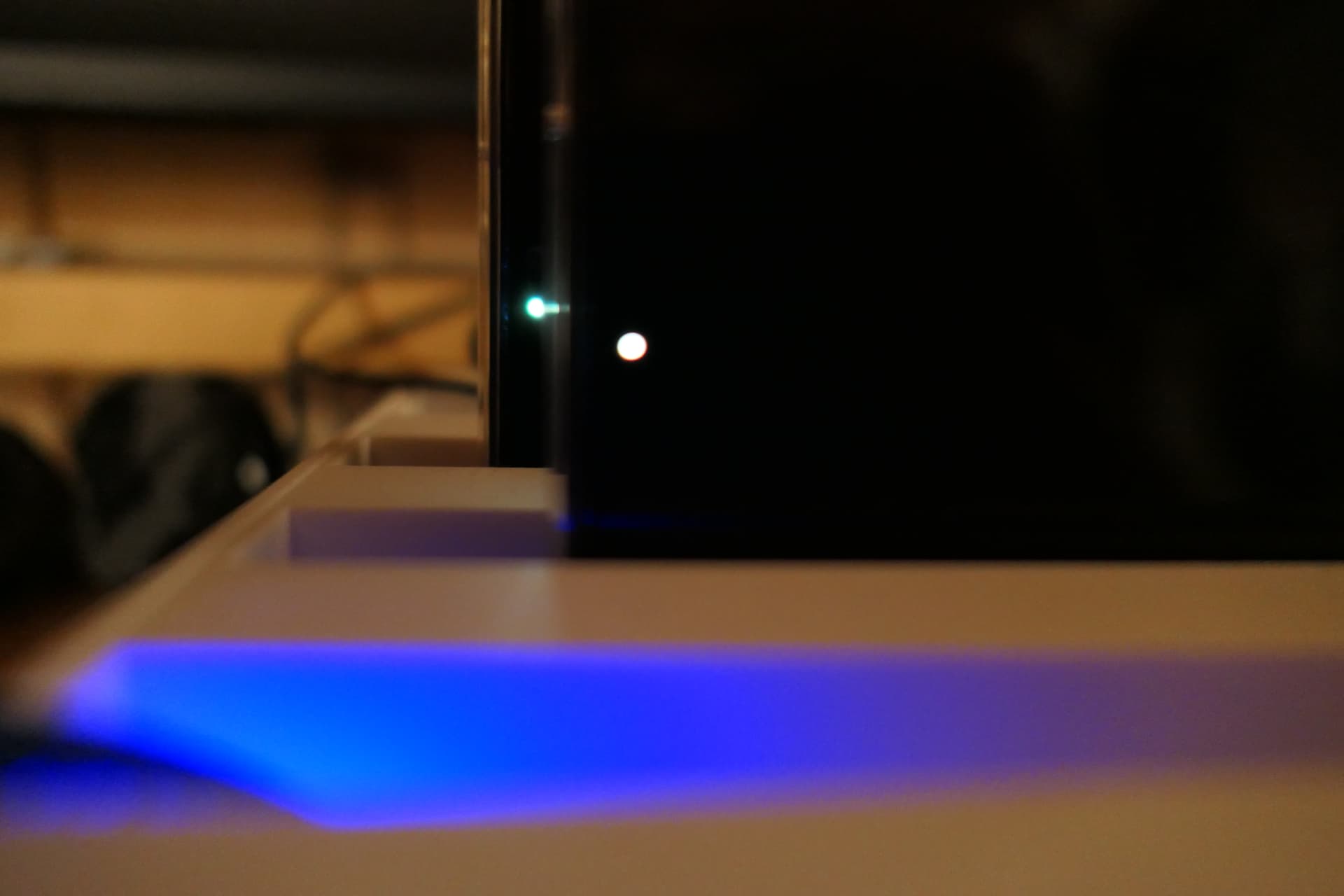
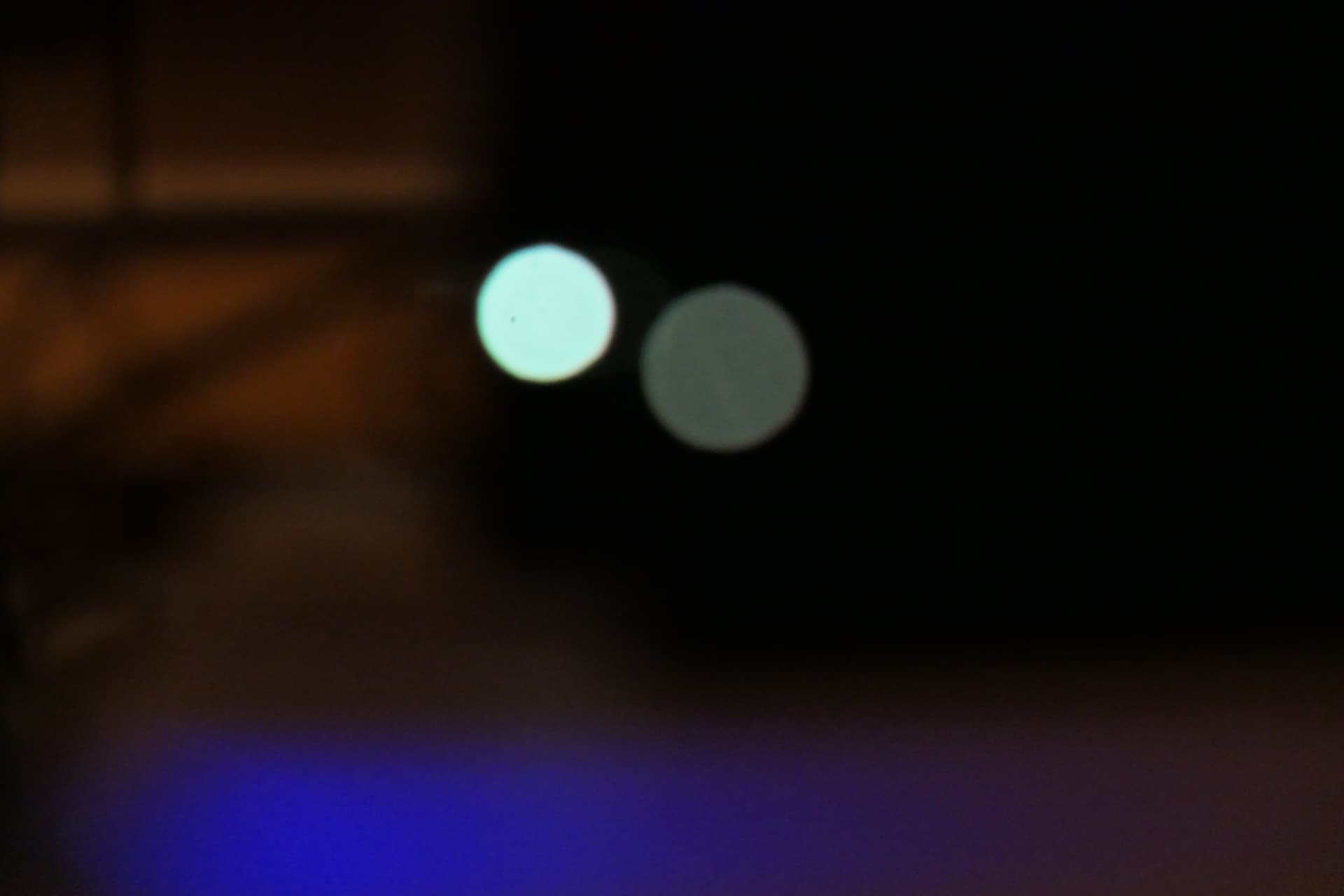
Hi everyone.
It seems like I also have some issues with the screen, and I’m curious if there are any updates/a concrete response from Jolla regarding general problem with the screen quality/driver. Thanks
History rhymes. Do you remember the purple tint problem on the Nokia N8?
Not yet, but we know that they are now aware and looking into the issue.
Not sure if you saw their reply above already.
You can search any phone and “x” color tint, green lines, or screen issue and you will find reports and pictures most likely.
Yeah, I saw it. Ok then, let’s wait. Thanks)
I finally confirmed that my JP2, Batch 1, shipped on July 21th and received some days later is also affected by the yellowish tint. I am still not using it as daily driver since I am still awating for the dust camera issue.
I took this picture yesterday (using my wife’s phone) showing the LCD Black test of CSD Tool:
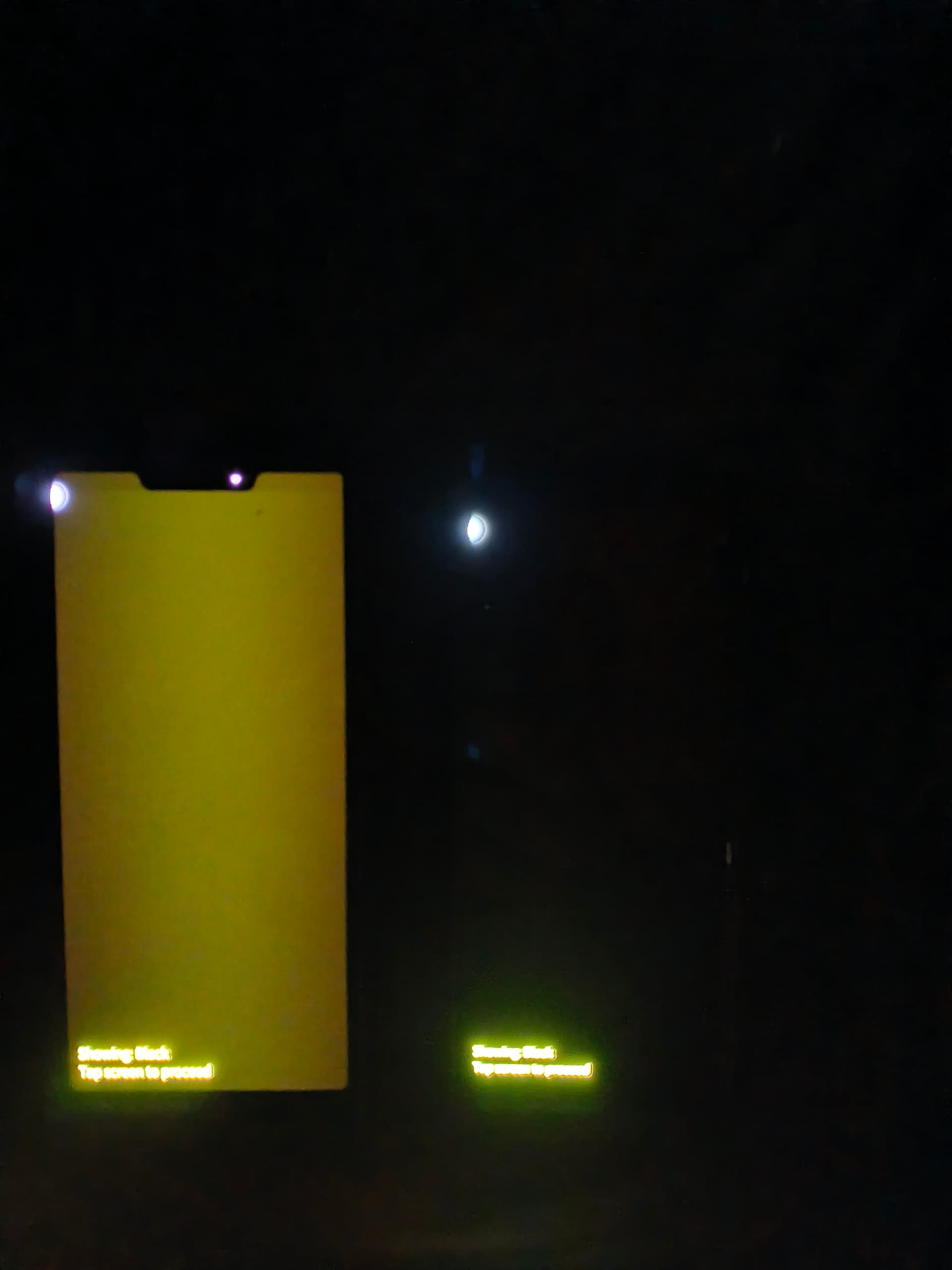
Left ist JP2 running 5.2.0.20 / Right is Xperia 10III running 5.1.0.11
Both phones are set to maximal brightness with automatic brighness setting disabled.
I have a strange LCD backlight bleed, despite it is an AMOLED screen. You can clearly see this on the initial bootup screen when it displays “Jolla”. Just like an LCD it is pitch black when the screen is off but the “backlight” goes on as soon you wake up the phone. The color of the backlight is neutral, meaning dark grey almost like would emulate LCD backlight bleed, so no color hue here. The grey is somewhat stronger in the middle than in the left and right borders of the screen.
Do you see the same thing?
Probably there should be a separate thread for black not being truly black. During the daytime black backgrounds look black enough to me, but at night (in the dark) it’s very obvious that a ‘black’ background is dark grey. I haven’t noticed any variation in brightness across the screen. I don’t think it’s a “backlight bleed” (since there is no backlight on an AMOLED!), but rather the display not being very well calibrated.
It seems a few people have a problem with the display being calibrated “too dark”, so that the display cuts out entirely (displays nothing) below a certain level of darkness. I’m not sure if this is a design flaw with the phone’s display(?), such that they can’t make it too dark without it cutting out, so instead we have “black” it being too bright?
It’s not a big annoyance for me, so I haven’t said anything until now.
I can confirm that this is now fixed in 5.2.0.22! It was a software issue after all!
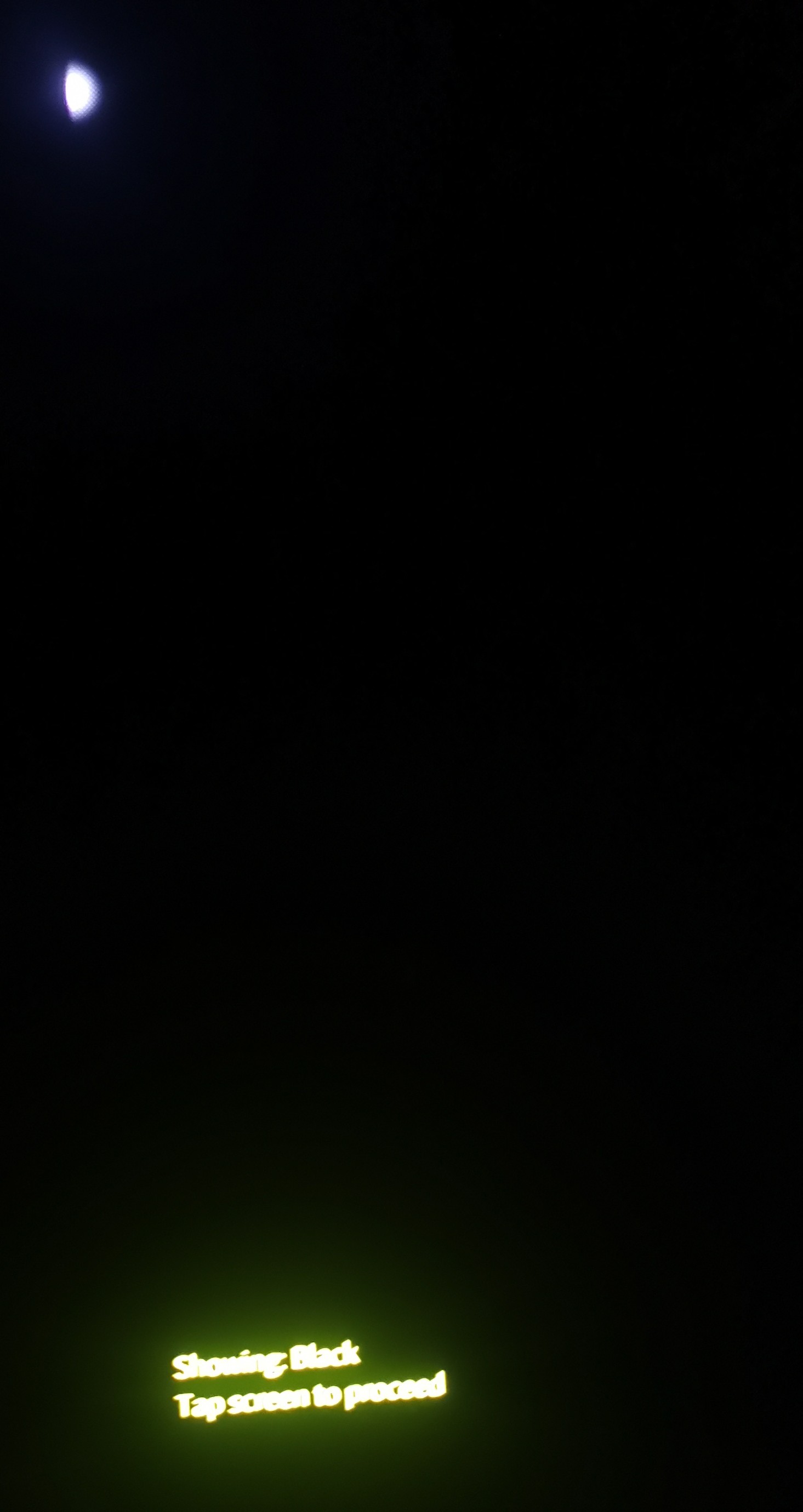
@Kanthal did [Release notes] Finlayson 5.2.0.22 update also fix it for you?
Yep. After 3.5 months the screen looks perfectly normal and deep blacks are a joy to watch!
Thank you Jolla and thank you everyone for helping making this issue visible and clear!
Amazing things that SW updates can achieve. Seemed like HW problem, but suddenly update solved it!