Hey everyone!
In the last Community Meeting, it was proposed to ease Jolla’s handling of emails regarding to orders in a somewhat standardized way, e.g. use a certain Subject tag to identify what the email is about.
This should help them to process the email queue efficiently.
OrderMail is small helper application which tries to enable that.
Note that this is INOFFICIAL* and was not created by Jolla!

Similar to my previous tool, Bugger!, it is a GUI which allows to enter certain information, and then hit Submit.
Submit will open the Email application with the preformatted contents, and you can then send it from there.
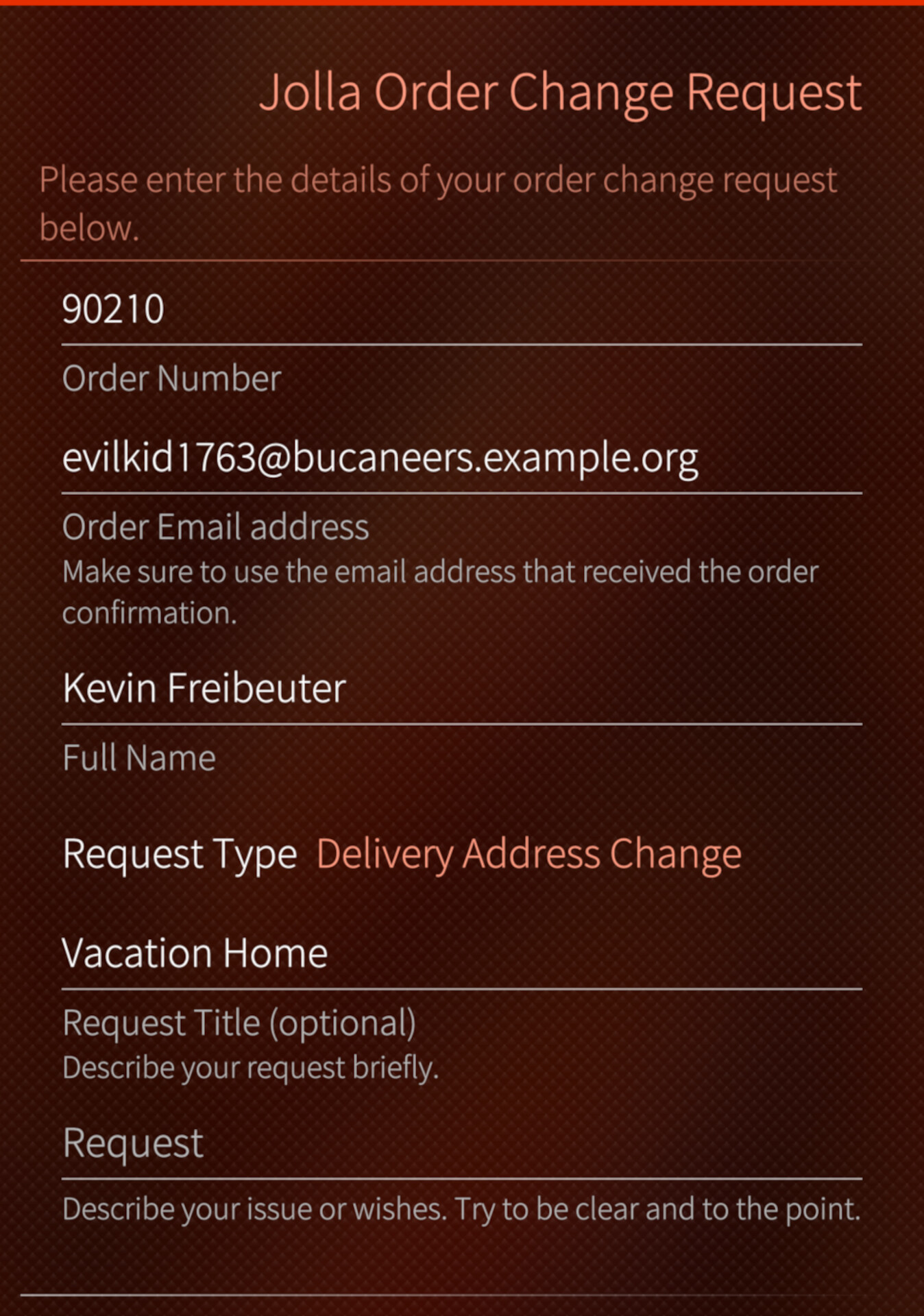
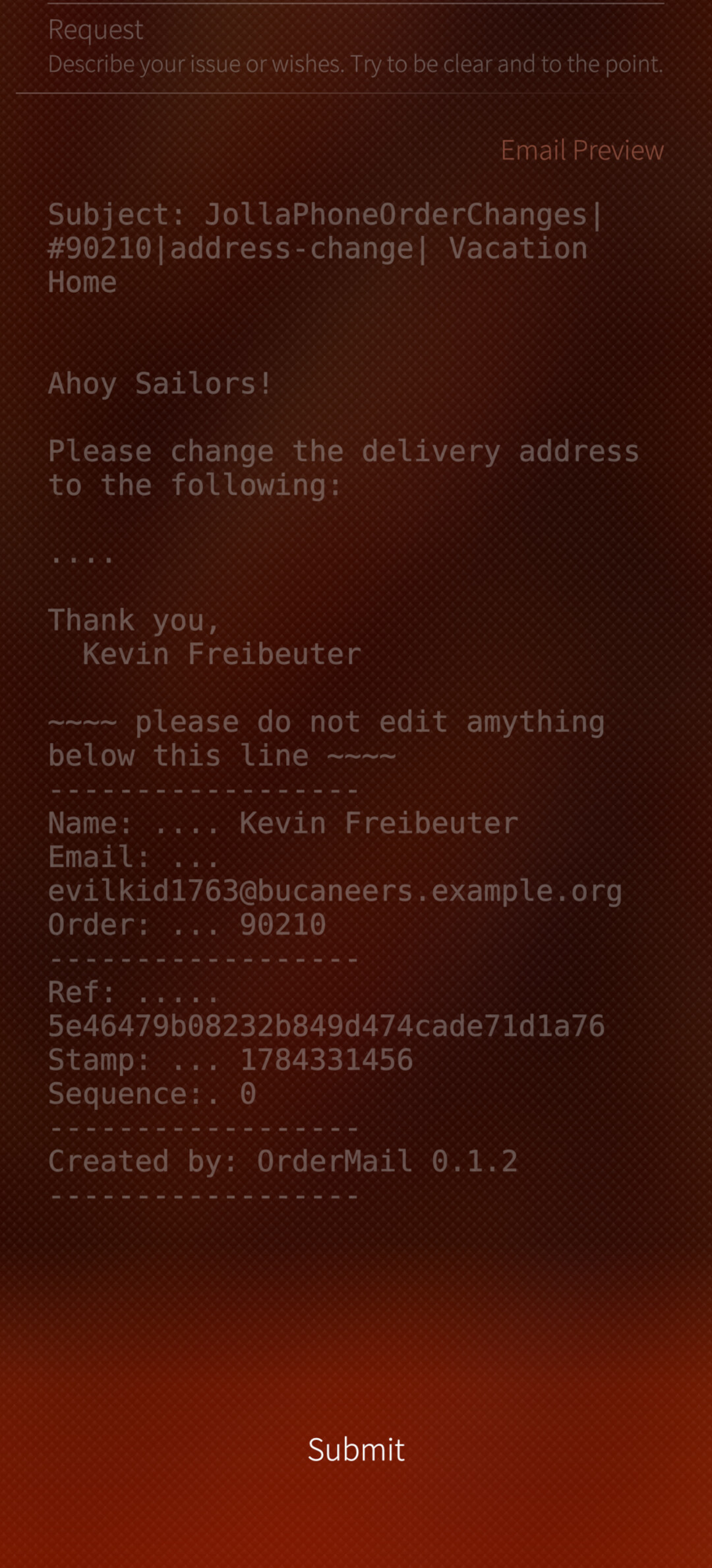
If you do not want to use the stock Email app, you can copy Subject and Body texts from the app into the clipboard and use it elsewhere.
If you’re interested what the fields in the email mean, look at Email Format Description.
Of course, using this tool promises no guarantees wrt. order processing, and actual responses, much less whether your request is possible at all.
Supported Features: (at the time of this post)
- if you dare to disable the Sandbox, switching to the Email app is done a bit more conveniently.
Watch the Releases for updates
Planned Features (no promises):
- none
Watch the Issues to track progress.
Known Issues:
-
The app cannot send email by itself. I wouldn’t know how to do that and stay harbour-compliant.
-
The Email application will open with one account to send from. While you can use email aliases to choose sender address, it is not possible to switch the account from the composer view. This is a limitation of the Email app, and can not be fixed by OrderMail.
As a workaround, create an empty email from your preferred account, and copy/paste the Subject and Body from the app. -
In the “Spam Warning” label, the time is not displayed correctly.
-
Plenty more probably. You are invited to find them and file issues.
Hacking:
Pull requests of any kind are always welcome.
- Jolla Store: this app is available from the Jolla Store (Harbour).
- Packages: Packages are also available from Chum and Chum Testing. View it on Chum Web. The github release page will also have binaries but they may not be the latest.
- Source Code: at GitHub.
 That would be rather unefficient.
 (20chars)