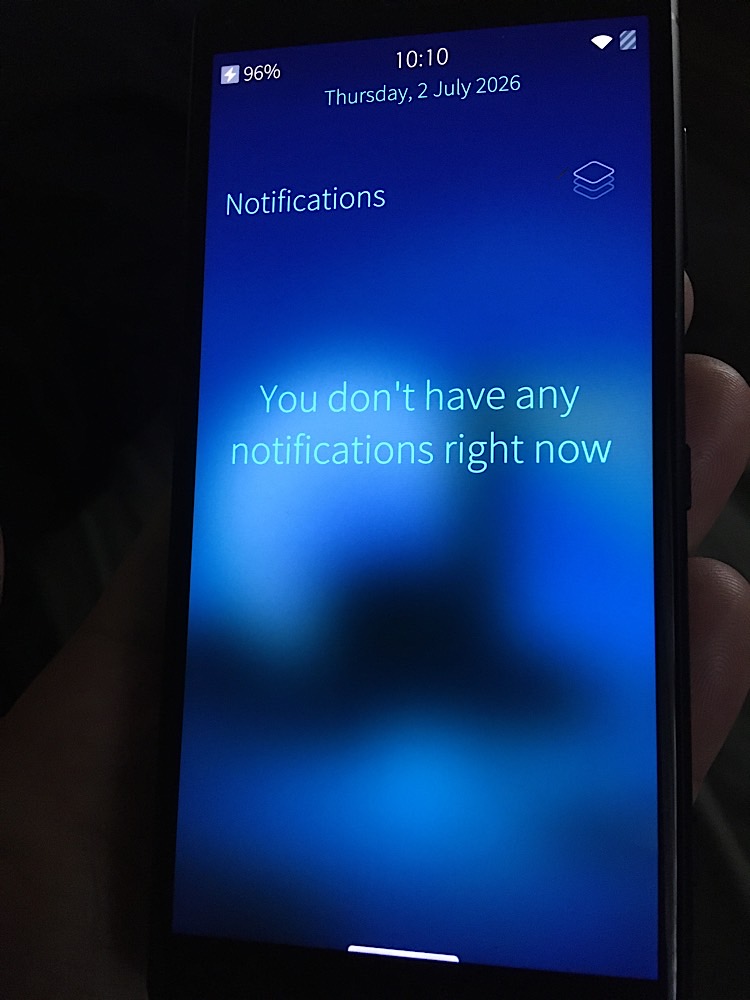
Hi
i’d like to try this.
I’m new to this sort of thing but in truth the guide misses MANY things.
some observations:
• For windows, the .bat file in the file
Sailfish_OS-4.6.0.13-h8314-0.5.0.1.zip contains a typo which stalls the procedure.
line 42 is redundant, together 42 and 43 read:
:: :: H8314
:: H8314
To fix this one removes line but also the md5 checksum line, that checks the .bat itself (removing line 42 breaks the integrity check).
• On the git guide links to sony SW binaries is broken. I posted this on XDA forum, subsequently informed these resources had moved and a link was given which lists the binaries
BUT an account is required to expose the latest build in that list… Here is the direct new link to binaries:
https://opendevices.sony.net/file/download/software-binaries-for-aosp-android-10-0-kernel-4-14-tama
• The jolla guide referenced in the github guide, does not distinguish between adb, adb driver, usb driver and fastboot, or what adb driver version to use which can confuse newcomers. These tools were likely bundled in same archive at the now since-broken link. There is a fastboot bundled with the sailfish image by ringus but no driver. The link for usb driver moved to sony.developer. On the referenced jolla guide (for Xperia 10) the usb driver specified is Sony sa0114 ADB Interface Driver. But the XZ2c uses sa0118. However sa0118 does not match the missing ‘android(!)’ device in device manager when phone is in fastboot mode (phone off, plug in + vol up method) … It only installs when phone is plugged in while on - In such case, upon successful installation to ‘android!’ icon, the phone screen immediately notifies, it asks ‘allow access?’. Once allowed, ‘Sony sa0118 ADB Interface Driver’ is shown in device manager. Then the phone notifies/offers to install Xperia Companion (presumably on the Pc).
• zero info on what adb driver version to use or how/where to retrieve it. An automated installer tool is the ‘latest adb fastboot and usb driver tool’ by fawazahmed on XDA. Another option is ‘ADB & Fastboot++’ by K3V1991.
Tip: These tools install fastboot system wide so that the fastboot invoked is not necessarily the one in the folder. In any case if you hold shift while right click on folder this adds ‘open command window here’ - one can use this to launch fastboot commands (from guide) from same location where binaries/images are saved.
• There appears to be a reported general incompatibility on windows with adb driver and AMD ryzen pc (windows) documented on XDA forum with workarounds.
Guide really needs to be updated with above in mind.
I realise this is an obscure device/port combo but the XZ2c remains the ‘smallest’ phone today.
 *
*