Thanks for this (though I’m very upset that “Meta AI Raybans” exist)
Yeah, it’s by design that AppSupport has no access to search for WiFi networks or decide which ones to connect to. It’s just not some thing that we think users would like Android to be able to do. There are quite a few apps that seem to rely on these things though, and with the Bluetooth hurdle down this might loom larger. It’s possible but eww.
Yes, but later, phone was connected and when I took a call, no sound anywhere… I have to stop/restart BT to take the call. Then, it doesn’t work very well for sure …
Turns out, I had to fire up ScooterHacking Utility on my Pixel and update the SHFW (now on 3.10.1) on my G30e II for it to work! They block the app running on C2 (claiming the environment is “not safe to use”) so I’ll just throw it on my computer since they offer an AppImage.
Works fine with the Norm 2 smartwatch and the Android Norm app. Health/exercise data, etc all syncs perfectly and you get phone notifications on the watch (although obviously only those from installed Android apps and NOT from any native SFOS apps).
Successfully connected a Sigma Rox 11.1 Evo bike computer to the Sigma Ride App. Did a firmware update, downloaded my previous journeys, uploaded a new track, did a ride with navigation instructions (turn-by-turn texts) coming from the app (while listening to gPodder episode via the standard Sailfish audio connectivity to my BT ear pieces at the same time).
P.S. SFOS 5.1.0.11 on Xperia 10iii, pairing via QR code on bike computer’s display didn’t work due to the camera not being able to focus on the low-refresh-rate lcd. The device was found by the app anyways.
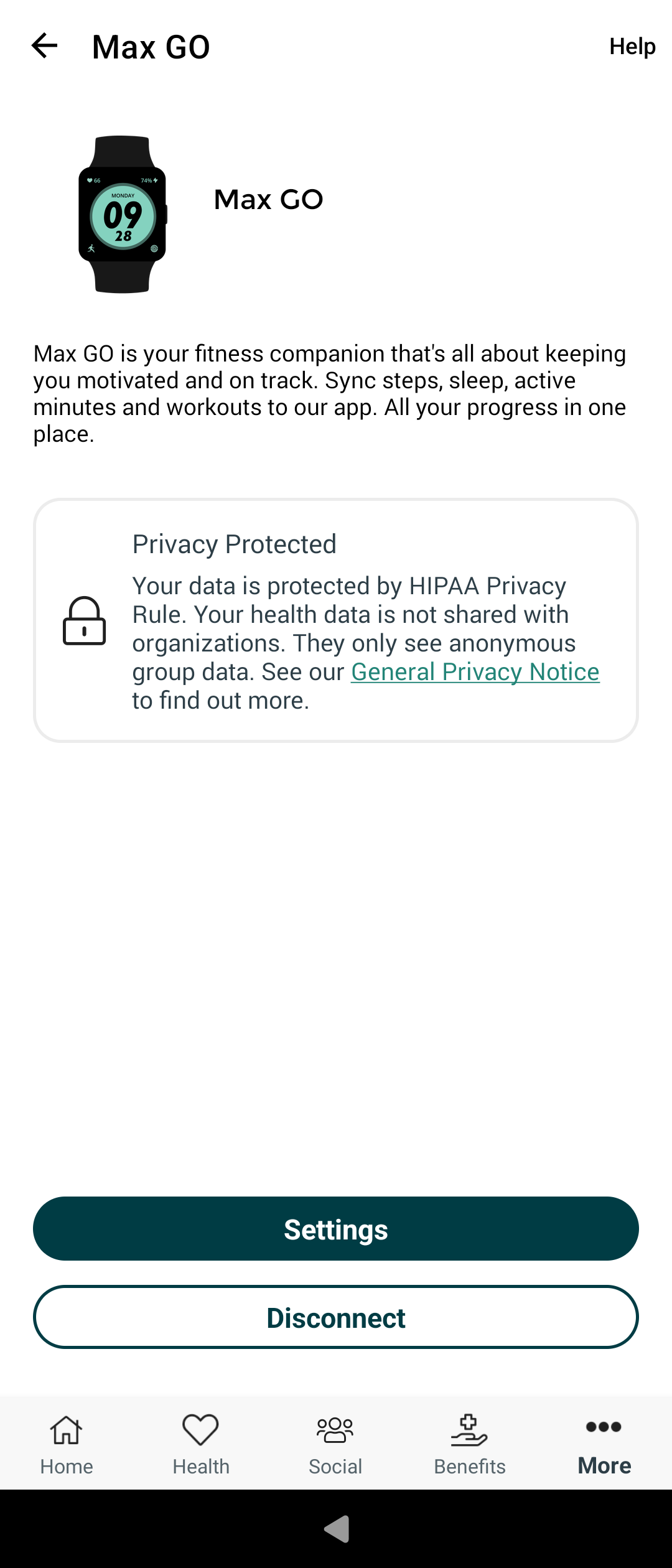
Successfully paired a Max Go fitness tracker to the Personify Health app. Data from the fitness tracker syncs with the app, however I have to restart the tracker prior to reconnecting through the app for it to be successful.
I have paired my Suunto 9 Peak watch with the installed Suunto app, paired only in the app. The sync works but activities was not successfully synct sometimes. But they showed eventually up in the app. Notifacations works. Have not tried the multimedia control.
I connected Galaxy Buds 3 Pro earbuds and I can listen to audiobooks via Storytel (Android app for audiobooks).
Volume control works but there are two separate scales: SFOS volume and earbuds volume (by gestures on the earbuds itselves)
There is some instability with sound transmission during sending a file (screenshot in my case) via Bluetooth. Screenshot shared from default Gallery app, to another phone.
This seems to just work with pebble time 2 and the official app, using an Xperia 10 (the first one). I haven’t tested everything yet but I am impressed. I think this was a blocker for many people for a long time!
 …
… They block the app running on C2 (claiming the environment is “not safe to use”) so I’ll just throw it on my computer since they offer an AppImage.
 )
)