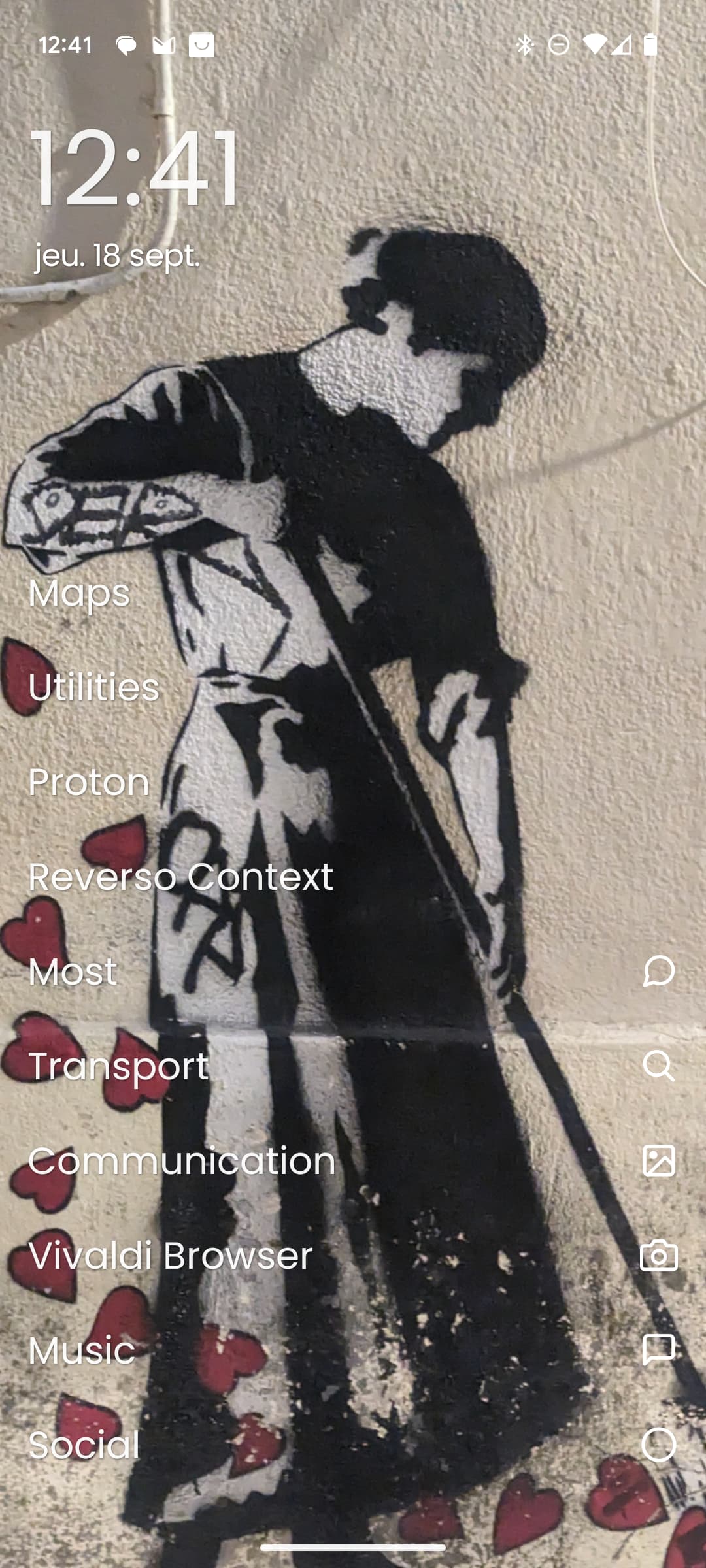
Hello, I’m considering moving to sailfish from Android, however I am concerned about the use of icons. I have been icon free on Android for a crew years now and I have no desire to use a system which uses icons.
Can the icons be turned off in the sailfish UI?
I have looked to see if there are mods that can be made, but have not found anything.
I do find a lot of decoration is just a pain in the arse, generally turning off animations, and transparency, choosing plain black background not images, selecting large readable text in high contrast colours and so on.
I did rather like the Winphone UI of big clear icons, and would prefer them on SF over the fiddly little ones it has.
I’ve never found QT to be all that pleasant to work with.
I’ve been a Unix developer for 45 years. So yeah I know what can be done.
If you are not someone who is OK with the many compromises that come along with a totally side-stream phone, you should stick to Android, or one of the many forks, and be happy.
While you can teach an old dog new tricks, he is seldom happy to be performing them.
Generally I’m modifying how things work because I’m almost never happy with software these days. I don’t mind learning new things. I do mind if I can’t change it.
There are no alternative launchers for SFOS. Sailfish does not have icons on its main page, except for the first grid of the apo page, which are hidden.
Btw, i would call the little images on the bottom right of your phone icons
I did, and as much as I share your approach towards GUI and mainly live of keyboard in my Xwindow. On SFOS I do not mind their presence, since I barely have to use them. My 6-8 still in use apps run opened pretty much non stop, and I interact with them via their cover actions mostly.
If I were you, I would just try SFOS on a secondary device treating it as a PIM, sort of a Palm clone. And if that test went well, I would extend testing to telephony area by inserting a SIM.
the sfos app page is probably a qml file, and seems likely you could hack it to just load a blank tranparent icon for every app instead of the actual app icon. It already has the text.
Thing is, there is a rather complex process behind clicking an Icon on the SFOS App Drawer (“Launcher”).
It is not just 'start this executable '.
All the alternatives (like Situations, QuickLaunch, QCommand, others) do not follow that process for all applications, which leads to trouble.
Now App Drawer is a QML/Lipstick component which uses something called AppGrid which contains the LauncherIcons which when clicked start the abovementioned process.
It is conceivable to create a Patch/Hack which replaces that with an “AppList” which contains icon-less “LauncherNoIconText” elements which then to the same as LauncherIcon does.
But it’s not trivial and most of it is not Open Source (but hackable through QML).
Rather than adapting Sailfish, I’d say a mobile linux device with pmos or mobian or similar with SXMO would be ultimate in icon-free asceticism. The UBPorts folks will even tell you that SXMO isn’t really a GUI (and barely a UI at all)! They’re wrong of course, but tell them that and there will be great bunching of panties.