I’d like to ask if watching a live stream on the C2 is possible? I tried to watch the (open) live stream of a TV station with the browser on their website and also with Fennec using Android App Support.
Both stutter/lag that much that it’s impossible to watch. I tried to put the URL into Pico Player, but see a loading circle forever.
I don’t want to watch movies or anything long, but maybe the news while having breakfast…
How do you manage to watch a live stream, if you do? Is the C2’s hardware simply insufficient?
I also use a C2. I can confirm that no matter which player I use to play streams—whether it’s the native Jolla browser, Firefox, DuckDuckGo or other browsers—it runs very jerkily. I suspect this is because the C2 doesn’t have hardware acceleration, unlike the Sony X, 10 II and X10III, for example.
I just found the following hint: “The Sony Xperia 10 II does not have a special video acceleration feature like high-end gaming devices, but it utilises its hardware (Snapdragon 665, Adreno 610) for efficient video processing. “ in the Sony spec from the Xperia 10 II.
For me, it doesn’t. phoenix worked for few minutes and got laggy then. Switching to “Das Erste” starts immediatly dropping frames nd becomes unwatchable after few minutes
Allright, some providers offer the adjustment of quality / bitrate and on very low settings it works sometimes. But else then, streaming does not seem to be possible.
A suggestion is to choose a stream not above 720p, because the physical display resolution of the C2 is 1600x720 pixels, otherwise, you waste bandwidth and battery for nothing.
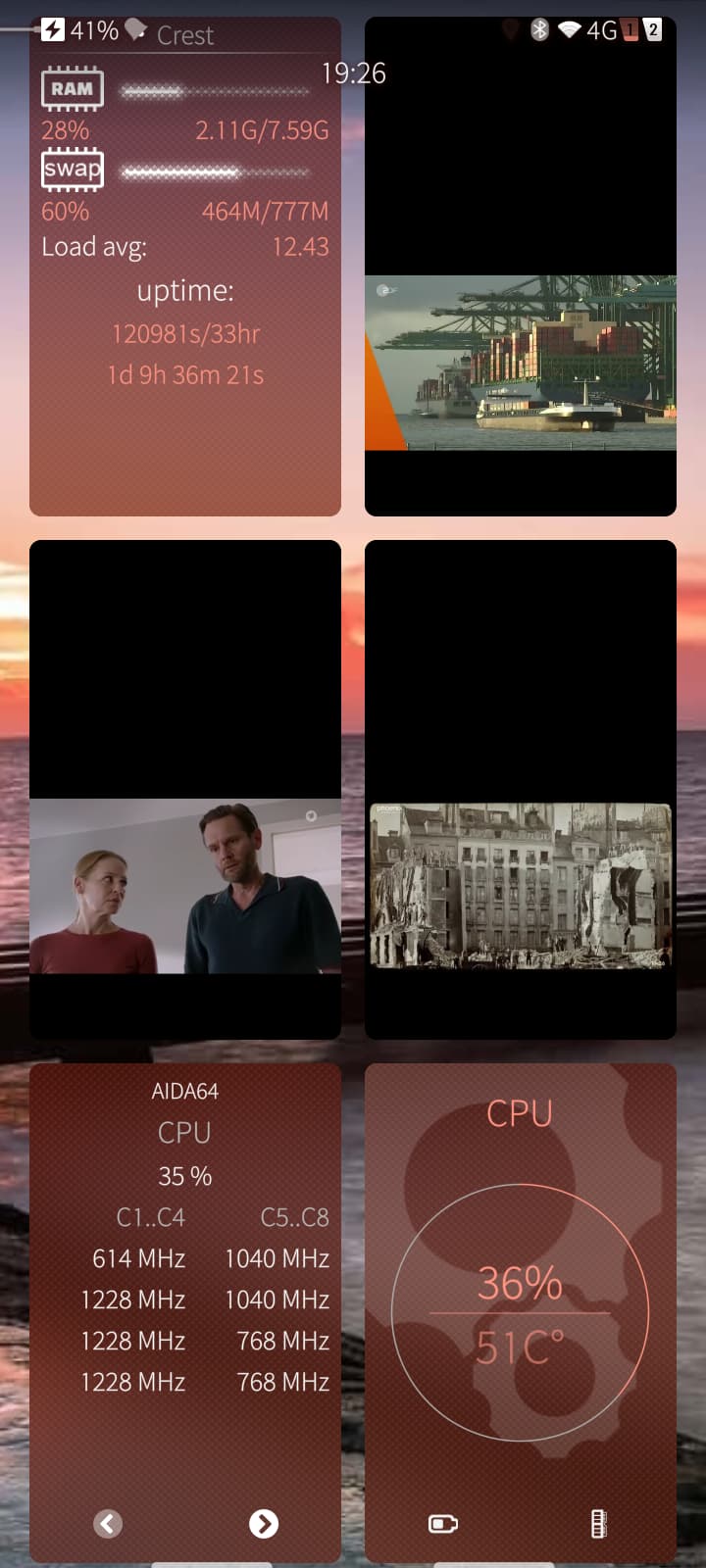
Do you have a running app in the background that utilizes the CPU? You can verify this with the SailfishOS app like Crest.
too, no overscan, but no cover support. Or play URL in mpvqml
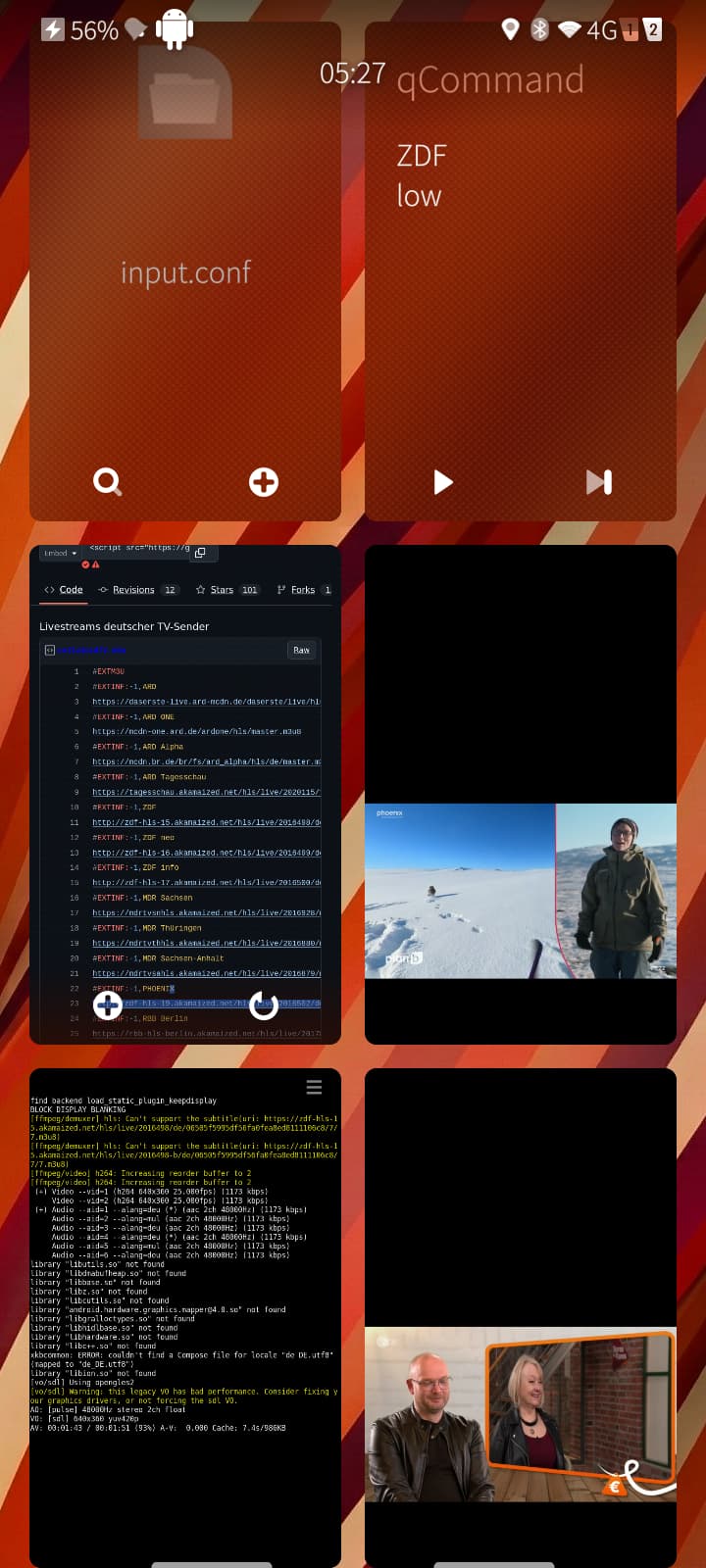
Create input.conf in /home/defaultuser/.config/mpv/ and keymap a free key if needed …
y cycle_values video-rotate 90 180 270 0
h cycle_values video-rotate n 0
… and active terminal output in qcommand. In terminal you can press y or h. Test it with harbour-mpvsdl.
Last: A Version of ffmpeg ist needed too, I think. Maybe someone can optimize my manual. Maybe some faults. No copy and paste today. Maybe some commands are outdated.
What is the alternative? Better hardware (J2), better native browser? Microtube and Sailpipe are currently unable to play YouTube livestreams. MPV in combination with the other tools can do this.
Android Brave Browser performs very well on the C2. Android Instagram works awfull. It runs better in the standard browser or Angelfish.
Android Brave Browser can play the Phoenix stream on C2 and continues to run in the background. Android Brave Browser automatically makes YouTube ad-free and continues to run in the background. You can hear the voices and use other apps. No MicroG, no paid YouTube.
He has another problem. Battery, energy-saving mode activated in the settings?
Phoenix Stream is only 720p max
ARD Stream is 1080p
Native browser 1080p and Angelfish can handle this on the C2. Even 1080p. In Angelfish, you currently cannot change the setting from Auto to 1080p, 720p, or lower.
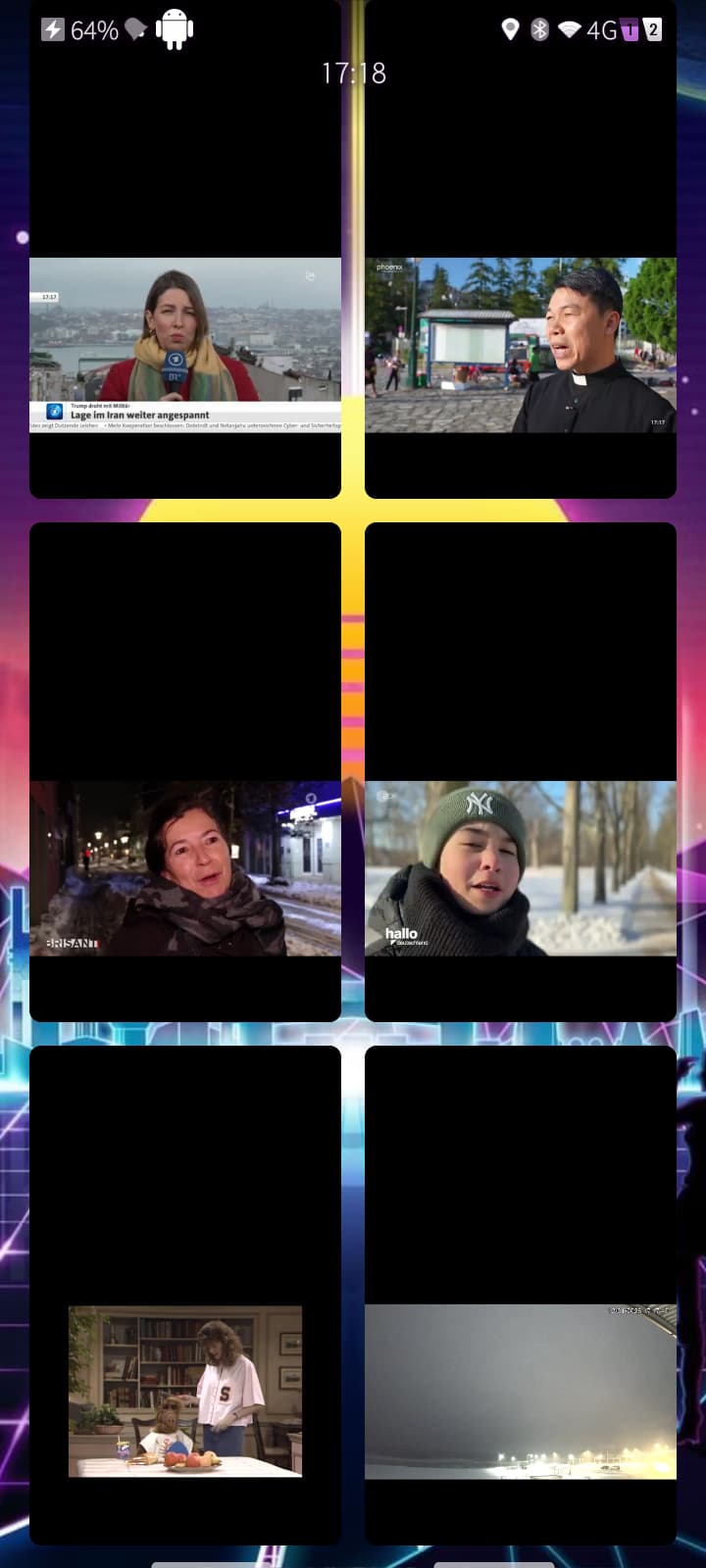
C2 can also handle multiple videos in low resolution.
Alf twitch stream
YouTube livestream
and some public broadcasts
What fingus says, start Crest and see what is active. I just did that again. I was curious to see how much power the streams were using. An Android app was using resources even though it was closed.
Another option I hadn’t considered before is ledig:web from the Jolla Store. No coverage, stops automatically when you switch apps. Then playback resumes where it left off. I also ran SystemDataScope. The web stream runs in different settings.
harbour-mpvqml does not manage the ARD m3u8 link stream smoothly.
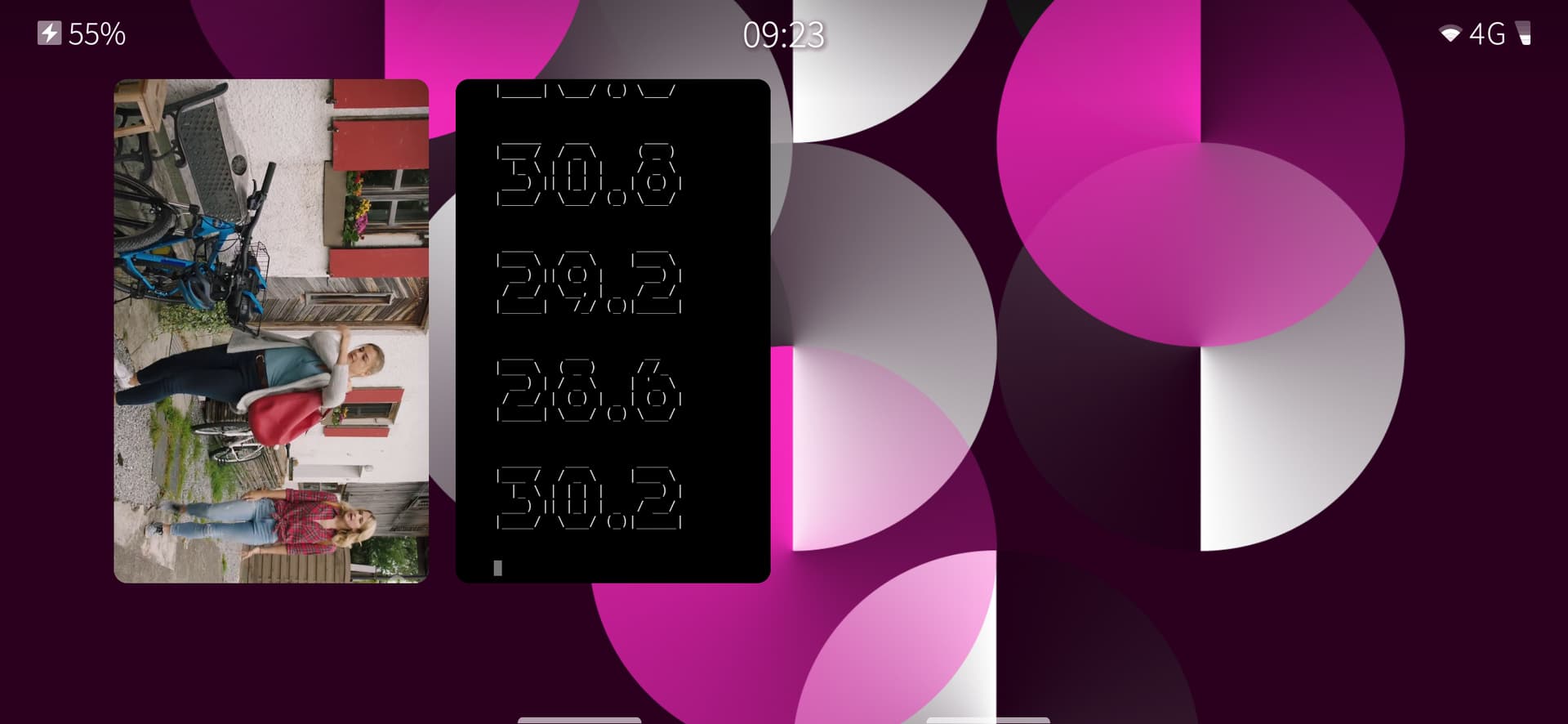
harbour-mpvsd with --hls-stream=max initially runs smoothly in overscan mode. Press “cycle_values video-rotate” and the video runs without overscan, initially with enormous frame loss, then without frame loss, but the video never runs smoothly again.
another option is ffplay which for me is able to play the 1080p stream without dropping frames (not sure though, but it seems so), but device is fairphone4 not c2 (not sure how big is the difference in cpu performance).
I think theres a ffplay available in openrepos (but not sure if this one has https enabled?) but you can easily compile ffmpeg (and ffplay) on the device yourself.
(only downside,for somewhat better touch controls you have to edit source yourself [SDL_FINGERDOWN and SDL_FINGERUP is helpful, also maybe SDL_FINGERMOTION and SDL_MULTIGESTURE] else you only have play/pause with touch)
There’s also streamlink Installation - Streamlink 8.1.0 documentation, handles a lot of streaming sites and you can ‘stream’ to a local file and just open it with jolla’s gallery/llc video player (at least that worked with jollaC ages ago)