Hello. I would like to know if it would be feasible to connect a physical keyboard to the phone and use it in a similar way as a regular Linux computer.
I believe there is a terminal app that can run Vim, text-mode Emacs, Ed and other CLI applications (assuming ncurses works fine, too). What would be the limitations in this? Is the package selection sparse or generous?
Going the GUI way, like graphical Emacs (I think Emacs can be compiled different toolkits), I suppose it would be more difficult to get things running, but could anything be made to run without a significant source-level adaptation?
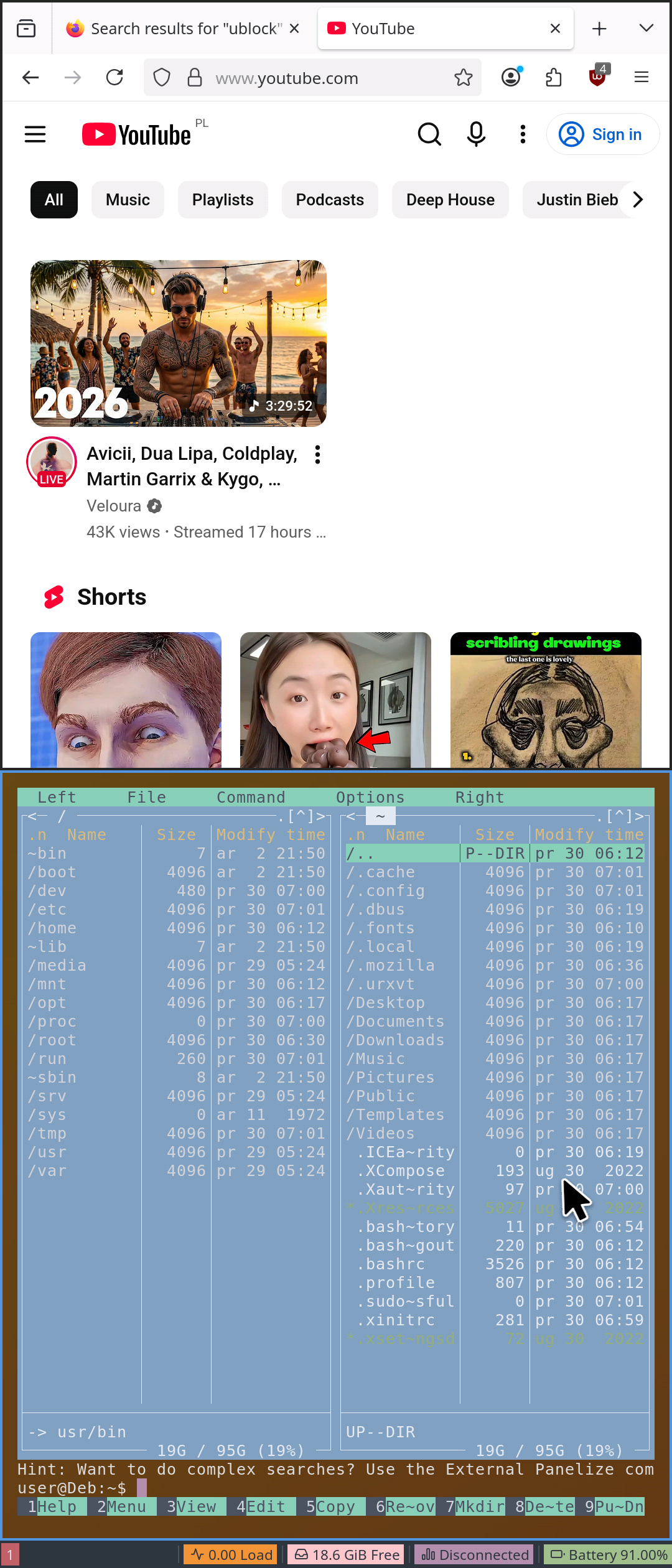
You can run regular desktop applications inside Containers so like in a VM but using the kernel you already booted up. I’ve found Debian+XFCE to be the best choice in that regard. It has many packages built for aarch64 (the CPU architecture of the Xperia 10 III and the upcoming Jolla Phone).
Meanwhile in Arch Linux you will find many packages only for x86_64 and in addition to that, it doesn’t even install anymore. In January I needed to change a few things in the desktop install script /usr/share/harbour-containers/scripts/guest/setups/arch.sh (for example, disabling pacman sandbox, I uploaded it here). Audio output was working with that setup.
But when I recently tried to create an Arch container, nothing happened. It turns out, linuxcontainers.org stopped publishing Arch Linux containers for aarch64 around February.
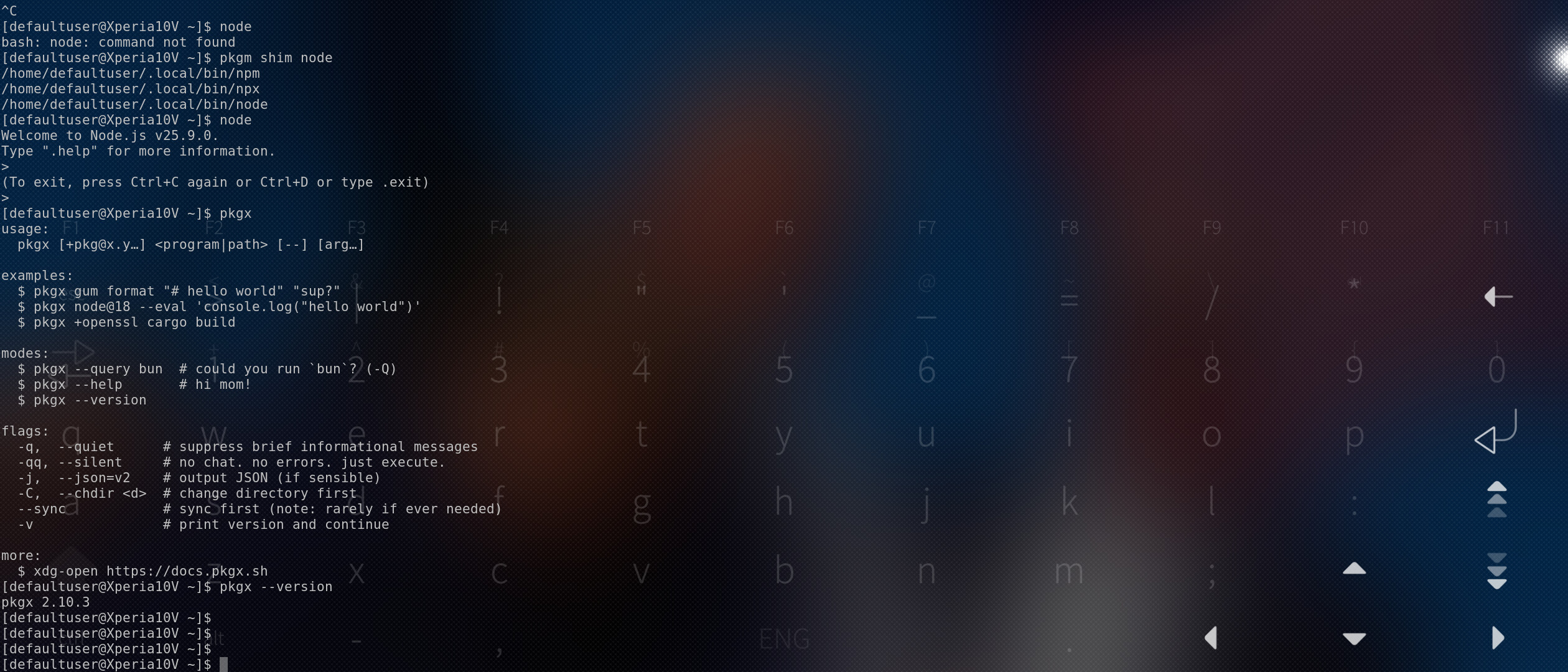
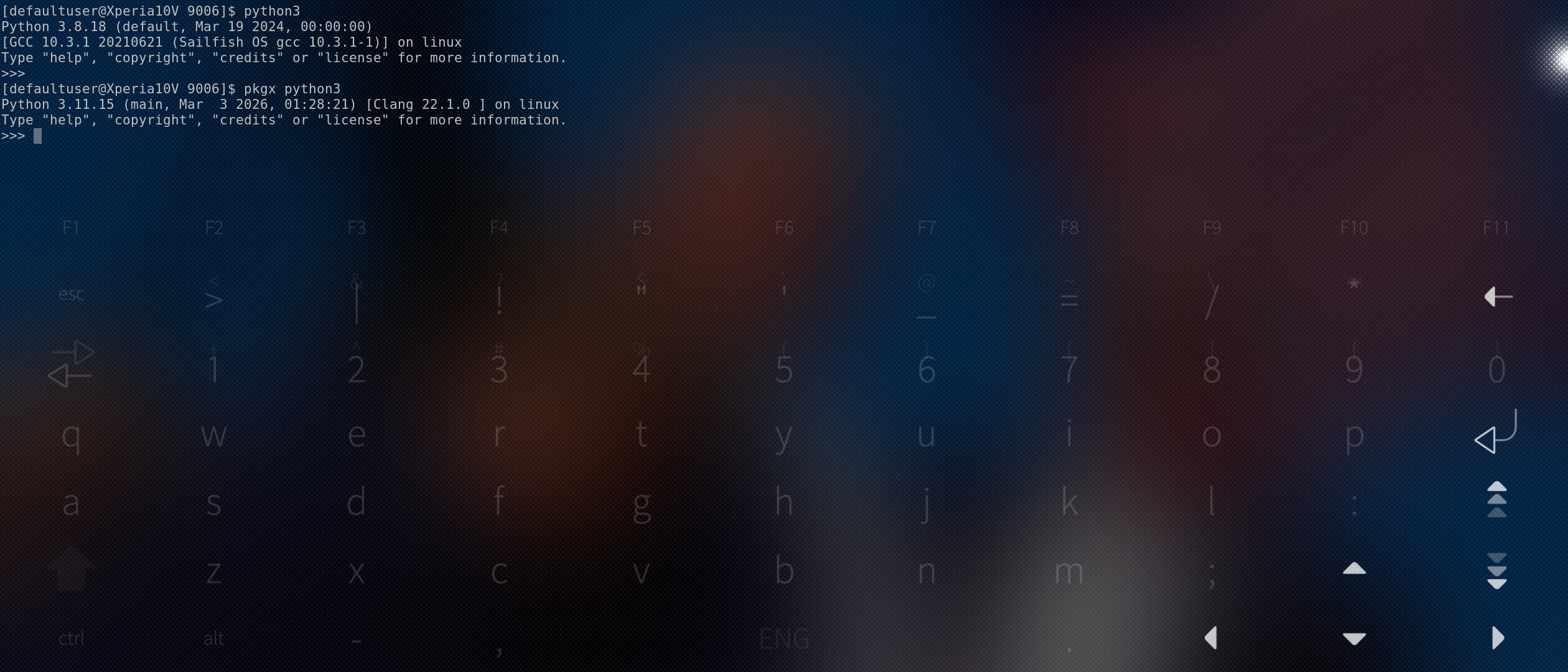
USB keyboards work fine from my experience, the biggest problem will be no video out, but if you plan to just use device screen it’s fine, 99% of cli apps work out of the box if you have aarch64 binary (things like https://pkgx.dev/ can automate pulling latest versions for you, had latest python working this way without worrying about jolla provided version, though last time I tried it had to downgrade one major version, used to work ootb, our busybox ‘env’ apparently doesn’t support one of now used parameters by pkgx, sadly there is no gnu-env replacement like you can do with bash etc, EDIT2: Apparently it is possible to get rid of busybox-symlinks-coreutils, might need few pkcon refreshes, or maybe removing some other ‘busybox’ packages beforehand but now running latest pkgx with no issues (at least so far)
), the other thing is, you can compile 99.9% of software from scratch right on device, except there is a problem with graphical pipeline, there’s a bunch of mesa-llvmpipe-* packages that will conflict with libhybris-* ones that are on device (for example mesa-llvmpipe-libEGL will conflict with libhybris-libEGL) to pull those and their -devel versions you’ll need to setup a chroot, then you can pull packages that pkcon will complain will break your system, in chroot you can compile whatever you want and this walkthrough should still work (just skip the btrfs parts as btrfs is gone now) Making sure you're not a bot!
Edit: oh I guess neither bt nor usb keyboards work with the qt5.15/6 apps from community, with android apps they do work iirc, so not sure about Containers
I wanted to verify the feasibility of connecting a compact keyboard and using the phone as a regular-ish computer in a bus or in a train – no external screen.
Still, I found your link worth reading. Thank you for bringing it to my attention. It would be great if the video output would work via USB after all these years.
To get graphical apps to compile on phone you will need chroot as the libs on device (libhybris*) will conflict with ones you need for compilation. Just tested and both usb keyboard and mouse seem to work in containers (though mouse moves as if the phone was in portrait even in landscape so mostly usable in portrait)
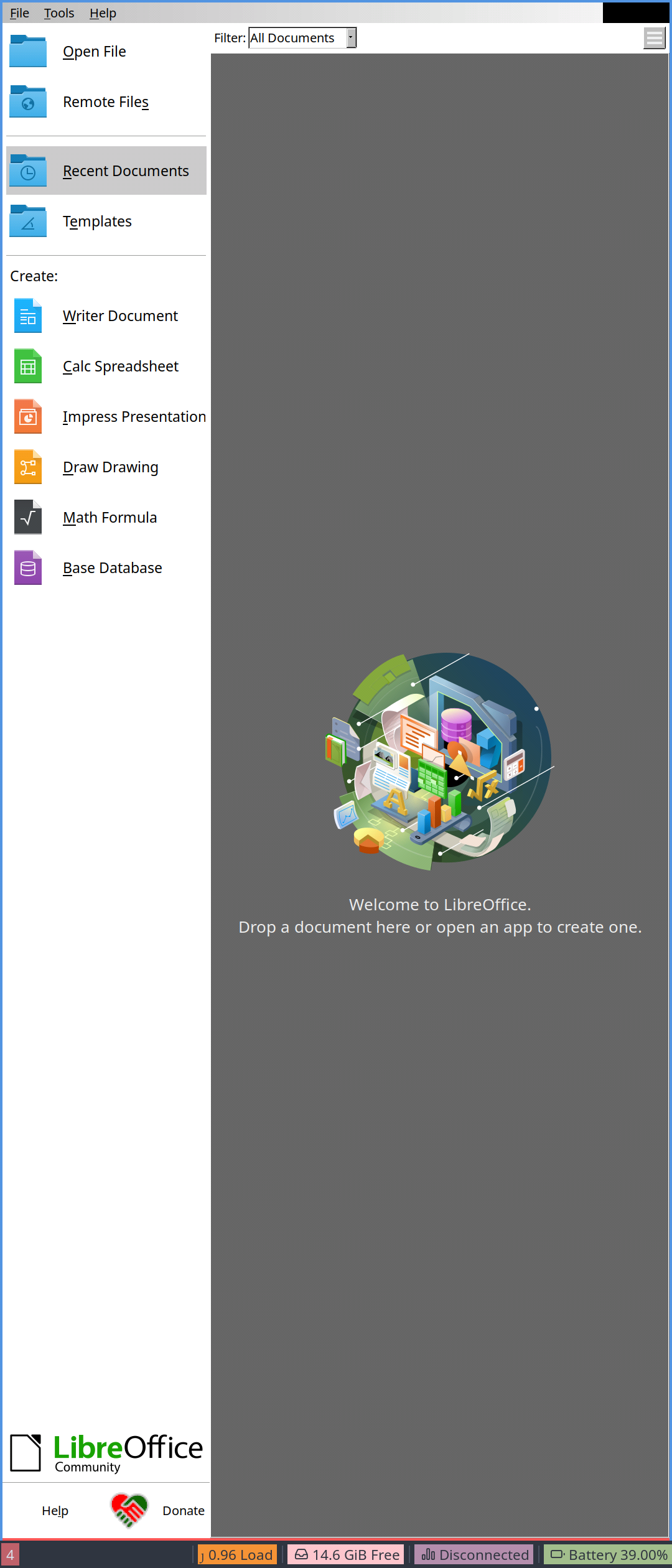
Edit: oh and just to be clear, containers will allow you to run quite a lot of normal linux apps, but that will be within that lxc container, you can probably tinker with it to mount some folders/files from the host os, but it’s gonna be finnicky and limited, don’t expect to be able to run ‘normal’ (as in (X, gnome, kde etc) linux apps on sfos natively, there are some efforts by community to allow running K/Qt apps natively (like angelfish, elisa…), but those last time I tried don’t support usb keyboards, native sfos apps do support them, but are optimized for touch support, so it’s a bit pointless (except maybe faster text entry), so it really depends what computer use you expect, if running libreoffice and editing a file on the go, should be doable with containers if you mount the correct folder beforehand (not gonna be fun in portrait but at least should work)
I think there are some keybindings that cannot be recognized by the non-X version of Emacs. It may be a small inconvenience, but it is good to know Emacs exists in a “ready-to-go” fashion. Thanks.
So, Emacs, Org-Mode, Sincthing, Git… I think there is enough to keep me busy on the go.