Updated with the announced official USB-C headset.
On the Jolla C2 with SOS 5.1.0.11 the OneMelon Waterfall with USB C works as headset, mic not tested. On the OneMelon Waterfall website the USB C is not shown: OneMelon Waterfall – OneMelon
But they are where I bought them: USB-C kabel voor OneMelon Waterfall oordopjes – Eardopes
Will test them on the Jolla 2026 too as soon as it arrives.
Continuing on the “you can really just buy anything, so you might as well go for an aesthetic match”.
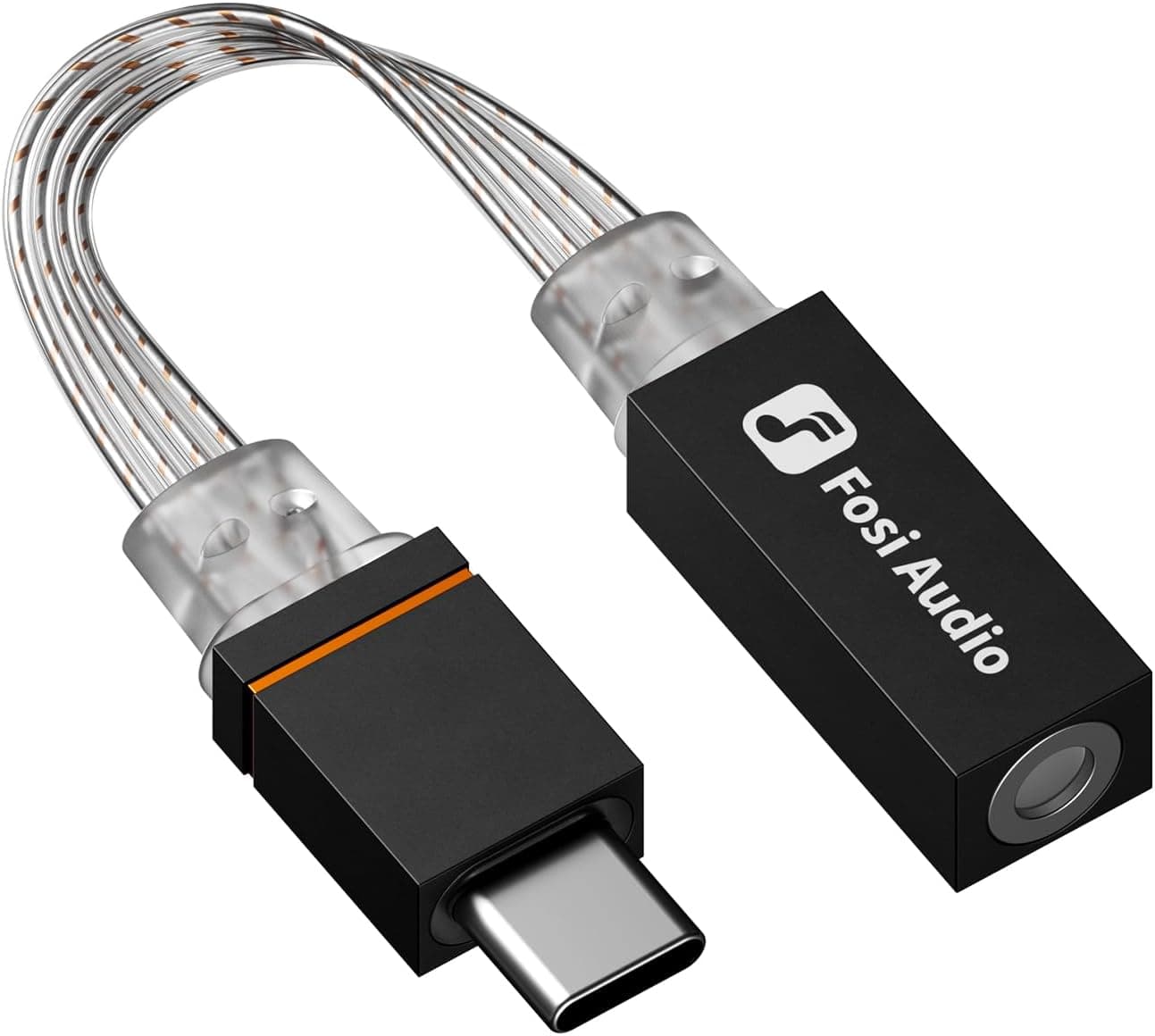
Did zero research - it just works.
Unfortunately not orange, but copper.
Seems to be the same one I use…
Fun fact on that thing is that it didn’t work on my Xperia 10 III with SFOS 5.0, but worked then with SFOS 5.1…
And of cours works with Jolla Phone 2026.
Great, but hard to find right now. Not anymore on the Ugreen website nor regular retailers. Might be a few left on Amazon.
May depend on where you live but Amazon DE has it available. And usually you can order it from there with your regular amazon account.
I still have a Soundblaster X1, but it sadly appears to not be working 
Im really hoping for a good/decent TOH with 3.5mm jack where i can throw my money that way…
These work on the J2:
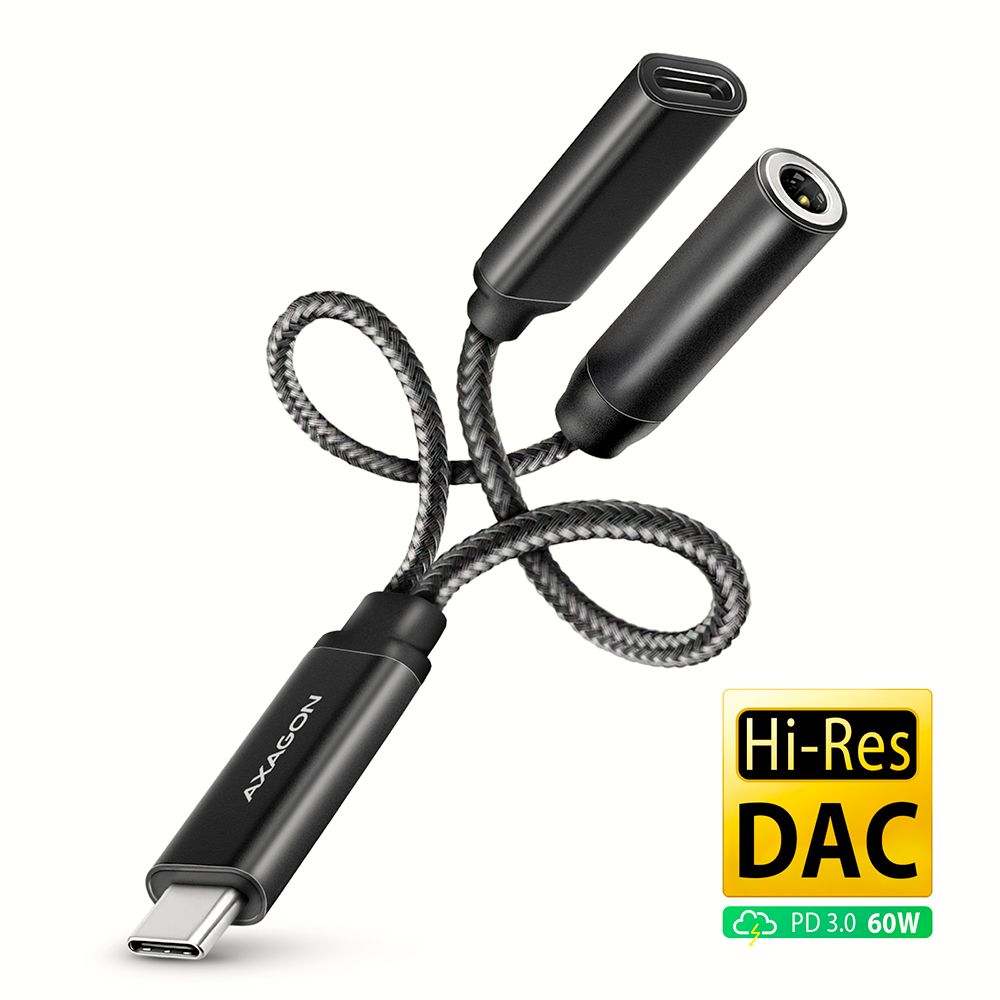
There is the Axagon ADA-HCPD USB-C - Hi-Res DAC audio adapter PD 60 W (with charger).
And the Axagon ADA-HC USB-C - Hi-Res DAC audio adapter.
I can confirm that Apple’s 3.5 mm dongle works great.
It’s the first Apple item I ever buy and I must say I’m impressed. 8 EUR on Amazon and great sound.
Just noticed on that one that skipping tracks with the headphone (double klick/triple click for jump forward) doesn’t work. Don’t know if this is related ti the headset itself (a simple Sony), the adapter or SFOS…
Does skipping music via headphone click work at all?
@dopi04 thanks for the tip, i see that Axagon is local brand here, so i going to test both variants with Jolla Phone 2026, actually only Apple DAC works fine even for calling with regular headphones/car-aux-in without microphone. All others failed here to detect that there is no microphone connected so JP-2026 switch input to the dac and caller does not hear me…
@jameson Do not forget that apple DAC is running on about 40% of volume, if you need higher volume make an icon or automated fix, both described here:
Fuj:tech USB-C to 3.5mm Audio Adapter is working with JP2026
verkkokauppa.com branded adapter (DAC) works fine with media
and calls by quick test. Volume is OK with wired Valco VM35
though impedance and output power are unknown.
Small size and price 17,99€ (with VAT).
Features:
- USB-C - 3.5mm TRRS
- Class-G headphone amplifier with 124 dB signal-to-noise ratio (SNR) and 95 dB total harmonic distortion plus noise (THD+N) for high-quality listening experiences and extended battery life.
- Supports microphone functionality
- Realtek ALC5686 chipset
- PCM 384 kHz 32-bit audio resolution
- Compatible with many smartphones, computers, tablets, and other devices
- Durable and compact design
Hi. Did you do anything to get it working besides plugging it in? I’ve used those for a few years now with multiple devices because they are actually the best value for money DACs but I wasn’t able to use one with my Jolla Phone. When unplugging the dongle, my audio stops. So some kind of recognition happens but the audio is still blasting through the phone’s speakers instead of being routed to the DAC
I posted this another thread: Problem with USB DAC playback - #95 by VelvetPunch but since you are collecting info about DACs here, I’ll put it here too.
So far I’ve tested the following DACs using the native Media app with FLAC files as well as an Android player (Symphonium). Just plug in the device and hit play.
- Topping DX1 (desktop DAC connected with a USB-C to USB-A adapter + USB-A to USB-B cable): Works great.
- Google USB-C to 3.5 mm dongle (I believe this has a DAC inside): Works great
- FiiO KA11: Audio cuts every 10 to 20 seconds or so on UAC 2.0, switching to UAC 1.0 seems to fix the issue.
I wonder if others also have the KA11 issue. I tested it on my Linux desktop and the device works great there.
UPDATE: Connecting the KA11 to an Android Phone and using the FiiO app to change from UAC 2.0 to UAC 1.0 seem to do the trick and I no longer have audio cuts. Note that installing FiiO Control from Aurora was not able to detect the USB device, so I had to use an actual Android phone.
Nothing, I just plugged it in and it worked.
Well, lucky me the I guess 
FiiO BRT13 working with JP2026
It is a small bluetooth / cabled DAC and headphone amplifier, I bought it in the past and tested with the JP2026 as soon as it arrived. Both cabled and Bluetooth feature works.
It has a microphone, but it does not appear to be working in SailfishOS, even tho I tested it only with the Audio Recorder application.
Question: does SFOS accept skipping via USB-C headphones? I just wonder cause my adapter just reacts with pause/play like a single klick on both Xperia 10 III and Jolla Phone.
If I plug the adapter into an Android Xperia 5 IV skipping also works - so missing feature on software side in SFOS?
I can confirm that these two DACs are best so far i have, even they need to ‘unlock’ max volume same way like for Apple DAC.
- Great sound quality
- No echo for caller like it is with Apple DAC while regular three wires headphones/line-out connected (without microphone) EDIT: Echo in car for other party in phone call remains when speakers are louder - it looks like @jolla has to improve/include caller echo for DACs too
- Version with charging port does not stop playing music when charger is connected