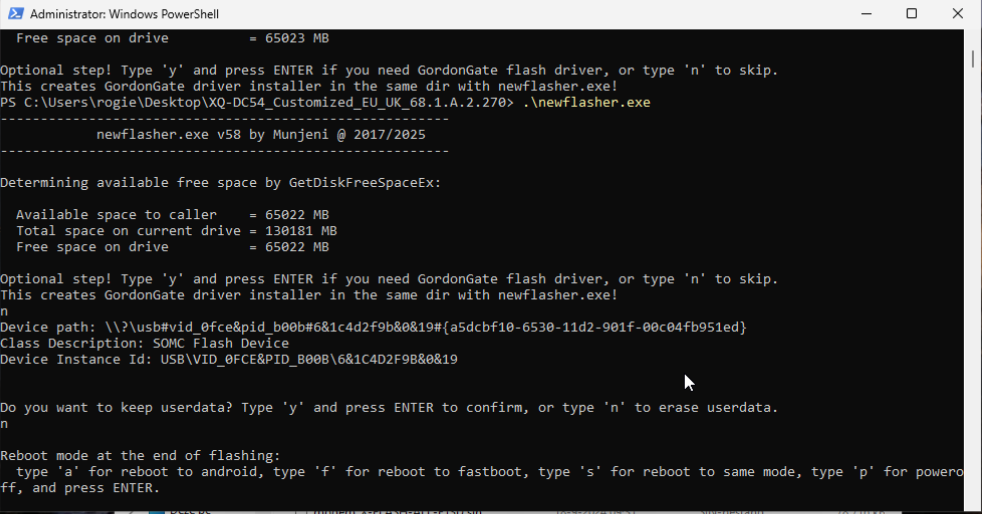
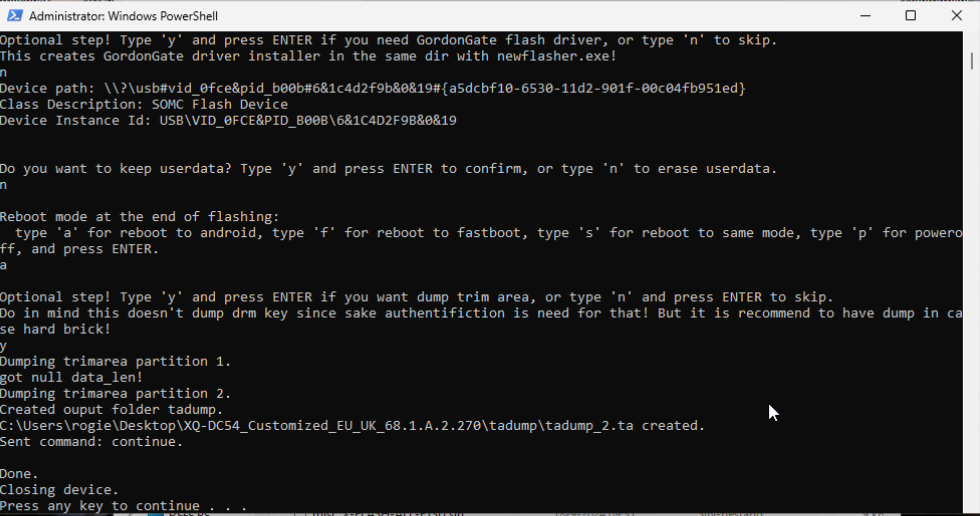
Have you tried downloading a complete firmware package from XperiaFirm and flashing with newFlasher? Note you need to be in flashmode for this, not bootloader mode. You should have a green LED, not a blue one.
It is my understanding that flashing the XperiaFirm images with newFlasher completely rewrites just about every partition, so if that doesn’t work then I wouldn’t know what else you could do.
I think you enter flashmode by holding both volume keys while connecting to a computer? Or maybe just volume down.
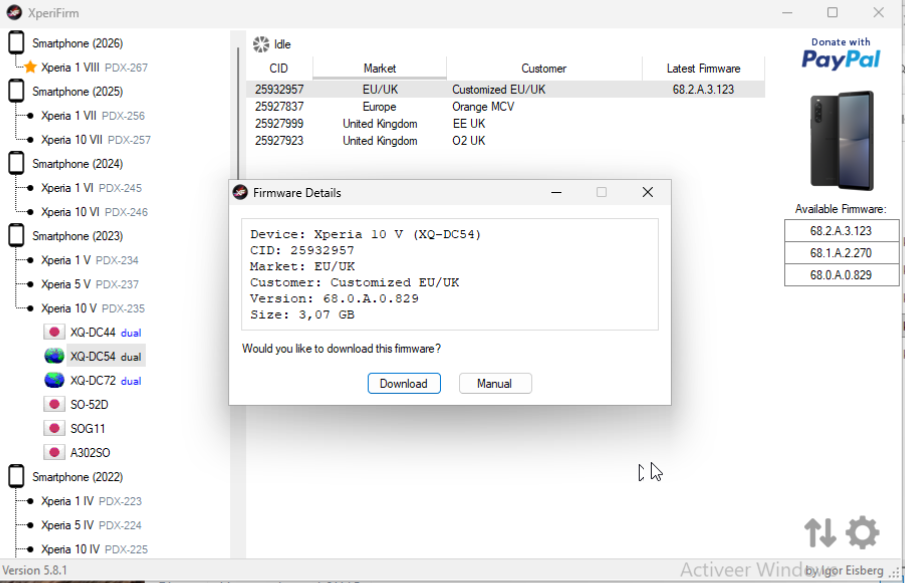
Download XperiaFirm, it’s pretty self explanatory on Windows. On Linux you can run it with mono. Either way, select your device on the left and an appropriate available firmware on the right, and download it.
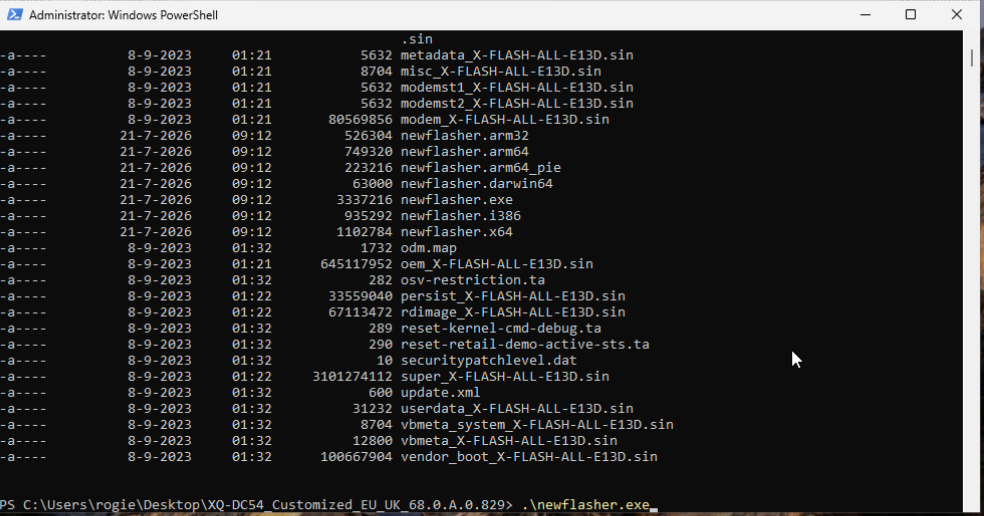
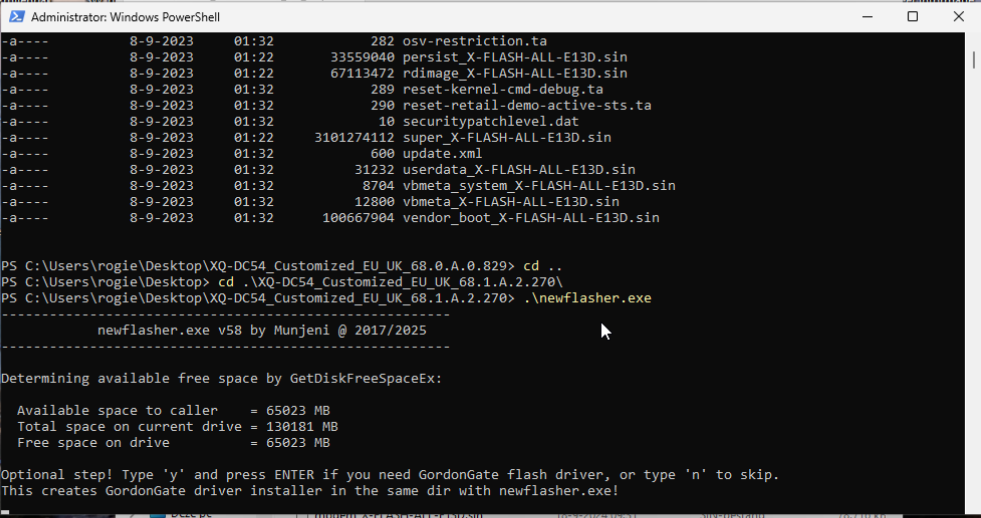
NewFlasher you can get from XDA Forums. Place the executable (likely newflasher.x64 or newflasher.exe depending on your computer) in the folder that XperiaFirm downloaded firmware into. They say you then just double-click the executable and the flashing process starts - I prefer to call it manually from a terminal window. Either way, it’s that simple. Newflasher will spot your phone (so long as it’s in flashmode with the green LED) and begin flashing as many partitions as it can find data for in the current directory. You may need to confirm you want to wipe userdata etc.
After it’s done, power off the phone and power it back on again, and it will boot Android.
If I was you I’d choose the standard “Customised EU/UK” customer and from the column on the right an appropriate firmware for your needs. 68.0.xxxx, 68.1.xxxx and 68.2.xxxx refer to the three Android version updates that were shipped with that phone (eg. Android 13, 14 and 15).
Download the one you want, save it to a new directory, and when its finished run newflasher from that directory. Your command prompt window there looks fine, just ensure you’re in flashmode and hit enter!
As much as I understand the desire to run SFOS, at this point I probably wouldn’t bother running the official port on 10 V.
Here’s the post I was refering to: Lineage based port for Xperia 10 IV - #33 by smatkovi
I think @Schlens suggestion to wail till the community-port is ready is a good suggestion. On that way you could install LineageOS in the mean time.
If you want to reflash the official port, than your information what ist not working is to less to help you.
Flashing the X10V with SFOS is unfortunately only something for experienced people. In my opinion, you push too hard to get to the goal. First, try to execute the Jolla guide correctly. After that, you can proceed to combine the different versions and images. Write down what you do step by step. If something goes wrong, take a deep breath and take a step back. Follow the official guides and don’t use any fancy tools that no guide is recommending.
I never ever ever in my life have heard this about a software issue.
This is not a car.
Not being able to install an OS on a storage device should never be an issue, unless the storage device itself is physically broken or the OS is not compatible with the instruction set architecture.
The only mistake during following the guide was that I thought that I could get newer Android software binaries when I followed the guide and due to issues from using newer Android software binaries, I later wanted to fix that by refollowing the guide, but apparently Sony/Sailfish software is so “brittle” that it cannot even handle that.
You do understand that following the guide doesn’t work for me no more right?
That’s why I’m trying to use fancy tools that no guide is recommending.
But I can return to Android OS no problem.
I’ll try installing Lineage OS, because I simply have been shut out of Sailfish for I guess the “sin” of not installing it correctly the first time. One strike and you’re out.