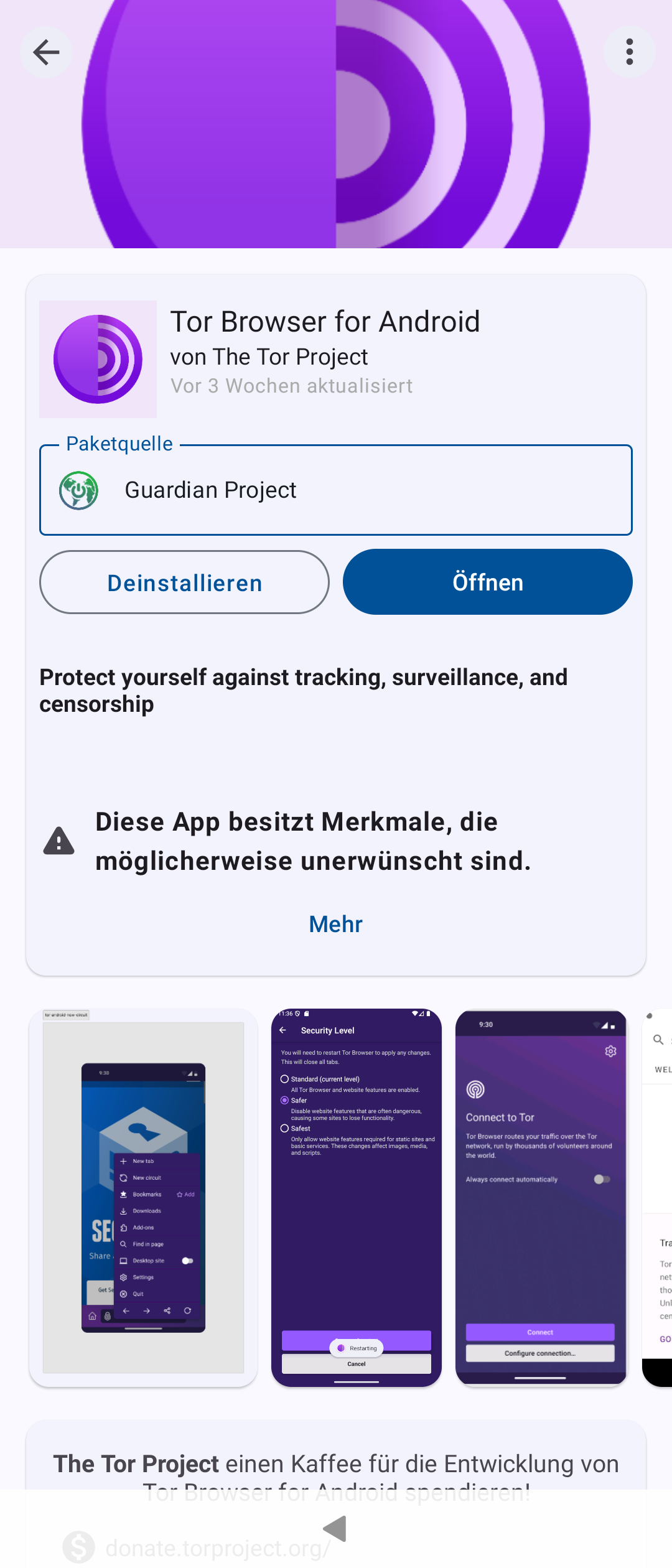
Thought to try out whether browsing the net of Tor or Onion net works with Sailfish OS. Downloaded the official Tor Browser for Android from Aurora Store and then noticed that it requires a separate Orbot (also from The Tor Project) to first off connect to the Tor network.
Both apps launch but: trying to connect to Tor network tapping the connect button on Orbot just crashes the app, then rendering the whole Tor Browser (and the aim to browse the Tor web) invalid.
Is there any way to achieve this currently on Sailfish OS?
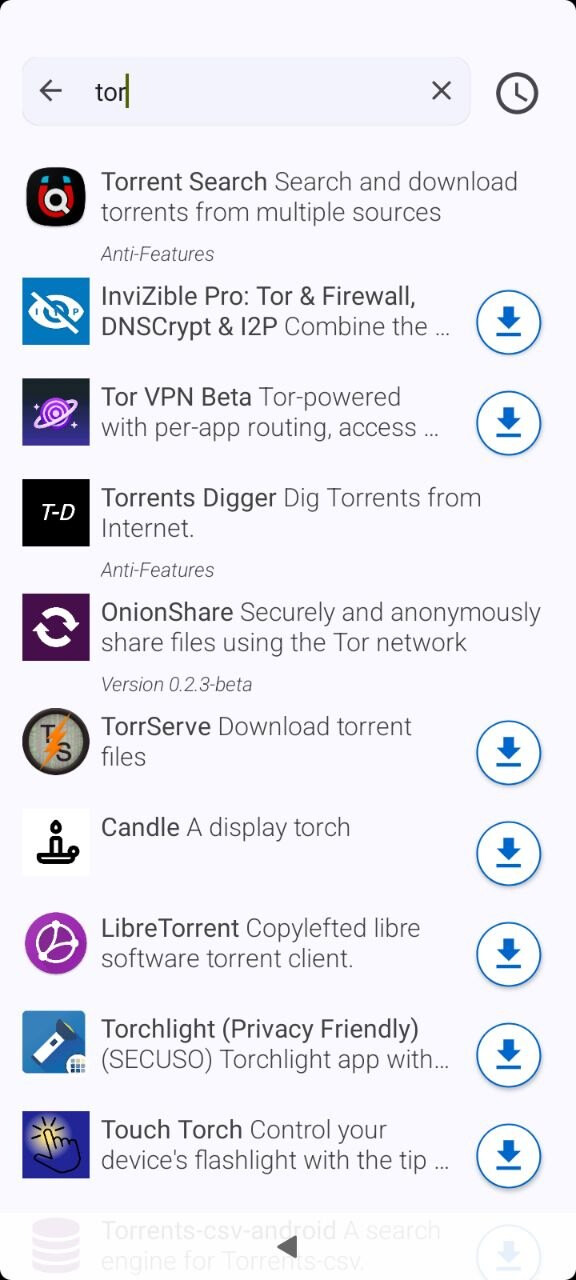
There is TOR in openrepos, also apparently maintained:
edit: this seems not to be a separate browser but a service that redirects all internet traffic of the device through TOR when activated. This means you start the package and use your regular browser
I agree with @WT.Sane , this is the best solution.
The Tor Browser adds extra anonymity and sandboxing while browsing. This is highly recommended when accessing the web through tor, since one reason to do so is to have a look at untrusted websites.
That said, it’s perfectly possible to use tor as a sort of VPN and tell the browser - or any app - to use that instead of a direct web connection.
If I remember correctly, you have to enable Developer mode in Settings > Developer tools for the Terminal application to appear in the application grid.
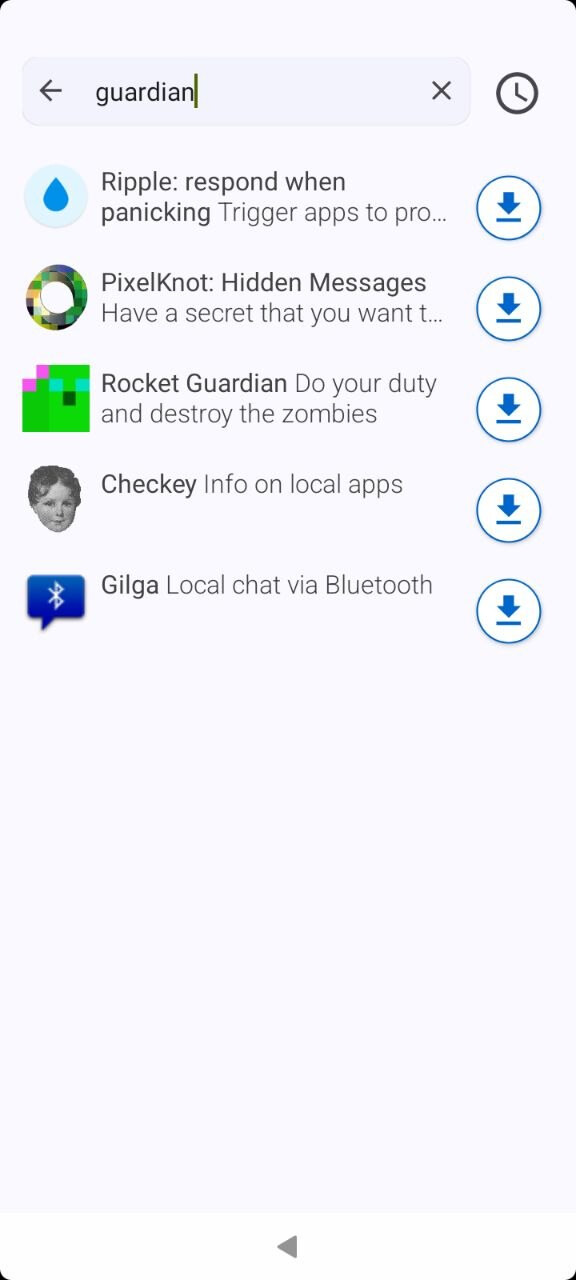
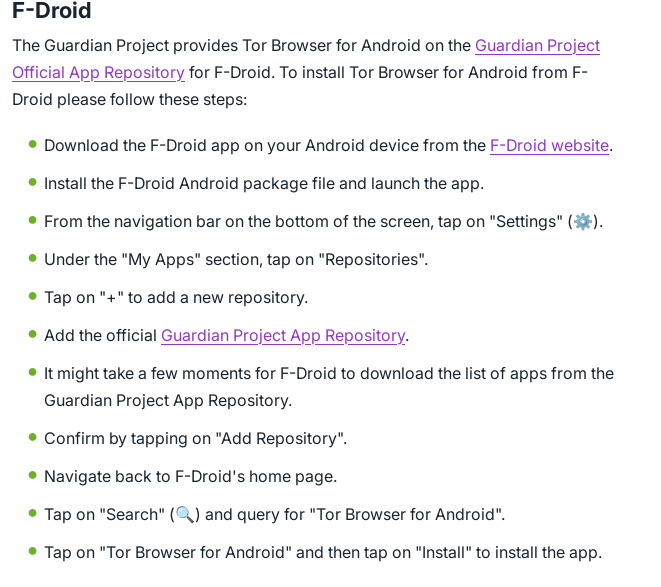
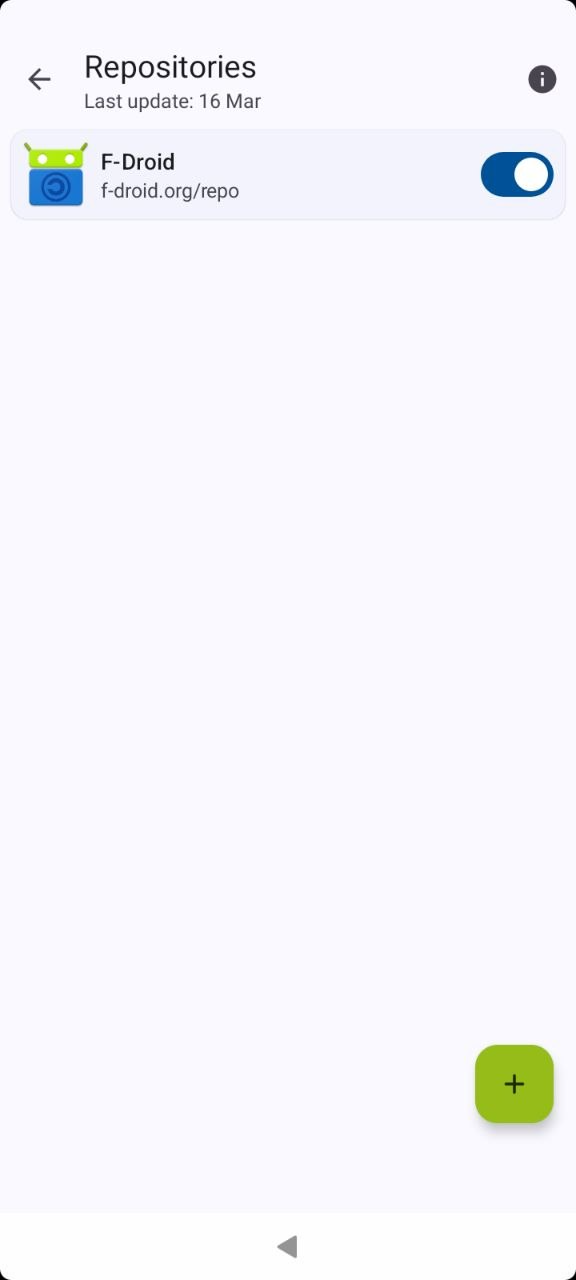
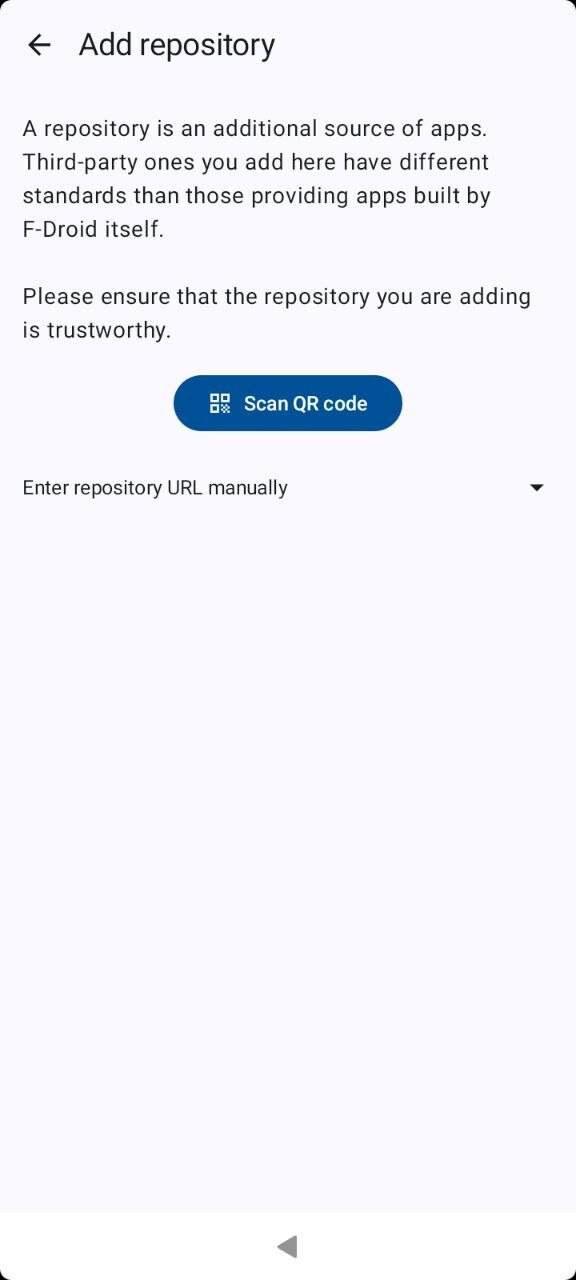
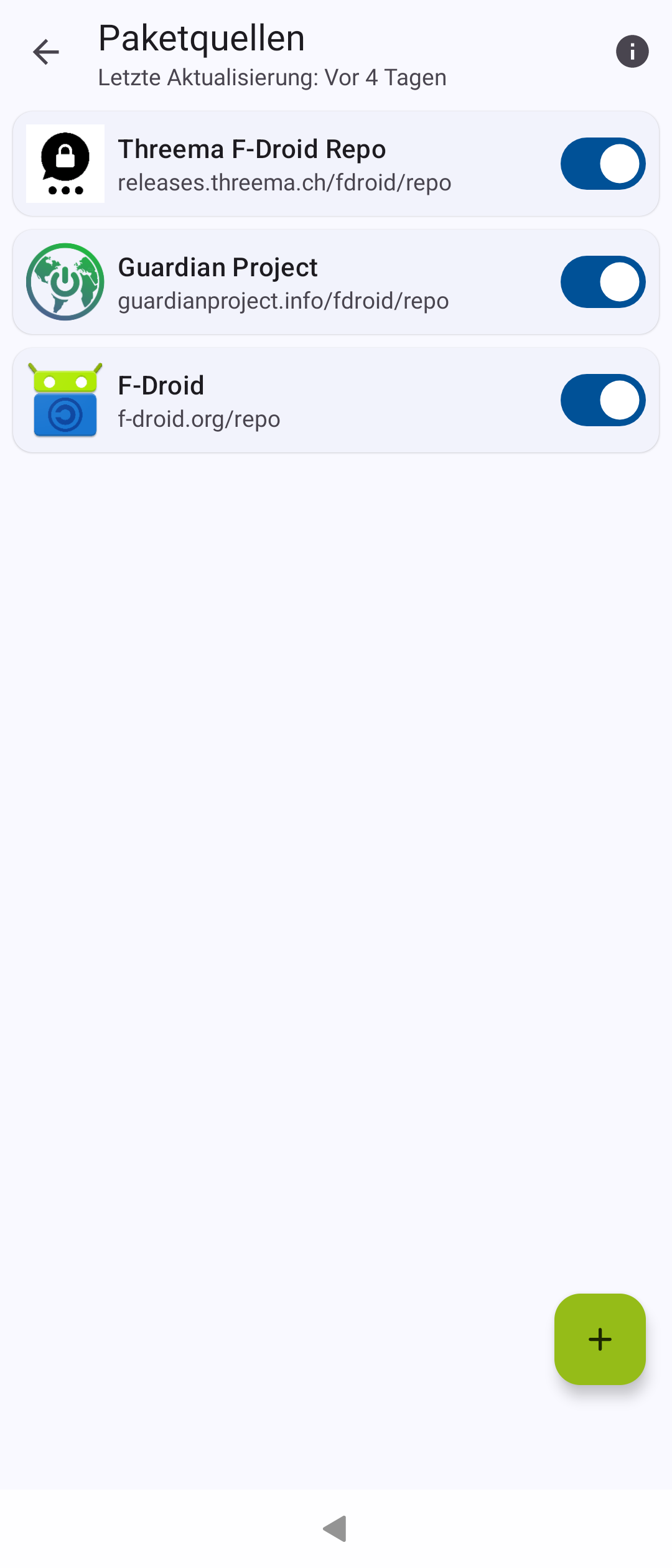
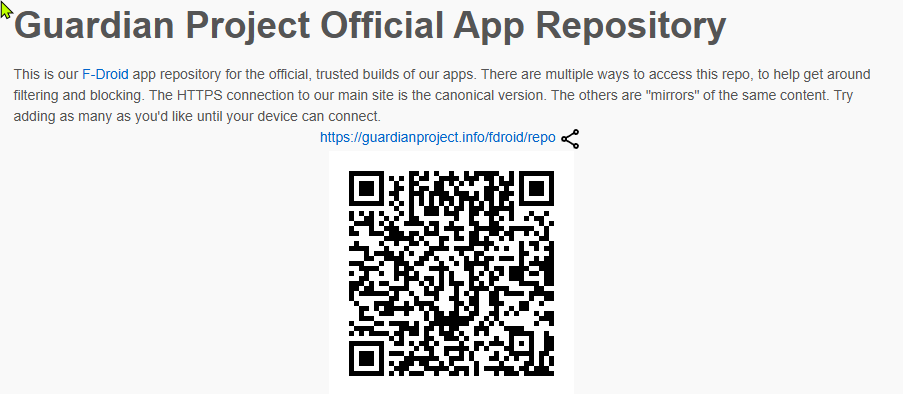
Yes, the Guardian Project Official App Repository. See this installation guide:
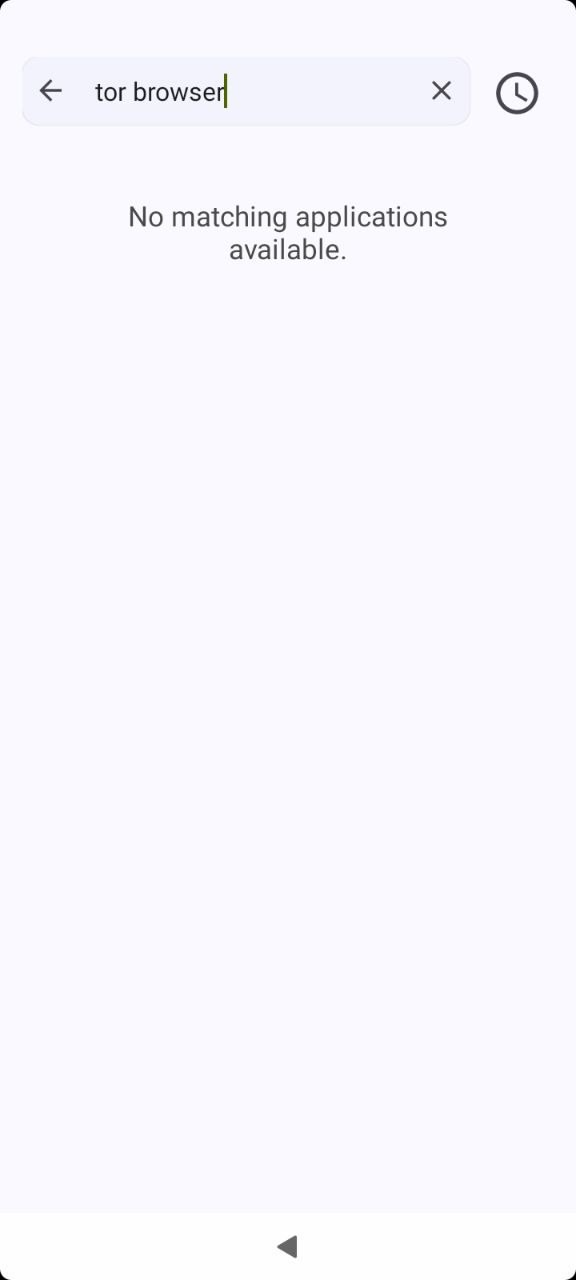
Wait isn’t the Tor Browser the same when i install (and have already installed) from Aurora Store (and if not, i don’t mind if its proprietary or whatver installing from Aurora Store as its more simple). So i wouldn’t get it to work anyhow because the Orbot is required still. Or is it not required on F-droid version? In any case i can’t find it there not the repository.
Also i’m afraid to use this "Developer Mode” because it seems i have already broken many things in “Normal Mode” on my phone (as it looks like F-droid functions weird).
If only i could get the terminal open without that Developer Mode, i don’t want to activate it (googling around it seems dangerous and gives all kinds of warnings).
I don’t need (and definitely don’t want!) but the Orbot just crashes when tapping the Enable button. That why all this “mess”. Tor Browser was in Aurora Store.