did you enable encryption? its required for correct home operation
Yes I did. I remembered I had problems with my rephone when I tried without encryption.
And all three cameras work, I can switch in the SFOS default camera app between Ultra Wide, Wide and Normal. Switching cameras works flawless. I ordered my Quintus beginning February this year.
I can only speculate but I guess that in mobile phone industry only certain parts of the devices require certification (bluetooth, gsm, etc.) and only theses certification mandatory components will certainly be identical between the device batches within a model series.
Components that do not require certification, such as cameras, mainboard parts, display can maybe be different between batches within a device model serie. My professional background is in medical devices: in this highly regulated industry the existence of unnotified changes of the devices is very limited, nearly everything must be specified by the manufacturers, all performance relevant and labelling, etc. must be specified in certification processes.
Based on this, differences in some hardware specs between Quintus batches might be theoretically possible…
1 Like
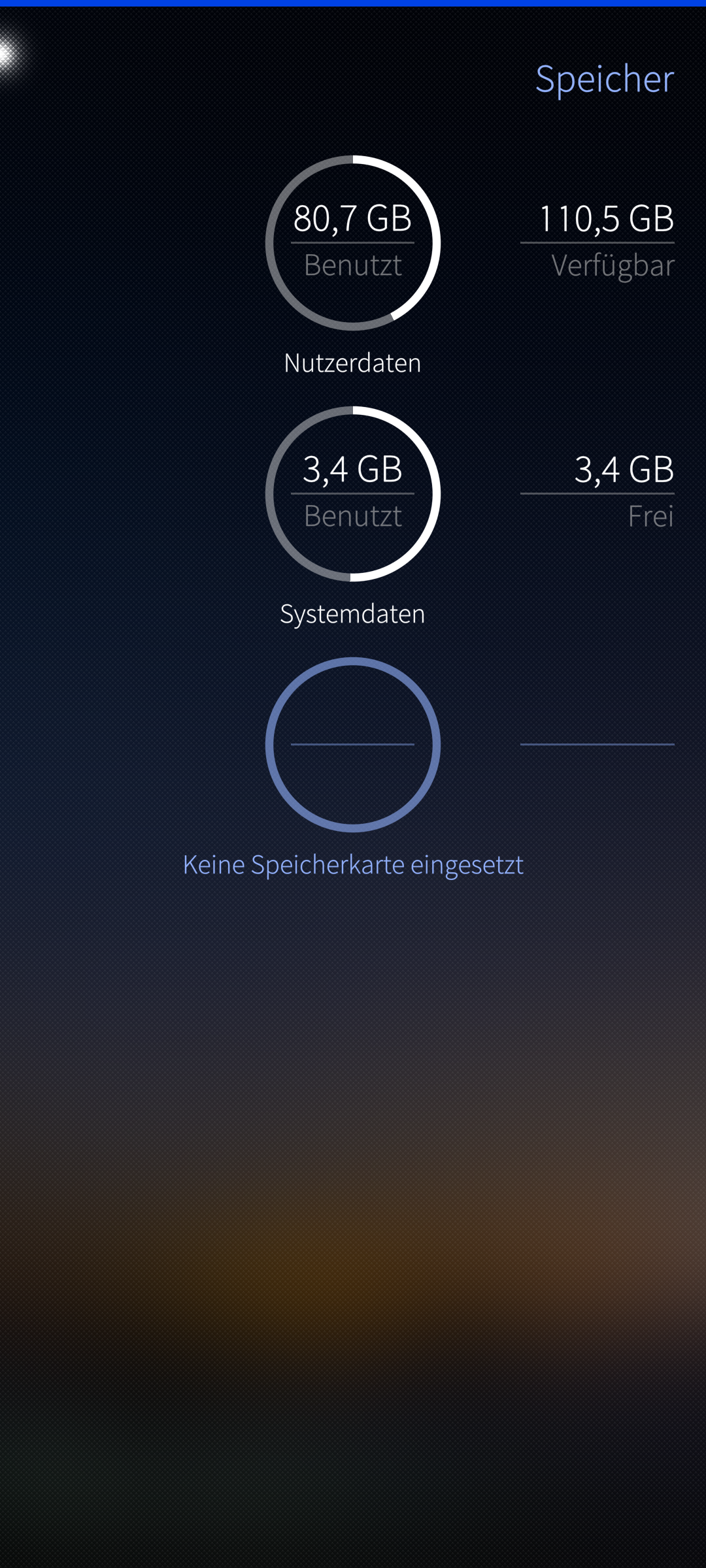
Funny enough the partitioning look the same. But my root partition shows 6,8GB of 6,8 GB is used.
OK now it looks like that:
I reflashed Volla OS and updated to the latest version, then i tried to reflash:
NOW I get this:
fastboot found, proceeding.
Be aware, the flashing process might take up to 10 minutes.
The screen is expected to go black. This is fine, flashing continues.Mismatched image and device
I wonder why I didn’t got that before.
Fastboot getvar product gives me just:
algiz
This is really weird…
No clue why SFOS thinks your root partition is full, never had a similar probkem before.
I do not get this mismatched device image message, and my device is identified as algiz, just like yours. Maybe contact Volla, they are quite helpful in general in my experience, to get some info why your hardware device shows this kind of irregular behaviour?
Another point, if someone is using a USB-DAC: I have a FIIO KA11, that I managed to run with following more or less these instructions:
hmmm, I’m no fastboot expert nor a programmer. But looking inside the Flash.sh script, the test routine is
fastboot $* getvar product 2>&1 | grep “^product: *k6877v1_64_k419”
if [ $? -ne 0 ] ; then
echo “$(tput setaf 1)Mismatched image and device$(tput sgr0)”;
exit 1;
fi
So I would expect there has to be k6877v1_64_k419in the output of fastboot getvar product and not simply algiz.
That’s strange…
As expected my flash script has the same model specifications but in my case I reflashed yesterday successfully…
Maybe Adam can provide some insight?
In my device I have the impression that WLAN drains the battery quite fast.
- with WLAN switched on, the device in idle never goes below ~250-400 mA power consumption
- with the WLAN switched off, the device in idle varies between 10 and 150 mA, but goes never above 200 mA.
Values assessed manually with
while true; do cat /sys/class/power_supply/battery/current_now; sleep 2; done
In my limited experience this comes somewhat unexpected, as I read sonwhere thst in general Wifi consumes less energy than 4G than 5G. I have no measurements on my other devices, but I think in those it makes no big difference in practice if WLAN switched on, while the device is inactive. WLAN activity does not substantially contribute to power consumption. Therefore, I find this quite surprising that on my Quintus WLAN is so unexpectedly power hungry.
Any ideas about this, own experiences, potential tweaks?
This is a mediatek device? For qualcomm you may try to install sailfish-connman-plugin-suspend. But for mtk might not do anything.
Was going to ask: can somebody add this port to Community Hardware Adaptations ?
1 Like
Thanks for the rapid reply, this a mediatek dimensity 7050 device, in this case unfortunatly…
OK, this is very strange:
There are at least three different fastboot modes and I have no clue when which appears.
There is a text only mode with a font size which isn’t really appropriate for elderly people.
Then there i this one:
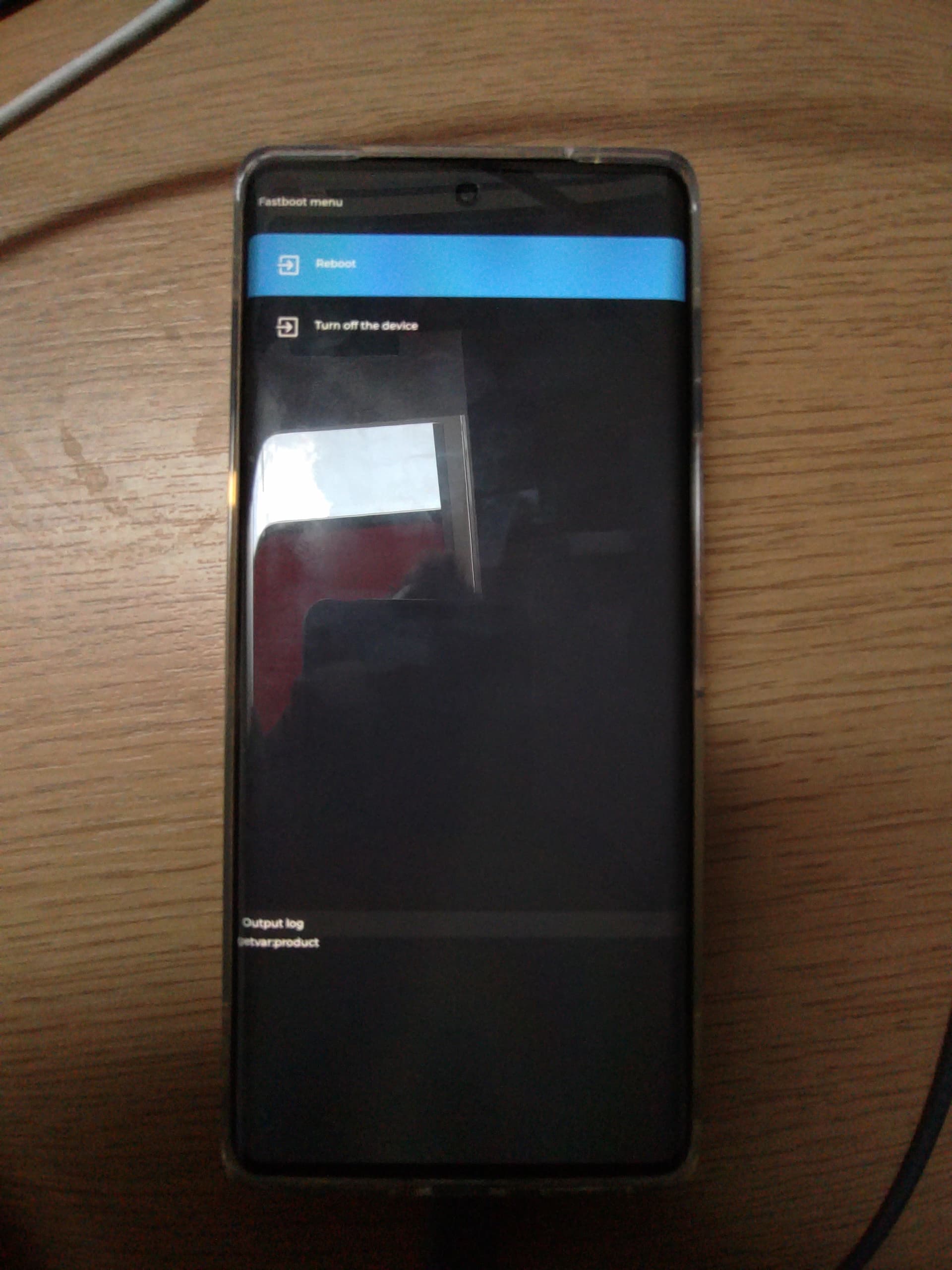
and this one:
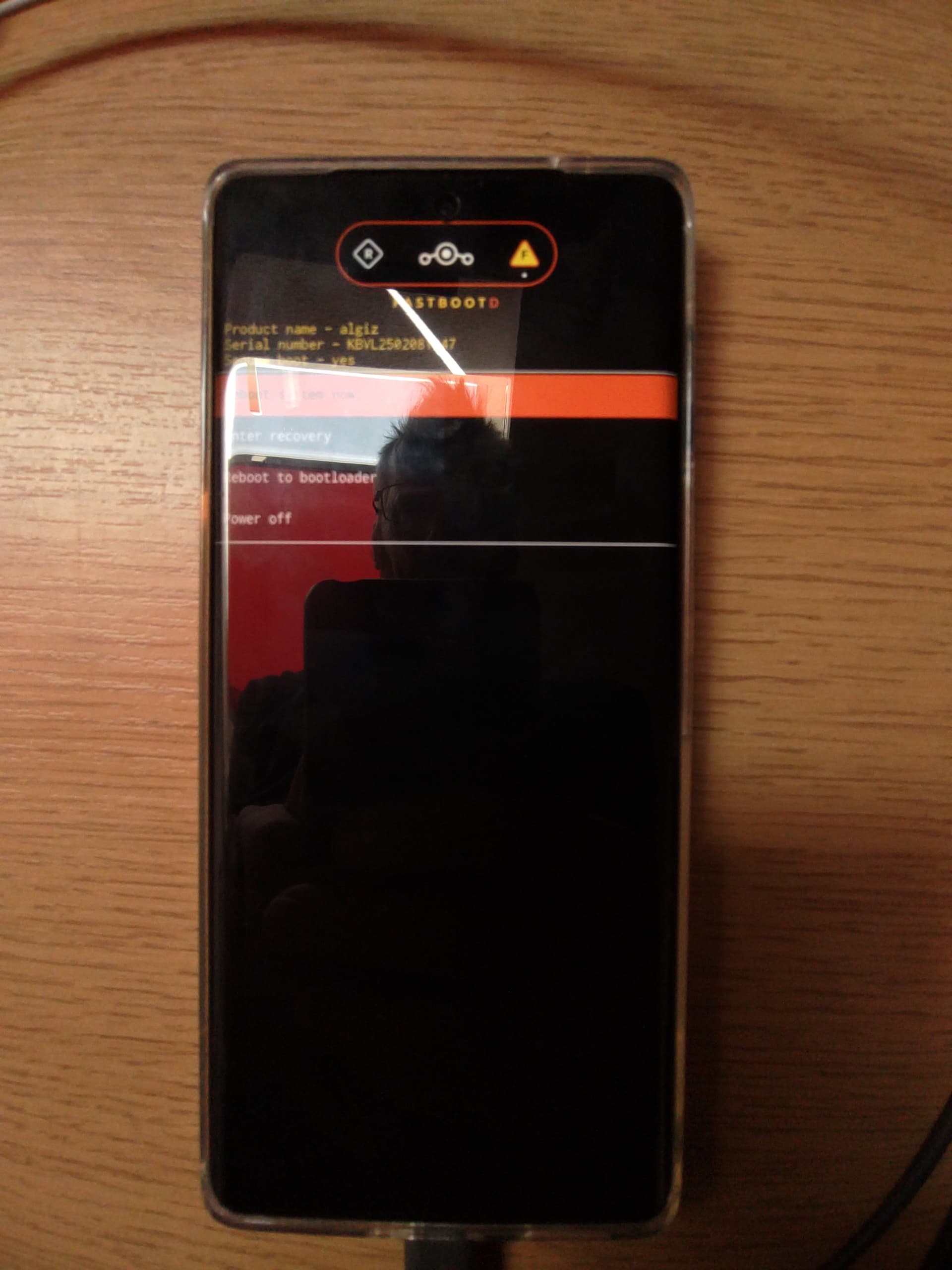
with the first one I’m able to flash, but I get a full root partition.
with the second one I got the reported mismatch message
with the third one I was able to flash without the root partition problem. (flashed over Ubuntu Touch not VollaOS)
Anyway. My main camera is not supported. Just like I expected. I think the problem is still the missing new vendor image. Because in Ubuntu Touch I as well have still the same problem. The main camera is so far just working with VollaOS.
@piggz If the new vendor image is here, do I have to reflash or is an update enough? I guess the first one. But asking can’t be wrong. 
I got Waydroid running with this excellent instruction a few days ago. But after reflash yesterday, the vendor.img and system.img appear to absent in the sourceforge directory (aleasto-lineageos - Browse /LineageOS 20/waydroid_arm64 at SourceForge.net). Only two .gz files (system.ing.gz abd system2.img.gz) there currently. Does anyone here know more about this? Can these files be used? Do commands need adaptation? I would love to reinstall waydroid, but currently I can’t…
I did add the Quintus to list in Community Hardware Adaptations. If I did something wrong, please let me know and accept my noob puppy status as excuse.
I got the blue fastboot (with very small fonts after bootloader unlock) and the orange fastboot (after first ubuntu touch installation) like you, apparently at random. In contrast to your situation I get constantly the same SFOS result after the flashing process that went through without any errors, e.g. no messing and filling up of the root partition. This difference between our devices is strange in my opinion…
1 Like
I have a Quintus from the latest batch. So maybe there were besides the camera as well other minor changes…
I am using the SFOS port as daily driver for three weeks now. In the following my observations that were not yet reported to my awareness.
Dual SIM works fine, but only SIM tray 1 can use VoLTE, even after swapping the SIMs between the trays (German and Portuguese SIMs). Therefore, it appears to be related to the SIM tray and not the provider. But VoLTE works with the SIM in tray one.
Limiting charging and stop charging at e.g. 80% is not possible, the phone charges to 100%. I looked in /sys/class but I did not found anything that I could relate to stop charging at a certain level.
GPS works exceptionally good, much better than on some Sony devices.
The ultra wide and wide cam work more or less reliable (sometimes the app hangs and needs a app restart) and image quality is good in bright light and acceptable in low light.
The setting M (third cam?) does not autofocus.
USB-DAC works great, Waydroid was running good, but after a reflash I was unable to get Waydroid running, although identical steps performed (following @pasik2 excellent guidance).
Fingerprint unlock would be sooo sweet (and the possibility to stop charging at 80%).
Looking foreward to the next release.
5 Likes