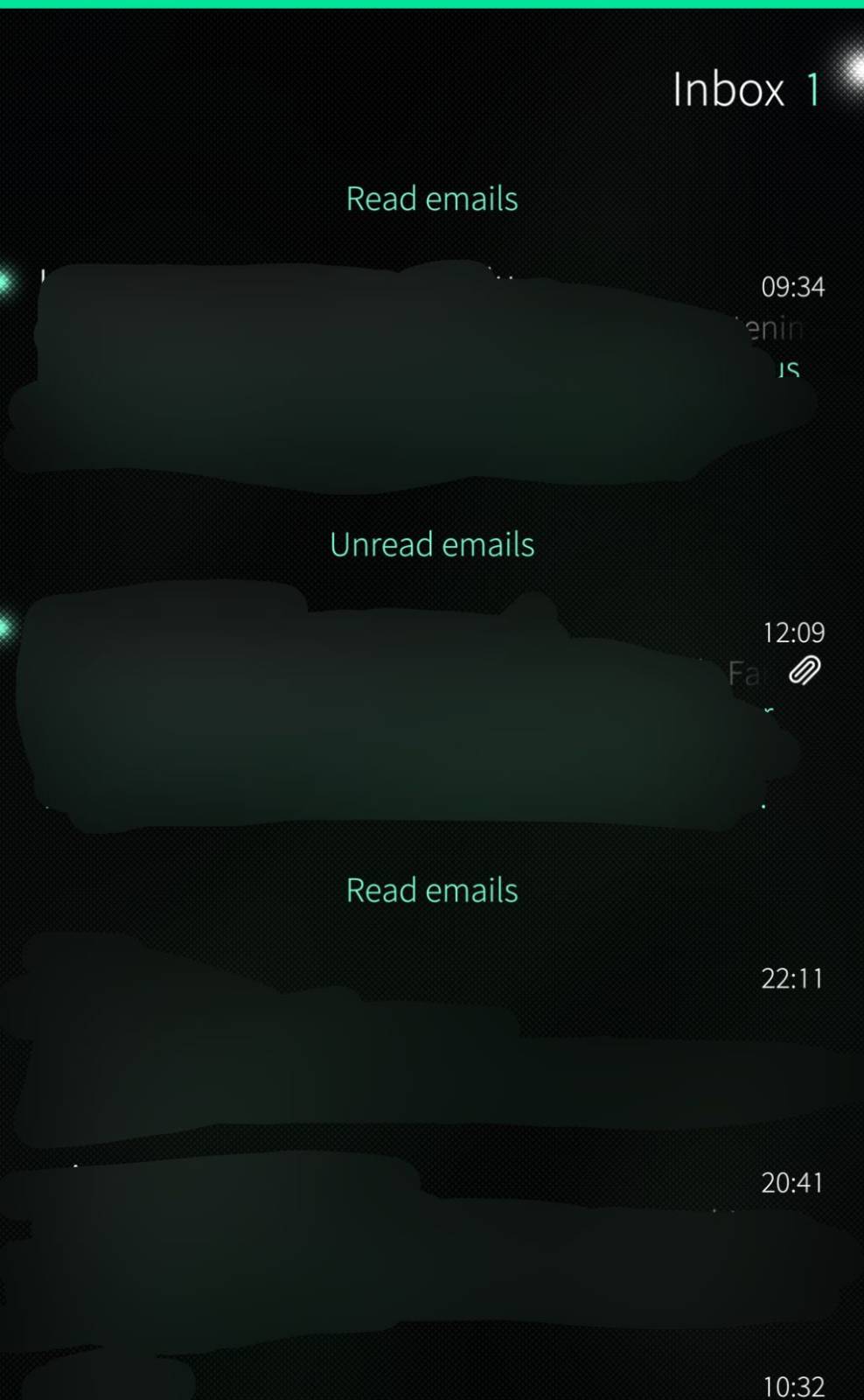
REPRODUCIBILITY: Always
OS VERSION: 5.2.0.17
HARDWARE: Jolla Phone 2026
UI LANGUAGE: English (GB)
REGRESSION: Since getting device
DESCRIPTION:
System email “Sort by: Status” behaves unexpectedly. It appears newly received and read emails get listed above “Unread emails” category (and older unread emails get listed below it). The behavior is described in detail here.
PRECONDITIONS:
I have one “General email” account on the device which works on a rented server. Multiple email programs connect to it (Thunderbird & K-9 and MacOs system email)
STEPS TO REPRODUCE:
- Toggle “Sort messages by: Status”
- Get email, read email
- Old “Read emails” and new “Read emails” are listed below and above “Unread emails” category
EXPECTED RESULT:
Properly sorted list. Viewing it after a read status change should put it in the same state as when the list is re-created as new (for example by leaving the folder or the account and coming back to it). Thank you for the wording @dcaliste
A personal expectation is that “Sort by: Time, Sender, etc.” would be persistent between reboots. Currently persistence can be toggled with a patch discussed here.
ACTUAL RESULT:
Emails are listed as “Read emails” above and below “Unread emails”
MODIFICATIONS:
I’ve experimented with Persist Email Message Sort Order -patch but it is disabled when this happens. Various repositories and android apps but nothing else related to email configured.