As it seems to be impossible to use the Jolla C2 with android apps, because most of the time they lack internet access, and because this problem is known for a long time now, internet problems seem to be a feature and not a bug.
However, I really would like the feature “internet access” in all the apps, native and android.
So, please make internet access stable in ALL the apps, because I really run out of patience and will soon stop this experiment with SFOS, which I like a lot.
5 Likes
I can confirm this on an xperia 10 II, it seems that the internet connection is often hanging, or lost. But maybe it could be my specific setup on the phone. But i believe its a general problem in newer SFOS versions…
1 Like
Hello,
I have a C2 (5.0.0.68, in France) and I got this issue yesterday evening.
Solution: to uninstall Android app support, to reboot, to install again Android app support, and to reboot again. My Android apps have internet ok again.
1 Like
Never experienced the stuff you all mentioned - I’m on sfos latest@X10III.
1 Like
Thanks for your thoughts.
However, I am not interested in workarounds, but in reliable internet. Because workarounds may be ok, if one day or another the internet stops to work. But here, after two minutes the internet stops to work. And even native apps do not have internet, and when I connect the C2 to the wi-fi -hotspot on my windows computer, the computer produces a bluescreen. No problems there with an Android phone.
I am thinking about giving up the experiment with SFOS altogether.
1 Like
I don’t recall that on my C2. Much of info is missing. What’s your mobile operator? Do you have 4G connection? Is VoLTE registered? Can you try another mobile operator?
That is Windows bug probably triggered by SFOS.
How are other WiFi spots working?
Every OS has it’s shortcomings. If you want cosy you can chose Andy’s golden cage. If you want more choice you’ll need to deal with workarounds.
Yea but mobile internet is a basic feature not some shortcoming.
Everytime you switch from wifi to mobile data on the C2 you have to do some weird workaround with disabling your sim and and activating mobile dats in the android settings.
1 Like
True. It works nicely for some but not for others.
Ah and also working word suggestions on the keyboard would be a basic feature that almost every user needs.
As far as we know, current Jolla doesn’t have XT9 license anymore, so they can’t provide provide it with the new devices, but there is a free alternative called Presage available in the Chum.
So SFOS is a Windows Killer? It’s a feature! 
3 Likes
The following solution worked for me (Jolla C2 with SFOS 5.0.0.68): In the AndroidApp Support settings tap 5 times on the Android version. This opens the Android setting. In the internet settings the switch “use mobile data” was disabled. I enabled it and mobile data are now available for Android Apps.
Haha! You made my day! Didn’t know this trick. Thanks very much!
I do not have that switch:
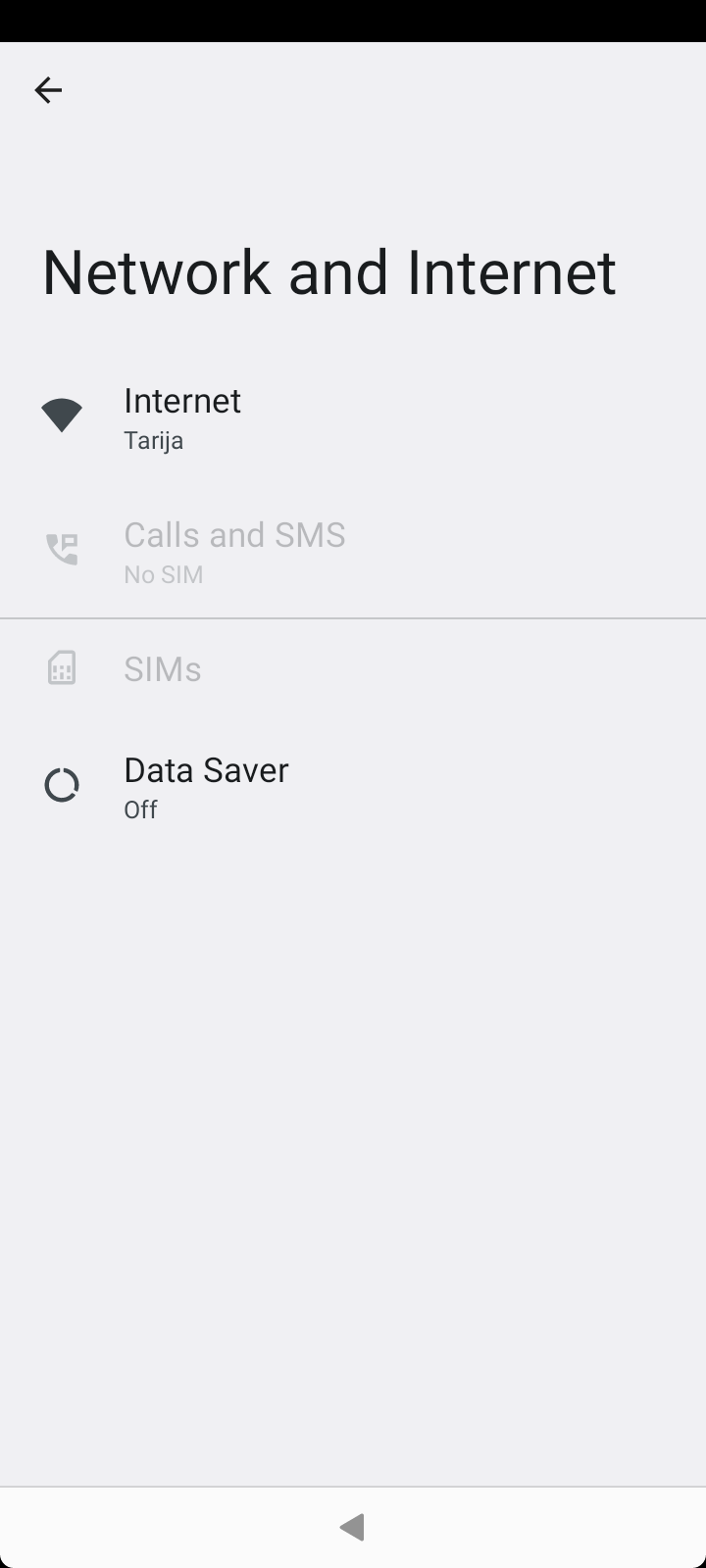
Have to correct myself, after :
Android off
Sim 2 on
Sim 1 off
Sim 1 on
Sim 2 off
Android start
Its there
Btw show licenses in android support settings will also show androismd setting page
1 Like
My Xperia 10 lll android apps didn’t get access to internet with wifi or mobile. I installed Sailfish again and now I have internet access.
Rome wasn’t built in a day. I mean, sure, SFOS has been around for a while and there are problems like this with the internet for Android apps, but luckily there is a very simple workaround that can be solved in 1-2 minutes. And if you don’t restart the device every day, it doesn’t have to be every day. Personally, I get along very well with it, even if I hope that the problem will soon disappear. Nevertheless, all in all, despite the little problems that SFOS still has today, I find that I can use it really well as my only smartphone in everyday life. I mean, my demands aren’t particularly high compared to other people in that regard, but I am very grateful that Jolla exists, that C2 exists and of course that SailfishOS exists. Because in my view, it is a light in a dark world in which people only see other people as a means to an end, as data donations or something similar. That’s why I’m so happy to support Jolla and SailfishOS, because I think it’s simply the right thing to do and the important thing to do. But of course, I also know that everything that’s good takes time.
Currently best way to get reliable internet connection for Android Apps is to turn off Wifi and use only Sim-cards data. Works perfectly that way.
My impression is, AAS seems to need a number of seconds to establish the routing between cell data, WLAN, the SFOS and the Appsupport subsystem. Once established, it works like a charm, but when launching an Android app, it’s network connection is established with long delay.
1 Like
I have had a problem with one Android app (HSL Helsinki commuting service app) when using mobile data for some time now. With wifi it opens and works fine, but when I switch to mobile data and try to open it, a window of microG opens (about the app)
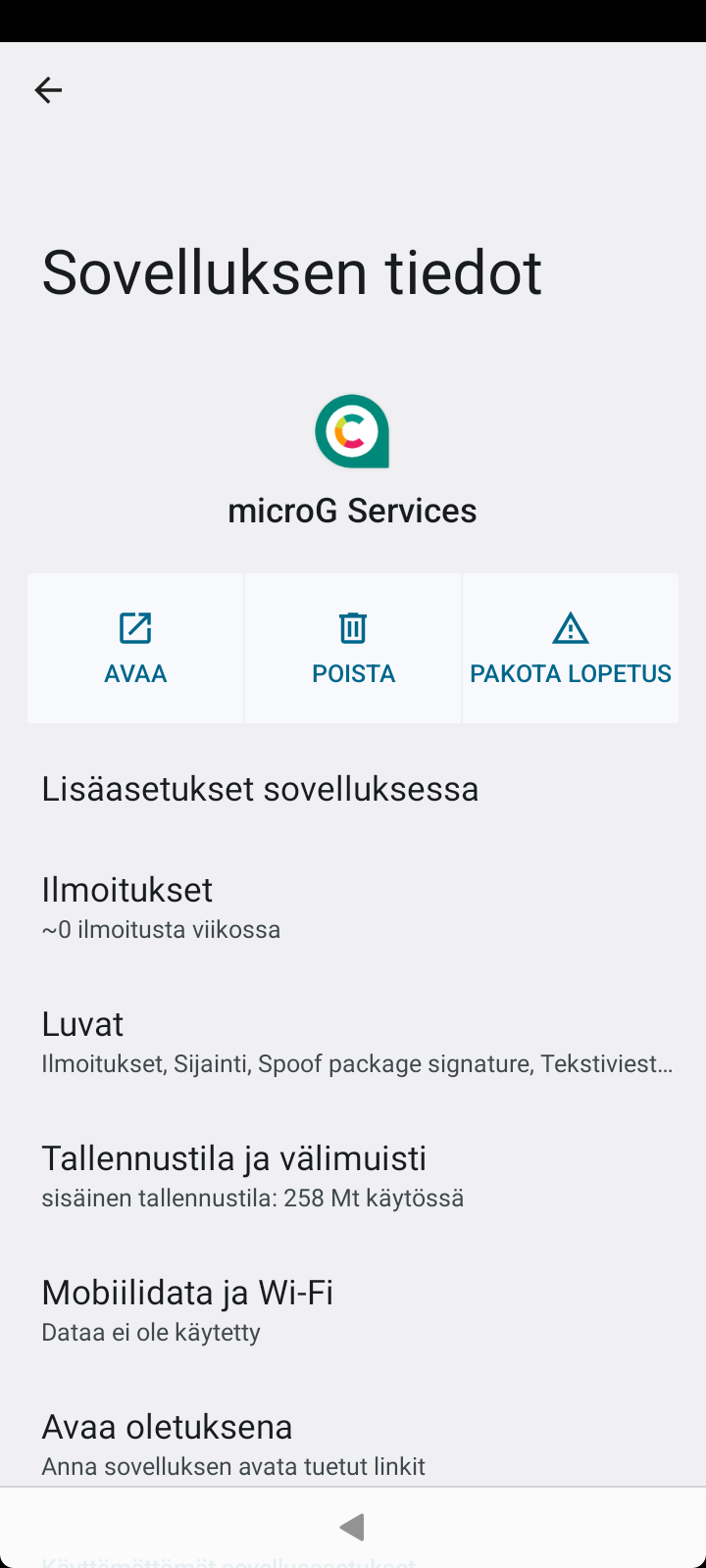
and the HSL app doesn’t. I wonder if this has something to do with microG? I have tried the workarounds mentioned before, but they do nothing. All other Android apps (or at least the ones I use often) work ok on both wifi and mobile data. The HSL app is crucial when commuting in Helsinki area, because you have to have access to the Internet in order to buy tickets. Without mobile data it’s useless.
After a recent update of the HSL app, it now seems to be working with mobile data, too.