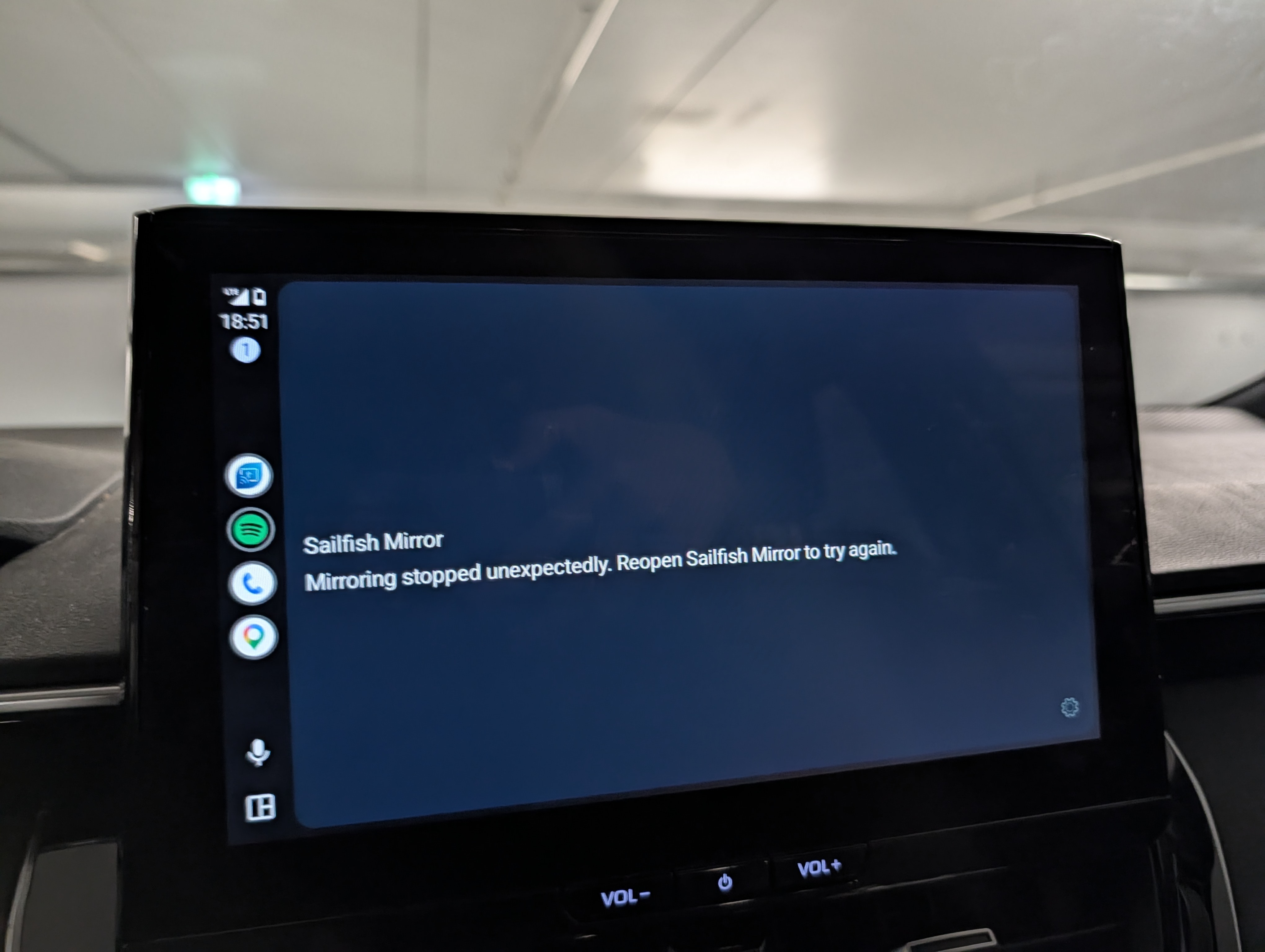
Mirroring has never been working with wired connection for my Toyota Callora. Google Maps,and Spotify work..
3 Likes
Thanks @HtheB for this ! It worked very well before an update of android auto (unsupported at the moment) , but Sanefish and Sailfish auto worked fine ! Many thanks !
1 Like
Same with my MG. And nothing that I can do to fixe it. otherwise Maps + Spotify are perfectly fine.
1 Like
Hi I can’t find this in neither Sanefish (installed via Storeman) or in Storeman proper. I have tried uninstalling and installing the latest storeman from rpm. But to no avail.
Does anyone have an idea or another way I can install this?
Thanks for your work!
Legend, honestly. Hope it works on my scenic E-tech
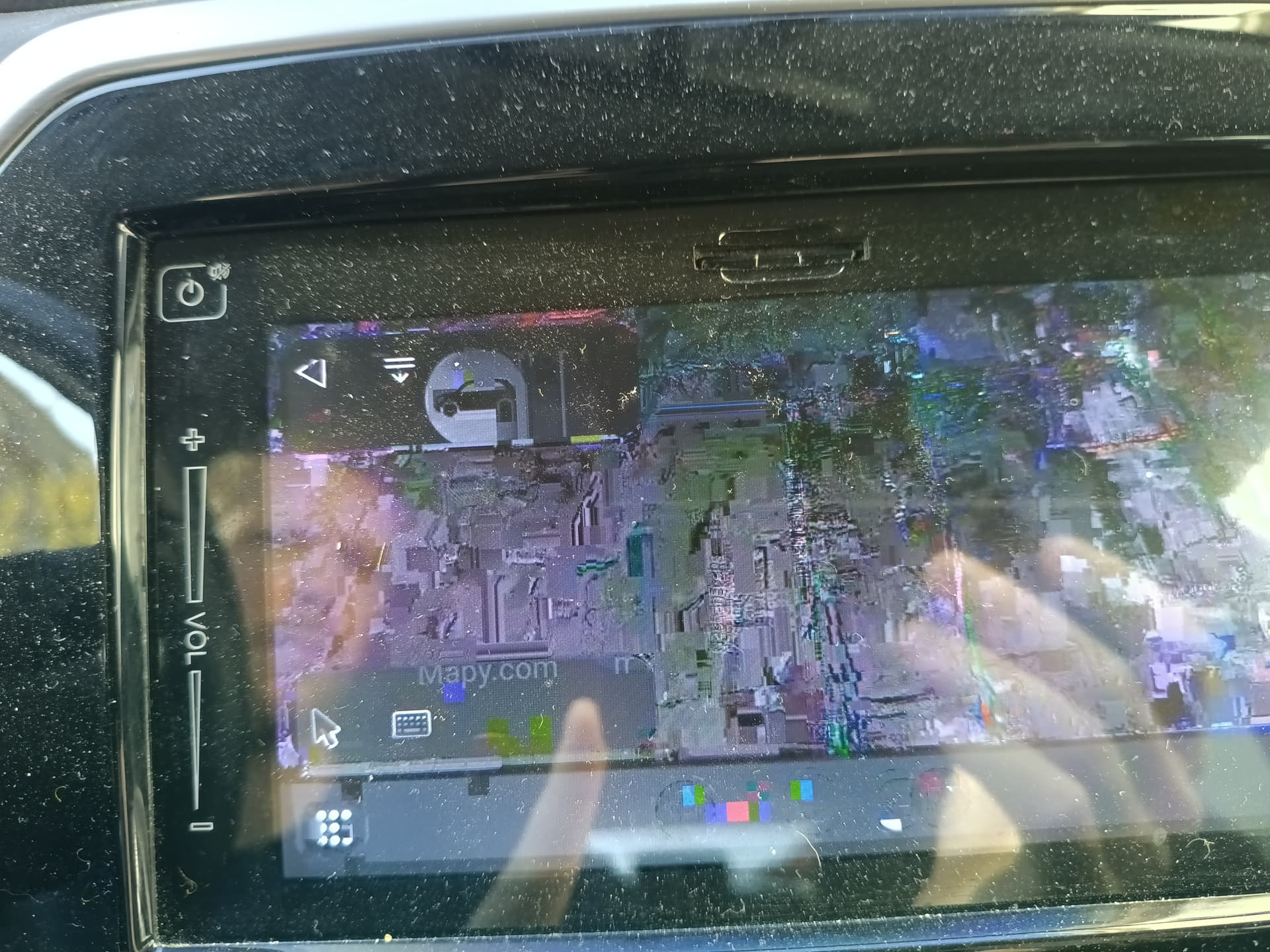
This seems awesome! I just got my Jolla phone yesterday and am working hard on trying to get it properly setup. I followed the guidelines you wrote and it does connect to my car, however the visual is all messed up. As if there is a loose cable or something or a bad connection. Any advise?
2 Likes
I went to settings, Sanefish, (go to Not Installed) Sailfish Auto. Worked for me
1 Like
Unfortunately, I can’t get it to work on my Fiat Scudo 3 with my Jolla Phone 2026 (5.2.0.22).
With the USB cable, it says ‘Device not supported’.
Over wireless, the car detects the phone and connects via Bluetooth, but doesn’t offer Android Auto mode. The phone, on the other hand, says that Android Auto is running and that setup needs to continue on the car screen.
I don’t understand why it won’t work on my end :,(
1 Like
I installed it, but did not test it yet. However, its usage is very obscure for what I can read.
I have the following questions:
- Can Android Auto (USB) connection be turned on or off?
- What is in detail the procedure needed to initialise Android Auto Wireless? The on-screen text is quite mysterious. (I don’t have native AA wireless but I use a dongle to enable it)
- What changes are needed for Bluetooth to enable pairing?
- If Bluetooth needs to be routed to AAS, is this needed just for pairing and then released, or does it have to be left routed forever in order to use AA Wireless?
Same on my Skoda Octavia 5E (MIB II Head Unit) - it only connects sometimes when running “repair USB” or “force0”, “force1” from Troubleshooting-menu / or runninh Wireless config (despite the car has no wireless option). Enabled Logs are not showing any error
1 Like
I’ve git a Jzones headunit with only usb port. As xperia III ain’t got any possibility to connect wireless (BT+wi-fi) having only Android 13 in AAS I’d like to connect with usb. The problem is that the head unit takes current from that only port. Does anyone know is there’s either a switch cable or a double-usb cable which grants the possibility of connecting the phone and the electricity adaptor at the same time on that unique usb port?
Same problem here. The car connects over Bluetooth, the phone says to continue on the car screen, and then nothing happens in the car.
I spent a while digging through the logs today and I think I found what’s going on, at least on the Jolla Phone.
My setup: Jolla Phone, 5.2.0.22, AppSupport 15, Sailfish Auto 1.1.2 (updated the patch and redid the wireless setup), Android Auto 17.3.662854, Skoda. Wired Android Auto works fine.
The Bluetooth part actually seems to work now. I had to get the car paired with the Android side (Bluetooth for Android) instead of Sailfish, and after that HFP and audio go to Android and Android Auto starts the wireless setup. The RFCOMM handshake with the car goes through too.
It dies right after that:
GH.WIRELESS.CHANNEL: WifiScanner reported available channels:
GH.WIRELESS.SETUP: WiFi channels not supported: [5765]
GH.WIRELESS.SETUP: State changed to NO_COMPATIBLE_WIFI_CHANNEL_FOUND
So the car asks for 5 GHz channel 153 (5765 MHz), and Android says it has no Wi-Fi channels at all, so Android Auto gives up and the car never gets anything.
Poking around on the Android side, cmd wifi get-allowed-channel comes back empty, there’s no wificond running in the container, and every Wi-Fi scan in dumpsys wifiscanner ends in a timeout. Normal Sailfish
Wi-Fi works fine.
So my guess is that Android in AppSupport on the Jolla Phone can’t really see the Wi-Fi hardware, so Android Auto never gets a channel list. @HtheB, have you got wireless working on a Jolla Phone? Could the bridge maybe hand Android the channel list from the Sailfish side? I’m happy to send diagnostics or test stuff if that helps.
1 Like
Here too, trouble with the wireless connection. I just don’t understand the steps, and what to expect at each step, so I cannot really diagnose if there’s a problem and where it is. Can we get detailed steps for wireless connection in one place?
1 Like
I got Device not supported too, because I had not selected “Android Auto” as USB connection type from the popup.
1 Like