It looks like my C2 update takes really a lot of time or is hanged.
Ok update. After waiting almost 2h I decided to reboot. After reboot the system shows 5.0.0.70 running and the video recording is working.
The stressy reboot went well.
It looks like my C2 update takes really a lot of time or is hanged.
Ok update. After waiting almost 2h I decided to reboot. After reboot the system shows 5.0.0.70 running and the video recording is working.
The stressy reboot went well.
tried to install chum, and noticed there is no build for 5.0.0.70 …
Here chum works well with the recent update. You can set the version number inside the Chum GUI by yourself. So you don’t need a special .70 repo.
Actually you shouldn’t need to set the repo version at all.
huh, the guide i followed was to select a build to get chum to install?
visit https://chumrpm.netlify.app,
select your SFOS version,
select your device architecture (e.g. aarch64),
and whether you want to install just the CLI or both the GUI and CLI.
Ah, on that web page, okay. I thought from within the app once installed.
kinda stuck atm until the actual build is done, or should i try to install older version?
So, i’ve had twice that wifi stops working, i can turn it off and on, it still doesn’t work, i have to reboot for it to actually work again. i checked on my wifi ap and DHCP is requested, but the answer doesn’t reach the phone, cause it retries.
Why don’t you install Chum directly?
how so? not via chumrpm.netlify.app ? where would i get the rpm if chum isn’t built for my SFOS version?
Did you use forum or net search? As I very hardly believe that Chum is not available for your version.
Not version dependent.
Just install latest
not for 5.0.0.70 jolla C2 at least (which is the topic)
So, I chose the latest and aarch64 and i got a src.rpm link, so after i downloaded it, i clicked on it and it said unsupported mime type application/x-source-rpm not supported…
i was able to install chum gui via storeman… a bit cumbersome procedure, though: perhaps the chum website needs some love pointing to a binary, rather than the src… and maybe some wording to choose the version closest and below your current one.
Not this, Chum is in another topic.
I agree.
Is there a program to add the feature of waking up the phone screen with two touches in C2? I am tired of pressing the power button
On Jolla C2: Lift to show LPM-Screen, double tap to unlock then:
You need mcetool installed (at least version 1.116.0) on your device with:
pkcon install mce-tools
then:
mcetool\
 –set-wakeup-sensor-mode=enabled\
 –set-low-power-mode=enabled\
 –set-ps-on-demand=enabled\
 –set-lpmui-triggering=from-pocket,hover-over\
 –set-doubletap-mode=unlock
Turn off:
mcetool --reset-settings
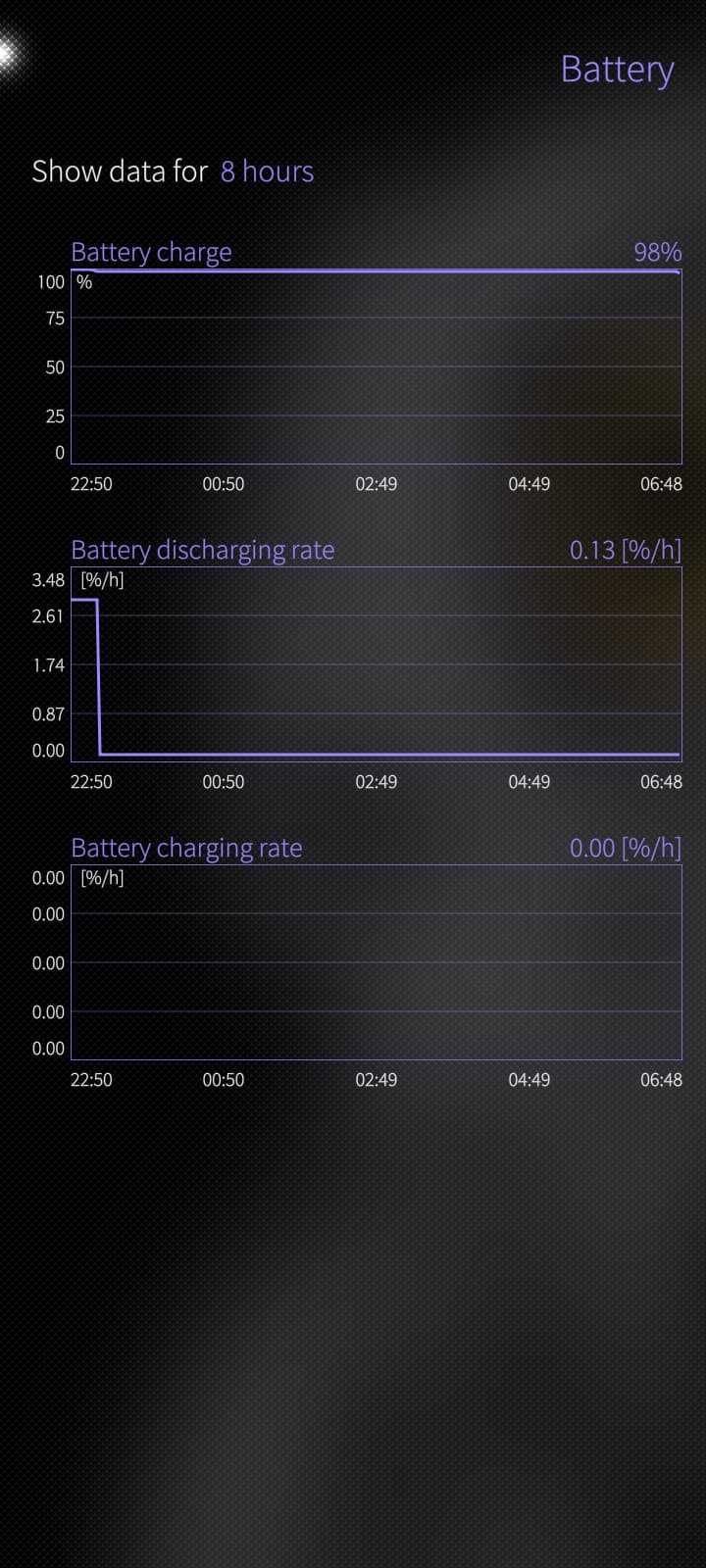
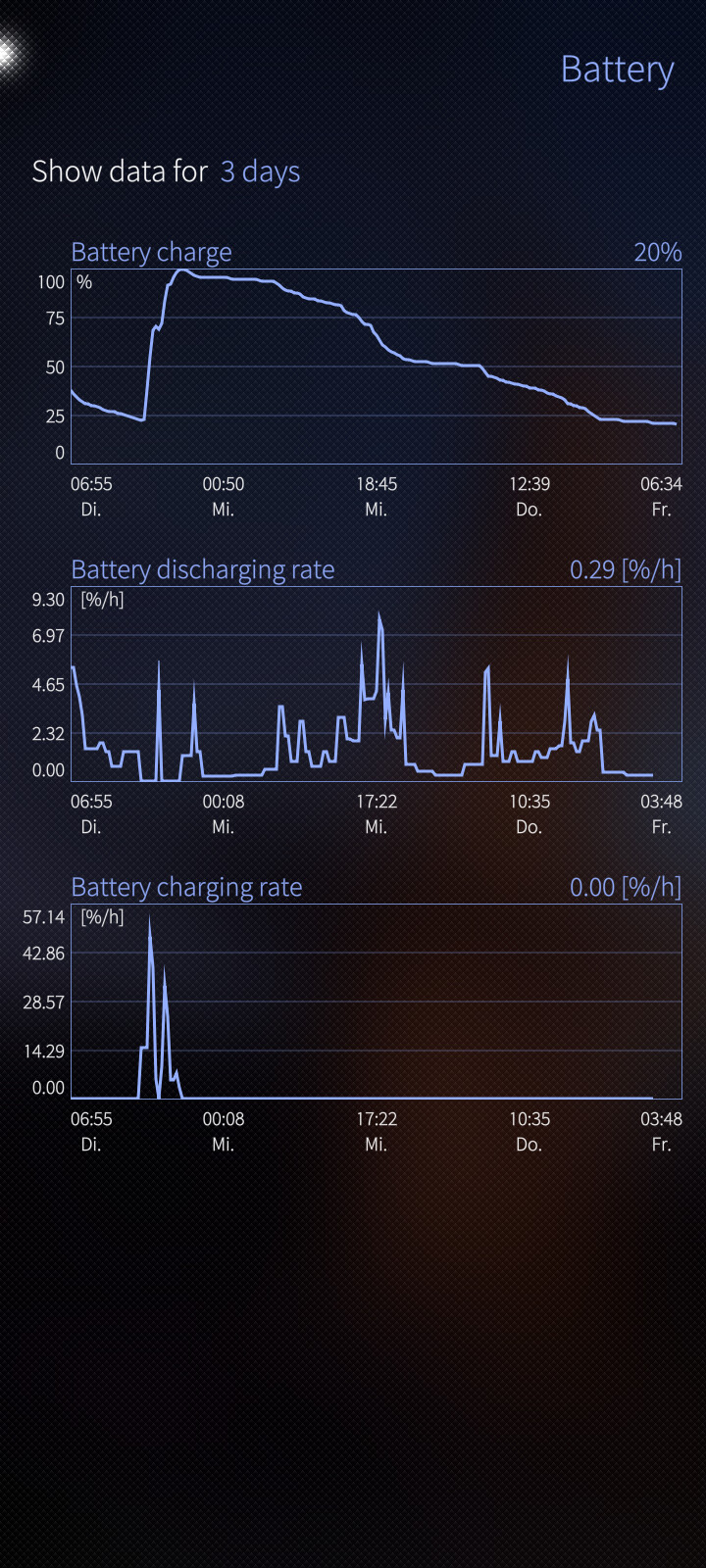
How much the power consumption is increased?