still, maybe not everybody know about new awesome native Matrix client - xmatic…
I’ve switched to it from AAS Element X.
2 Likes
I just had the “black screen” bug that some others reported. This is the first time I’ve ever had this happen with SfOS, so I believe this bug is new with this update.
Firefox was playing a video, when the screen suddenly went black, then a while later SfOS calendar alarm started, but I wasn’t able to silence it by dragging the screen upwards. So I believe both screen input & output stopped working, even though audio has not - so perhaps that means Lipstick crashed? I wasn’t able to connect via SSH, but that’s not unusual as I usually need to interact with my phone to stop it ‘sleeping’ before it starts paying attention to SSH. I eventually had to hold the power button down to force the phone off 
I don’t know if there are any logs I could get that would be useful, and don’t have the time to look into that now.
I think this is Lipstick crash, without being able to provide any specifics. I have had this ~10 times already with my Jolla phone in maybe 1,5 months I have had the phone. Rarely, but sometimes it seems that phone is able to revive from that state and the screen comes back alive, but usually means that I need to restart the phone.
Thank you for the update. The updating process went well, flawlessly.
I noticed that the oddity with some apps in launching screen has disappeared. So that has been fixed!
I have a question about the light in the screen. Apps are very bright and shiny on a dark saturated background. In a darker environment and with the brightness put on zero, spheres still give light while the background colours are vague, not saturated. This happened also with the 10 III but not with the XA2 and XA2 +. I wonder why there is so much light behind the screen, why the apps are so shiny. Is the resolution ok?
Is all supported devices will get AAS android 13 in next update 5..2.0.18
Sorry, I dont understand, what your question is.
But I try to give an answer, anyway:
JP has AAS supporting 15, C2 will most likely get it. If the community-port of Xperia 10IV/V will get official AAS it will be 15, too.
Older Phones’ AAS is on level 13. In past times there have been surprising updates (to level 13 e.g., while the ports have been on level 11), but I wouldnt bet, that this will happen again. At least in the source-code repos I have seen, that there is preparation in the adaption of the C2, but I didnt see anything similar on other repos.
2 Likes
I have more problems with apps, like HereMaps (and PureMaps). They freeze much more often. It looks a bit like an OOM-problem to me.
Thanks for your réponse, I main: 10III will have in update 5.2.0.18 android 15?
No, but maybe it could still come in a future update.
Me too, I’ve also had that bug, for the first time with SFOS. Everything kept on working (as it seemed, at least) but the screen just went black - without me doing anything. I was occupied doing something on my laptop and when I picked up the phone the screen was black and I couldn’t give any input. Scary! I don’t remember what the phone was doing, but there were a few apps/processes going on at the same time, and I think the stock media player was running playing MP3:s.
1 Like
Assuming it’s the same bug (not new in 5.2.0.18, but new in the Jolla Phone 2026), please share your experiences in this thread:
So far we haven’t found what could be triggering it yet.
3 Likes
Okay, this afternoon I could not make the phone wakup, or unlock with a fingerprint. Pressing the button will still wake up the phone, but then I have to use my code to unlock.
Restarting the fingerprint service via settings → utilities does not seem to have solved it, I’ll restart my phone after work so have not yet tested if that solves it.
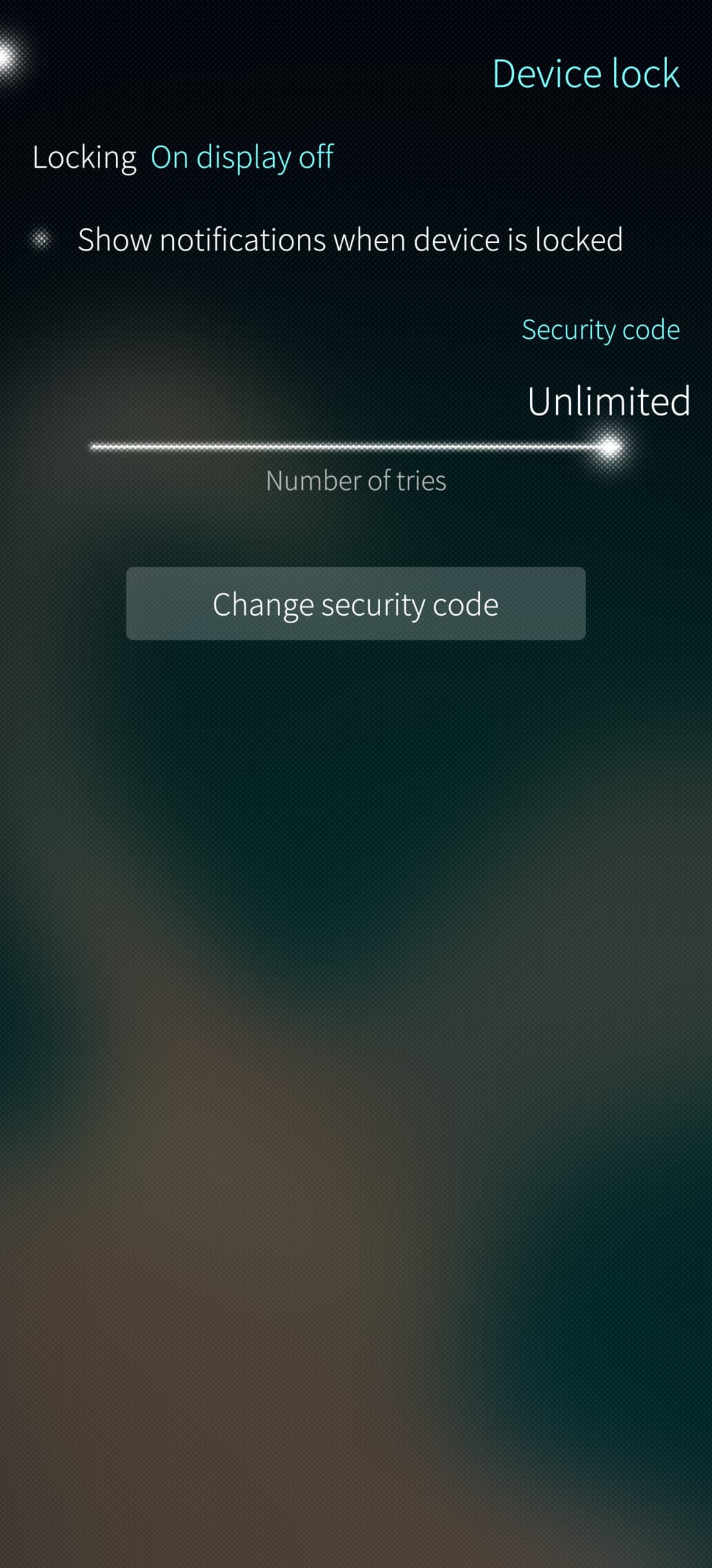
However I noticed the whole option to add fingerprints is now missing from the device lock menu…
Update needs 2.5Gb. How do you get this without removing Android support?
Can you check the output of this command in the terminal? It shows the top 30 largest installed applications. Maybe something you don’t really need is taking up a lot more space than you would expect. You can change the number to whatever you want, e.g. ‘-70’ will list the 70 largest installed apps.
rpm -qa --queryformat '%{SIZE}\t %{NAME}-%{version}\n' | sort -nr | head -30
3 Likes
Thanks. You did show me the right way. I did have there something i shouldn’t.. Update was smooth and quick!
3 Likes
A reboot fixed it, stil weird the option disappeared from the menu and the button no longer reacted on any registered finger.
Not sure if mentioned by anyone else, but at least for KPN it can be ‘fixed’ by changing data acces point protocol to IP and change the name from ‘internet’ to ‘internet4’ to force ipv4 instead of ipv6, this fixes android apps internet access on mobile data.
5 Likes
That sounds like the problem I had with the fingerprint sensro with version 5.2.0.17 I mentioned here ( Fingerprint scanner stops working - #2 by Arrina ). Although I can not remember if it disapeared from the settings like yours or if I even looked there. That being said: I have not have any issues with the fingerprint since
2 Likes
My suspect is non working mobile IPv6 DNS in AAS as part of CLAT issue to fixed be in next release SFOS 5.2.0.19. I’m unable to check this, but maybe someone could test IPv6 DNS by using Android Terminal in AAS.
I belive Jolla already confirmed that CLAT isn’t working, and it will be fixed in 5.2.0.19
(I was able to work-around the problem by forcing IPv4 for Mobile data, but that requires a mobile network that supports IPv4-only data.)
2 Likes