HDR is off, but the maximum resolution is still 4096x3072.
If you want to offer a flagship exprience maybe call it ‘’ Flagship Camera ‘’ ?
Ok, I’ll get to this tomorrow. Gotta build some hardware …
So multiple things are happening here. Seems like Xperia is sending half resolution photos in RAW, that’s why we saw those broken photos. I added a failover to switch from RAW to YUV when this happens. That worked and we got a “working” photo which looked washed out. That’s because Xperia applies exposure one frame too late in a burst mode plus first is using viewfinder exposure. That shifts everything. I’m working on 2 fixes. I’ll try to limit viewfinder to 30FPS as yours goes up to 50 and might switch the sensor to binned mode with half resolution. Second fix is to just handle exposure properly and drop invalid frames which are just corrupting final photo. Fingers crossed.
I’m also working on a small pre-trained ML model for denoising photos. It works fine on internal GPU, but it’s a bit slow, even with tiny model. There is NPU available on this chip, which would allow us to run way bigger model in milliseconds, but it’s not fully enabled on the phone yet. I raised a issue with Jolla so hopefully we’ll get it soon [Jolla Phone 2 / JP2601] MediaTek NPU (APU) not usable by apps: APUWare HAL services not started
Naturally programs should have restrictions on where they can write. It’s just that user seems to have not given choise to have options,
I usually have the rotation locked on my phone. The Stock Camera App does rotate automatically regardless of the OS setting. ProCam does not. Is it possible to change that behaviour? Maybe i overlooked a setting or something.
Apart from that, the photos look way better than the stock ones 
Yes would love this.
How is depth-of-field on closeups? Does it make good images in focus?
Hey, I noticed that you had started to work towards bringing all this development to the native camera! I just wanted to drop, thank you 
Well, I think it is great to have devs doing what IvanV is doing here, and I also think we should have more users like CLMA31 on this forum (like CLMA32, 33…?)
@IvanV Great app so far!
One feature request from my side  could you add an option to attach GPS coordinates to the picture like in the standard jolla camera app?
The option is already there. If you go to the Apps section in system settings and select ProCam you can enable ‘save location’. I’m not sure if it works because the gallery app doesn’t seem to show this in the info screen of an image.
ah found it - thanks.
never seen an app use the app settings (except of jolla apps) before 
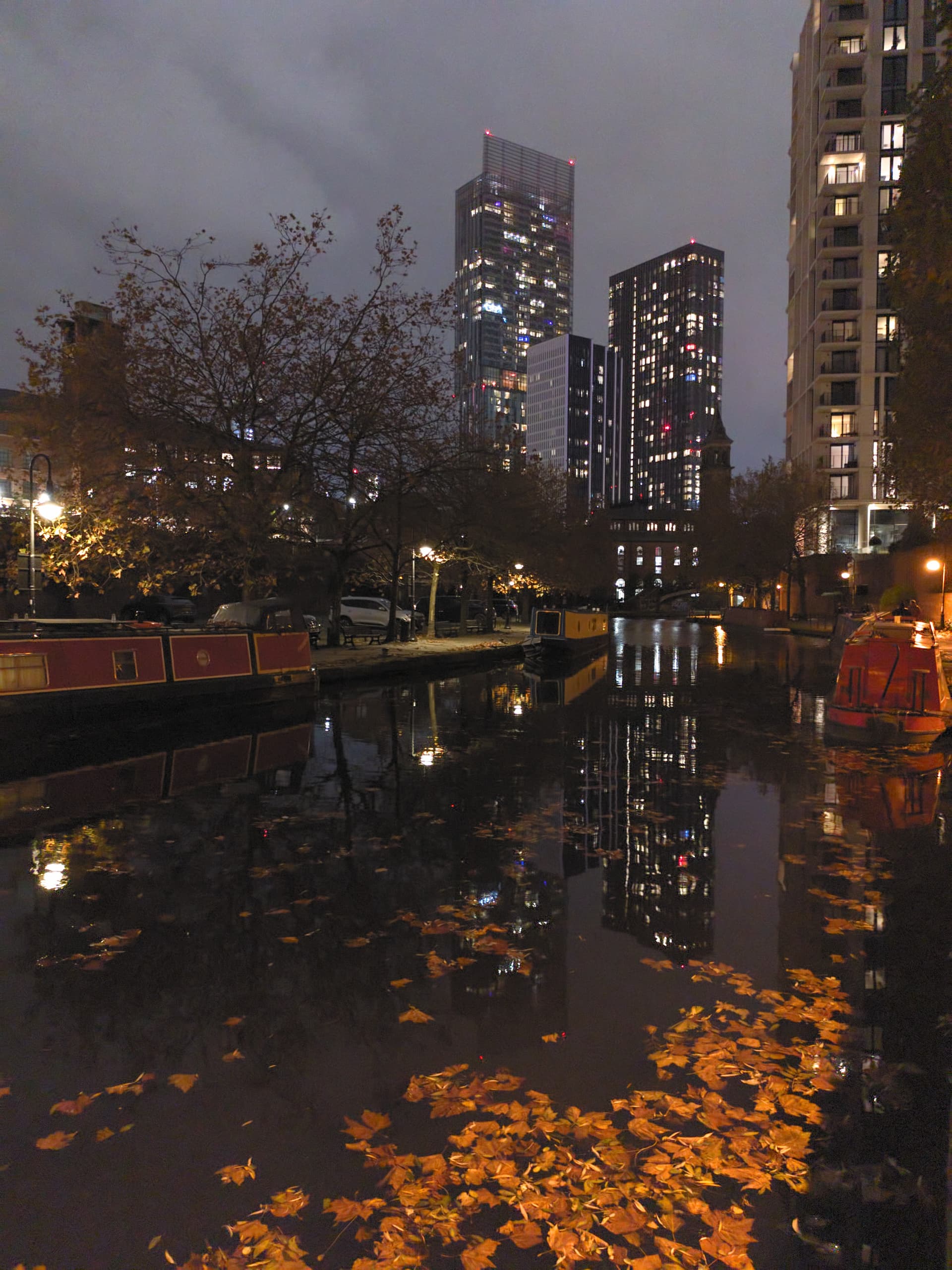
and @CLMA31 definitely great work, but also important to mention: GitHub - Logic-gate/RAWfish: Camera2 application for Sailfish · GitHub - which ProCam is based on.
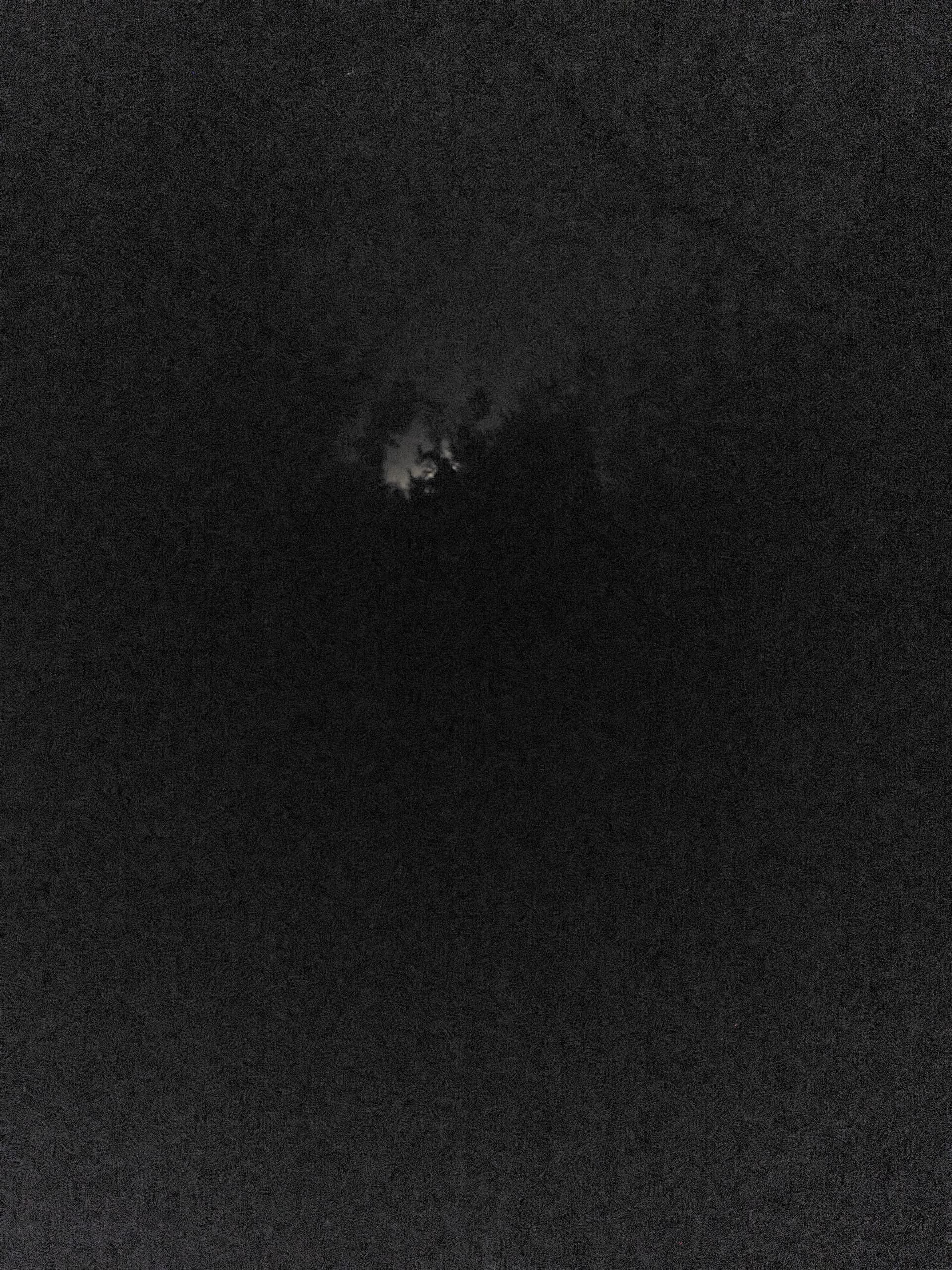
How the hell do you get it to do that. With daylight I get ok photos on the 2026 phone but this is a point and shoot night photo (the app shows ‘night mode’ with a moon). I admit, I did nothing but point and shoot.
Procam
Jolla Camera app
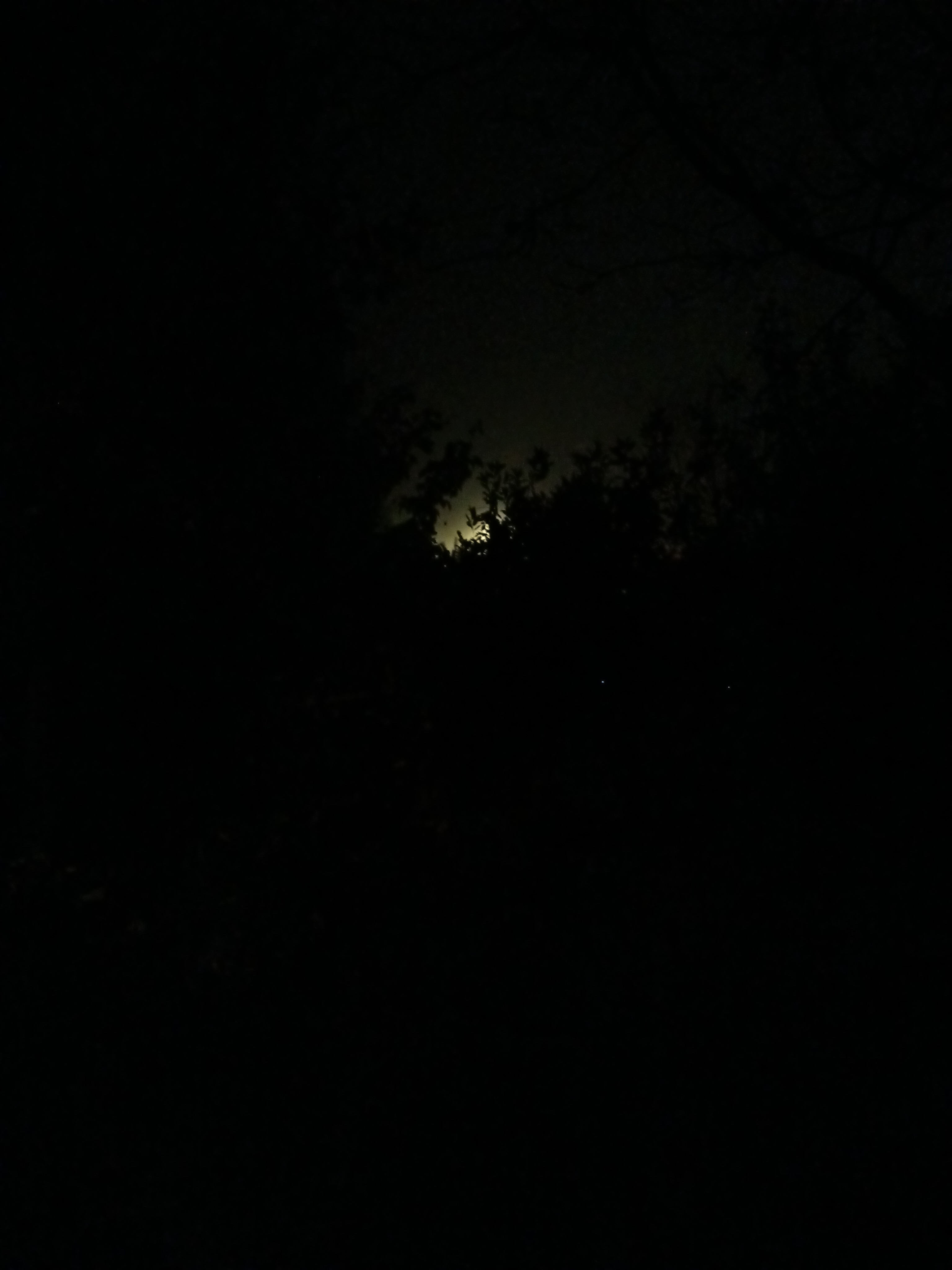
I did have rawfish installed on this phone though I removed the app (well, at least the gui part) before this test.
@poetaster, are the pics not inverted (Jolla<->ProCam)?
ProCam should be much less noisy (grainy) than Jolla Cam and more sensible, normally.
Regarding ProCam and RAWfish, both coexist well, now.
You can leave both installed at the same time, if you wish so.