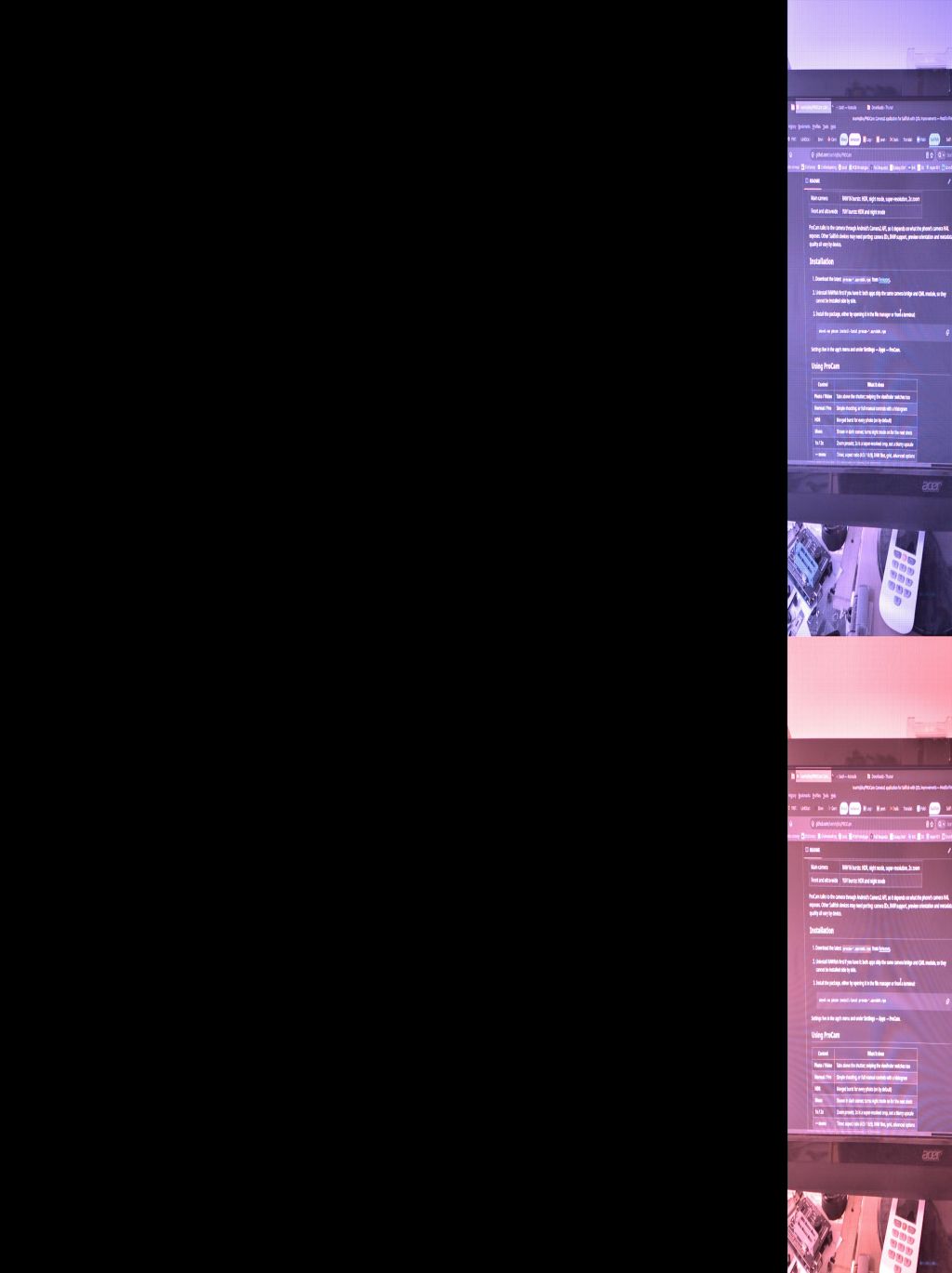
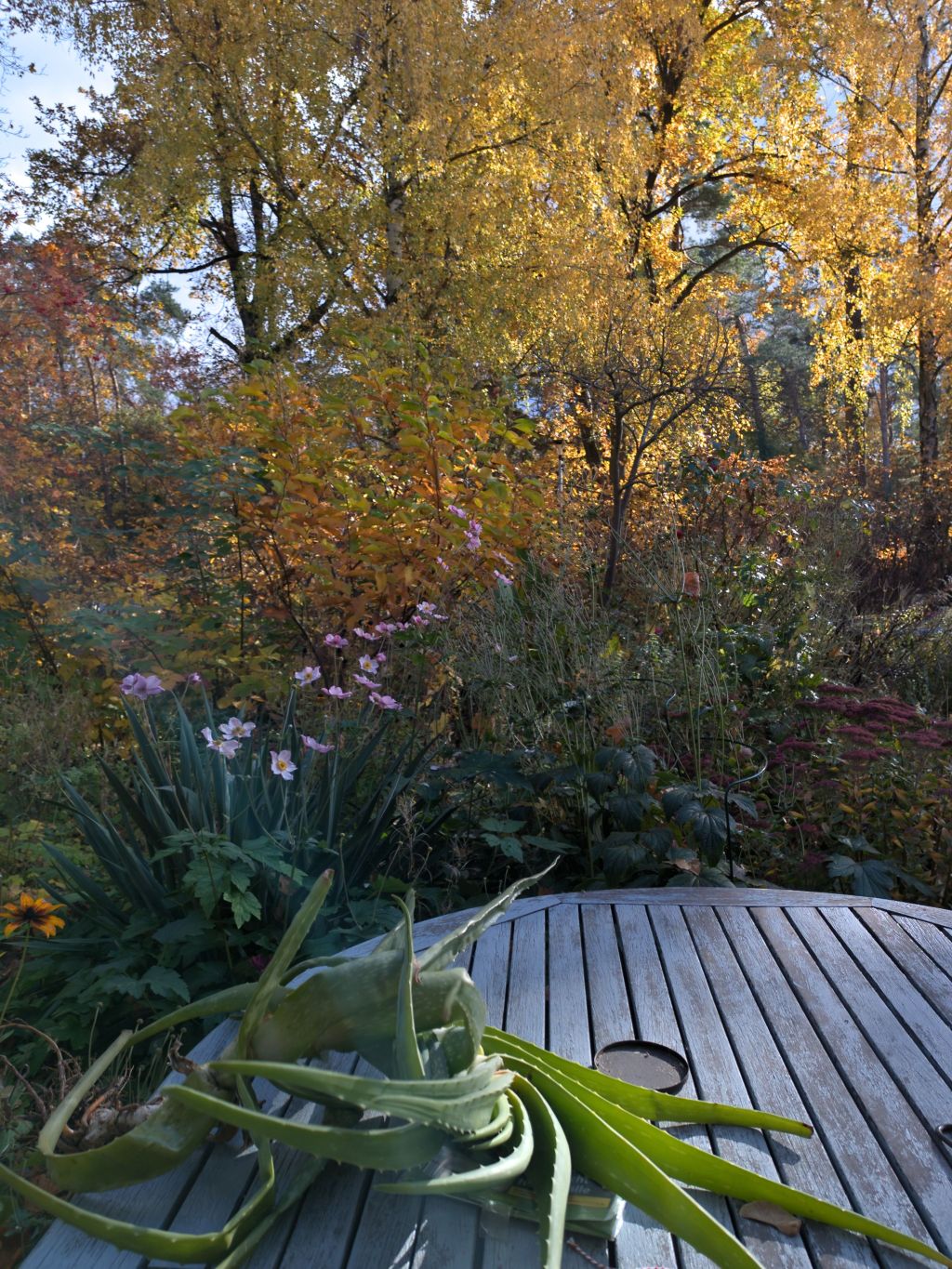
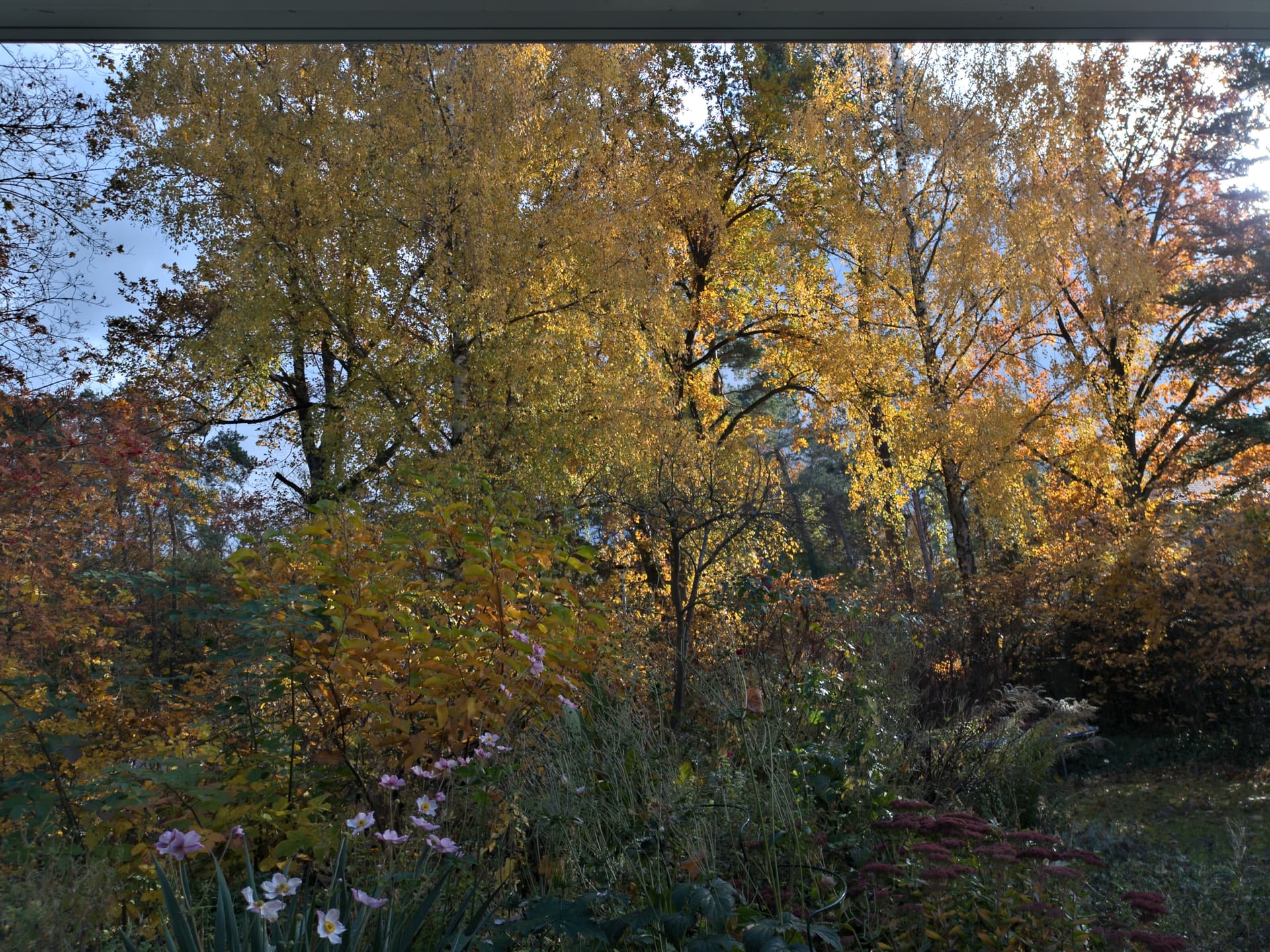
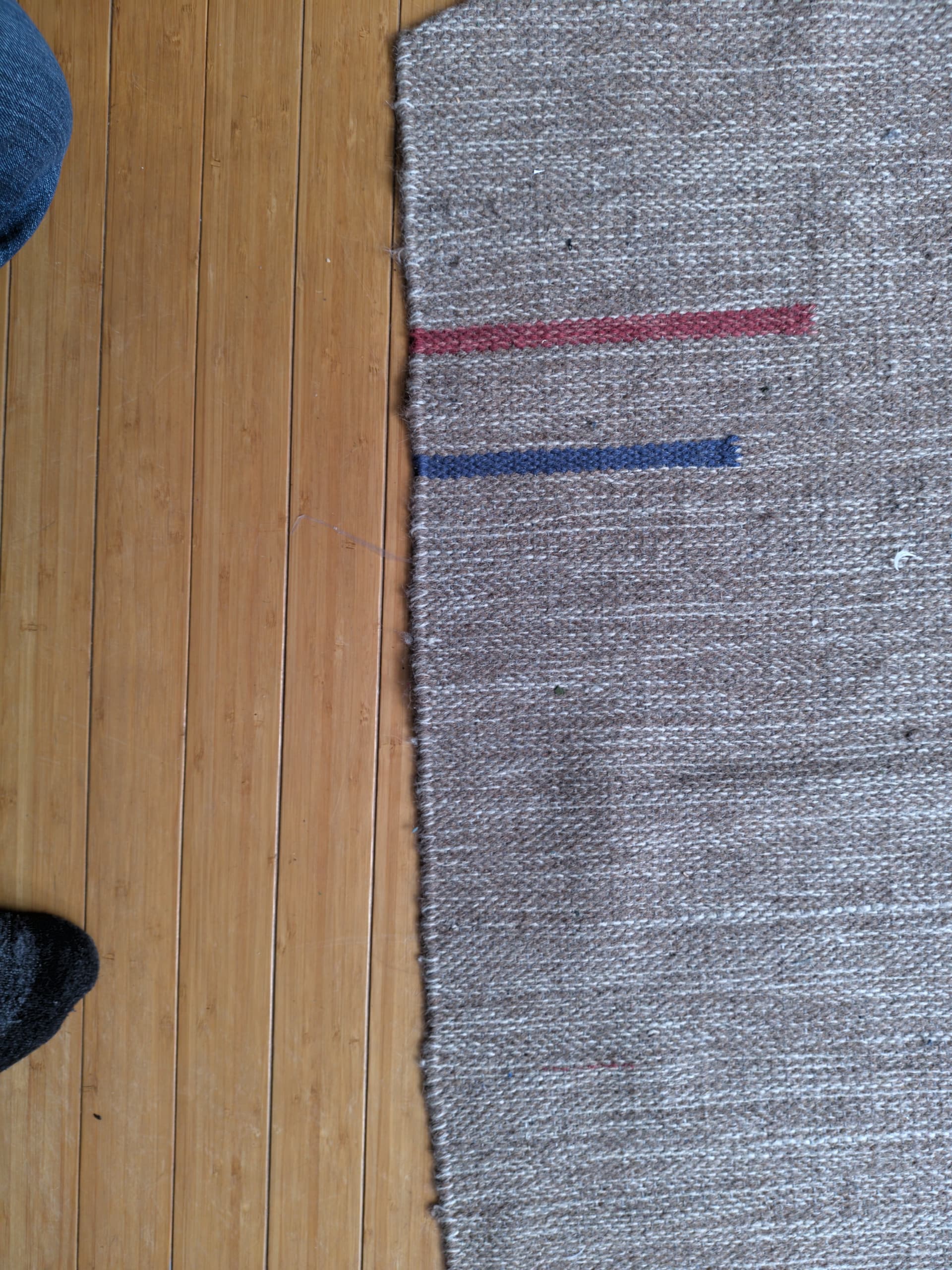
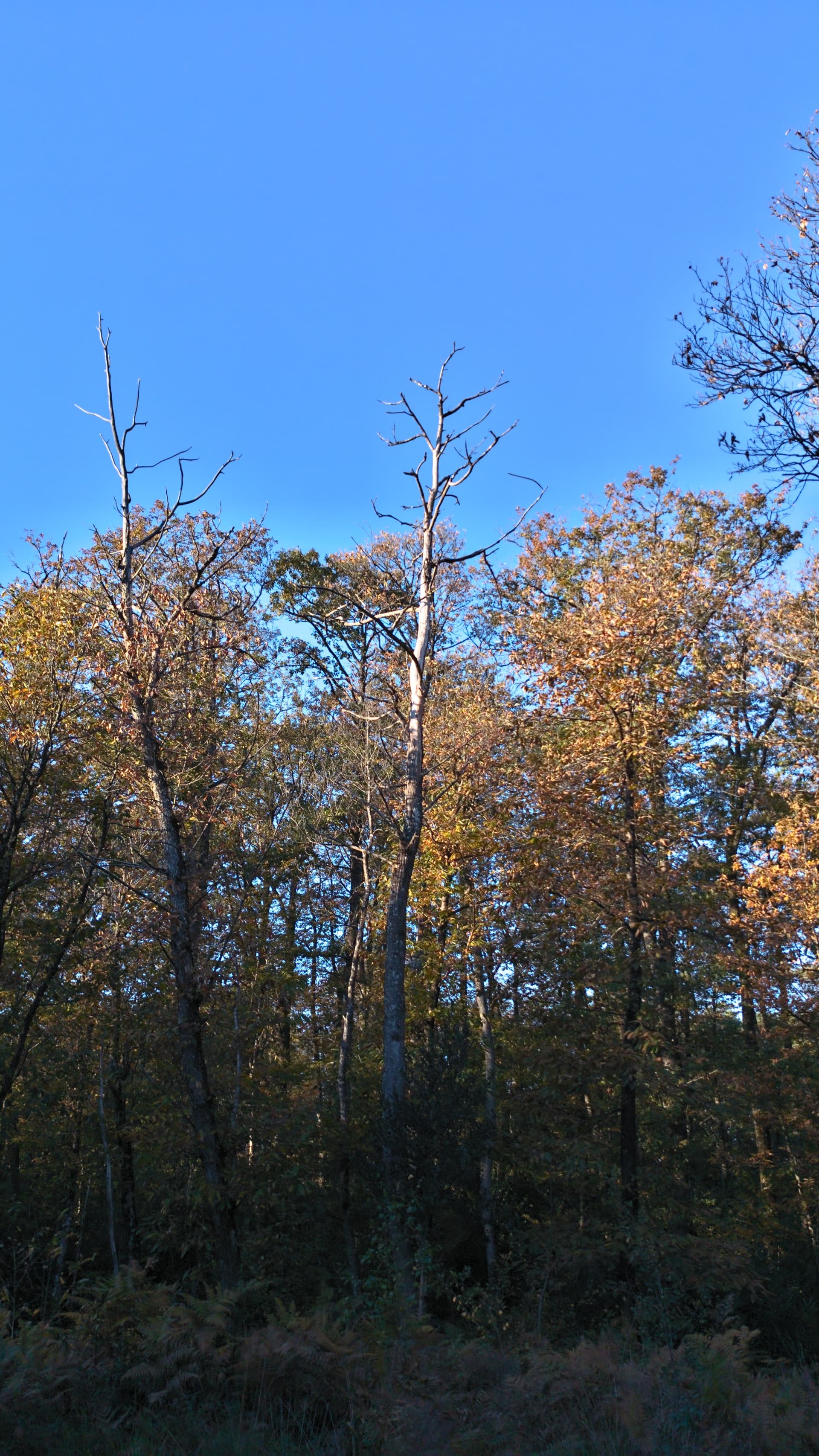
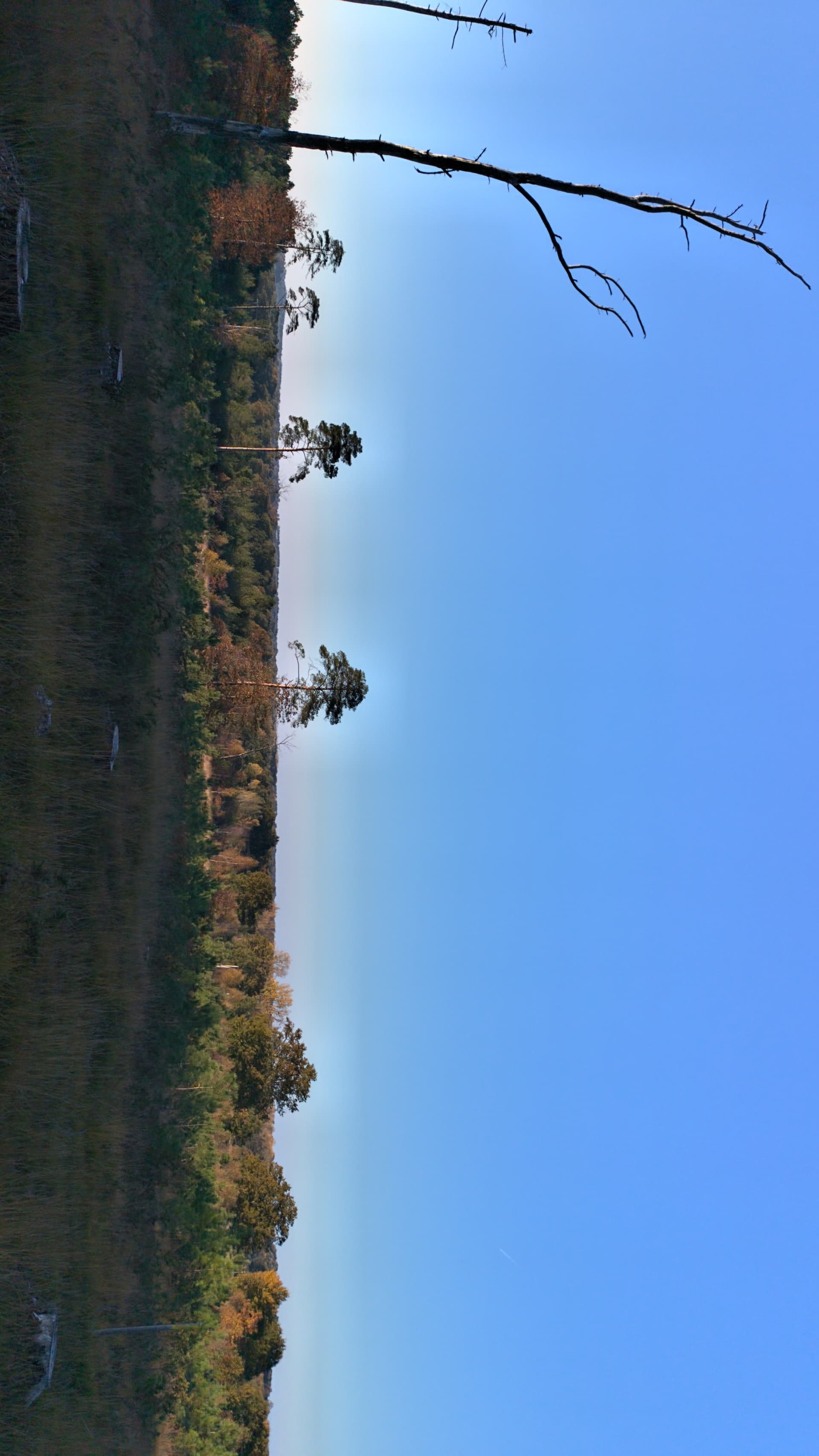
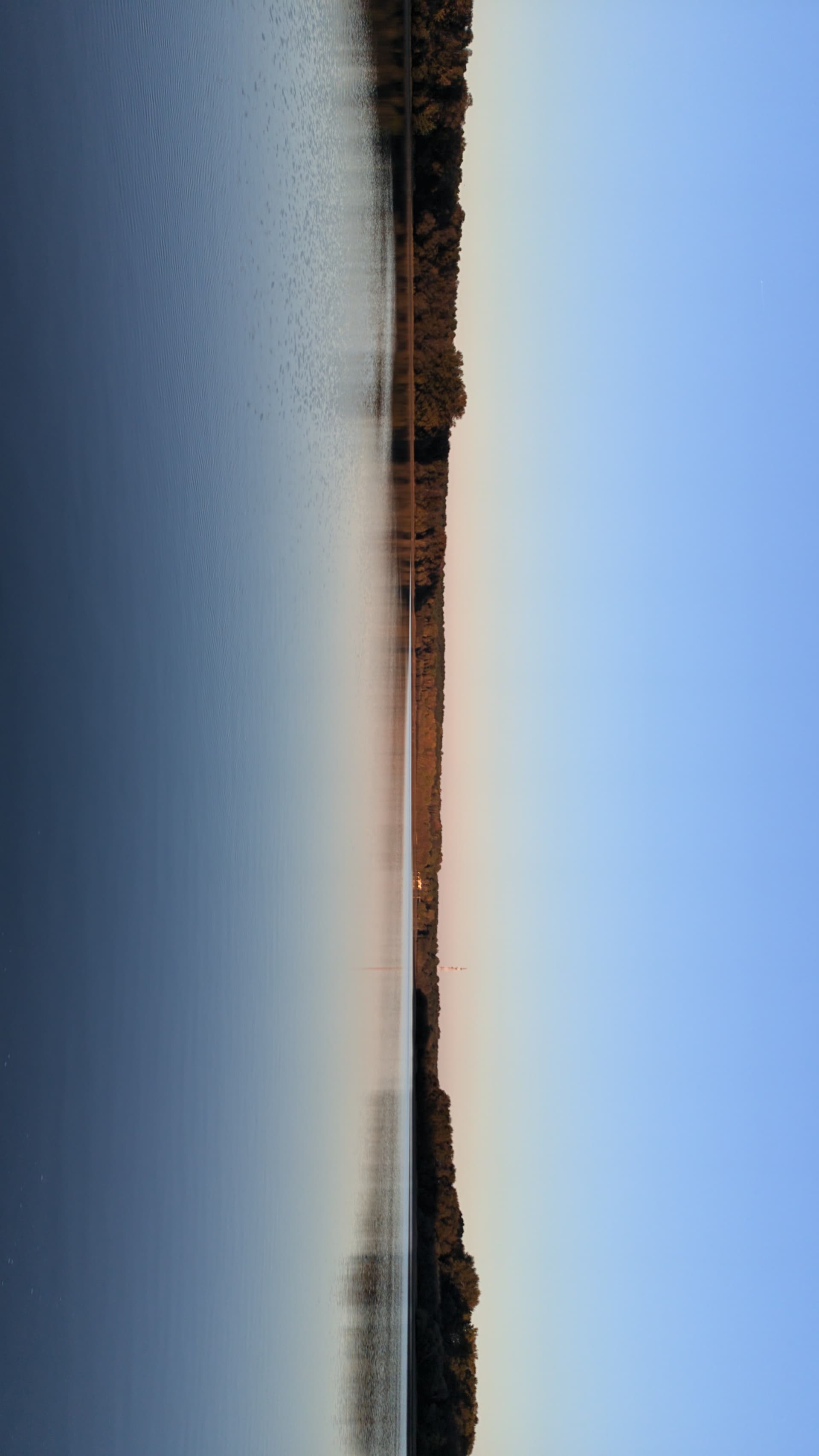
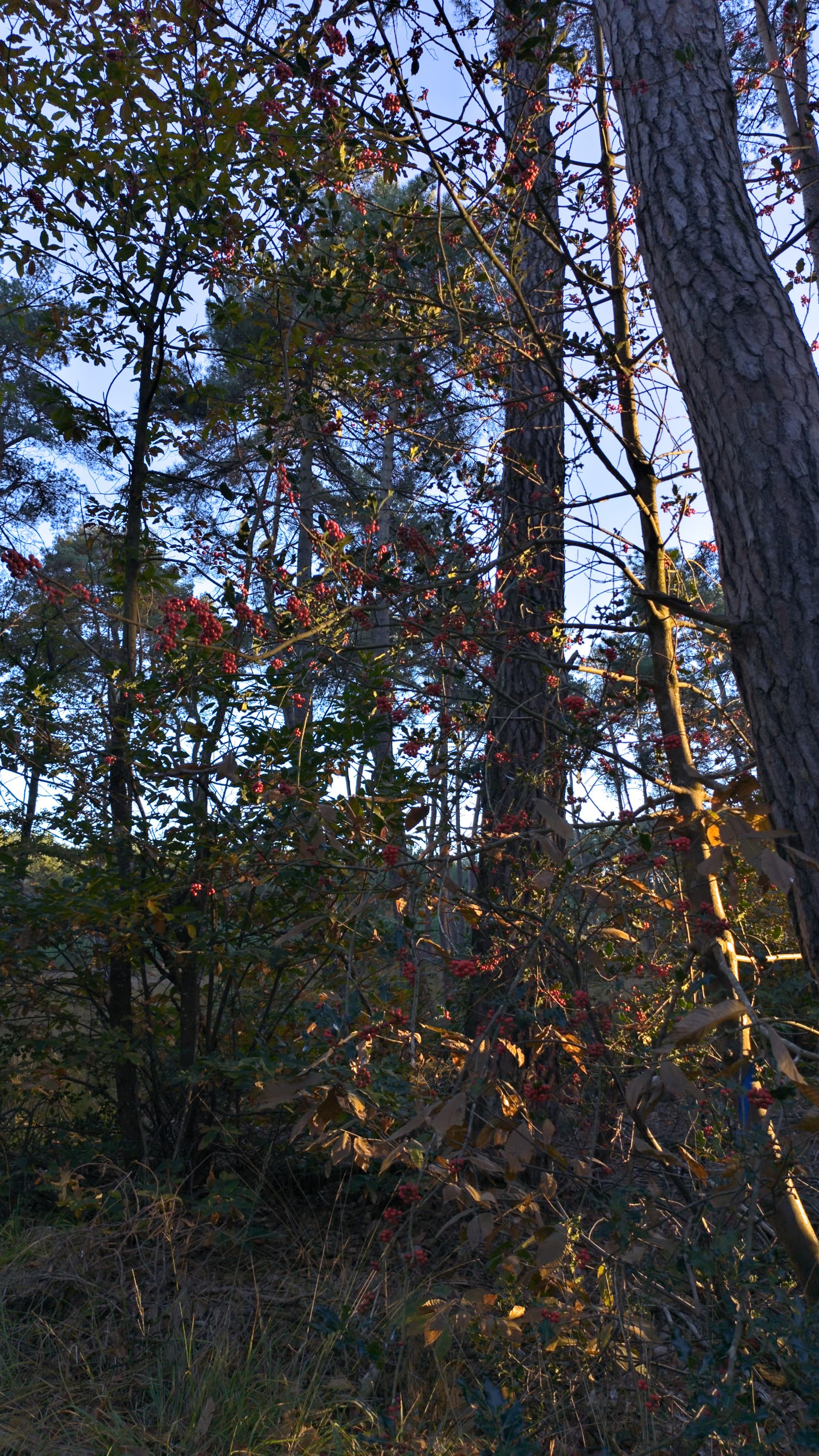
ProCam is a camera app for the Jolla Phone 2 that does the processing modern phones do: every photo is built from several RAW frames, merged and tone-mapped on the phone by ProCam’s own pipeline, instead of using the camera’s built-in JPEG.
Highlights
HDR bursts: up to 8 frames merged, so skies keep their detail and indoor shots stay clean
Night mode: a moon appears in dark scenes; hold still and 16 frames are merged into a bright, clean photo
Sharper photos: multi-frame super-resolution, and a 2x zoom rendered from the burst instead of upscaled
Smart exposure: frame times adapt to how steady your hand is; faces are detected and exposed properly, even against bright windows
All three cameras: main, ultrawide and front (selfies get the same burst processing)
Modern viewfinder: fullscreen, Photo/Video tabs, tap to focus with brightness, capture queue
4:3 or 16:9, optional RAW/DNG files, and a Pro mode with full manual controls
ProCam is a fork of RAWfish by Logic-gate, which built the Android Camera2 bridge and RAW capture this app relies on. Big thanks to them. The changes grew too large for a pull request, so it continues under its own name.
Download:Releases · IvanVojtko/PROCam · GitHub
Install: devel-su pkcon install-local procam-*.aarch64.rpm (uninstall RAWfish first, they can’t be installed together).
This is a beta: tested on my own Jolla Phone 2 with Sailfish OS 5.1. Ultrawide photos and the longest night shots haven’t seen much testing yet. Feedback and sample photos are very welcome. Developed with substantial AI assistance (Claude Code), see the AI usage policy in the repo.
I did notice on my jolla 5.2.0.20 install that the icon was not showing but it installed fine on the 5.1 experia. Not sure what it means yet, but I’ll have a look when I have a minute.
ProCam can’t be installed next to RAWfish: both ship the same camera bridge and QML plugin files. Please uninstall RAWfish first (Settings → Apps, or devel-su pkcon remove rawfish), then install the ProCam RPM again.
Oh boy, I can’t wait for SuperMegaUltraCam X Pro to be released soon to replace ProCam 1.4 beta, only to then be replaced by GigaCam9000 a few days later because working together is too difficult.
Changes grew too large for a pull request then something is wrong with your workflow I guess. No offense but dont sound to me as a solid argument.
At this stage of develooment its hard to understand why come up with a seperate version instead of contributing.
Dont get me wrong, you put effort in this and its totally ok but a beta project out of beta project… In the end all the great improvements should find theire way to back to the original sailfish camera app e.g. upstreamed. Iirc in some post of jolla here in the forum they stated that they observe the attention the camera app got
I’m discovering your fork right now.
Surprised that we never talked together, but well, that might be the new way of doing things…
Anyway, nice ideas and technological improvements, tbh.
We could have worked together on the same app, to combine the forces.
But perhaps different photography usages and philosophies have to lead to different works.
Anyway, versions/forks should not be exclusive between each other.
Fortunately, ProCam installs perfectly along RAWfish in the the last version (since Oct 29 only).
Thanks for the quick explanation, that makes sense.
For what it’s worth, it’s doable to let both coexist: fiat lux (a light meter that also uses the Camera2 bridge) installs alongside RAWfish without any conflict. It comes down to three renames:
Bridge library: ship it as libprocamcamera2.so instead of libsfoscamera2.so, and point the helper at it with SFOS_CAMERA2_BRIDGE. Update the __requires_exclude_from / __provides_exclude_from lines in the spec to match.
QML plugin: register it under your own module name (for example com.procam.camera) instead of com.vivid.camera, and update the QML imports. That moves the plugin to its own directory under qt5/qml.
Helper path: you already use /usr/libexec/procam/, so that part is done.
After that, Conflicts: rawfish can go, and people can keep RAWfish and ProCam side by side, which is useful for comparing the two.
I might miss something, but I installed and ran both RAWfish and ProCam without problems.
Of course, we can’t run two camera apps at the same time, but that is true for all camera apps.
Hey guys. A quick explanation from my side why this fork/new app.
First I would like to address @nthn and @carepack . Sorry, my wording was wrong. It’s not about PR being too big. It’s about being it too big change. The UI is completely different and a massive amount of post processing is happening (you can see it after taking photo, it takes 5 seconds to do post-process). I felt like this is everything, but not RAWFish, which is in my opinion focusing on delivering RAW experience, not heavily post-processed. That’s the main reason why new app, instead of submitting a PR.
My idea behind this was to have point-and-shoot app - very similar to what other brands offer. Very intuitive and simple UI and all the post-processing to enhance photo (sharpness, noise removal, color balance, highlights, shadows) while still trying to keep photos looking natural, not too artificial as many modern phones do.
In terms of why didn’t I rather work on improving built in camera app - there is a big blocker. Every single feature I implemented (or even RAWFish project) is built on camera2, which is still to be added for built-in camera app. When Jolla team will add this change, I’m more than happy to raise multiple PRs to move a lot of my processing to their app, but until then, I will use this.
If you guys don’t like this, it’s fine, no hard feelings. I just wanted to share with community something, that can improve everyone’s experience.