@mad_dev is the mother of all camera 2 apps.
ProCam and RAWfish are both amazing to use already. I’m testing whenever I find time. Also, I hope you are able to push them one day to Jolla Store besides Chum or Storeman. However, one feature I’m missing: being able to save images/videos to specific folder and ultimately to sdcard, that would be nice.
I agree with you. Still, both apps should allow also more simpler settings and the pro-settings. In case of ProCam, I must say that I like the UI in that case since it’s hiding the pro settings at first and the user can decide to leave it or use it.
In general smartphone apps tend to save things/files to fixed locations somewhere in system. I have a deep dislike for this basic built in behaviour of apps . This covers all ( android , ios ) and also sfos apps. have no idea who invented this way of doing things. For SFOS I would like to have freedom of folders/ locations as standard , for each app. Basically should not accepted to jolla store / chum if not free to control where output is saved.
just a little question, should not be better to work together with RAWfish team instead of making zilion camera apps?
Just wait for the third fork where it will be a combination of both apps, like regular and pro mode.
I guess there will be at least one more 
ProCam could be renamed to EasyCam or something like that, and drop the Pro-Prefs completely to fit its narrative as an easy-to-use camera app for the average John Doe and make it unique.
I see this as a win-win for everyone: no truly duplicated projects.
Tell this to all Linux forks and distributions — ducks and runs
I explained it before. RAWFish focuses on RAW experience. This is exact opposite, heavy post process to deliver point-and-shoot experience - similar to what other brands offer by default. Yes, it can be all behind settings, but adding 100 different options would again break purpose of point-and-shoot app. I think it’s better if these apps co-exists and we can cherrypick from each other what we need - if there are some bigger issues, we can work together, as for example Xperia 10 problem.
My end goal would be to get camera2 support into the default cam and start slowly moving all these features there to have high quality built in camera. This app is more like a beta testing for main camera.
well if this will turn to complete easy and minimalist UI, yes otherwise it just sounds as duplicate fork to me 
This feels like you haven’t even tried the app? UI is completely different and it is very simple. Give it a try, I’m open for any feedback.
Ok, then I misunderstood it. So in the end, all efforts are targeted at improving the stock Jolla camera app, which I support.
And for the pros we have RAWfish.
In general smartphone apps tend to save things/files to fixed locations somewhere in system. I have a deep dislike for this basic built in behaviour of apps . This covers all ( android , ios ) and also sfos apps. have no idea who invented this way of doing things. For SFOS I would like to have freedom of folders/ locations as standard , for each app. Basically should not accepted to jolla store / chum if not free to control where output is saved
The idea with data being stored “somewhere in the system” is to sandbox each app which keeps the system safe from apps writing malicious stuff and also protects apps from other apps. For example consider if one app wrote a script somewhere that a banking app reads and it got executed sending your credentials to someone.
But I do agree that a camera app should have the option to write photos wherever the user chooses (as long as it’s a user accessible location, of course).
@IvanV I so highly appreciate your effort to push these stunning upgrades to upstream!  As normal user I can’t thank you enough
In the meantime I prepared a new version. Build is still running and once done, RPM will be available at: Release ProCam v1.4.0-beta.5 · IvanVojtko/PROCam · GitHub
Faster
-
Starts about a second sooner. The camera now opens while the app is still loading, and ProCam remembers what your cameras can do instead of checking them at every start. On the Jolla Phone 2 the viewfinder appears after about 1.5 s instead of 2.5–2.8 s.
-
Shutter feedback right when the photo is taken. The shutter sound and animation now come as soon as the last frame of the photo has been captured, instead of after the frames were saved. They tell you when it’s safe to move the phone: indoors that’s typically 0.7–0.9 s after you press.
-
Turning the phone no longer restarts the camera. The photo’s orientation is applied when it’s saved.
-
The shutter animation runs smoothly: the photo’s thumbnail is made after it has started.
Sharper viewfinder
- The viewfinder now shows 1920x1440 instead of 1440x1080. A camera that can’t deliver that next to its RAW stream switches back to 1440x1080 by itself.
Selfies
- New mirror button in the front camera’s top bar. When it’s on, selfies are saved the way the viewfinder shows them (mirrored). When it’s off (the default), they’re saved the way others see you.
Choose where photos and videos are saved
-
New “Photos folder” and “Videos folder” options in Settings → Apps → ProCam. Choose “Default” or pick any folder in Pictures, Videos or on a memory card. Photos and videos go straight into the folder you pick, and ProCam’s gallery follows it.
-
If the folder you picked isn’t available (memory card taken out, folder deleted), ProCam saves to the default folder instead,
Pictures/ProCamorVideos/ProCam, and Settings tells you. -
Folders elsewhere, such as Documents, can’t be used: the Sailfish OS app sandbox only lets ProCam write to Pictures, Videos and memory cards. To use a new folder, create it in the File Browser first.
Better photos on other phones
-
Damaged RAW frames are detected. On some phones, the camera fills only part of each RAW frame. On the Xperia 10 III this made photos come out as two squashed copies on black. ProCam now checks every frame before merging and leaves damaged frames out.
-
Automatic switch to YUV. If every frame of a photo is damaged, that photo fails with a message saying so. That camera then takes its photos from YUV frames, like cameras without RAW, and its RAW options are hidden. Please take the photo again. ProCam remembers this until the next system update, which may fix the camera.
-
Photos on the Jolla Phone 2 are unchanged: none of its RAW frames are affected.
Diagnostics
Pictures/ProCam/procam-capture.lognow records start-up, shutter and photo-processing times, and when a camera’s RAW frames were found damaged.
Known limitations
-
In low light, the front camera’s viewfinder lags behind by up to half a second. This comes from keeping full-resolution selfie frames ready for the photo, and it’s kept on purpose for image quality.
-
The Xperia 10 III switch to YUV photos hasn’t been confirmed on an Xperia yet. Reports are welcome.
-
Video: no zoom in the Video tab, no tap-to-focus while recording, and 30 fps only. The Jolla Phone 2’s camera driver has no 60 fps mode.
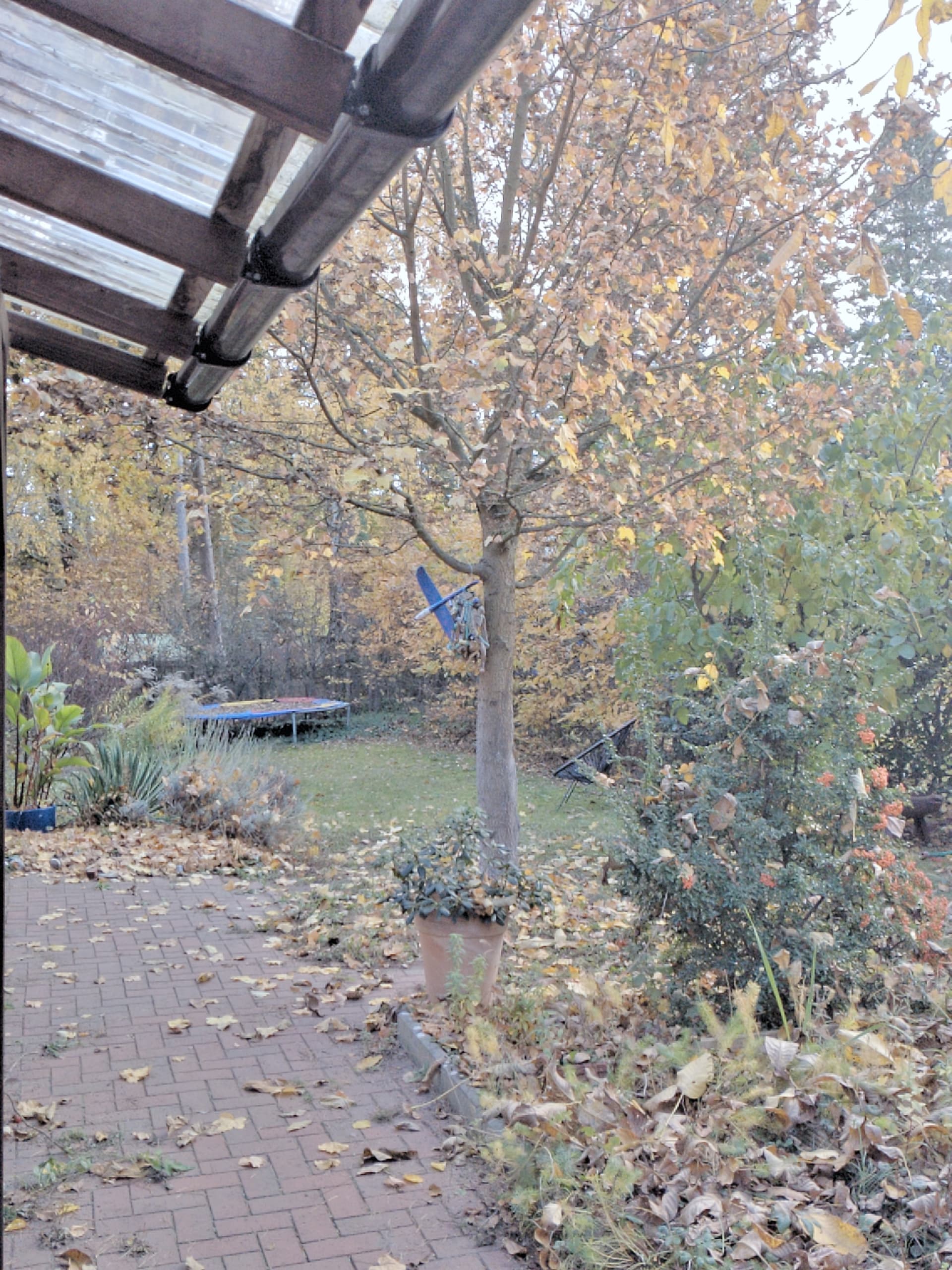
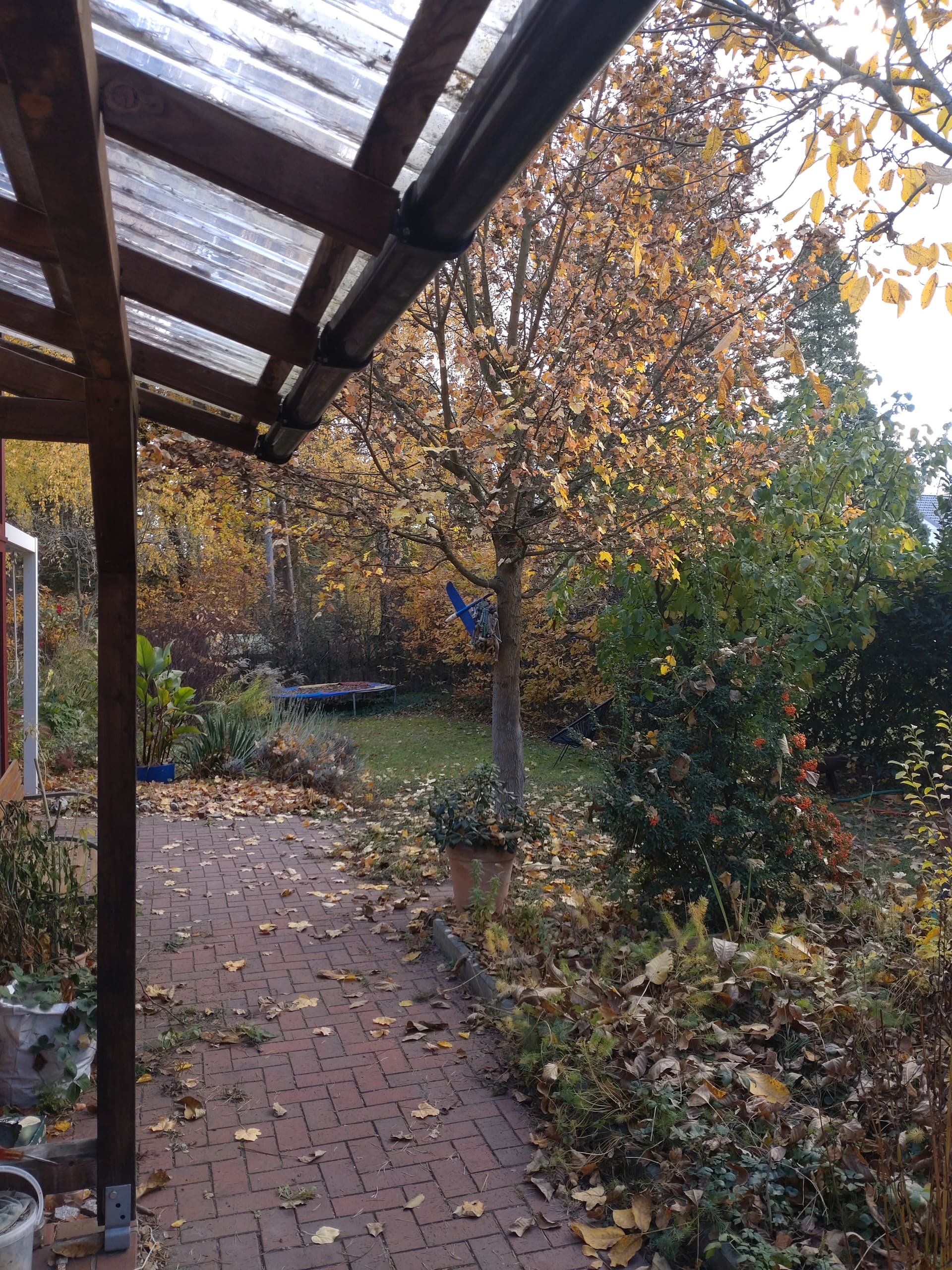
@poetaster Could you please share procam-capture.log? I added some extra logging there, specifically for Xperia. It looks like a lot of frames were dropped.
Sure thing: https://paste.opensuse.org/pastes/ec7ac74f8ae4
@poetaster Your latest log was really helpful. The new version detected that the phone’s RAW frames are incomplete and switched the main camera to YUV frames automatically. That’s why photos no longer come out as two squashed copies.
To tune ProCam for your phone, I need a few files from you.
- The original photo and its info file
From Pictures/ProCam, please send me one recent photo, ProCam__.jpg, and the .json file with the same name. Please send them as files, for example zipped - One photo with the burst frames kept
- Open Settings → Apps → ProCam and turn on “Keep every burst frame”.
- Take one photo of an outdoor scene with plenty of detail: leaves, bricks, grass. Daylight is best.
- Send me everything from that photo in Pictures/ProCam: the .jpg, its .json, and all the …_burst0, …_burst1, … files with their .json files. They’re large, about 18 MB each, so a zip or cloud link works best.
- Afterwards you can turn “Keep every burst frame” off again.
I have set ProCam to a resolution of 8192x6144 in the advanced tab. However, it only takes photos in 4096x3072. I’m not finding any posts regarding this. So, is this a known issue or am I missing something?
Thank you for this great app!
Phone: Jolla Phone (2026)
SFOS: 5.2.0.22
ProCam: v1.4.0-beta.5
That resolution works only with HDR off as that’s sensors native JPEG resolution. In RAW, maximum offered is 4096x3072. In next release, I will make 4096x3072 as a max value when HDR is enabled.