Hello everyone,You can change the font but no setting to enlarge the screen resolution, it’s really too small. Maybe someone has a solution. Thank you.
I’ve never tried it myself, but it seems that Muoto UI Themer allows you to easily change the display density (pixel ratio). There are also ways to change it by editing dconf locks, if you’re comfortable doing that.
A big thank you for this answer. Muoto UI themer seems good for me. Working with the terminal on my jolla, I will need a magnifying glass. I will try tomorrow. That said, dconf is very good for my Mint with a 32 screen screen. I’m a mole!!!
If you ssh to if you wont need magnifying glass.
I couldn’t wait until tomorrow, so I installed Muoto Ui and my eyesight changed :-))), I see like an eagle. Why not integrate into the OS? Not everyone has an eagle eye.
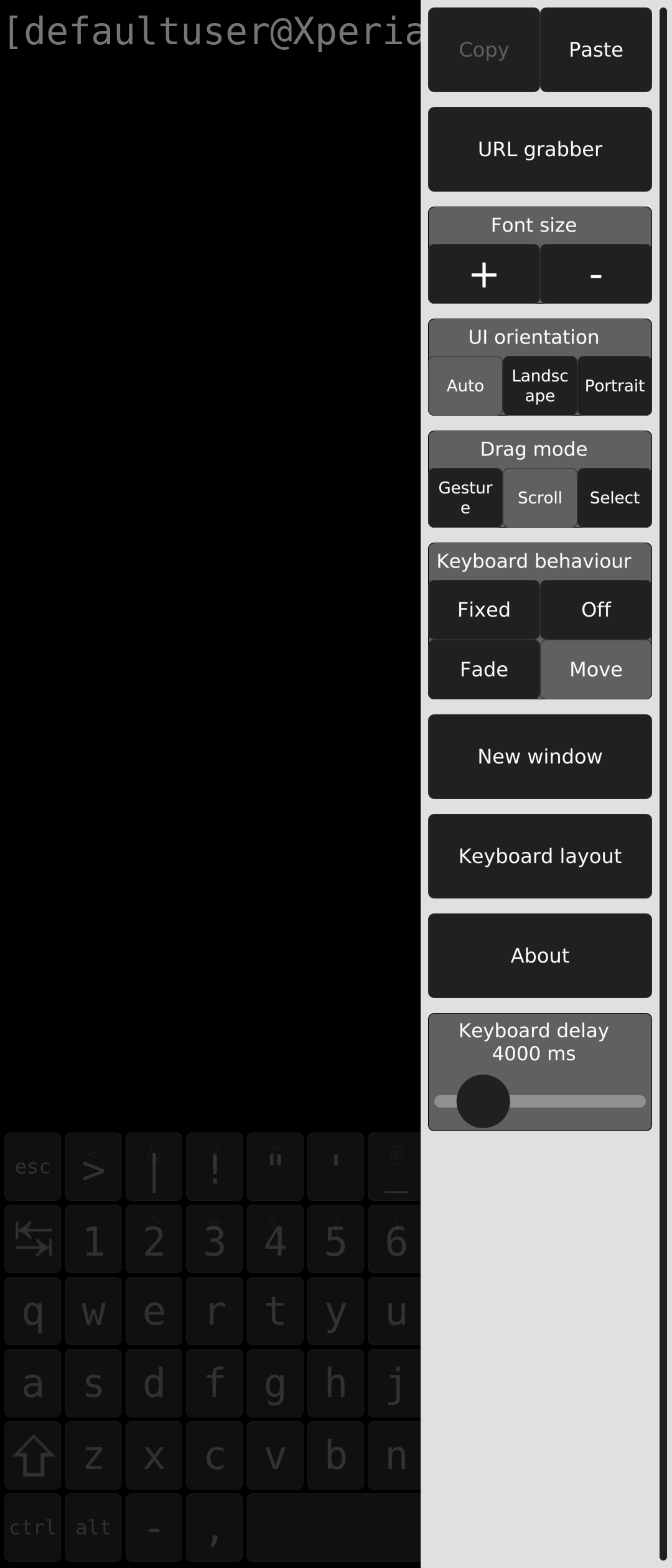
In the terminal you can easily increase text size when you ooen the hamburger menu
Sounds like changing the display density could be a good accessibility setting. I’ve added it to the list of accessibility features Sailfish needs to be usable by everyone.
I totally agree with you. Jolla must remain accessible to those who want to leave this android shit. If you have to go through the terminal to do everything, it’s going to be complicated. It’s a baby that will grow up, improve to reach a large anti GAFA audience. I believe in Jolla.I stopped windows to XP, now Ubuntu and Mint. Smartphone with Fdroid applications and cleaning with ADB. I was waiting for Jolla like the messiah. You have to get your hands in it, but it’s perfect.
Hello everyone, the display setting problem is ok with Muoto. For android apps just install on Fdroid Victoria launcher and you can adjust everything easily. It’s perfect and simple.
I just tried Muoto UI Themer and it seemed nice and usefull. The display density (pixel ratio) worked for icons / fonts but did not work for maps ex. Maep app. Even with setting on in the maep “Draw map double pixel” the name of the maps seem too tiny even for “eagle eye” people!
Is there any way to actual change the screen resolution or I have to try change the Maep source code and compile it with more options for map zooming ?
Hi ,what application,an android application
Mæp-qt | OpenRepos.net — Community Repository System ←sailfishOS application. And there are 2 - 3 more gps apps which happens the same with the map
I installed maep-q and I can zoom in. Try installing Victoria launcher on fdroid. You can adjust the display density.
if you zoom and let your fingers from the screen the app downloads the next level zoom tiles and again the names from the street are way to small. If you go down to the max zoom then it keeps the zoomed-tiles-images. I was looking for native sailfish solution. Otherwise Here Maps works too
I’m sorry but I can’t help you any more. Good luck.
In Pure Maps just tap layer con on top right. Then adjust bottom slider to your liking.