I managed to reproduce it and it should now be fixed in the source code. I will do a new release later today probably.
4 Likes
I’d ask one favour. If you can build with a 5.0 instead of > 5.0 target, devices that aren’t getting updates as fast can be supported and it should run fine on > 5.0 SFOS.
1 Like
I have done some work on this issue, and it might be solved. I have not been able to reproduce it, but let’s see how it works in the next release (later today hopefully).
great  thanks for all
once you will get taste, please take a look if playing audio files for voice navigation can be improved. The goal would be mix Voice (100%) with music (10-30%) [configurable?] … Similar when you listening music and you got incoming SMS tone nicely mixed with music.
So not just pausing media-player what is not nice for ears but also is a little distracting on higher volume and the worse getting disconnected after ±10 voice commands from icecast stream because of queue-size (icecast server config)
1 Like
I looked into 5.0 SDK and it has GCC 10.3 which does not support c+±23 which Organic Maps uses features from. Will be a big change and the PR won’t be accepted, I guess.
1 Like
Settings:
Save maps to ‘Internal private storage’ is working only. Changes are not saved persistent in settings.
Selecting ‘SD card’ moves downloaded maps to the folder ‘organicmaps’ on the sd card, but after restarting organicmaps the setting still says ‘Internal private storage’, has no maps and downloads your local map again.
Nothing in settings.ini about the ‘Save maps to’ storage. It’s impossible to switch to the sd card atm.
It’s not such a big deal, it just means only devices with 5.1 and on will be able to use your version. I don’t think that’s tragic since there are other options Thanks for looking!
2 Likes
I was unable to reproduce this on my device. Try the latest version on GitHub to see if you still have the problem.
1 Like
I have built a new version with fixes reported here. Let me know if the issues you have are still there. Release Organic Maps for Sailfish OS 2026.10.08-4 · klahr/organicmaps-sailfish · GitHub
11 Likes
Have tried. On first touch it has downloaded maps quickly and then kickstarted! Works nice. My advise for future. Investigate what the Rust language is. It is compiled and goes shoulder to shoulder with performance of C++, but doesnt give such troubles as C++ gives. + It can wrap program written in C or C++ via “Application Binary Interface (ABI)” - which lets run C/C++ Programs just from rust code nativelly. I have pain sometimes to see how some developers would be managed to compile their app and then see how it falls apart during execution. If in rust it compiled - many knows that it just works!
1 Like
I have tried them- and i think i love them. One of the best maps for sailfish. Densely filled with information.works quickly,seems like c++ codebase is nicely deBugged. Looks pretty nice.
Thanks for the new version. I use my phone in landscape mode in the car, and I’ve noticed two things:
- The magnifying glass icon covers the speed-limit sign (which isn’t visible in the screenshot below).
- In the navigation view, I’m centered on the screen, which makes it harder to see the upcoming route.
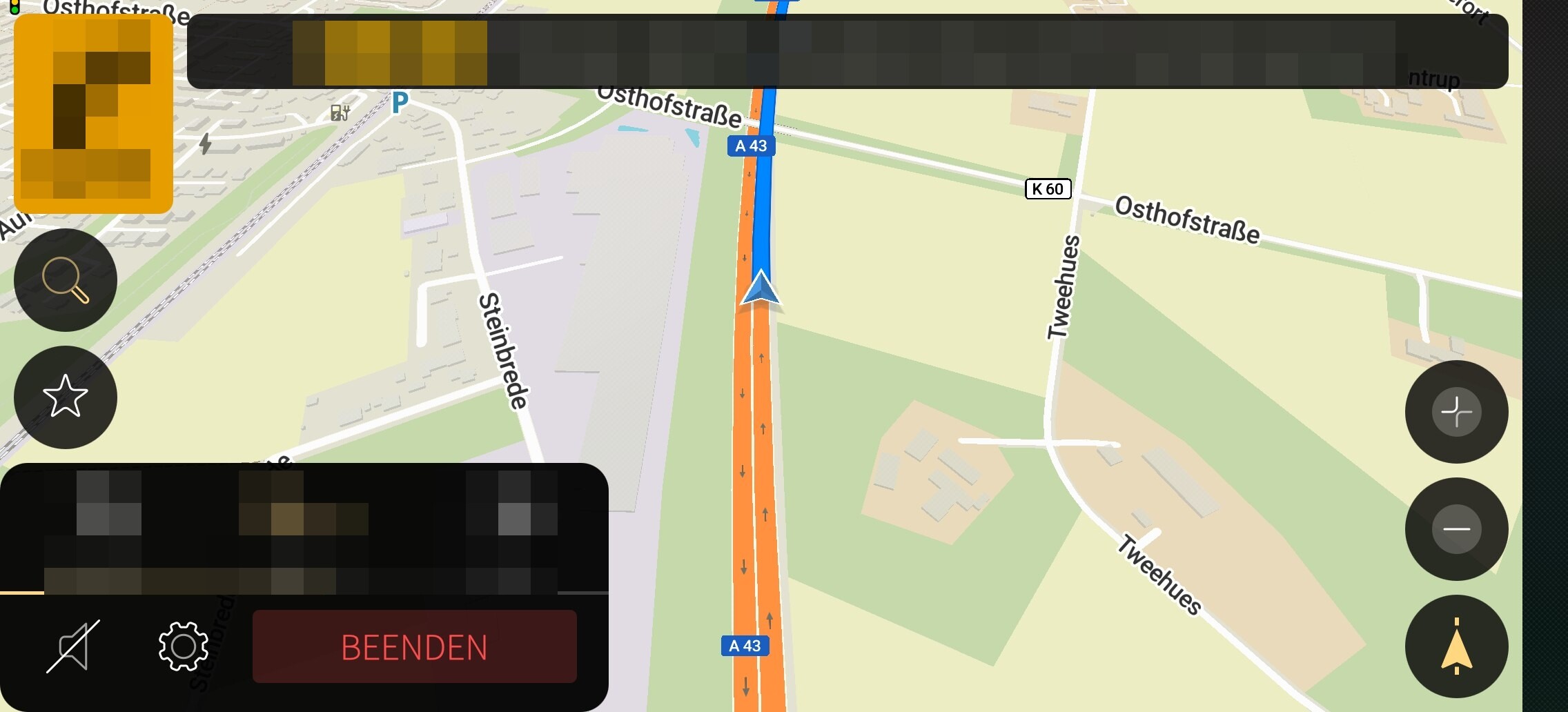
For comparison, here’s Pure Maps, which, in my opinion, makes the best possible use of the screen space:
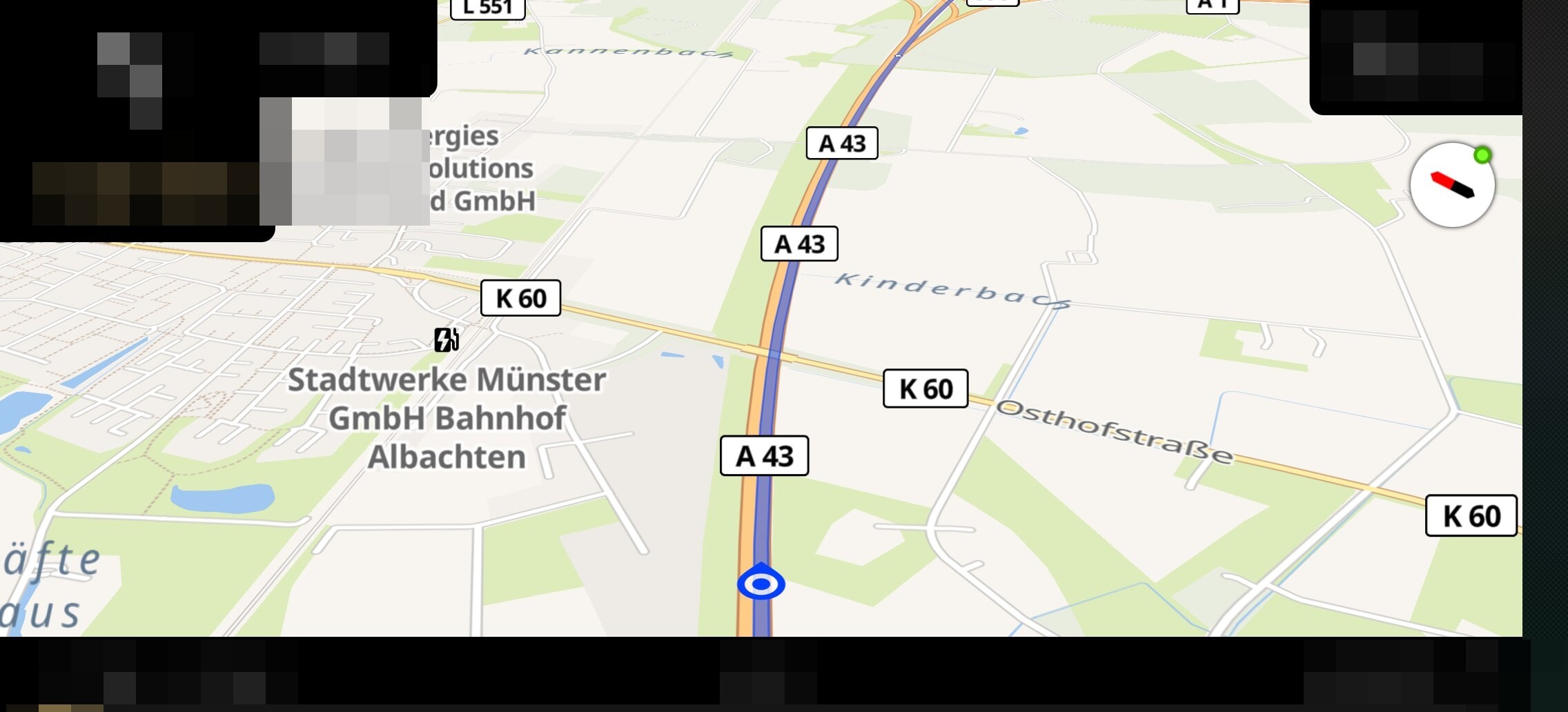
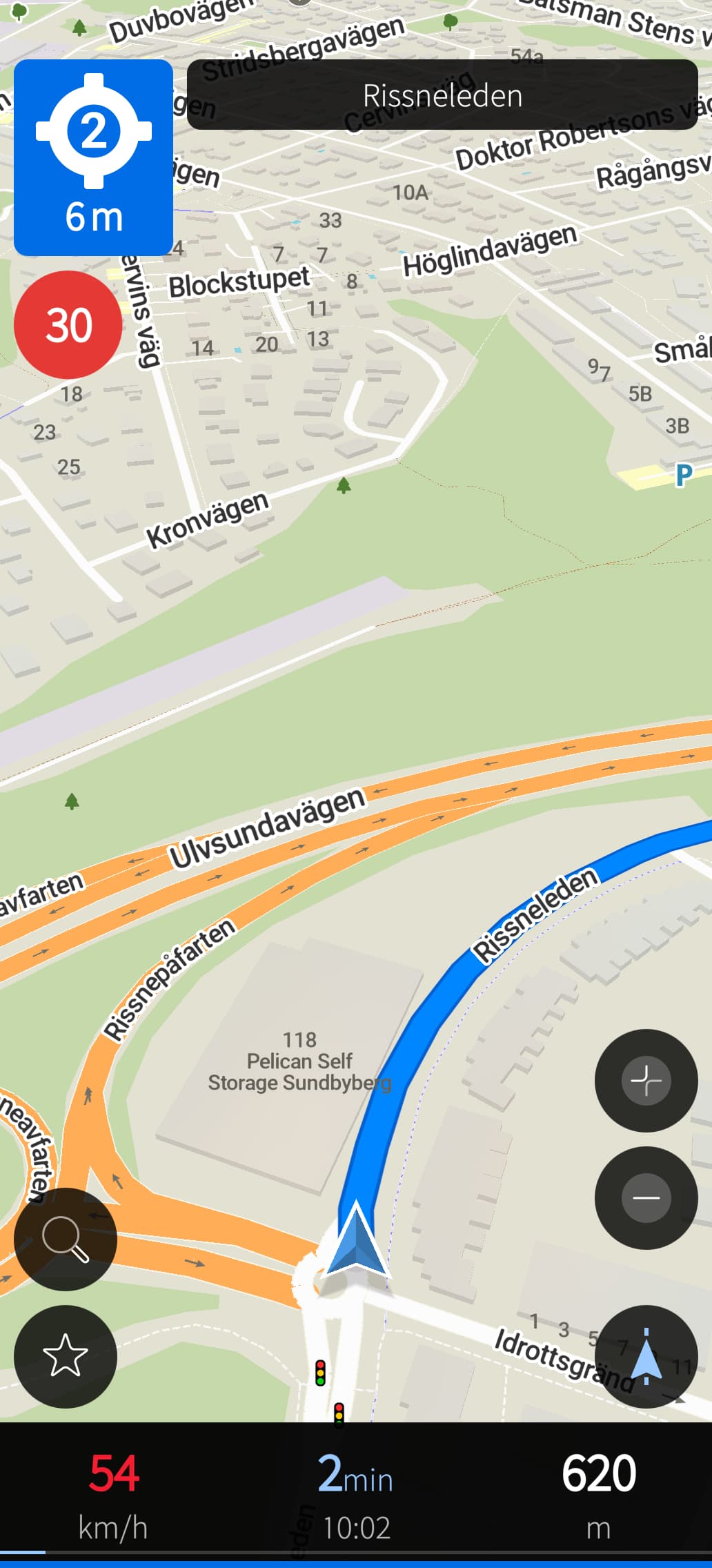
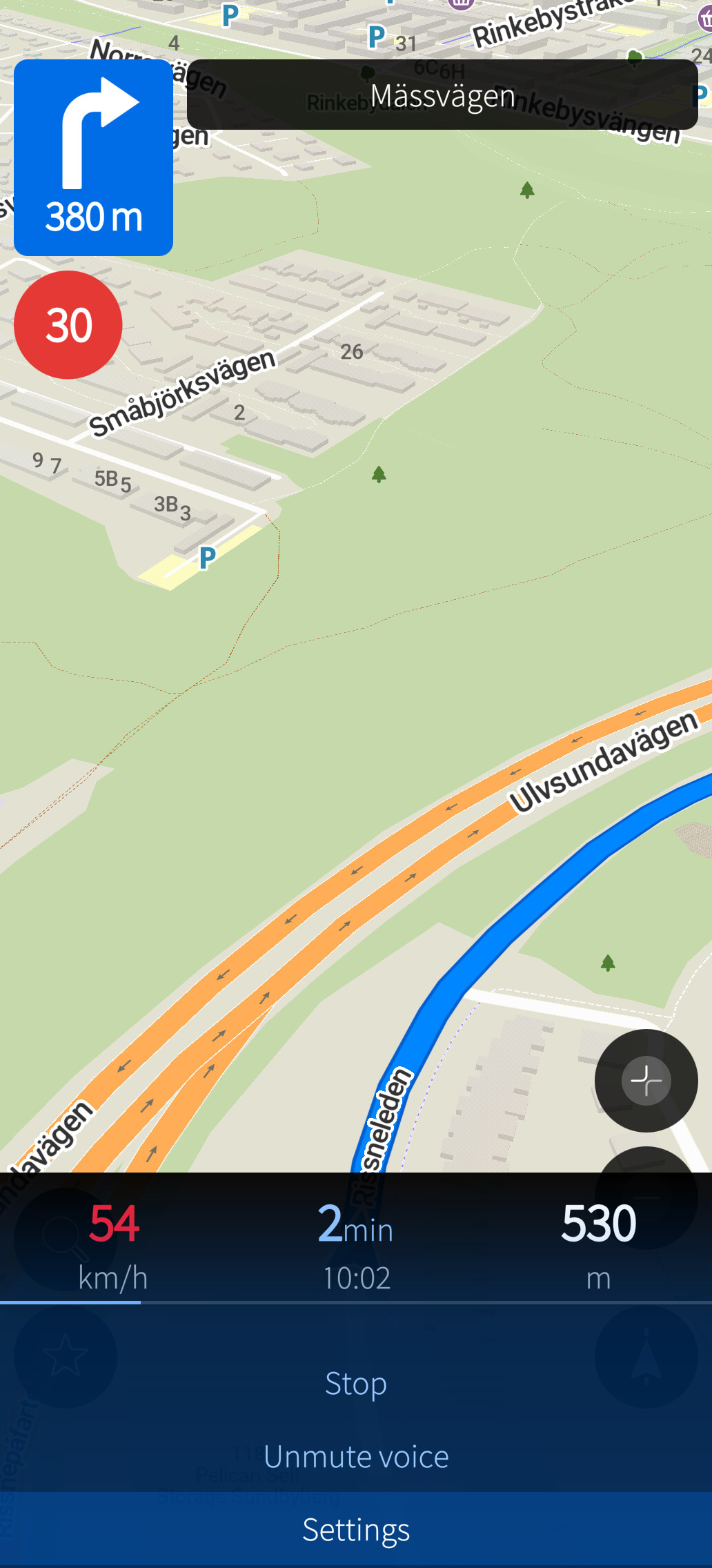
Thanks! I made some adjustments. The goal is to stay as similar to the Android version as possible but also to Silica. Have a look and see what you think.
What is missing on the screenshot is the next turn arrow below the big arrow, but I have seen that it fits nicely.
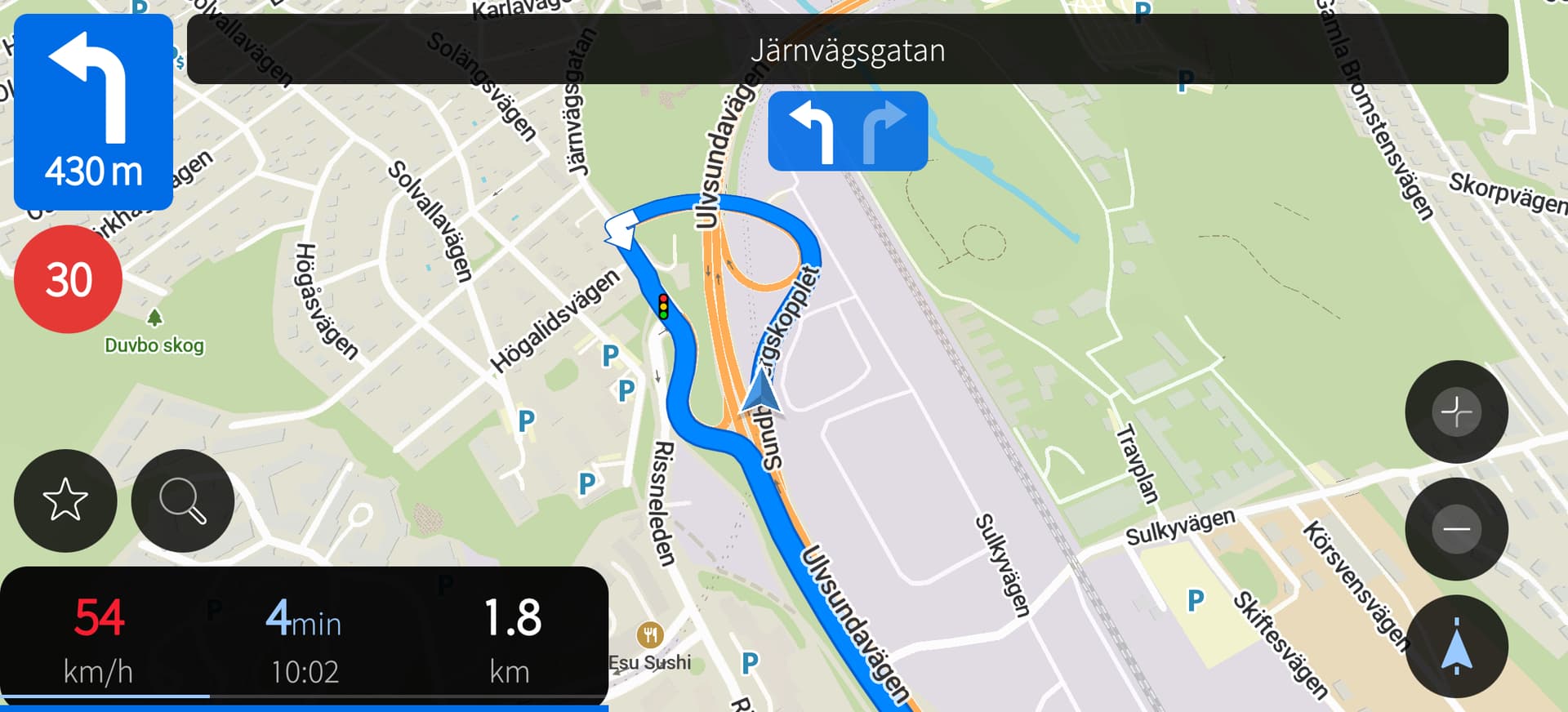
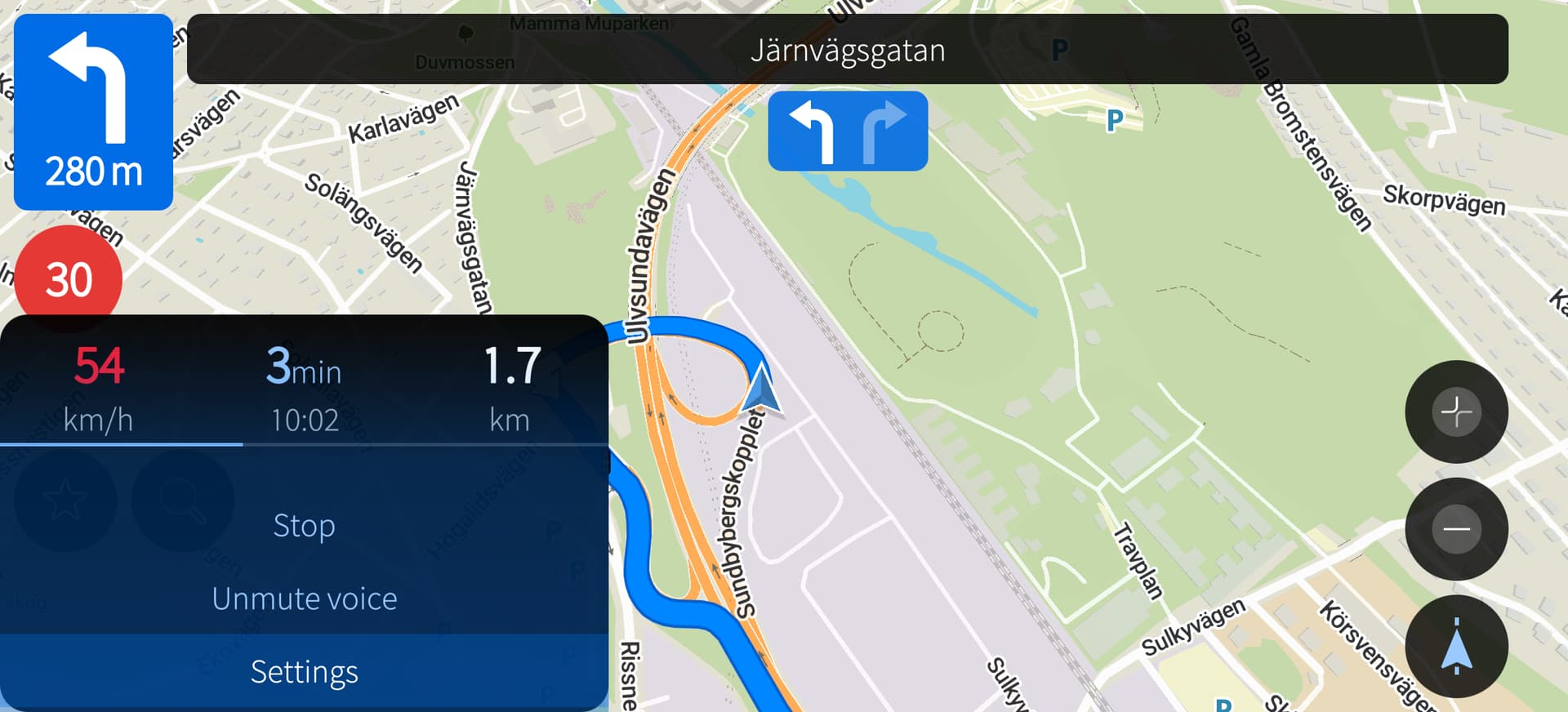
5 Likes
Looks good so far but in landscape the arrow is still centered on the screen.
I guess you are talking about the lane arrows, right? I am trying to find a screenshot of navigation on Android but I am having a hard time with that.
But it seems like the speed limit shall be right of the big direction arrow instead of beneath, as I put it, so I have moved it there now. With that change I could also move the search button back to be over the favorite button instead of to right of it. So, where should the lane arrows be? Left aligned, and right of the speed limit?
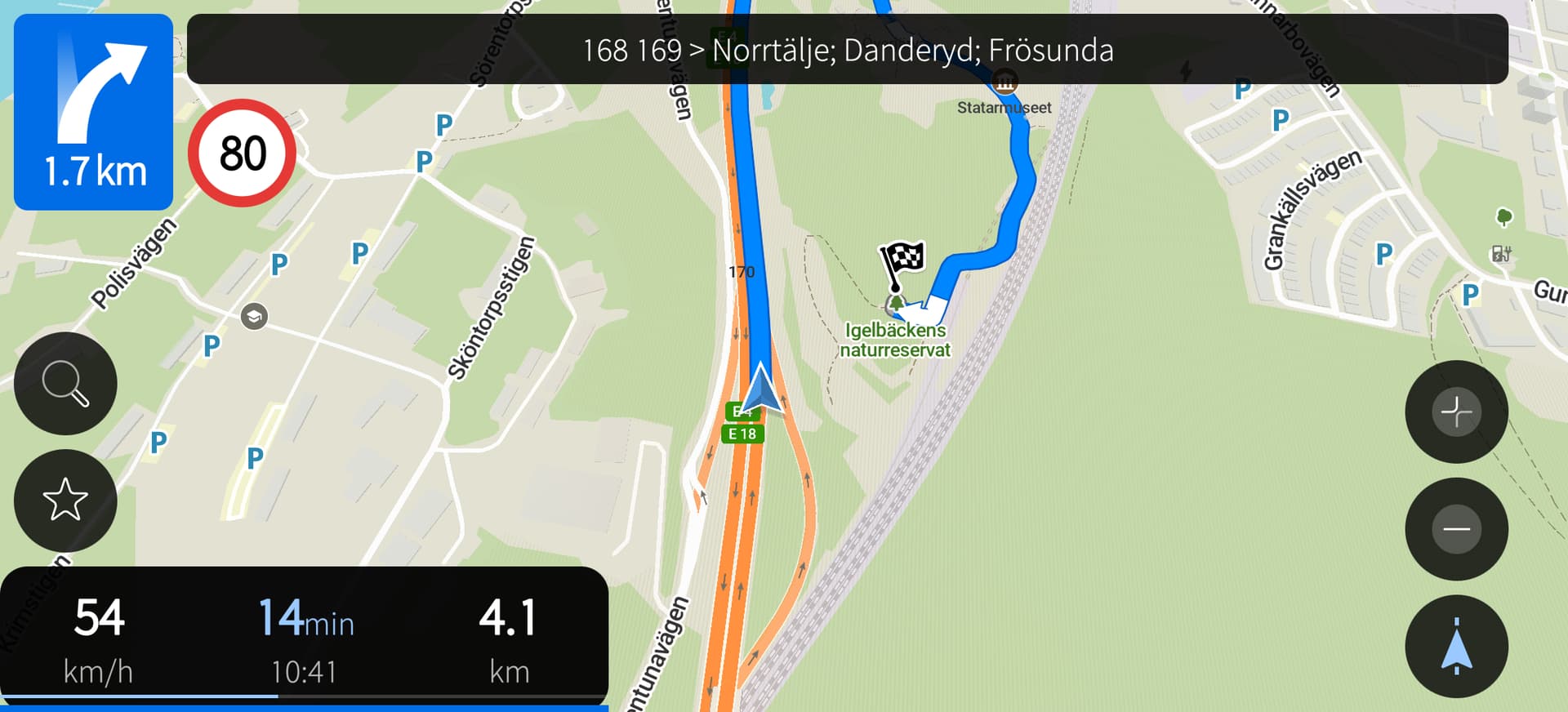
I meant your lane arrow car arrow on the map. In portrait mode, is correctly positioned at the bottom center:
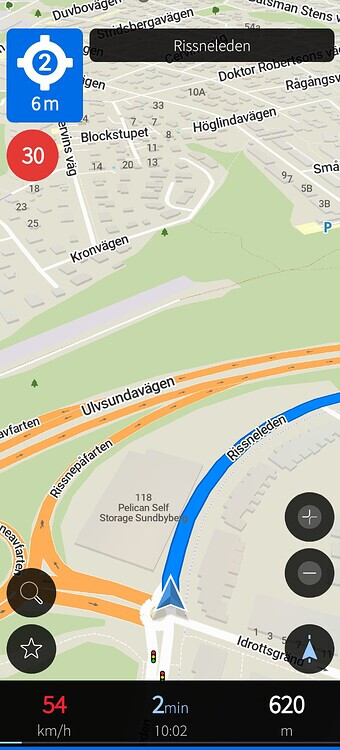
But in landscape mode, it’s centered on the screen, making it harder to see the upcoming route above it:
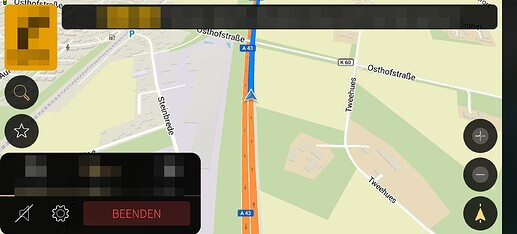
Aah, you are talking about the position arrow on the lane, and not the lane navigation arrows. I see, let me have a look.
1 Like
Seems to be a good idea.
Yes, sorry for not being more precise.
It took me a while and I see there is misunderstanging here. You should rather use a “car arrow” or"position arrow" term instead of lane arrow : ).
1 Like
Or just draw a circle about the mentioned object  a picture tells more than 1000 words
2 Likes