doesn’t work, but feel free to make it work and post instructions
Sony Nagara (Xperia 1IV and 5IV) port - #299 by wetab73 and further seems to indicate borrowed AAS is possible to work with, but that  is a Sony “family” situation.
This OnePlus doesn’t seem to have logged info on any previous attempts on borrowing AAS and what exactly didn’t work out, or am I missing something? I’d rather not enter mission impossible territory.
if you are going into it with “either i get aliendalvik or throw away this phone” then don’t get it because you won’t.
What do you mean with that?
Do you mean Waydroid?
I mean copying official AppSupport aarch64 binaries from Xperia 10 III (A11), or maybe V (A13). See Nagara linked above.
Oh. I looked at the thread but couldn’t find the info you refer to.
Is this even allowed? (licesing of Jolla…?9
I doubt anyone is going to sue anyone.
If you own the xperia, and you own op6, who’s there to stop you copying from one to another. Of course it all depends on law in your country, in Poland for example as long as I don’t share the rpm it would be perfectly legal (I don’t know shit about law so don’t take it as an advice)
1 Like
A few weeks ago I had issues with installing SailfishOS on my OP6T. This is what eventually worked for me. Maybe these instructions are helpfull to someone who had the same problem.
How to flash Sailfish on OnePlus 6T (fajita) when Slot B is unbootable. (Qualcomm Crashdump error)
If you can’t get into fastboot mode, first use msmdownloadtool with EDL mode to restore to stock OOS 9.0.x.
Make sure your bootloader is unlocked — fastboot oem unlock
Download OxygenOS 9.0.16 Fastboot Flashable files. Download 9.0.16-OnePlus6TOxygen_34_OTA_023_all_1908012014_8351a8c9cfd42-FASTBOOT.zip (FastbootRoms)
Flash OOS 9.0.16 to both slot A and B with these commands:
fastboot flash aop_a aop.img
fastboot flash aop_b aop.img
fastboot flash bluetooth_a bluetooth.img
fastboot flash bluetooth_b bluetooth.img
fastboot flash boot_a boot.img
fastboot flash boot_b boot.img
fastboot flash dsp_a dsp.img
fastboot flash dsp_b dsp.img
fastboot flash dtbo_a dtbo.img
fastboot flash dtbo_b dtbo.img
fastboot flash fw_4j1ed_a fw_4j1ed.img
fastboot flash fw_4j1ed_b fw_4j1ed.img
fastboot flash fw_4u1ea_a fw_4u1ea.img
fastboot flash fw_4u1ea_b fw_4u1ea.img
fastboot flash modem_a modem.img
fastboot flash modem_b modem.img
fastboot flash oem_stanvbk oem_stanvbk.img
fastboot flash qupfw_a qupfw.img
fastboot flash qupfw_b qupfw.img
fastboot flash storsec_a storsec.img
fastboot flash storsec_b storsec.img
fastboot flash system_a system.img
fastboot flash system_b system.img
fastboot flash vbmeta_a vbmeta.img
fastboot flash vbmeta_b vbmeta.img
fastboot flash vendor_a vendor.img
fastboot flash vendor_b vendor.img
fastboot flash LOGO_a LOGO.img
fastboot flash LOGO_b LOGO.img
Note: Use Linux to successfully run all commands. On macOS and Windows, some commands gave permission errors
- Make sure Slot B is active. If not — fastboot —set-active=b and reboot to bootloader.
- fastboot boot twrp-3.3.1-2-fajita.img
From here go to step 13 (VerdandiTeam instructions)
If you still get crashdump error, continue below.
-
Make sure Slot A is active — fastboot getvar current-slot if not — fastboot --set-active=a
-
Boot TWRP Recovery — fastboot boot twrp-3.3.1-2-fajitaimg
-
Download flashable OxygenOS OTA 34. https://otafsg1.h2os.com/patch/amazone2/GLO/OnePlus6TOxygen/OnePlus6TOxygen_34.O.23_GLO_023_1908012014/OnePlus6TOxygen_34_OTA_023_all_1908012014_8351a8c9cfd42.zip
-
In TWRP, go Advanced menu en then ADB sideload — adb sideload OnePlus6TOxygen_34_OTA_023_all_1908012014_8351a8c9cfd42.zip
-
After flashing, in TWRP, go to Reboot menu and select Slot B. Select reboot to fastboot/bootloader.
-
Make sure Slot B is active. If not — fastboot —set-active=b and reboot to bootloader.
-
fastboot boot twrp-3.3.1-2-fajita.img
-
Go to Advanced menu and then ADB Sideload. — adb sideload lineage-16.0-20200325-nightly-fajita-signed.zip
-
Reboot to bootloader in TWRP reboot menu.
-
fastboot boot twrp-3.3.1-2-fajita.img
-
Navigate to the reboot menu and check the current slot, if it’s SLOT A then you’re good to go, otherwise flash LOS again.
-
Go to Advanced menu and then ADB Sideload. — adb sideload lineage-16.0-20200325-nightly-fajita-signed.zip
-
Push sfos-file to device. adb push sailfishos-5.0.0.62-20250428-fajita-STABLE6-SLOT_a.zip /storage/
-
In TWRP main menu go to install and flash sailfishos-5.0.0.62-20250428-fajita-STABLE6-SLOT_a.zip
Congratulations! You have now SailfishOS installed!
8 Likes
my guy posted the instructions finally 
2 Likes
@Mister_Magister Just want to say i really like your port. It has been working wonderfully for a long time now.
Volte was an issue for me since Telia in Norway ditched the 2g and 3g.
However, with Claude code i managed to make volte work (i have no clues how since im not good at programming).
Persistent after reboot. Gone after upgrade from 5.0.0.62 to 5.0.0.67, so had to install the patch again and it works again.
I have only tested with Telia, so i have no clue if changes are needed though
Is there a way i can share the code with you so it can make its way into your port?
5 Likes
I really doubt that but you can simply make pull request with the changes, or send it here, or DM me, or send me an email
Below you can find the files for i used to be able to make calls:
I just want to say again that i dont know how it works, but it works for me at least
1 Like
yeah that’s not how it works, that’s not how you do any of it and I really doubt it’s working. I got volte to register by first flashing one of the special partitions, without it it wouldn’t even register, so i doubt as hell that it does, but even when it did register, it would drop to 2G during call, so i really doubt in anything that “AI” pulled out of it’s ass
Ok. That’s fair. Works for me though even though both 2g and 3g is shut down with Telia in Norway. Do (or don’t) anything you want with it. Just wanted to share what worked for me. And yes, I understand the skepticism towards ai work since its usually crap.
2 Likes
can you share a picture of home screen during call?
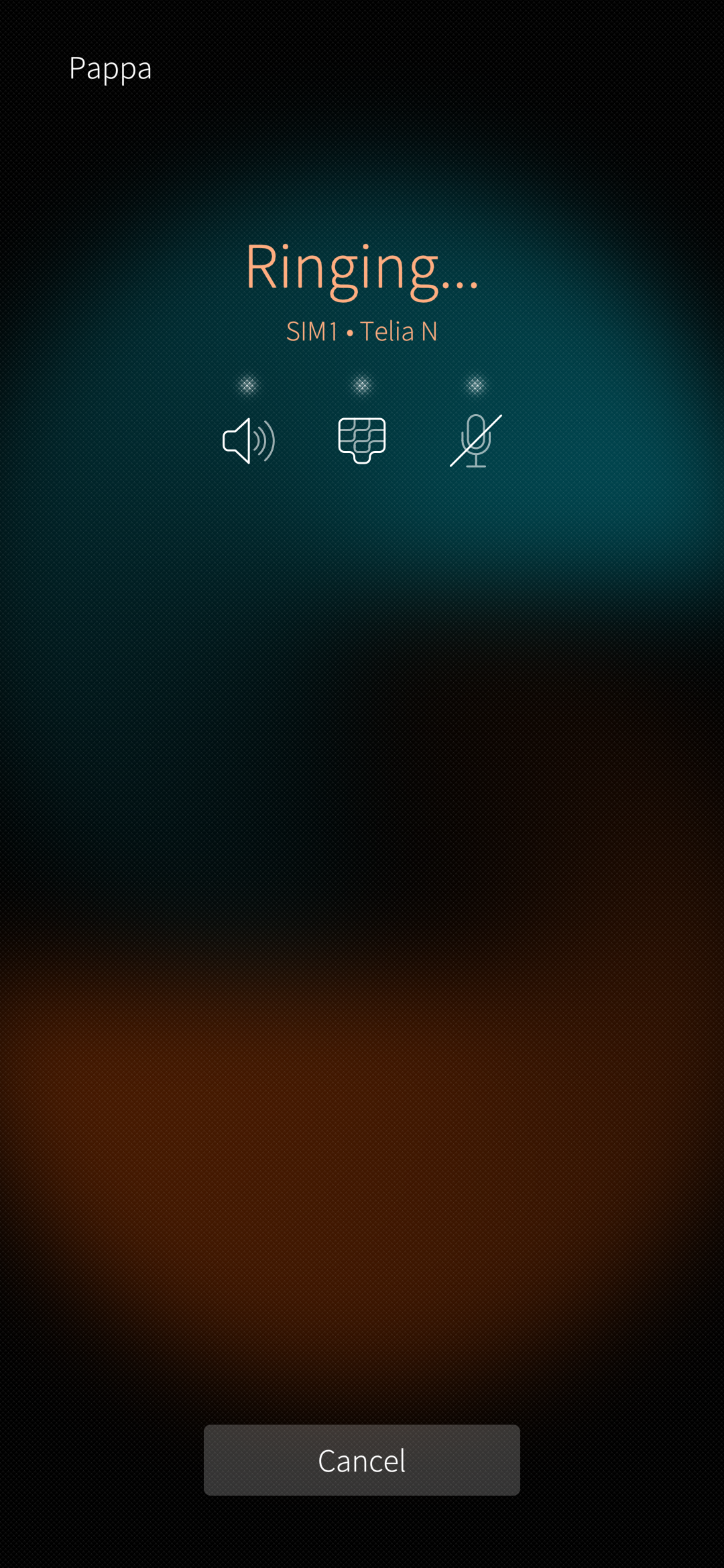
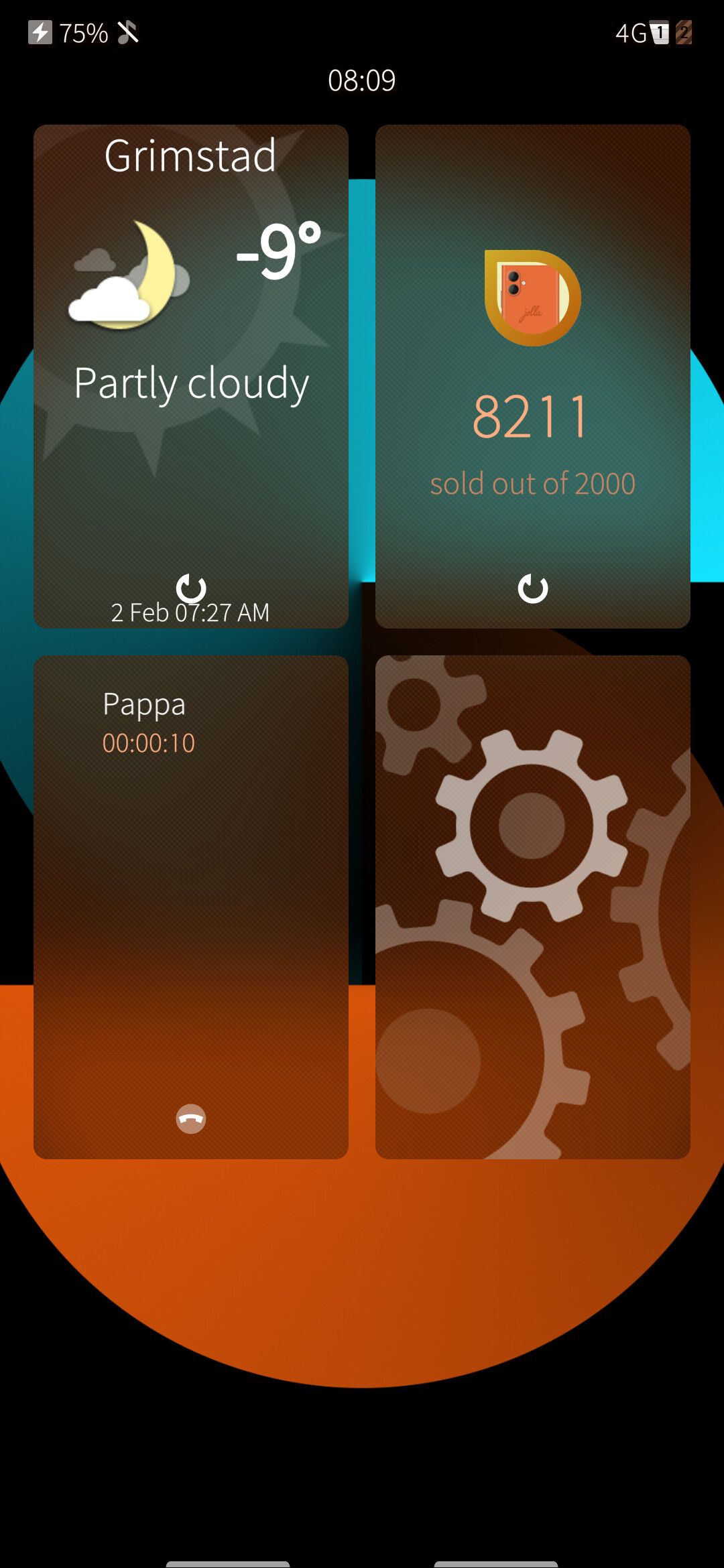
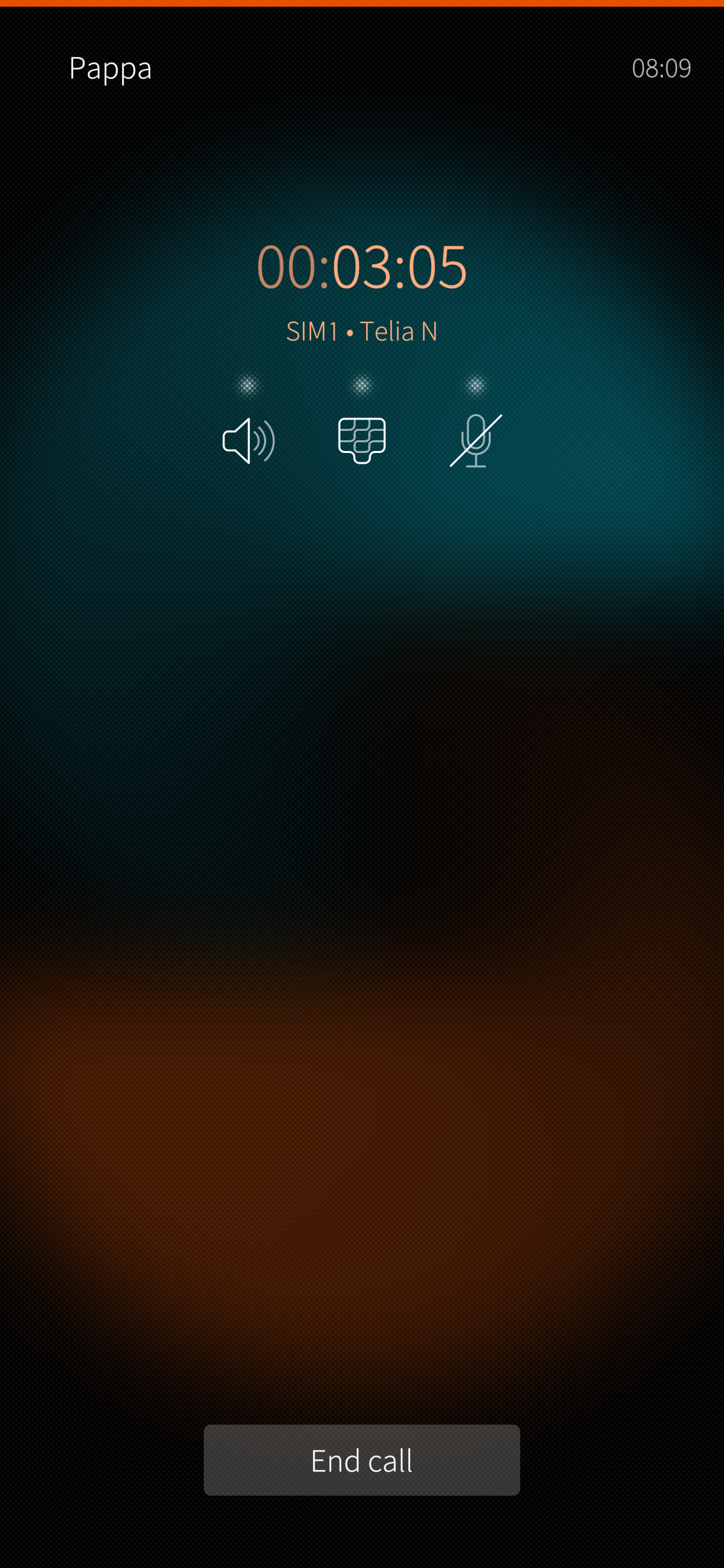
That would indeed suggest that it is working
tested,no sound can be heard during calling.
I applied your patches, and can confirm volte doesn’t work any more than it used to work, and even checked with other person, so as I suspected, it doesn’t help
Although I had more luck with volte on op6t than on op6, without even your patches i had volte register on op6t (but drop during call)
but on op6 i never had volte register