3G is being turned off now. @TN71 seems to have had some success… tn71
Let’s continue in our own topic
3G is being turned off now. @TN71 seems to have had some success… tn71
Let’s continue in our own topic
I have the issue installing sailfish where it thinks the device is now the Xperia 10 III Lite and won’t work, so I need to reflash it but try keep the modem partition. I’ll report back
Great work!
Perhaps another japanese version also works?
For reference my Android 10III shows “13(62.2.A.0.533)” as a version number.
Even if your phone doesn’t work properly , we can probably see the MBN file setup for NZ from within SF. That gives us a chance to copy those across to an otherwise working firmware version.
What do you mean by “it”? Sailfish or something Sony? If it’s SF, then one of the porters here should be able to help
If you can’t get further then the goal is to root the Sony so you can get access to the MBN setup.
The Sailfish flasher stops because it detects it as a XQ-BT44 device. Apparently you can reflash another firmware but keep the old modem partition so I’ll try that - flash it to a BT52 firmware and try again
My process currently is:
All went well, however, I can’t get calls to work on Sailfish (on Skinny), only Texting and Mobile Data work at this stage. I believe that’s simply because the 3G bands from the Japanese firmware must not be suitable, and the VoLTE isn’t registering automatically in Sailfish.
Edit: calls using a Contact Energy SIM (via One network) works but reverts to 3G
@AlanBreen I used XperiFirm to download firmware and NewFlasher to install it. Unfortunately, VoLTE didn’t work naturally from the XQ-BT44_MVNO_JP_62.1.A.1.431 firmware which is why I needed to use the VoLTE patch to get it going (honestly, none of this means anything to me, I’m simply following steps without knowing what it means)
Flashing guide: https://www.reddit.com/r/SonyXperia/comments/sdupyp/comment/hufhvgp/
Have you enabled the VoLTE support in SF? I’m not sure if it is on by default (immediately after installation)
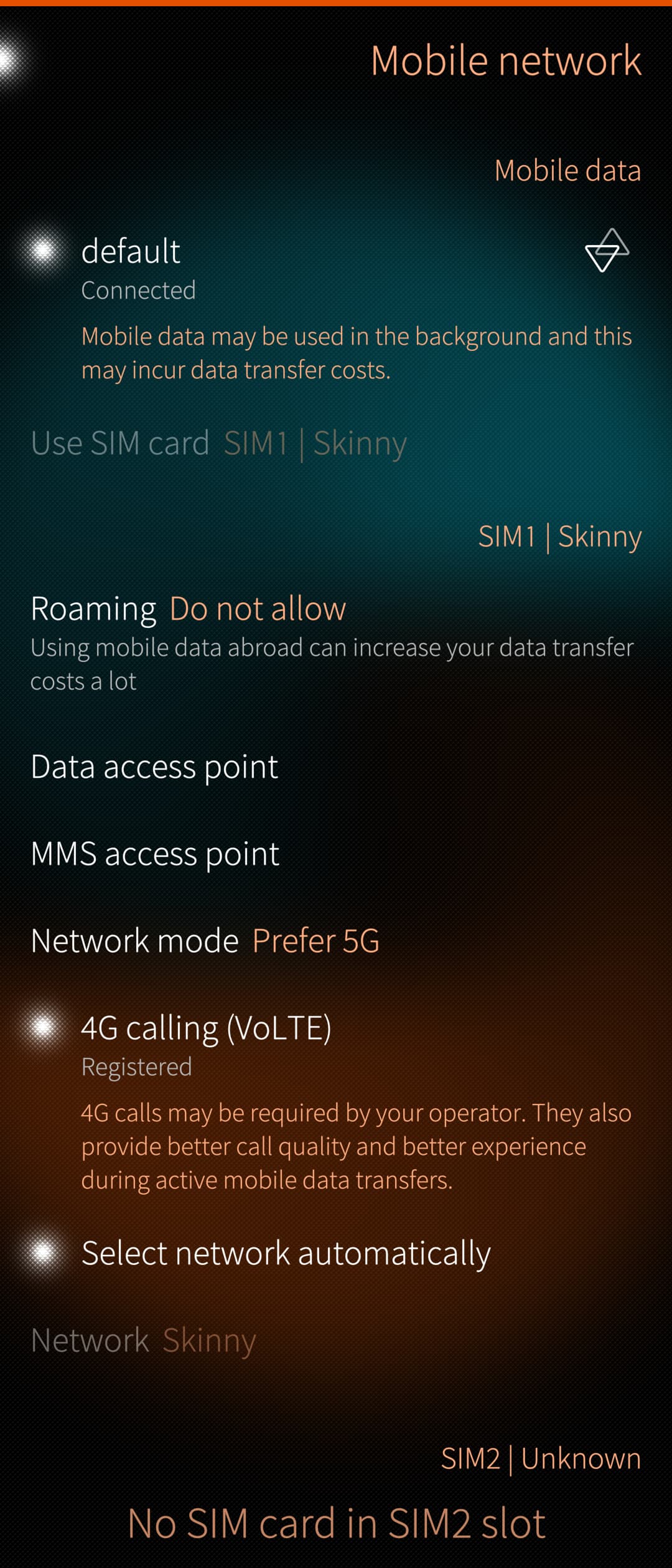
I’m pretty sure it’s enabled by default in the most recent version - there isn’t anything I can see that would say otherwise (in the settings it’s trying to register 4G calling)
So I’m back to looking for the mbn files that I had forgotten the location of.
The mbn files are here:
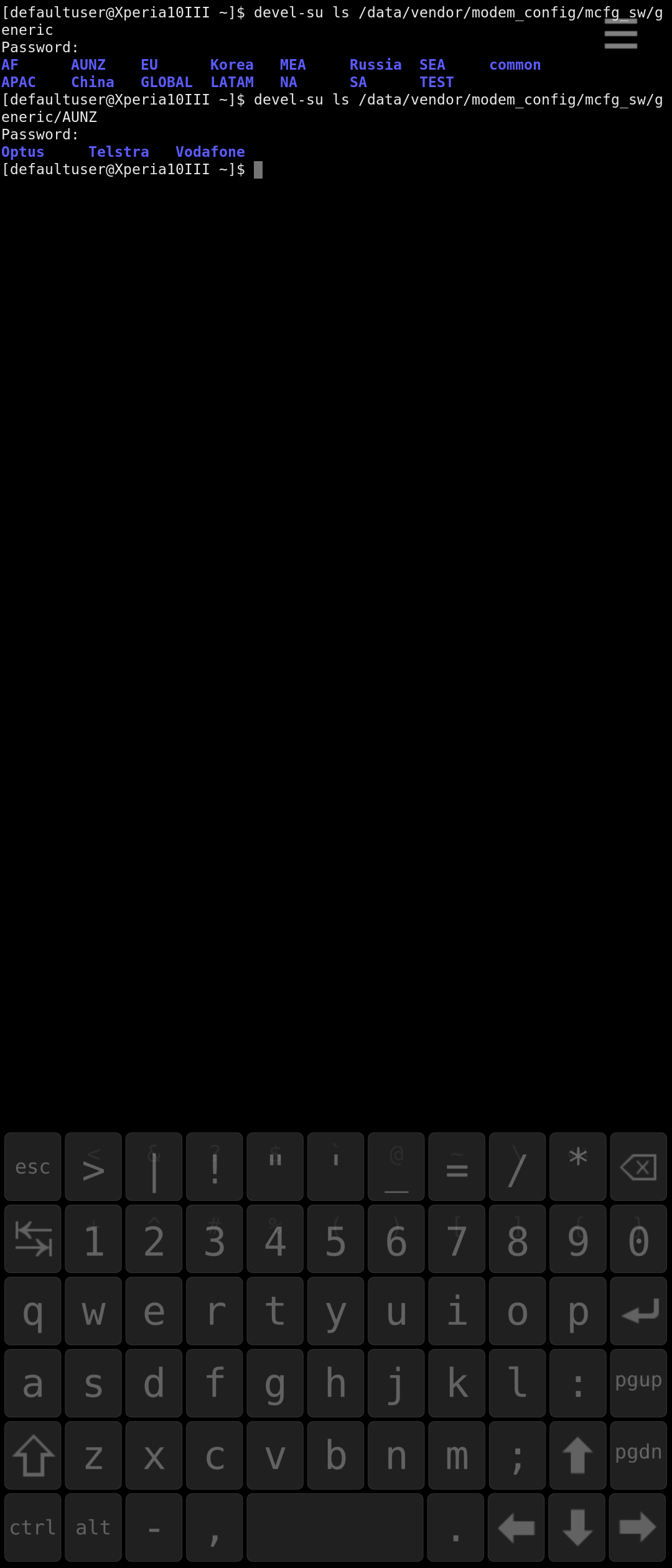
/data/vendor/modem_config/mcfg_sw/generic/
You have to be root to see them. (use devel-su from command line or ssh or the root@tIDE application on phone).
In my SF X10III there are 3 dirs in AUNZ for AU, and none for NZ: “Optus Telstra Vodafone”
There is also files which might have changed to now work for NZ
/data/vendor/modem_config/mcfg_sw/generic/GLOBAL/Default_Global
/data/vendor/modem_config/mcfg_sw/generic/common
this has a date of SEP29 2022 (using ls -la /data/vendor/modem_config/mcfg_sw/generic/GLOBAL/Default_Global )
These are pointed to by readable files with a bunch of Sxxx dirs under
/vendor/oem/modem-config/ , but Have no idea what S number would be for NZ
Searching I can’t actually find any Sxxx dir pointing to the AUNZ mbns on my phone anyway, so I’m not sure what they are for.
grep -ril "au" '/vendor/oem/modem-config/'
@rinigus @mal @Mister_Magister Any comments from porter-folk on what @tn71 is doing is welcome…
Okay, so weird one, I tried what you suggested, couldn’t get it to work, reinstalled Android, re-did the same steps as before but this time I logged into my Jolla account during startup (last time I didn’t) and now it’s coming up as registered with Skinny.
Hopefully it’s something that others can recreate.
To be clear, I used EMMA to reinstall Android by selecting the oldest version of Android on the list. Once installed I rebooted into it. At startup I went into flash mode and installed the BT44 firmware then without restarting it I installed the BT52 firmware (without the modem partition). I booted up, ran the VoLTE patch, confirmed calls worked. Then flashed Sailfish, signed into my Jolla account, and it worked.
This is what I initially tried, using different modem configuration files, as a heads up: VoLTE on the Xperia 10 II - filling in the gaps - #112 by koza
Scratch that - I restarted the device and now it’s not registering anymore…
Did you try making a call using VoLTE before restarting?
As a matter of interest, are there any /data/vendor/modem_config/mcfg_sw/generic/ files for NZ now?
Seems like I am an odd one out, I’m in AUS using my X10 III on Vodafone with VoLTE.
Can you confirm your android build number, modem configuration and what network you’re on?
Interesting that it doesn’t show any specific mbn dirs for NZ.
I tried getprop persist.vendor.somc.cust.modem0
in the hope of finding the Sxxx dir name that would be used, but it returned nothing. (2degrees)
FYI
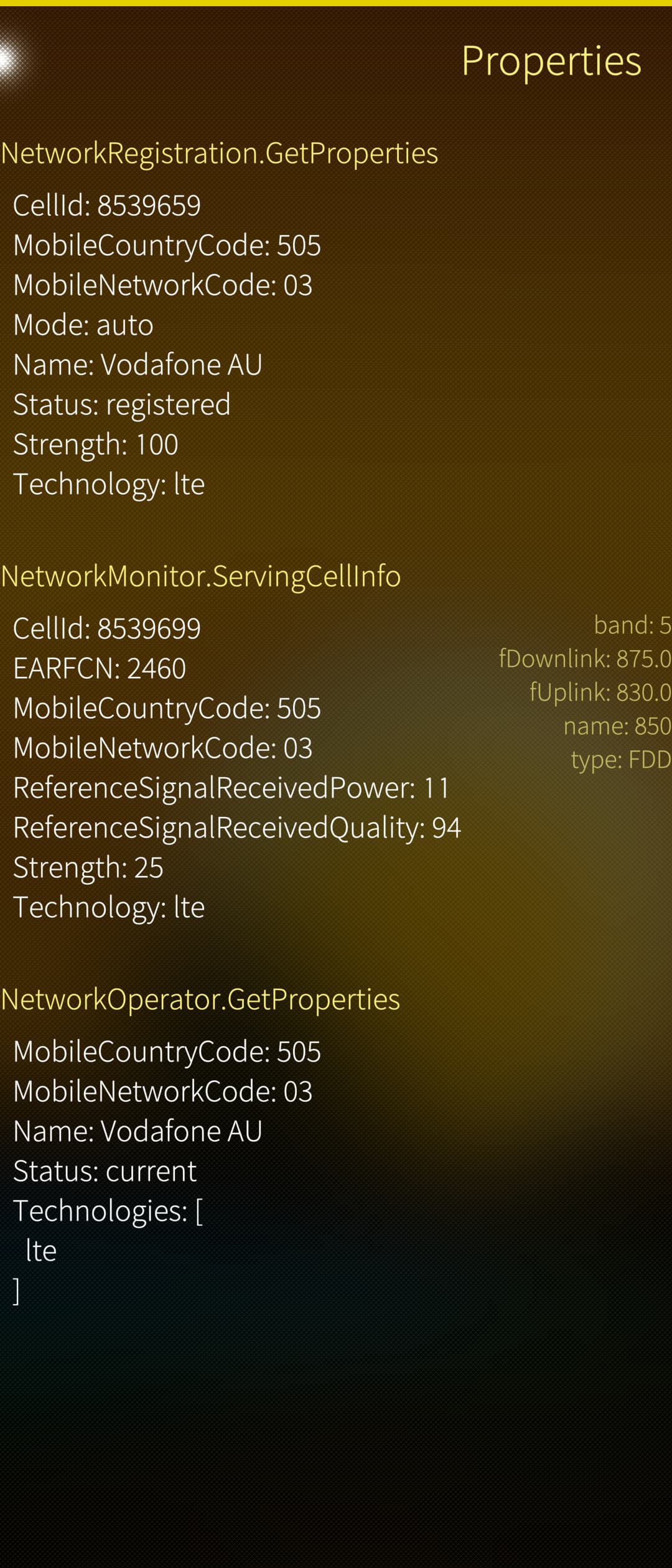
CellMon can show you the bands in use
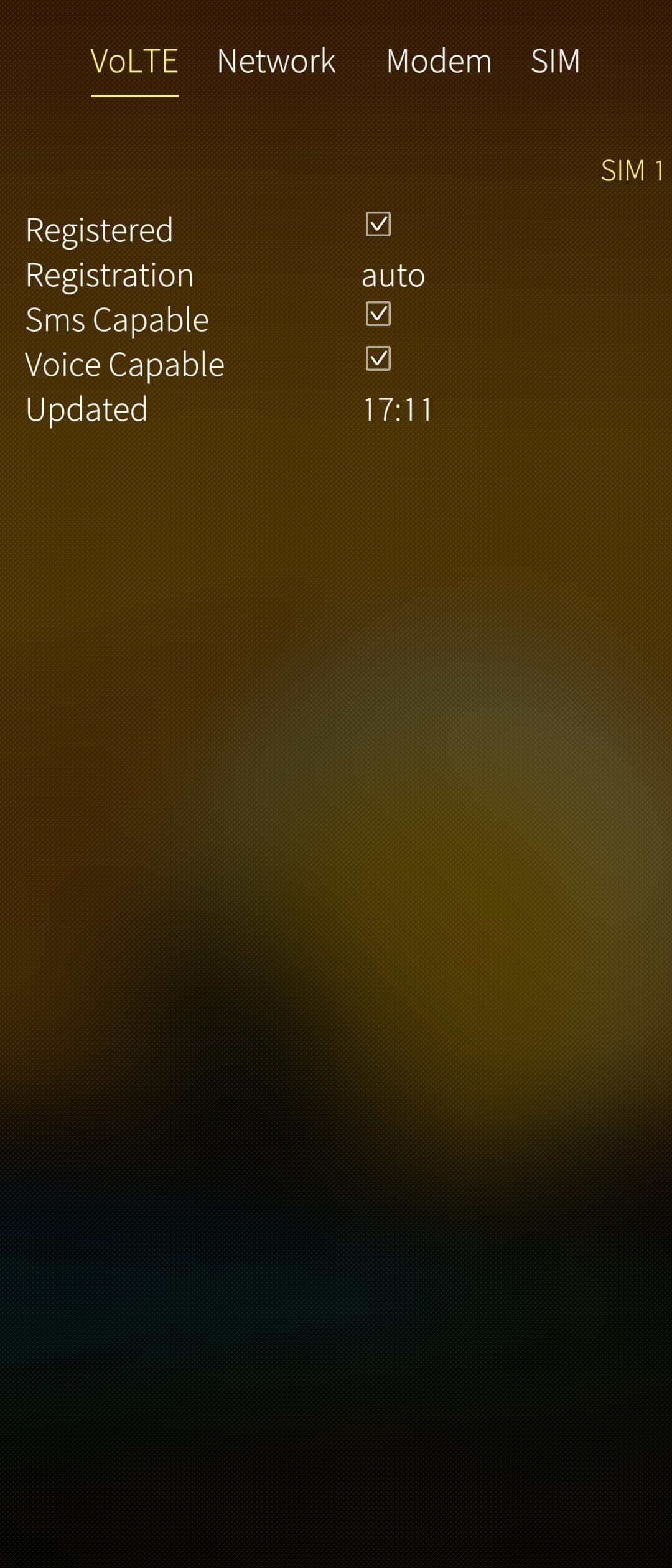
NetMon VoLTE shows volte status
Well I am definitely using Voda AUS and don’t have android installed.
I used CellMon and NetMon VoLTE - thanks @crun see attached.