Added “app store” apps: Jolla, Storeman, Chum
that one doesn’t work unfortunately
1 Like
You need to use the upper pulley and select display all applications. Appearantly it is still marked as a library
edit: make me an application · Issue #1 · sailfishos-chum/kasts · GitHub created an issue
1 Like
Added kasts as antennapod, hydrogen as element and rclone as nextcloud alternative. Maybe we should split this a bit in sections…
1 Like
Made a note about this in the op/wiki.
edit: changed random pile of words into a sentence
Halfway done, left some unassorted apps at the top. Also added some links to docs for built-in apps.
2 Likes
Added a table of contents
2 Likes
Hello Sailfish OS / Jolla team,
first of all: thank you for Sailfish OS.
I recently installed Sailfish OS on my Fairphone 4 after experimenting with postmarketOS and Ubuntu Touch on other devices. I really like the overall concept, the UI, gestures, and especially the idea of creating web apps directly from the browser (similar to Ubuntu Touch, but in some ways even better).
However, during daily use I ran into several serious limitations of the Sailfish Browser that currently make the device only partially usable for me.
- Missing / incomplete JavaScript support
Several modern websites do not work correctly or fail to load at all. In some cases the page loads visually, but functionality is missing or the site gets stuck in an endless loading loop.
A concrete example:
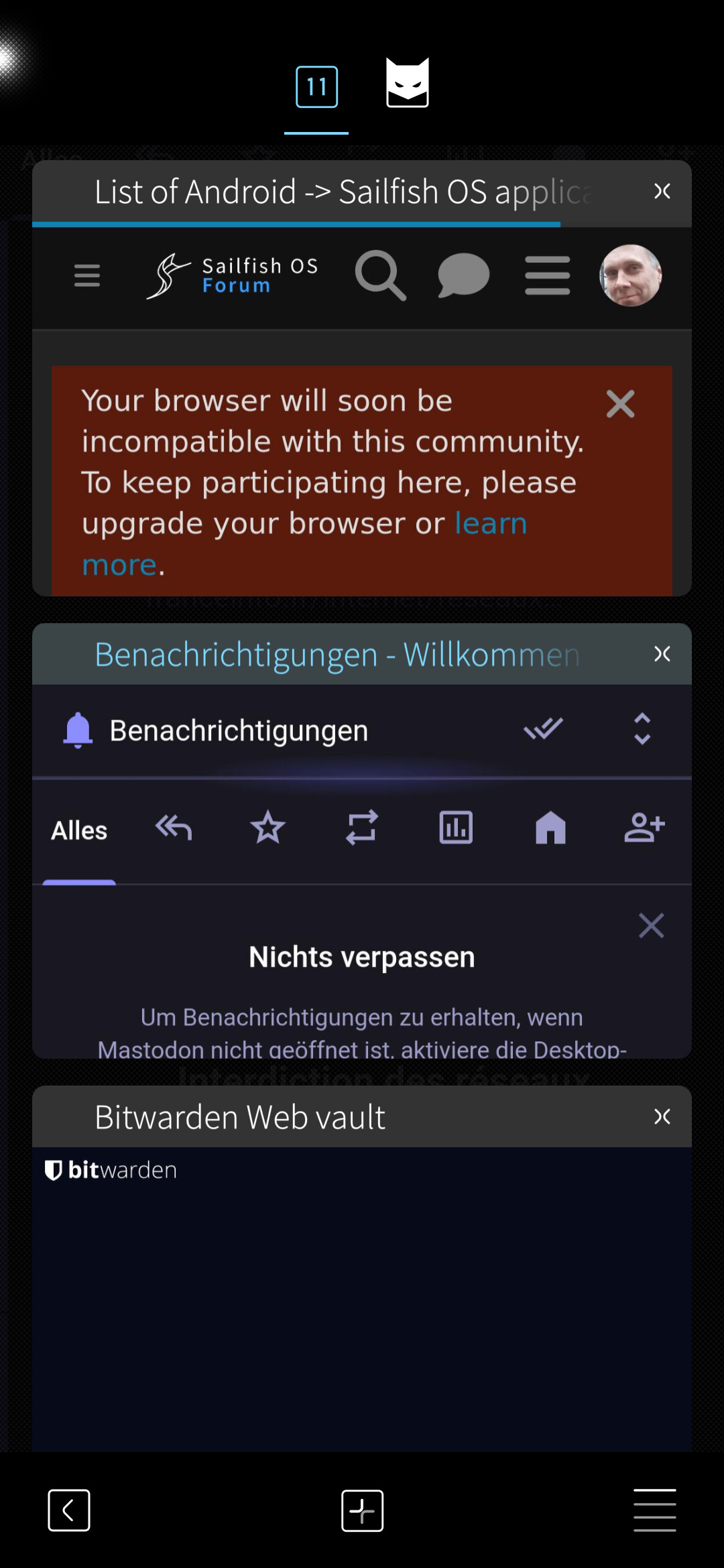
- Bitwarden Web Vault (vault.bitwarden.com) loads the login page, but then keeps spinning indefinitely and never completes authentication.
From forum posts and documentation, it seems that this is related to missing or incomplete JavaScript features (WebCrypto, modern JS APIs, storage handling, etc.). There is no option in the browser settings to adjust or enable missing JS capabilities.
- No alternative browser available
As far as I can see, there is currently no way to install an alternative browser on Sailfish OS (without Android AppSupport). This means users are completely dependent on the built-in browser, even if certain websites are not compatible.
This becomes a real limitation when essential services (password managers, banking, documentation, forums) are affected.
- Translation / accessibility issue
Most Sailfish OS documentation and forum discussions are in English. The browser appears to have some translation capability, but it is unreliable and often does not work consistently.
There is no browser add-on system and no reliable built-in page translation feature. This makes it hard for non-English speakers to read documentation, forums, or report issues.
- Positive note – browser concept is good
I want to stress that the browser itself is well designed:
- web apps / pinned sites work nicely
- UI and gesture integration is clean
- performance on simple pages is good
The problem is not the concept, but missing web compatibility.
- Sailfish OS license / account question
During setup I registered a Sailfish OS account directly from the phone and was able to access the Jolla Shop. I noticed that a Sailfish OS license extension is available for around 24 EUR.
It would be helpful to clarify:
- whether license extensions can always be managed via the same account
- how this affects long-term usability, especially if core browser functionality is still limited
Conclusion:
I am happy with Sailfish OS and I installed it intentionally as a privacy-respecting, alternative system. But at the moment, due to browser JavaScript limitations, I can realistically only use the device for:
- phone calls
- SMS
- a small subset of websites
I hope this feedback helps document real-world browser issues and maybe contributes to future improvements.
Thank you for your work and for listening.
My english is not good. Mey Handy is FP4
1 Like
Welcome carrabelloy. Please use proper topic or more then one next time.
2 Likes
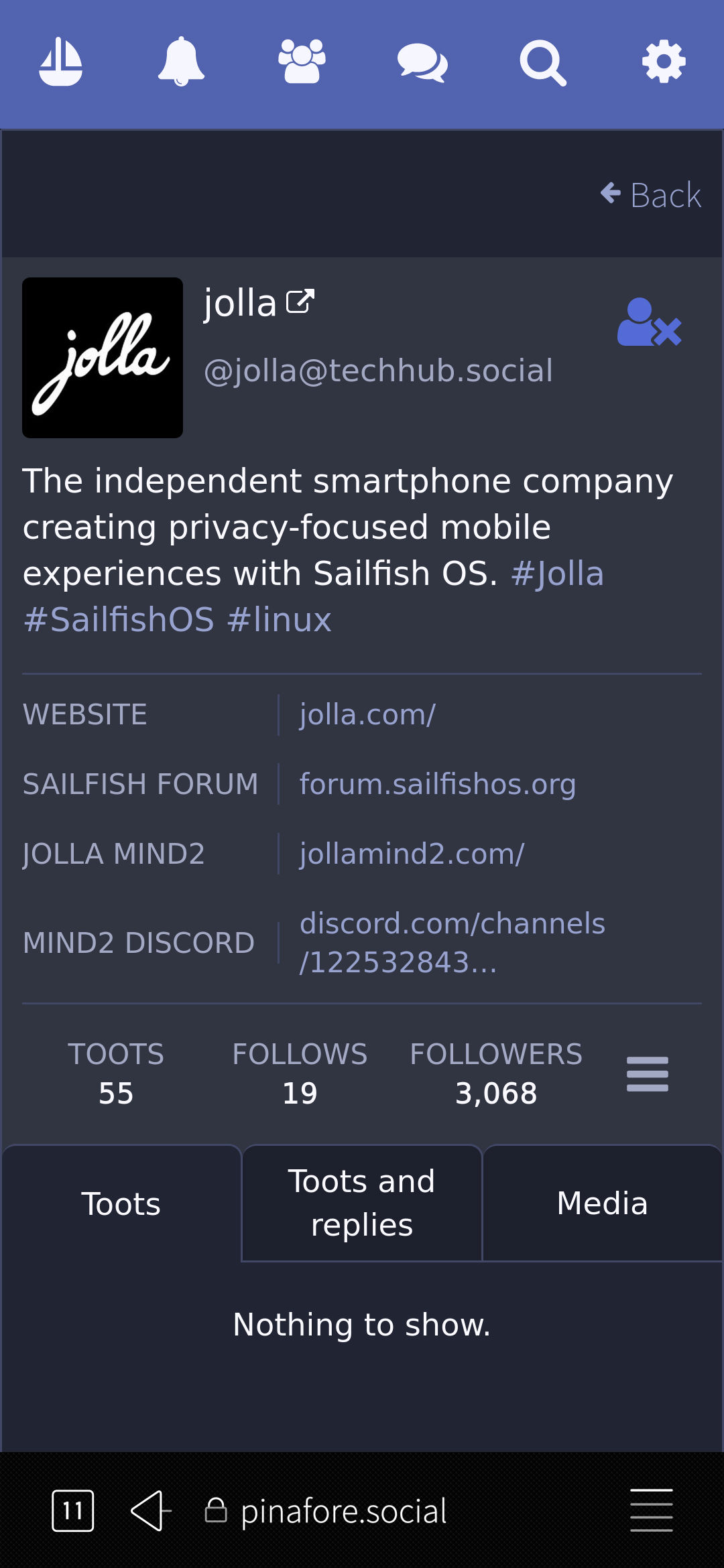
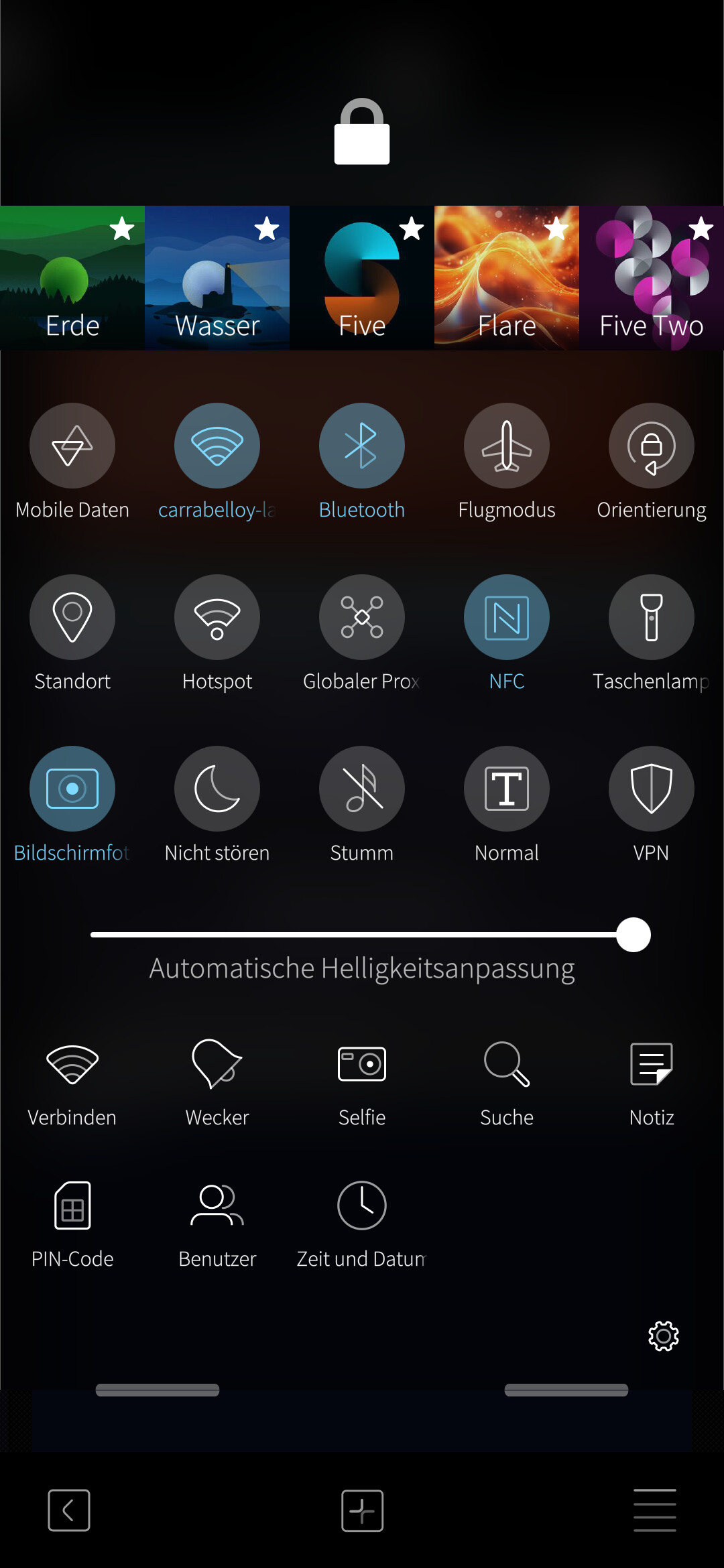
Hello Sailfish OS / Jolla team, thank you for the warm welcome! After spending more time with Sailfish OS, I wanted to share a short positive update. I am really happy with the overall system. E-mail works perfectly, telephony and SMS are rock solid, and I now run almost everything directly from my own server infrastructure. From a daily-use perspective, Sailfish OS feels fast, clean and focused. I especially want to highlight the browser concept: The ability to turn any website into a dedicated “web app” (similar to Ubuntu Touch, but more polished) is excellent. One-handed usage via the right-side menu is very well designed. Features like saving content, creating PDFs, selecting and extracting parts of a page – all of this works great and feels modern. This is exactly the direction mobile computing should go. What I am still missing, and what would make the browser almost perfect for me, is a reliable built-in page translation (English → German). Many forums and documentation pages are in English, and an integrated, stable translation option would greatly improve accessibility. I would gladly accept this as a high-priority browser enhancement. I am very satisfied overall and I am also willing to support development via the Sailfish OS license. I do not need Android app support – I mainly need a strong browser with good web compatibility and translation support. I will publish a more detailed blog post about my Sailfish OS experience soon, including screenshots and daily-use impressions. Thank you again for this unique and privacy-respecting operating system.
4 Likes
If you’re interested, there’s a native Sailfish client for Mastodon, called ‘Tooter’.
2 Likes
You did not look very hard. There is Angelfish. Instructions Packaging Qt6 (6.7.2) for Sailfish OS - #73 by mive
3 Likes
Who is tis? Aim have mey instanz
Thanks for the help 


Can someone please advise me? I thought that, without making a change, we could not use standard android apps. However I assumed we could installed apps from f-droid which don’t require google services. Based on the list of alternatives above, it seems to suggest that f-droid apps such as QR Code Reader and Antenna Pod are not possible to install on SFOS. Can anyone tell me which is true?
It a list of alternatives, it generally says nothing about whether the Android app that it compares to works nor not. Don’t read more into it than there is.
4 Likes
Thanks attah, that’s a fair point.
I even made some wiki pages about it : Qt 6 experimental | SailfishOS community wiki 
3 Likes
Early access to Qt 6 libraries and apps
Currently (January 2026) the repositories need to be added “manually” from a terminal session either from the Terminal
and then you describe the process to install angelfish, which I performed 100% through Chum. No terminal.
Isn’t it an older Qt5 version of Angelfish you installed from Chum ?
1 Like
No
(just adding some chars)