can you attach a picture how the s26 ferrelcase looks
6 Likes
Yes, a separate thread with covers / protectors that work well with the J2 would be nice.
10 Likes
Do all the buttons and the fingerprint reader still work with the samsunf foldable case?
1 Like
Another idea is to remove the protective cover from the foldable Samsung S26 Ultra case using a hairdryer’s heat, then use the Jolla Phone protective cover to glue it in that place.
4 Likes
You can open the app CSD via going into settings in the “About product” page and tap 5 times the “Compilation number” which will be open the CSD. While it’s open the pulsing Jolla on the TOH is dead.
Perhaps Jolla programs that to pulse only when message arrived or something similar…
7 Likes
It’s a small thing, but it’s nice to see the Jolla Logo on bootup instead of the Sony one and the bootlocker warning.
Oh, and by the way, Settings now has a switch to enable/disable bootloader unlock.
44 Likes
So how is your wlan performing? I was comparing with FP5 SFOS and pixel8 and my Jolla phone wlan signal, especially 5G is much weaker only in few meters behind the corner.
1 Like
A very relevant question and something I totally forgot to mention.
No, by default, the buttons cannot be said to be usable with the Ferrel S26 Ultra foldable case. I’m planning to use dremel or a crafting knife to remove some of the side to allow using the buttons. Also the USB-port hole is a bit stacked / blocked as the silicon protective cover won’t go as deep enough to the wallet cover.
The camera however is completely unblock when in using the case.
In my opinion, to make the S26 Ultra case most usable with the phone, one would need to carve something off the side to allow using the buttons and perhaps use a protective cover, either 3D printed or a stock one, as a filling for the case. Perhaps I’ll remove the backside part of the protective cover to allow the phone itself to go just a bit deeper to the cover.
I know this isn’t the most optimal possible wallet cover and requires some light craftmanship to make it the most suitable. By the same token, I thought I’d still mention this cover briefly, as it took me quite some time to find a suitable-at-all case for C2 back then. So if it is just a wallet cover you need quickly, this’ll do the job to protect the display and the phone.
2 Likes
I’m not sure in which version it has become so, but now MicroG is preconfigured out-of-the-box, which is a nice thing especially for new-comers 
19 Likes
My misc notes on moving from Xperia 10 II to J2 phone:
- I used the built-in backup/restore over Nextcloud account to move basic stuff. Note: at least browser bookmarks didn’t appear on new phone until a reboot.
- MMS images are still not covered by the backup, and must be copied over manually. I had an issue with this on my previous phone-migration (accounts getting over-written still applies too!). This time as the username was already defaultuser on both devices, it seems that just copying the /home/defaultuser/.local/share/commhistory over to the new device (SFTP) worked just fine.
- Nextcloud contacts didn’t sync until manually unchecking and re-checking that under accounts.
- Copied photos and videos manually over (SFTP)
Android-apps:
-
Tori: login thru Sailfish browser never returns to the app to finish the login (it stays in the browser, spinning a logging in -animation forever). Changing the Android default browser* to DuckDuckGo worked and that allowed signing in to the app.
-
MobilePay is currently broken (as mentioned in https://forum.sailfishos.org/t/mobilepay-now-needs-google-play-services) - it installs and allows logging in but won’t accept the newly created PIN-code for itself.
-
Ruuvi Station (without user account): starts and sees tags, but trying to pair them minimizes the app and it won’t launch again. This worked on my Xperia after the Android-Bluetooth connectivity became a thing, it feels like here it’s waiting for Saiflish to allow the connection but the dialog is not displayed and the app crashes. Where does the app-profiles reside in the file-system, could I try copying it over from the old phone (to avoid new pairing)? It seems that the Saiflish-app Skruuvi doesn’t work either (doesn’t see any tags).
*) What’s the correct way to change the Android-side default-browser? I managed it thru Firefox’s settings where I could set it to Sailfish-browser, Firefox or DuckDuckGo.
My experience so far: mostly everything works, and the newer browser engine helps a lot. Whilst there is now ample RAM and CPU speed, I hope the OS will keep being optimized for lower-end hardware. Also now that apps do not get kicked-off by running out of RAM (and this happened a lot on the Xperia), I hope the apps are solid enough to keep working without getting restarted periodically.
13 Likes
if you want to transfer bookmarks and have a nextcloud available, I can recommend the app
works really nice
6 Likes
Booted the device yesterday and made a little progress on software installations. Device seems sturdy and nice, looks good with orange cover.
I was very surprised to not to see a USB-C cable in the box. There clearly was room for it. Also, what’s going on with the display? Is it 60Hz? Feels very sluggish to me.
1 Like
I don’t miss those days at all. Way too much e-waste was being created. I’m much happier that Jolla can focus all the resources on the OS and the phone itself, rather than having to include cables, chargers and low-quality headphones.
16 Likes
Enable frame rate display in Developer options. It’s already been looked at - 90 Hz, but indeed, my burner X5 II from 2021 still “feels” snappier and smoother. Maybe there are things to adjust in animation speeds etc.
1 Like
Much snappier than the C2 which I’ve been using for the past few months as my daily but also faster than the Xperia 10 III I would reckon. Camera much improved also (photo below taken with the J2).
I initially had an issue with fingerprint being remembered but this does seem to have gone since I ran an update that appeared.
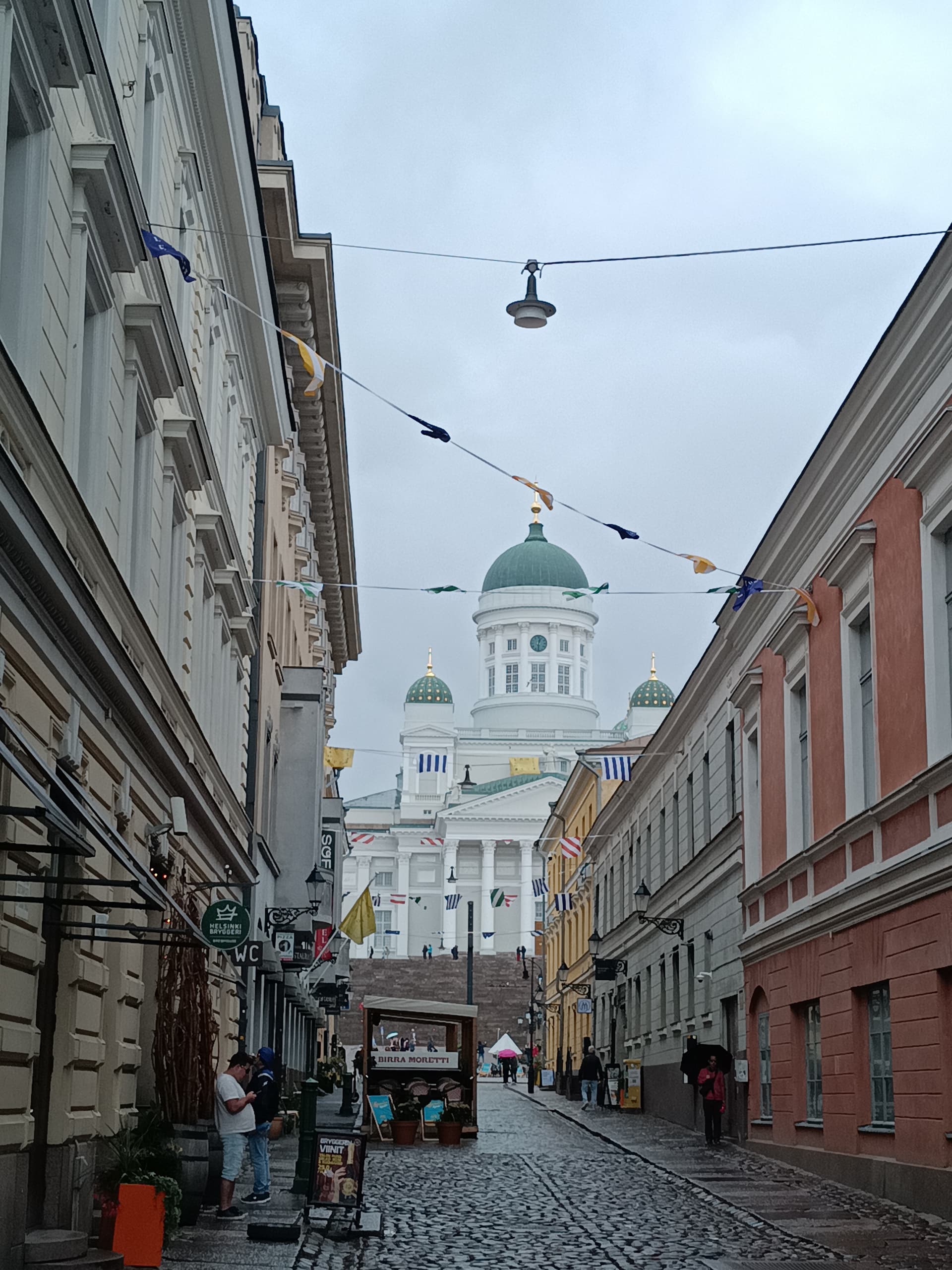
Thank you Jolla for the great event! Even with some sweltering at Stansted airport, a very much worthwhile and enjoyable trip 
14 Likes
Can someone post a video like this:
This is to check the screen for PWM sensitive users.
3 Likes
In a way you’re right, but it’s all extra money we have to spend
Also, we all know jolla and we forgive them (because it’s them), but we all know that other bigger companies do this just to save and not because “they really care about the planet”
2 Likes
So, it is able to have a refreshrate of 90hz instwad of 60hz? 60hz seems like a bummer.
Display frame rate means to show on screen the actual refresh rate so that you can verify it runs in 90.
1 Like
I’m getting back to Jolla now with J2, having had J1 back in the day and tested SFOS on Xperia 10 III a few years ago.
There’s still way to go before we’re ready for mainstream adoption (if that’s something we’re aiming for), but it’s nice to see progress! This concerns are mainly on SFOS side of things and all in all I’ve been quite pleased with J2 so far.
The build quality good and the phone feels nice in hand. The only minor gripes I have are the sharp corners (worried for my pockets!) and a small sharp edge at the bottom of the back cover where the phone usually rests on my pinky finger, which can cause some discomfort when holding the phone for a longer time.
J2’s obviously not a meant to be a powerhouse or pro photography/cinematography tool at this price point, but the performance, camera and mics are definitely good enough for my use cases. It’s so nice to have a physical privacy switch and I hope that it’ll get more configurable in the future. I’m also enjoying having a LED indicator for messages etc. once again!
To say something about SFOS as well, it feels nice and familiar getting back to it. Nice to see also microg implemented out-of-the-box even though personally I’m not using it. But I really hope Jolla gets some boost from the good start with J2 and invests the resources wisely to make most out of the opportunity. Personally I think SFOS should be THE priority, as opposed to TOH and some AI stuff. There are many things that need tweaking for a more pleasant and straightforward user experience, and the browser and some other stock apps (e.g. the media player) need serious work to be fully usable.
But still, very happy with the good early success of J2! I was also great to witness the dedication that this community holds, coming all the way to Helsinki from different parts of the world just for the launch event! 
24 Likes