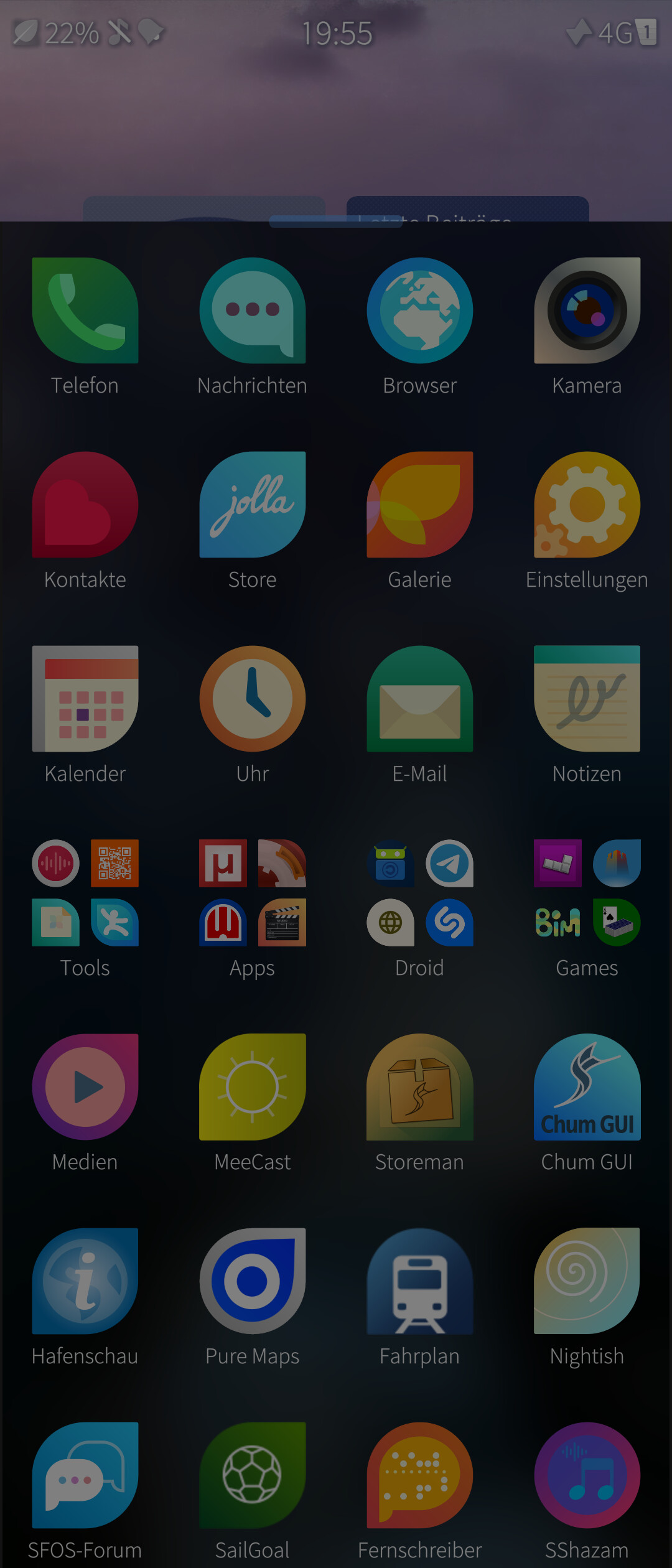
There is a patch Laucher Combined Patch (fork) original made by CodeRus which will enable this as well for Sailfish via patchmanager.
6 Likes
where and how to install?
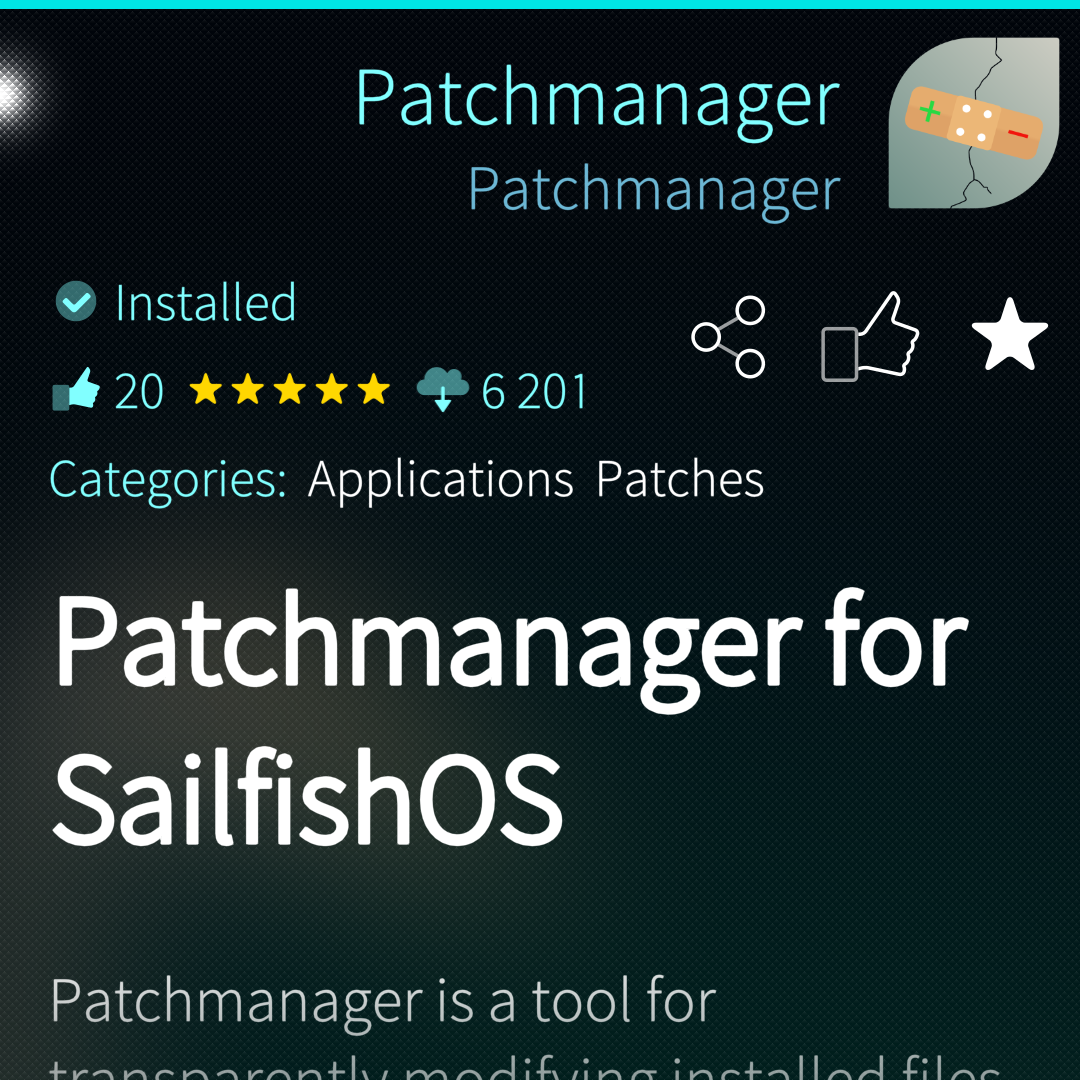
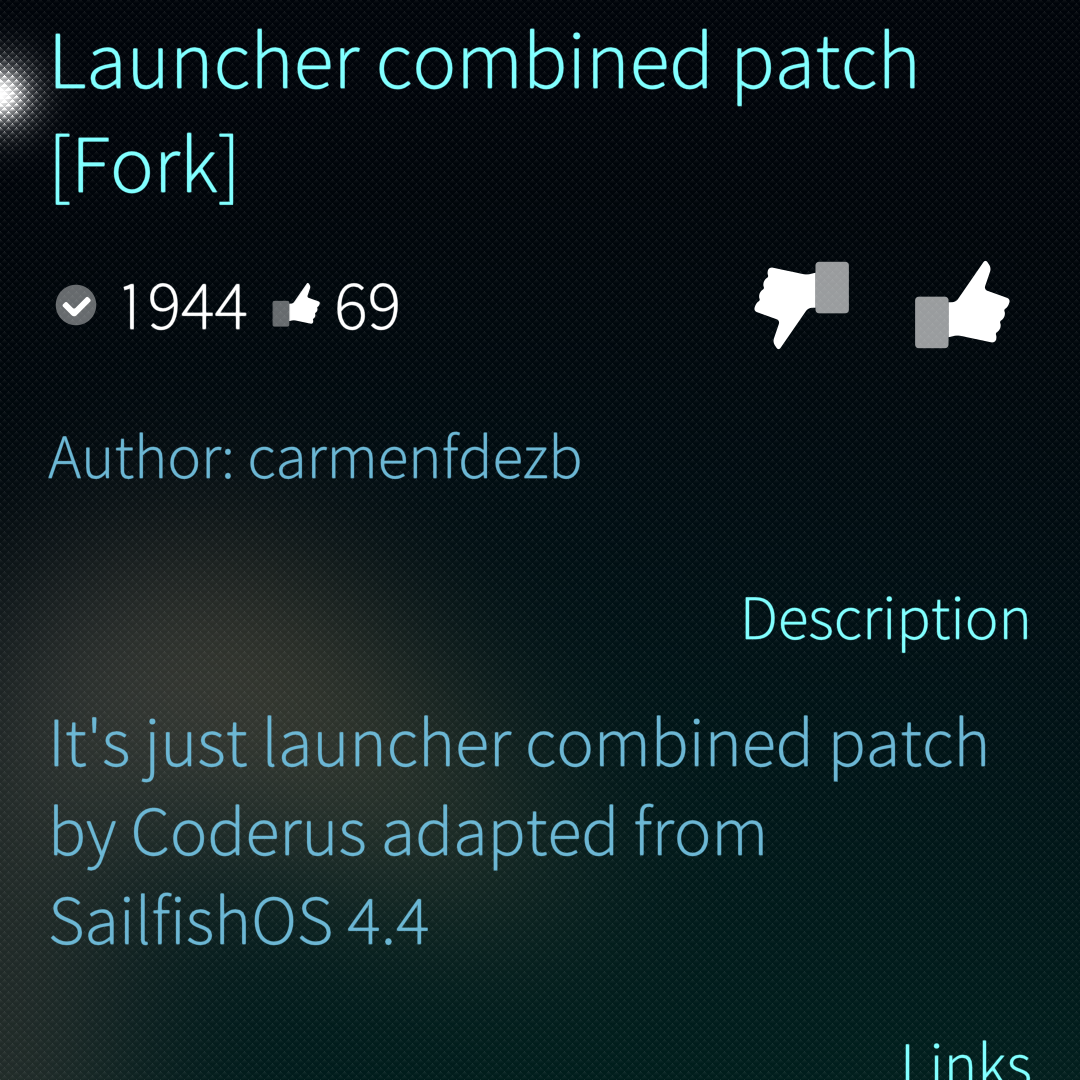
Installed and installed. Patch also activated, and reboot is done.
But all folders in the launcher are the same. Folder with numbers
I have same problem.
Open the folder, in the left top corner tap the icon with the number and it should offer new options at the bottom.
8 Likes
Ahaaaa, thanks for this additional info 
2 Likes
Thank you - this is a great usability improvement.
1 Like
And, please update it for the coming v5.0.0.73.
I love having bigger icons and these visual folder options.
2 Likes
Its working also with 73
1 Like
How? I’ve disabled version check. It still comes up red and no changes in Launcher.
It always looks red even if you disable version check, but you can install/enable it anyway.
Hm. Nothing happens on this phone…
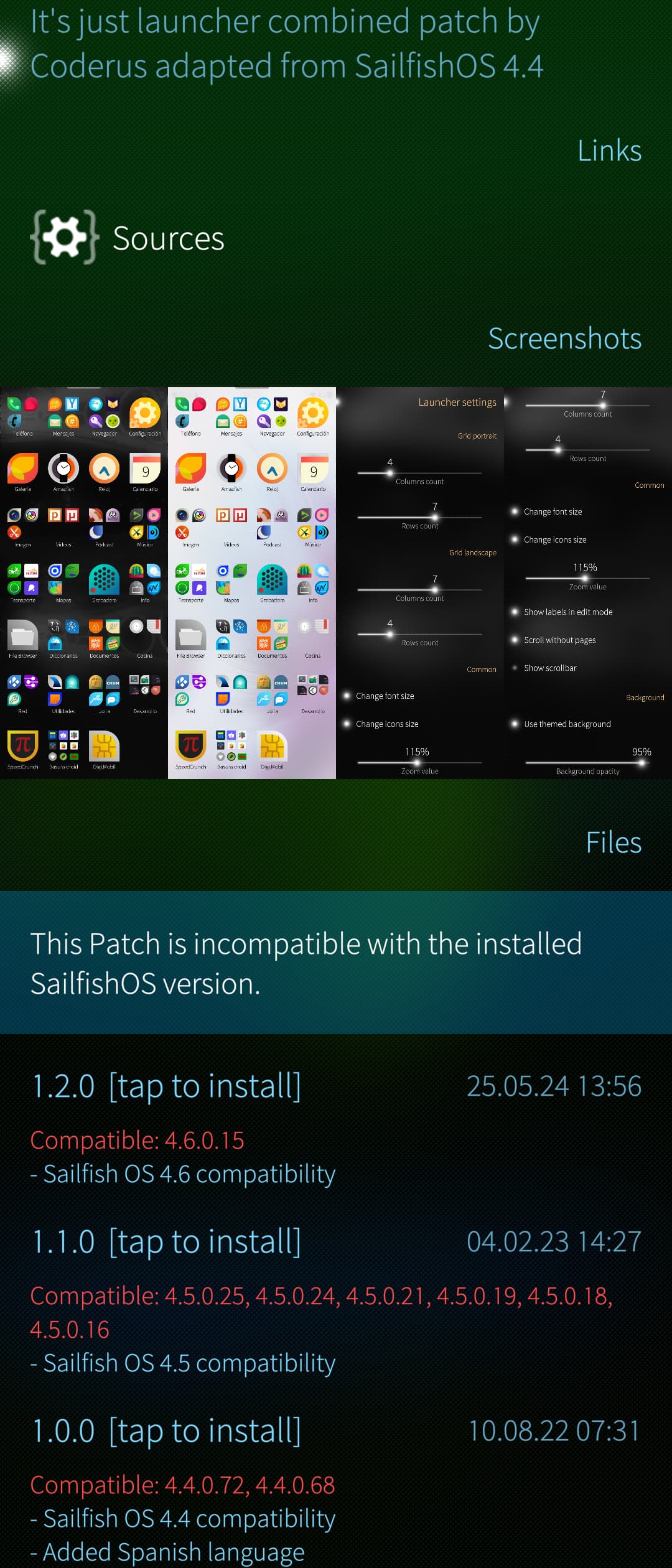
For me too, it’s impossible to install the patch after a clean installation following the recent system update
urn off version checking in Settings. Then it works 
Oo. Sorry, we already had that…
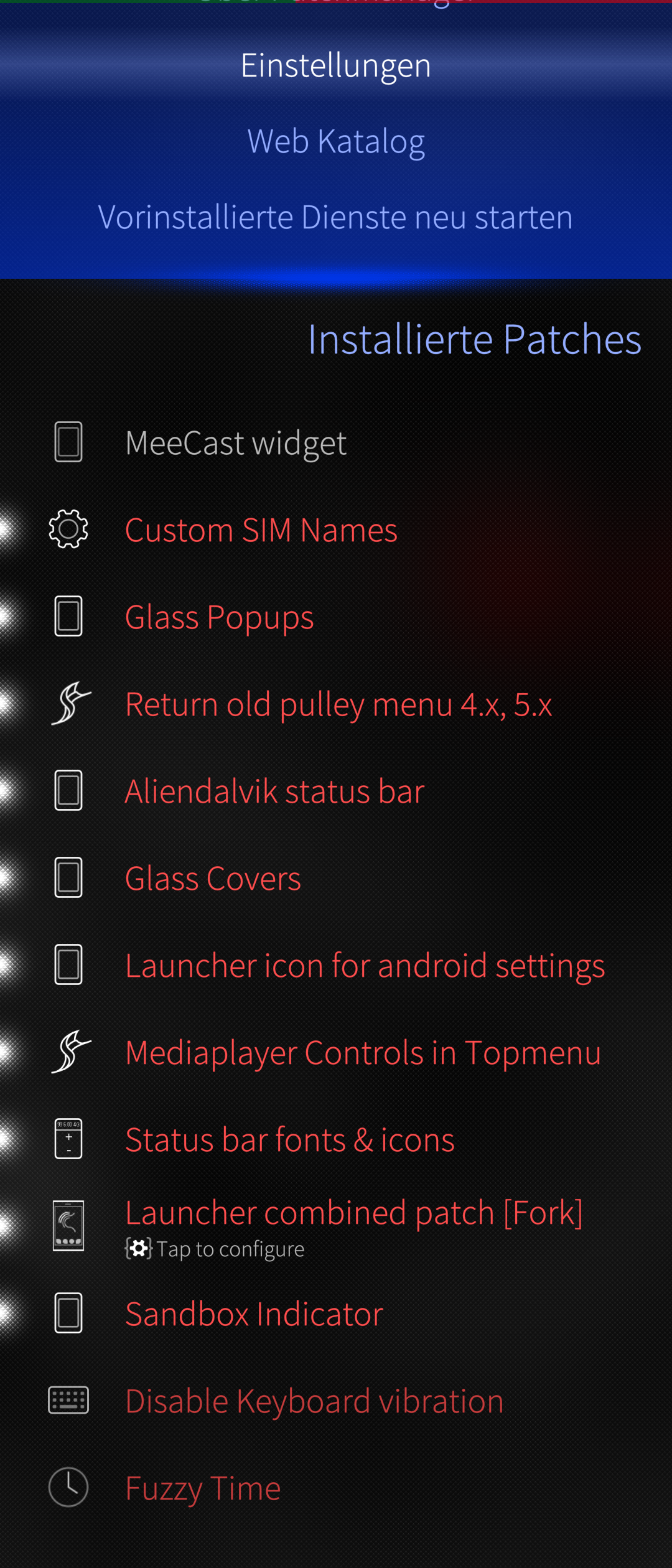
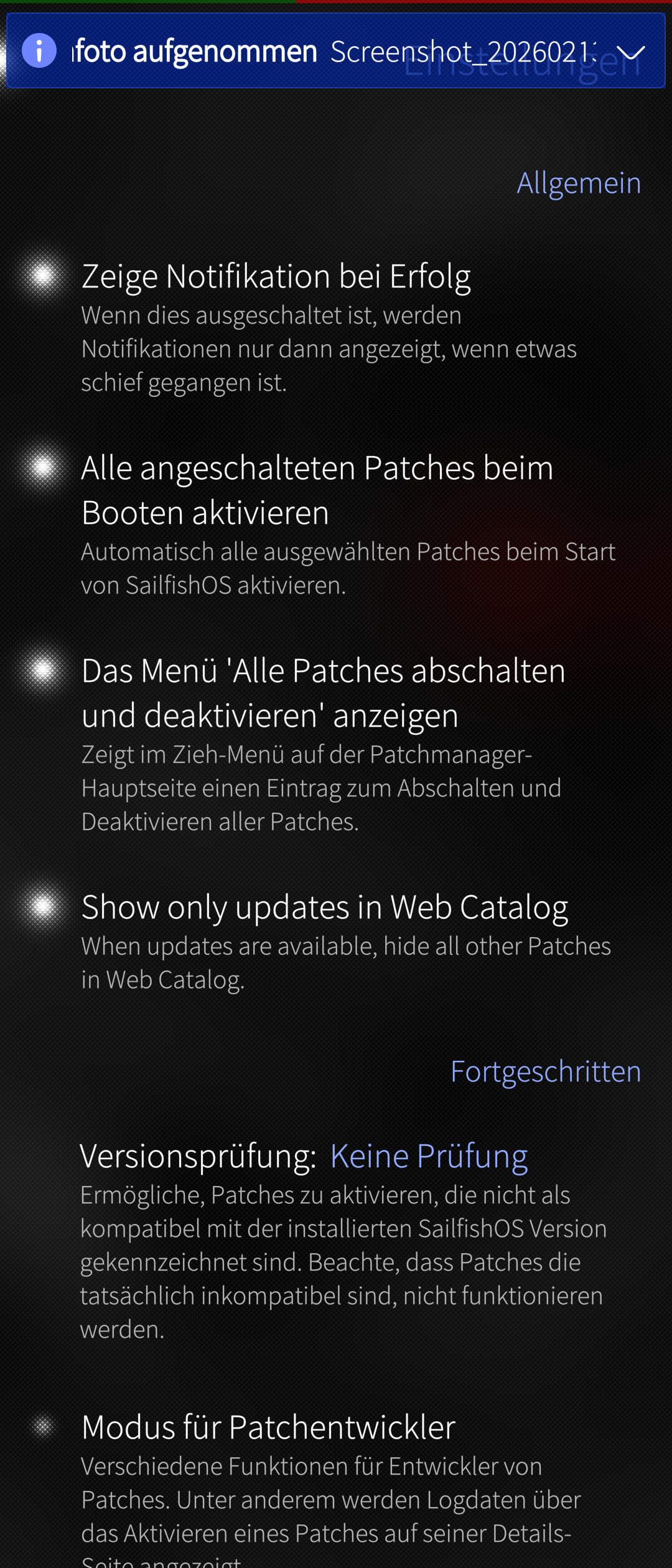
Thank you for your help! After disabling the verification, all the patches started working.
It’s a pleasure. no Problem
Thank you for trying to help. I have sadly no luck. Disabled, reenabled and reinstalled. No go…