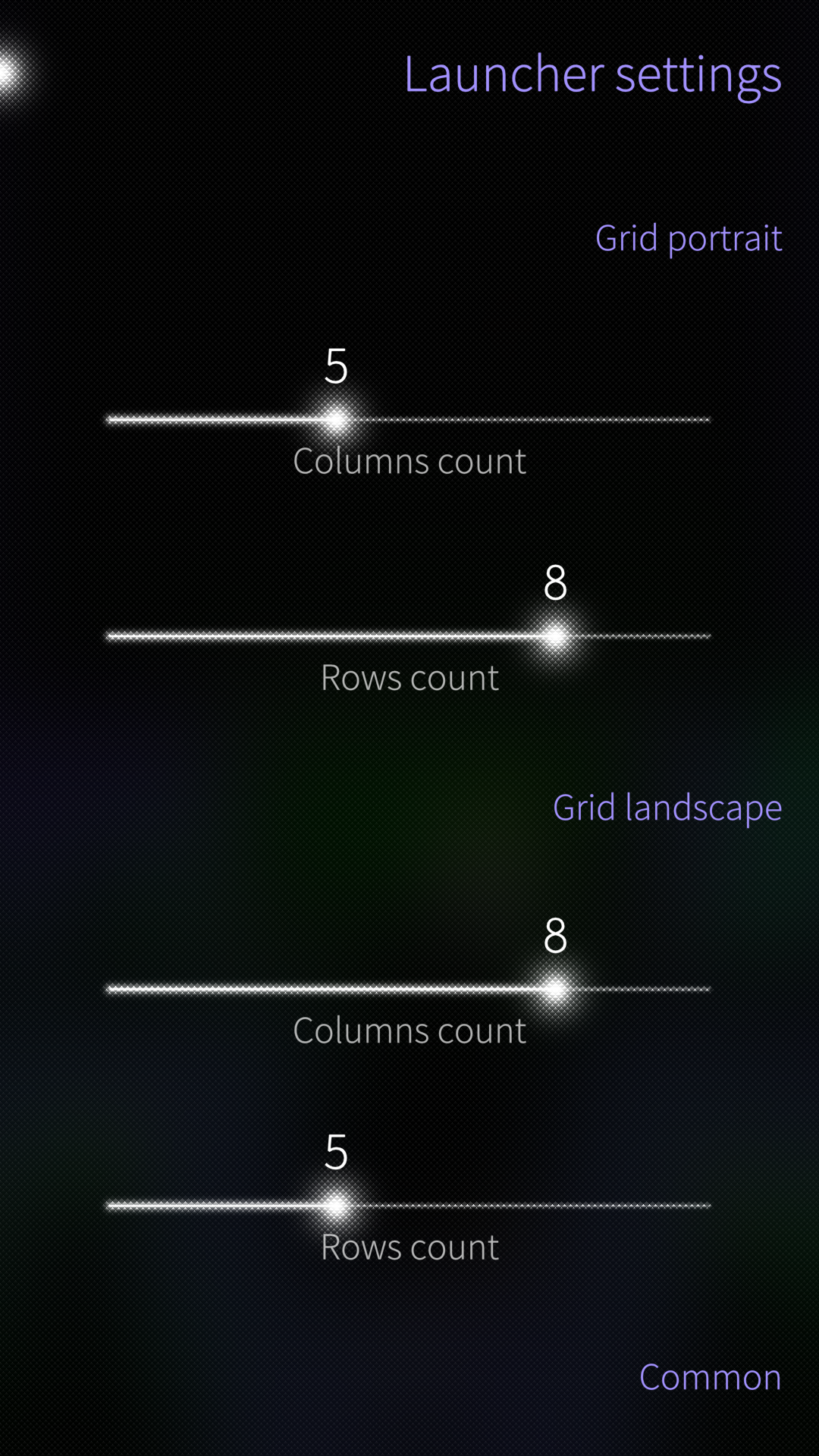
After installing and enabling change the settings and restart Lipstick (preloaded services).
2 Likes
Finally, got it working. Thanks all.
1 Like
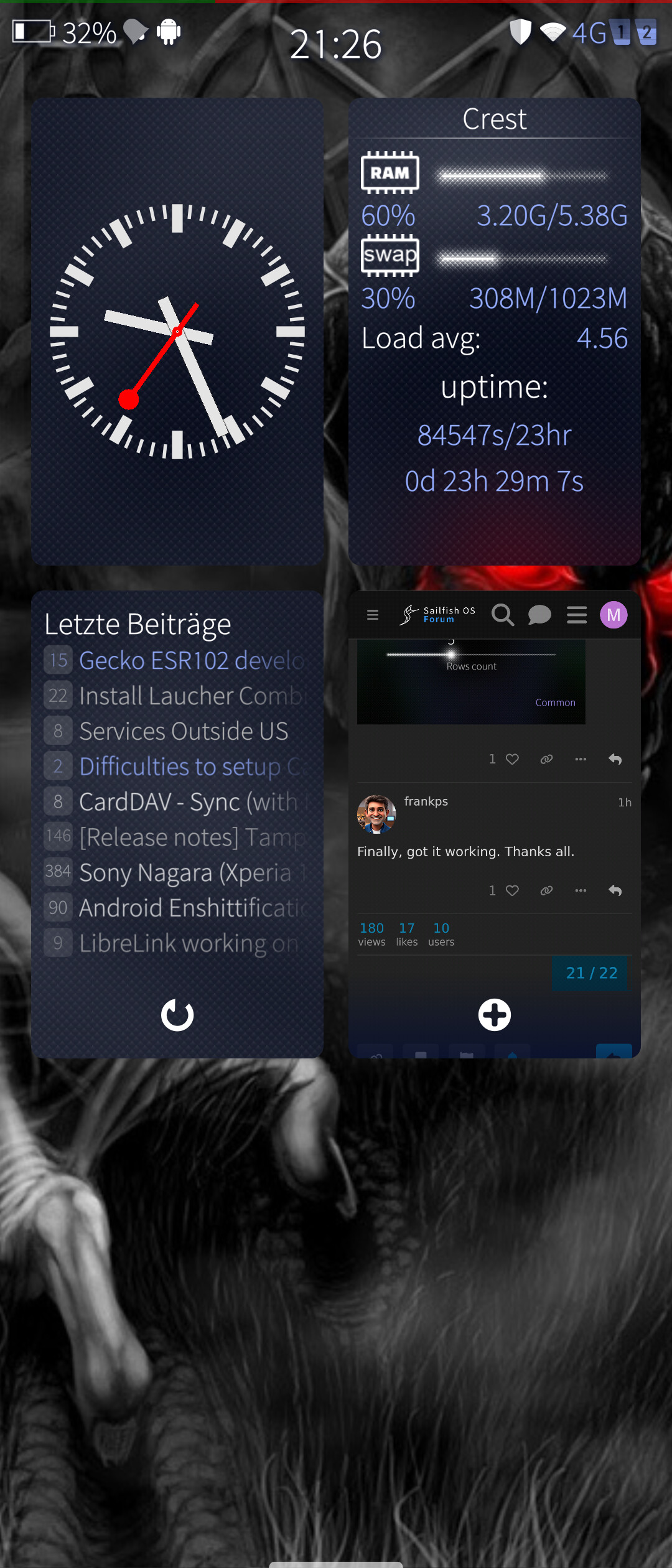

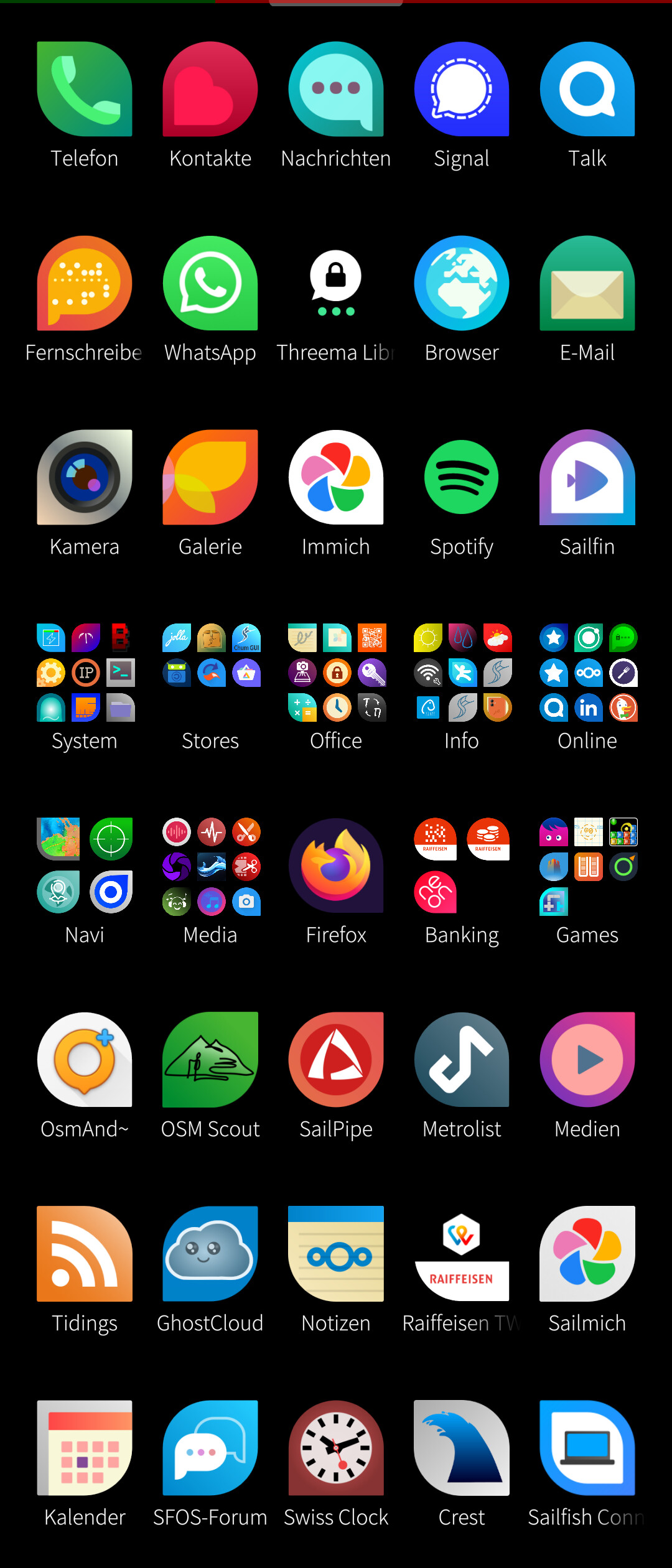
Hello, how to add widgets
I don’t see in folder icons the new options . What have I to do to see them?
You need to go inside the actual folders and click on the folder icon, there you can see the folder icons from the patch. Works for me with the newest update.
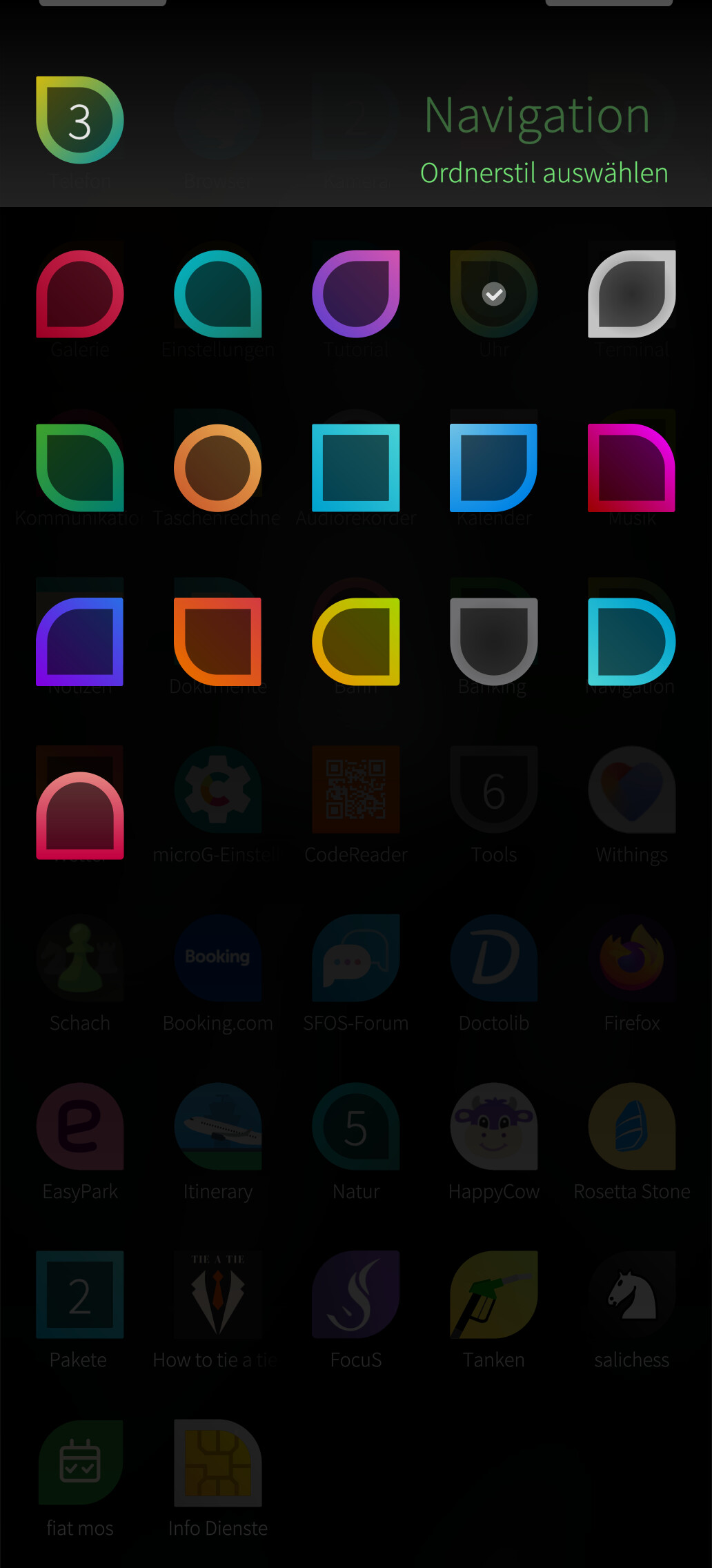
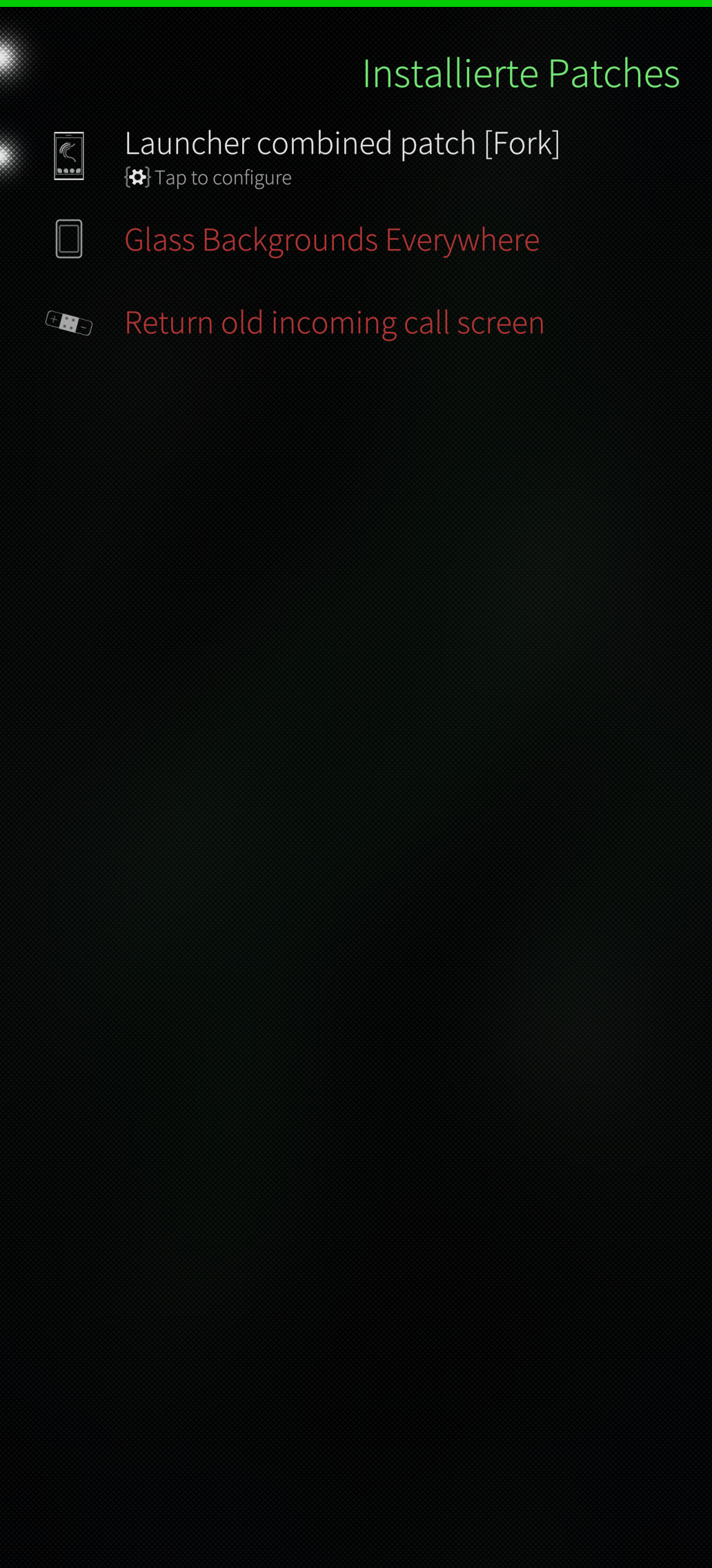
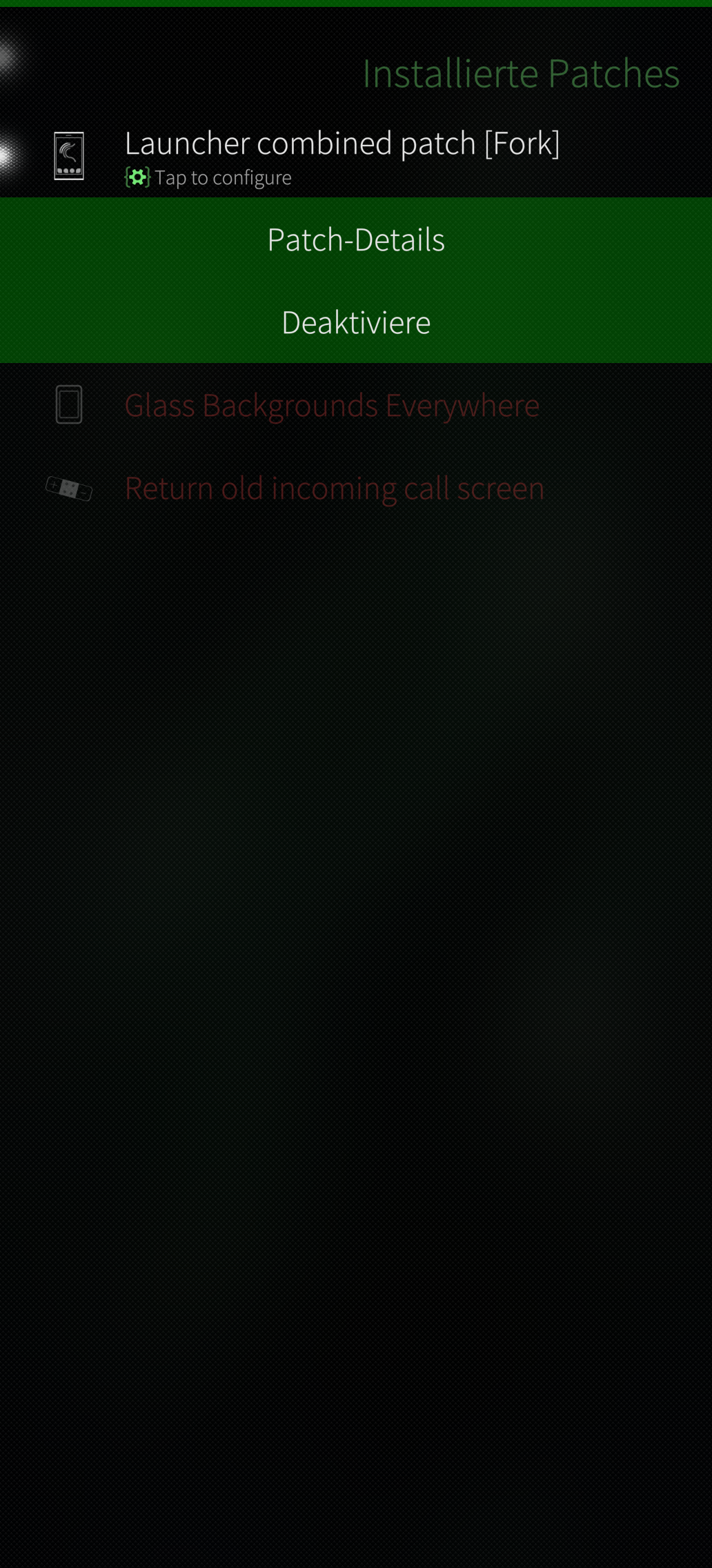
That’s when you long press, right? If you tap you go into the patch itself.
Otherwise maybe uninstall the patches and unistall patchmanager.
Mine works with the latest update
1 Like
In my community port device I never managed to help this patch working. On my official Xperia and Jolla Phone this patch worked/works.
So, the device and software adaptation itself might have a certain influence
Reinstallation of oatch and patchmanager with restart of lipstick works
1 Like
It’s weird because in my case, this patch worked in all my phones, especially in my oneplus6, motorola edge 30 neo or my xiami pad 6, all of them are community port devices.
After reading several posts reporting issues with this patch, I have to say that there could be several possible causes:
- After updating to 5.2.0.18, the applied patches may no longer take effect. Apparently, this is an issue with PatchManager. Launcher Combined (fork) patch doesn't work - #3 by nephros
- You may be using another patch that modifies the same files as this one.
- You may be using an app that modifies the launcher. For example, it seems this patch is incompatible Muoto UI Themer
3 Likes
Hmm, I use this patch just fine with the Harmattan theme on my community port X10IV
1 Like
To be honest, I haven’t used this app myself, so I can’t confirm it. But a few users have told me that they’ve had issues with the patch and they had this app installed, I believe it modifies the launcher, specially the icon size, just like this patch does.
Uninstall & reinstall patchmanager (and the patch) made it work for me again.
1 Like
Yes, agree, it is strange. The patch works as intended in my previous Xperias and the jp2601 with 5.2.0.18.
I guess something is wrong on my community port device that interferes. In my comment I did not wanted to question the quality of the patch but wanted to point to the possibility of some misconfiguration that leads to the situation that the patch is installed and activated but the folder appappearance cannot be changed, exactly the way as @koleesch described Install Laucher Combined Patch (fork) - #27 by koleesch?
1 Like
Can you please verify that your installation is correct as described here:
https://github.com/sailfishos-patches/patchmanager/issues/521#issuecomment-6015742114
Also, as you mention your nonworking device is a port, does it have the inet group, and is your user a member of it? (See this )
2 Likes
I wasn’t aware of this, the specified user group existed but the defaultuser wasn’t a member.
After reboot Carmens patch now works, this is really great. Thanks for this solution, once more the power of this great community 
A bit weird, IIRC we dropped that inet requirement from PM a while ago. Will have to reckeck that…