I have a new SIM card that came without a PIN. I wanted to set one.
(Xperia 10III, SFOS 5.0.0.72, Portuguese)
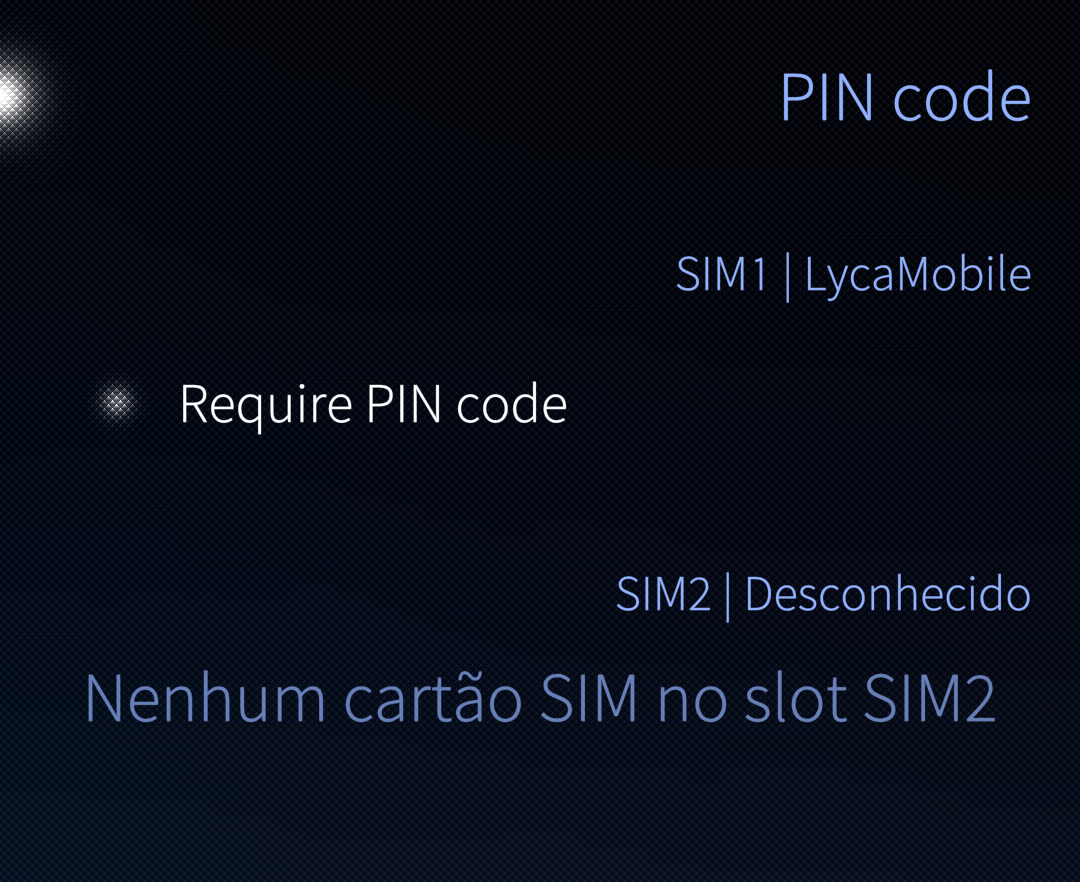
I go to Settings > System > PIN code and activate it
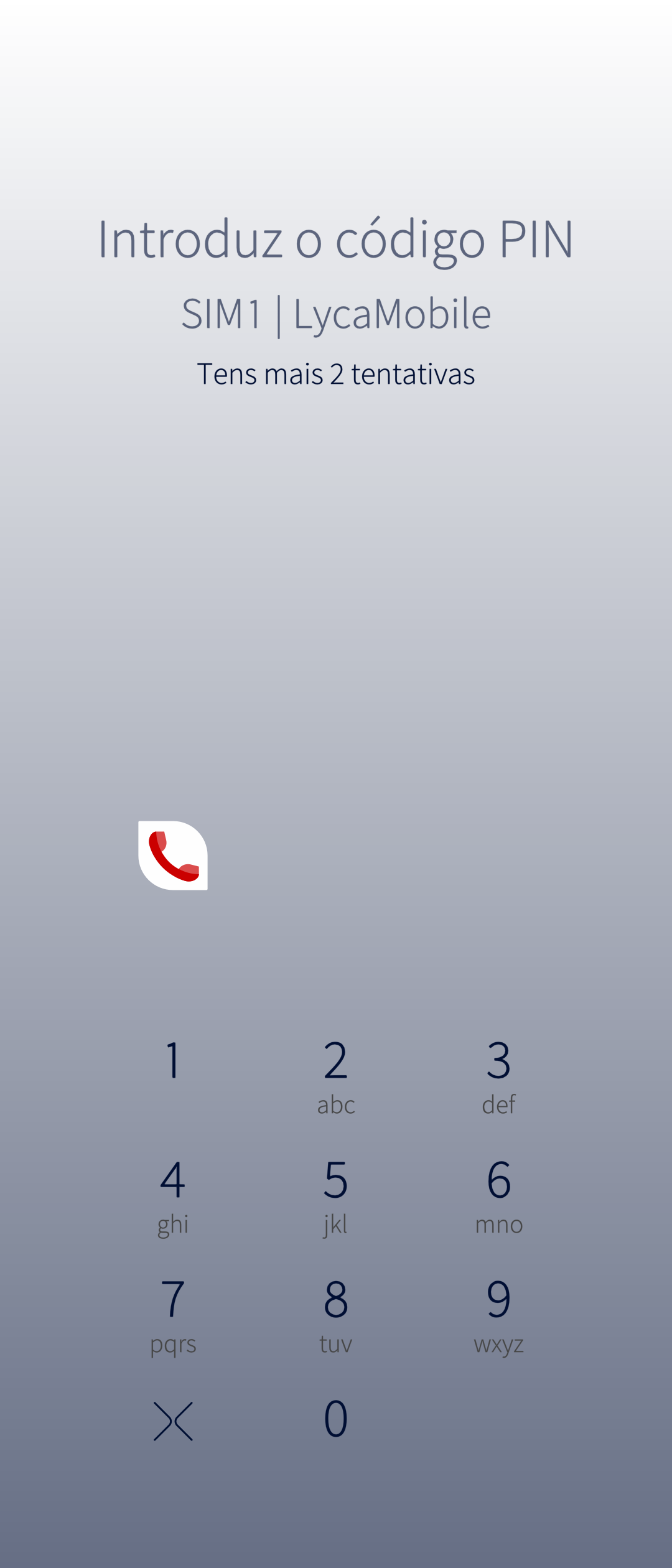
When clicking on the PIN code, it moves to a screen that asks me apparently the existing PIN code (which there isn’t). When trying to put a number there, it tells me it’s wrong and I only have 2 more attempts. There is no UI to leave the code empty.
Or is it that new SIM cards don’t have this feature anymore, or that they were disabled by the SIM manufacturer which still keeps a PIN for themselves but not for the user? I am confused.
[edit: corrected the title]
1 Like
I would test with an Android or iPhone just to be sure it’s working as expected. I mean, in your case that you can’t set a PIN code.
But honestly I never heard about that although I’m not an expert in this area.
Do you have a PUK?
If yes you could try entering the wrong pin until PUK is required, and then use the PUK to enter a new PIN.
I guess you did try 0000?
6 Likes
Entering 0000 worked.
I wrongly assumed PIN was not set, which probably isn’t possible; instead a default PIN is used, which the internet says is often 0000 or 1234.
I think this information should have been included with the welcome document that came with the SIM card.
5 Likes
All that happens under the hood is “placing a call” to a special number which lets you access a SIM interface. You can also change a SIM with the phone dialer. And “no PIN” is “0000”, if you wanted to remove the PIN that would be the new PIN to enter twice.
There used to be QR Codes in places like public toilets with which you could lock SIMs. Victim scans “tel:” link and QR-Action was executed without asking for confirmation.
3 Likes