I got a SIM from LycaMobile, a virtual operator and provider of prepaid cards. Here my experience on an Xperia 10iii in Portugal.
The SIM card starts with no PIN which is the same as 0000, as I was told on: How to set a PIN of a SIM card that does not have one - #3 by nephros
The SIM application
An SMS from “Web Settings” arrives, saying a configuration was sent, which I should accept and keep. This seemed unsupported by SFOS as I could not find a way to access the configuration message. Android supports this, as I will mention later below.
A new icon appears that has a SIM card shape:
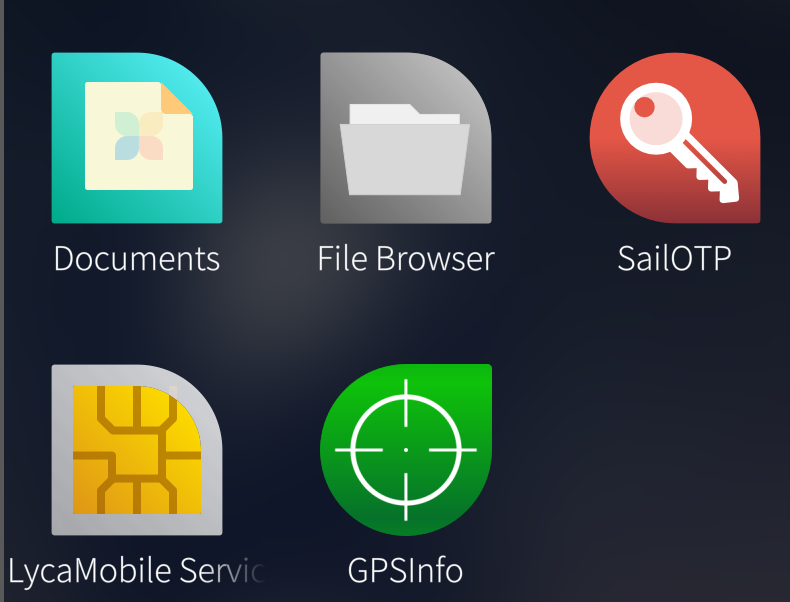
This seems to access to a SIM API. When calling this icon, a menu appears and allows to choose a language (Portuguese, English) and set a mode (Automatic or Manual, and Manual can be set to Portugal or Roaming).
It works great, I get 5G support in big cities, 4G otherwise.
However VoLTE does not register.
The faulty Roaming mode
When the phone does not get signal from the towers it likes, it enters “Roaming” mode (triangular symbol on the SIM symbol top right). In this mode, there is no mobile data. It seems this will also happen at first when it does not have signal or poor signal, such as in a road tunnel.
One time I forgot to renew my payment on time (since it’s prepaid) and the service was cut. After payment, the phone remained in Roaming mode (despite using the special application mentioned above to set it to the National mode). When pressing the Mobile Data button, it immediately shows an error and refuses to activate.
The service request (special numbers like *123# in LycaMobile) reported 50 Gb to spend.
A human over customer service did not find any issue on their end.
The SIM in my old XA2 behaved the same: Websettings message, then Roaming mode.
I inserted the SIM in a Samsung Galaxy I use for the Android applications that require a non-rooted phone (banking, government etc.). WebSettings message arrived (which Android showed it in full detail as a “Configuration Message”). The Galaxy worked normally.
I inserted the SIM back into my 10iii and it was back to normal operation: the expected SIM symbol on topright corner, and mobile data works normally.
So there’s the trick. Inserting the LycaMobile SIM card in an Android phone will un-stuck the SIM card from the Roaming mode, and it will work again in the SFOS Xperia.