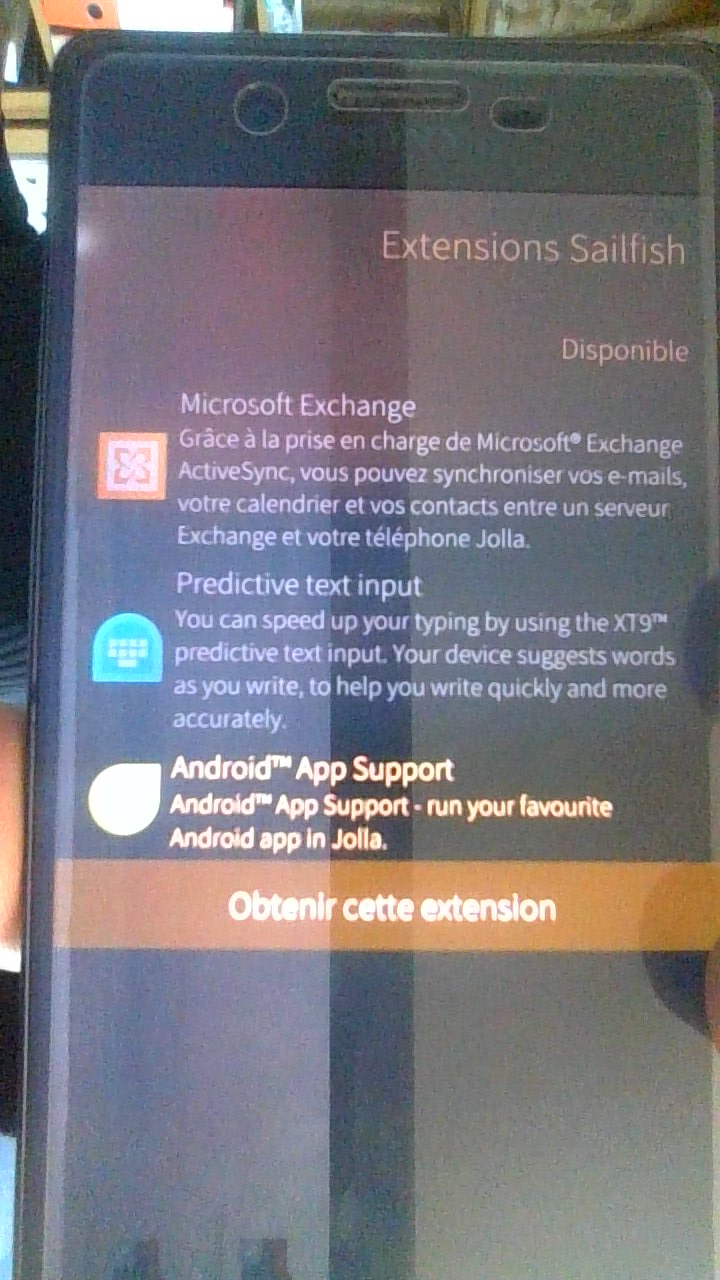
I recently buy the license for my Xperia X, but i can’t install the “Android app support”. Is it because the Xperia X is no longer maintain ? Is it a way to make it works ?
I have an experience on Ubuntu-touch, such similar : Waydroid doesn’t works because of the Halium version (7.1 on Xperia X, 11 need for Waydroid). Is it the origin of my problem ?
I read yet on this forum, that Androids Apps works on xperiaX until last year…
Yes, and the '“acount” page (on parameters app) propose the extensions (microsoft exchange, predictive text an android app support), but when I clic on it, I am redirected to the shop.
I have a second phone (Xperia X too) that I use to do “crash tests” wich was connected with my account (but power off) during the purchase… May it cause a problem with the license assignment ?
You need one license per device. At first login, the license is bound to that device.
So yes, if you have bought one license and have two devices, you need to buy another.
You can use it with or without a SIM card. The Xperia X was my first Sailfish device and I still use it as a media player. Lovely device, despite its age.
Unfortunately, I have no idea why you can’t install Android App Support, but the X is not a good device to explore Android support in Sailfish anyway. Even if you eventually succeed with installing AAS, it will be an ancient version and many apps won’t run.
I’d suggest an Xperia XA2 or X10iii, if you can get your hands on one. Especially the X10iii is a decent device for SailfishOS and AAS, but the XA2 is not too bad either.
Thanks, but that is not the question at this moment : In a first time, I test the system to look if it suit to me. I have no many needed : no social media, just 2 or 3 apps (good calendar, domotic app, OSM, firefox and vlc if possible)
If you intend on using any of those apps via Android App Support, you will probably have a bad time. We’re talking Android 4 something.
If you intend to use native apps, I find the Calendar to be good (perhaps not stellar), as are Pure Maps and OSM Scout for maps/navigation. They also support using offline maps.
GPS performance is sub par, make sure you have a mobile network connection and stay outside with a clear view of the sky for at least 15 minutes. (Sometimes I would get a fix faster.)
The X is out of support from Jolla, so you’re stuck on SailfishOS 4.6. This means no BeaconDB support.
No, AAS seems available if you have a license. However, if you buy a license now I think it says it is a license for the currently supported Xperias - and that does not include the X.
(I just reinstalled AAS on mine, because I had apparently removed it but forgotten about that. However, there was probably a reason I removed AAS in the first place: there were no Android 4 apps that I wanted to run.)
I’ll add that using the Xperia X with native apps will get you a good understanding of how things work in SailfishOS, as long as you take into account that it is an old device and an old version of the OS.
If you come from iOs or Android, you will have to adapt, but it is quite easy to learn. Muscle memory does take a while to retrain, so don’t give up the first week using Sailfish!