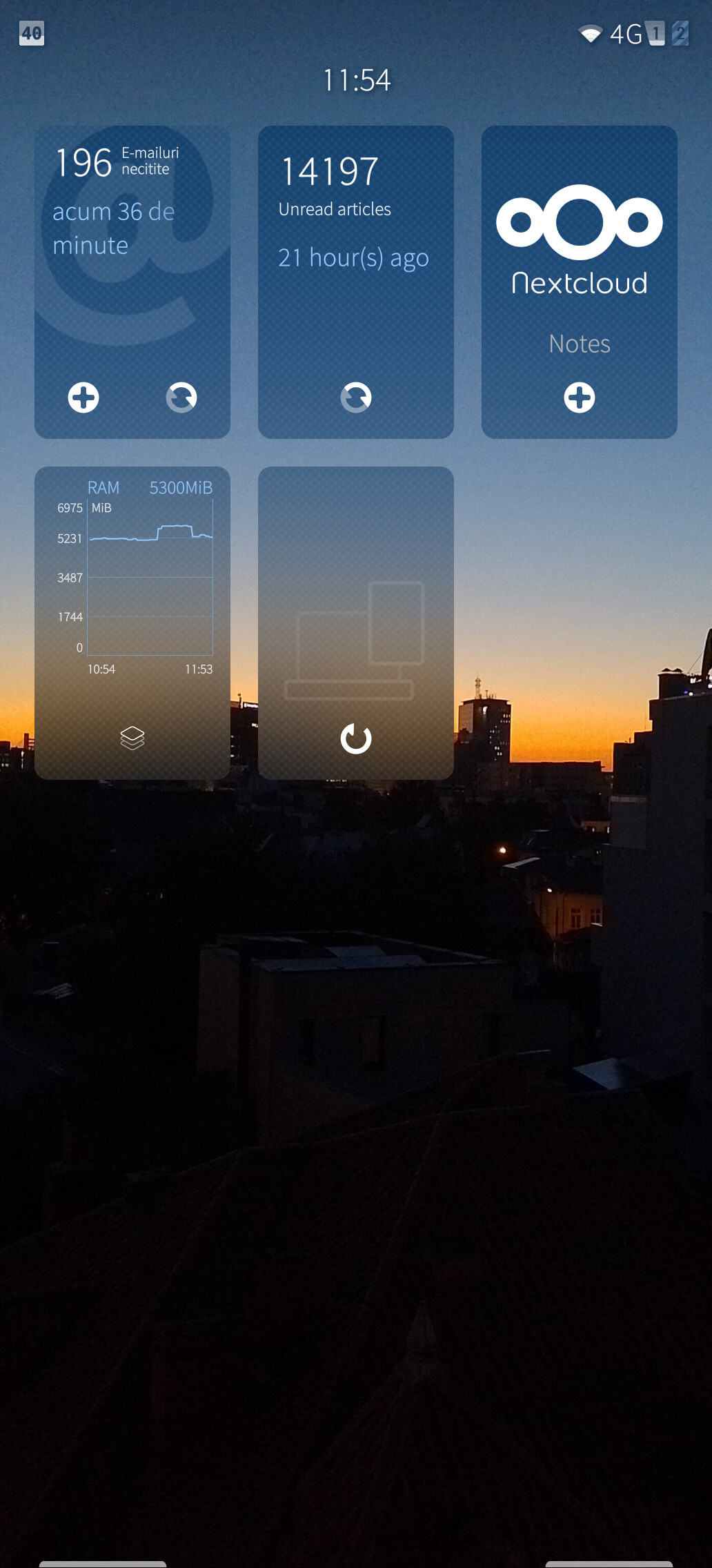
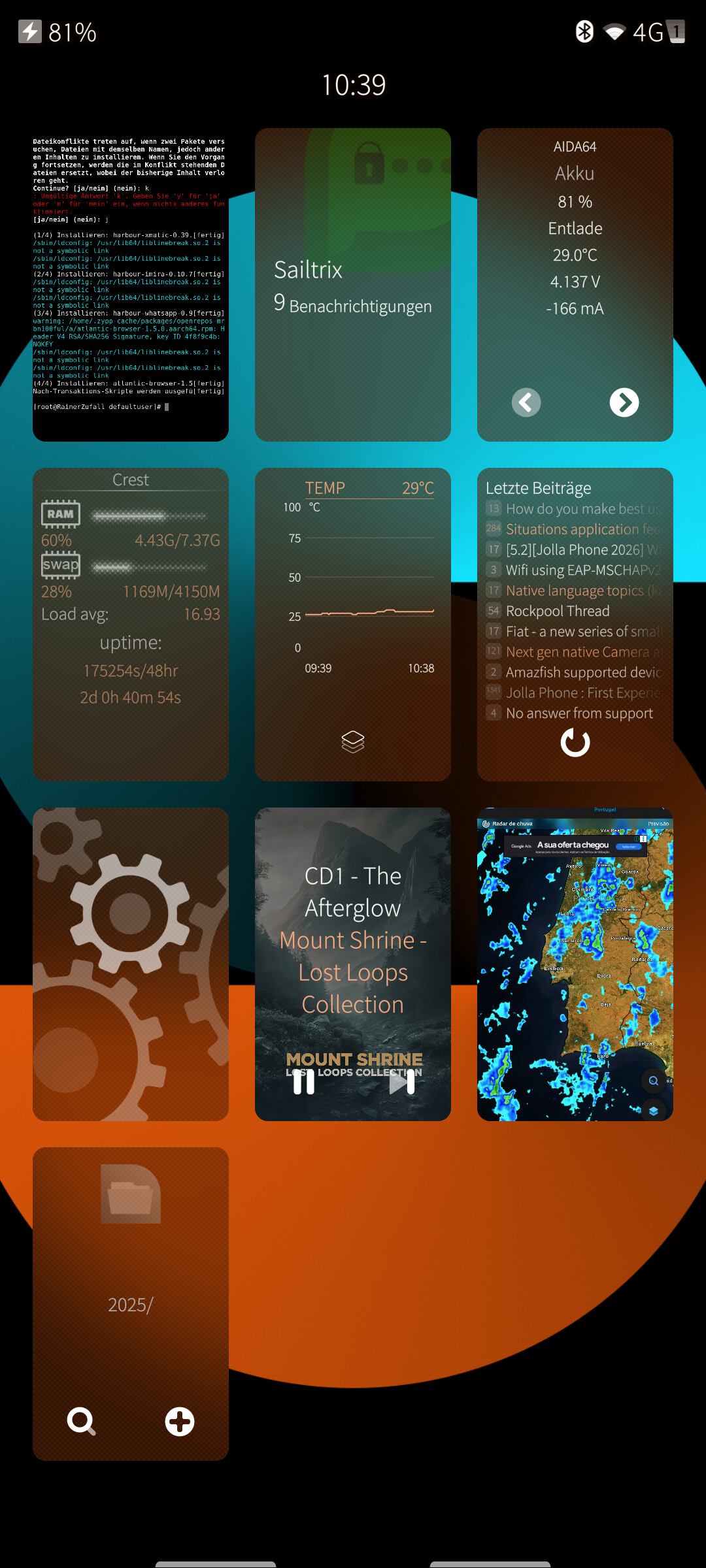
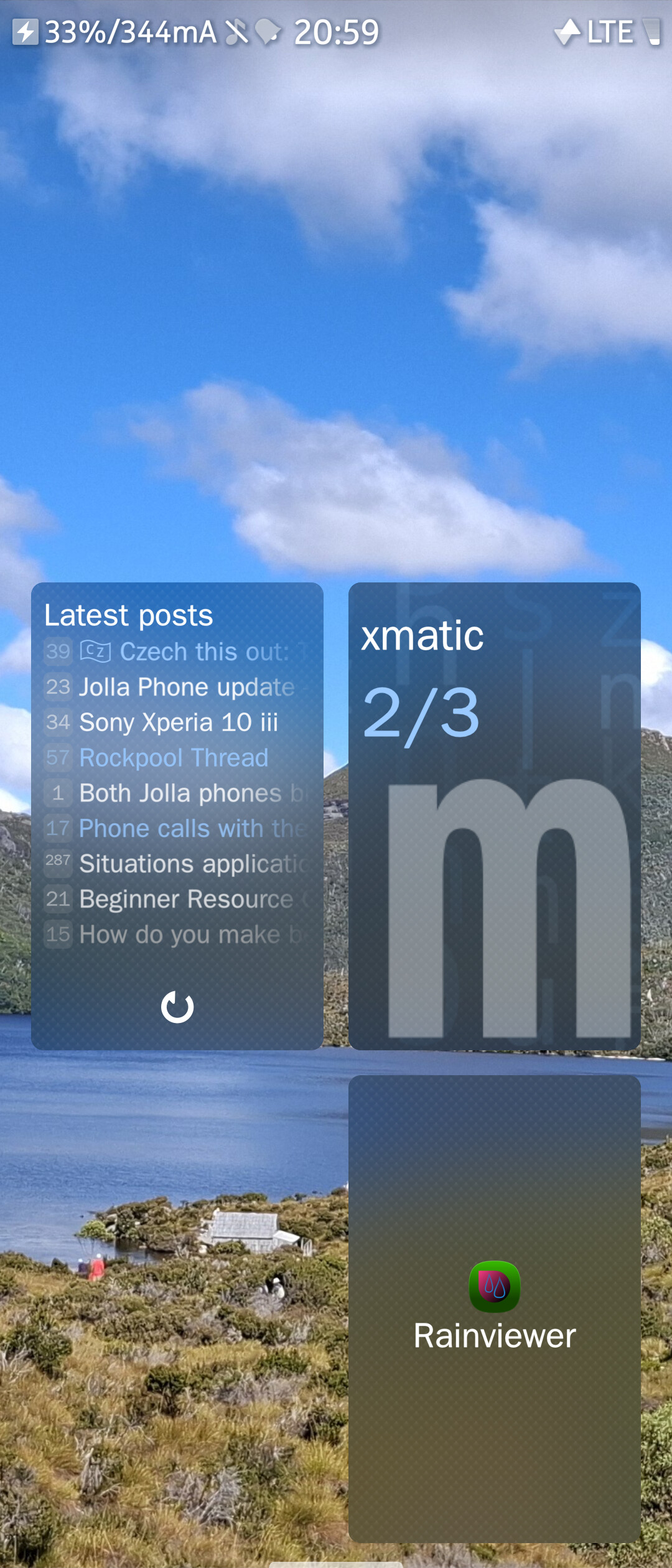
This is more of a question for old time users, as I am looking for ideas. I could not not notice since I started using my Jolla phone that all the opened/recent apps have some sort of action on their app covers, in contrast with the other OSes that only have a preview of the app displayed. This seems rather useful at first, and a rather nice sailfish OS specific feature.
My problem is that I am generally not leaving apps open in the background (unless I know I need them - i.e.: the music player), so sometimes I just cannot make use of their quick cover action. For example: the calendar app has the ability to create a new event from the app cover. However, I never keep it open more than needed. I open it, check it, maybe create a new event from within the app since it’s already open in front of me, then close it away with the swipe gesture. And the examples can continue.
So how do you make the most out of app covers? And which apps’ cover do you find the most useful (and why)?
Personally I think the actions are “nice to have”, but the true strength of app covers is information at a glance. Eg., Xmatic’s app cover is great for showing how many unread messages in how many conversations I have. Less importantly, Sailmines’ app cover shows details about your current game configuration. SFOS Forum’s app cover shows recent threads. SysMon’s app cover shows live data about your device.
I would guess my most used actions are to open a new tab in the browser, or refresh the information on the app cover (eg. SFOS forum, Storeman, etc.), but you are correct that the app needs to be running first and that limits functionality.
These days it depends solely on the app in question. The peak performance of cover actions was in SFOS 1.x UI, when one could press and swype a cover left or right to trigger an action, and covers usually had more than just one action. Despite the latter, the press and swype mode made them extremely resilient to user mistakes contrary to todays tapping model.
Look at TaskList cover for an example of an app that retained it: (+) action to add new item and (>) to and switch to a next list.
Phone app currently only has a padlock action, which is a direct shortcut to numpad calling. In 1.x it had also a portrait action, where the latter was a direct shortcut to the contacts listing within its UI.
Communication apps that provide a quick overview of the most recent messages, and an action to send a new message, are very nice. But really, almost every app has some kind of information that’s the most useful, and some kind of action (or two) that’s the most used. If those are on the cover, that’s a good app cover.
SFOS Forum Viewer shows the most recent topics on its cover, and has a cover action to refresh the list. That’s also very useful.
Some apps, like SysMon, use the cover action to change the information that’s displayed on the cover. Again, very useful.
The Email cover is an example of what not to do. It’s easily recognisable, but it only shows the total number of unread emails, and the cover action is a ‘refresh all inboxes’ action, which is quite pointless if your inboxes are set to keep always up-to-date. Even worse is that the cover action disappears when you’ve opened an email. And worse still, when you’ve opened an email, the cover only shows the subject and the sender, and a huge amount of empty space that could be used to display the first lines of the email.
Ah, yes, I noticed that. I really used it a few times while setting up my device. You have to be a bit quick alas, otherwise the database is locked. But that is good enough for me. I just finished setting up SailOTP today too, and I noticed the codes were displayed on the cover too, making it easy to, if not copy it, at least glance it and quickly type it without changing apps. Music player controls are quite neat if you go to a different app while listening to music I think (something I haven’t done yet too much, I mainly just listen to something and get on with my life).
And then there’s Pitot which displays the current speed in the cover too. Combined with something like Pure Maps it would be pretty useful as a dashboard for my bike I think, to see directions and speed at the same time.
Hmm, now that I think of it, I don’t think there’s one single app that makes app covers useful. Rather, you open more apps in certain situations and you get an overview of what’s going on. like, multiple information from multiple apps, all in one screen. That could be something useful I guess. I think I need to experiment more
I’m aware of their capabilities, but my question was more about the usage of the app with the cover in question. Like, do you keep the communication apps open for long enough that you make use of their action? For example, to send a new message from the cover action without opening it?
I’m asking because I’m mostly used to close the apps straight away if I’m not using them (this reduces their functionality of course, since the app covers themselves are closed too when I do this).
I start all of my most used apps in a specific order so I always know where to look, and I never close them. That’s really how you’re supposed to use them and part of the reason why only a few apps have background services. Other apps I also only close if they use a lot of CPU or RAM, otherwise they can stay active.
Right, I see. I think that’s how I’ll use it too, then, maybe
Edit: Too bad I do not keep AAS running all the time, so I cannot do the same with Android apps even thpugh I use them just as often. But I’ll see what can be done then. Thanks everyone!
Everything else will stay opened only in some circumstances (i.e. When I leave the house I will open the music player and the lyrics app, when I go to the supermarket I’ll open the BarWal app etc.)
I’m sorry for the OT, but there is quite a bit of talk about leaving some apps open all the time (and in an order too).
If you can do without the cover action, native apps make good candidates for using the Partnerspace feature, as explained well in this post:
I currently keep Notes/Settings/Email there. Having only 3 apps makes accessing them easier, but more are possible.
And it was the idea that i can access them in a specific order that sold it for me.
It is a webbrowser page in Angelfish browser of the Portuguese national weather forecast and rain radar. I like to a standard browser if native apps are unavailable or not as good as the web app. Local rain radar is one of these few examples where I prefer a web app.
Indeed it is OT I was more looking into ideas on how to make better use of the app covers.
I did watch the video by Continuum Gaming tho and I might say it is an interesting feature. However I don’t see myself using it that much so far.
Sailfish OS is so different from the other big two that I feel like I’m kinda changing my usage pattern so much. Not that it’s hard for me to use it, but because there was a reason I was using my phone the way I was using before jumping ship. Now that these reasons are pretty much no longer there, I feel like the door opens for new posibilities.