No cause i dont know hiw to do that either
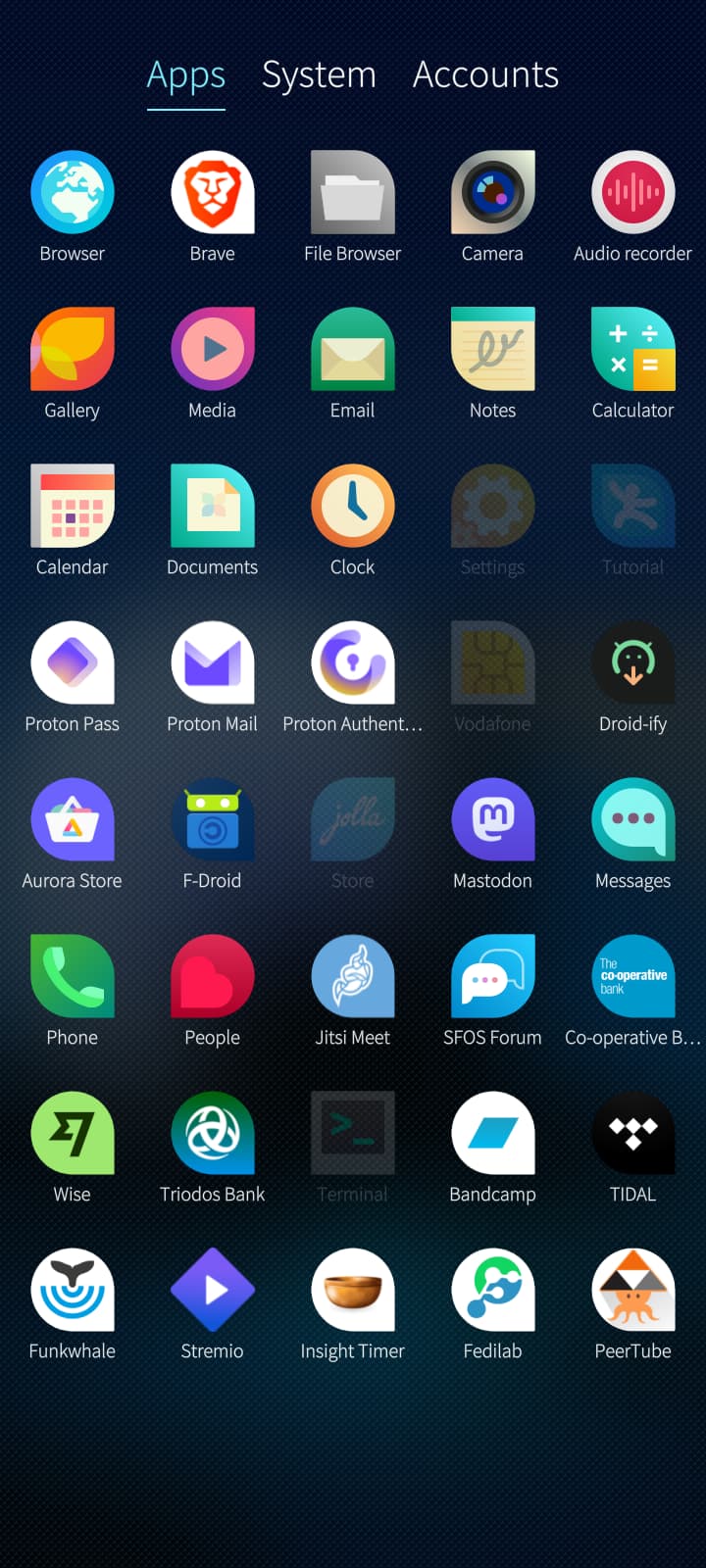
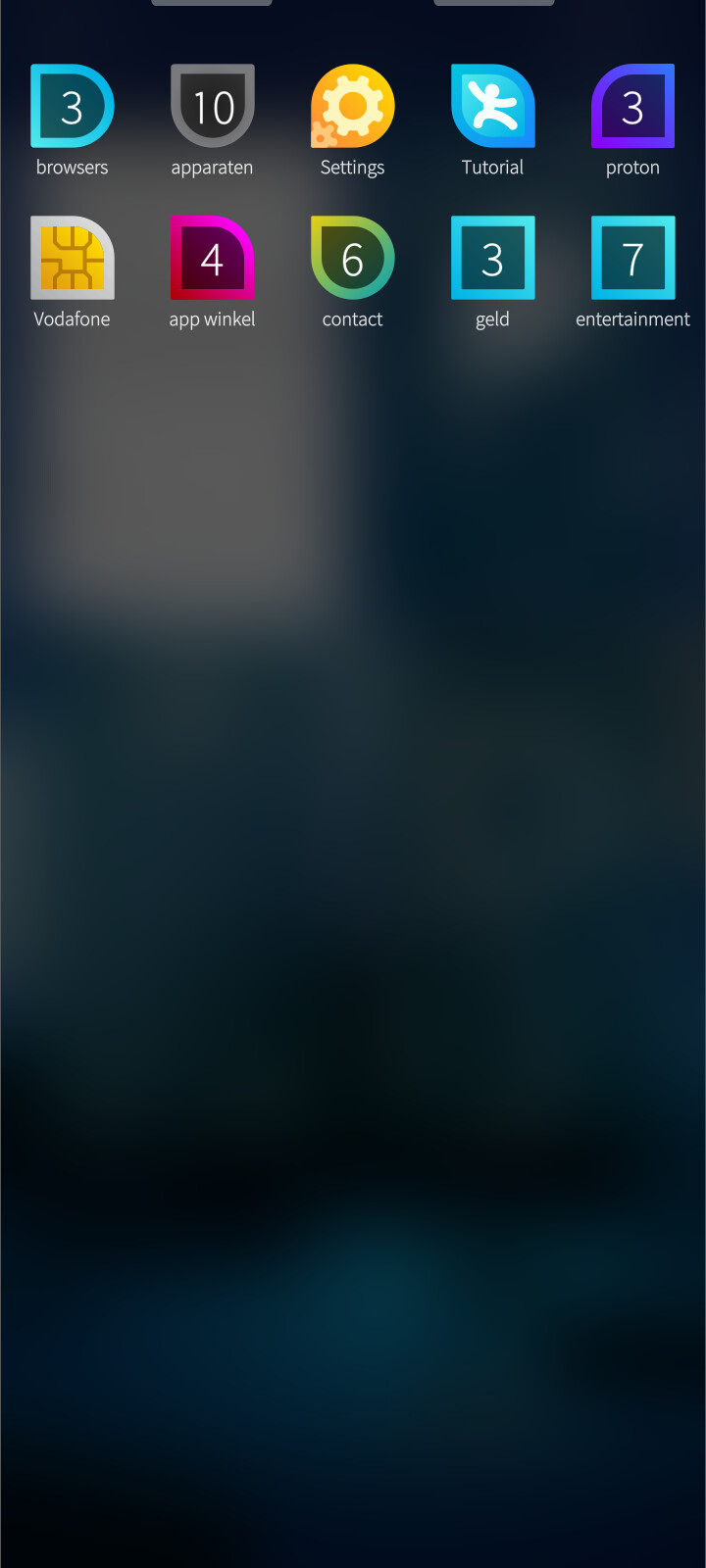
Top one are all the apps i have downloafed and installed. Bottom pic is what is in my app drawer. i have neatly organised them but a lot of them are missing
good you have the filebrowser installed, now we need to find it (maybe in apparaten). If we have found it we deal with the file download/copy from pc to phone
1 Like
Oh spreek jij nederlands? ik ook  but probably best to keep it in english so others can read this.
I dont want to confuse you but we could also skip this whole filebrowser part if you like (as it is only needed to ensure the file is there)
1 Like
i have a laptop with linux which i am also struggling with. so what do i do?
Can you download files on your laptop (does browser and stuff like this work) and access them?
1 Like
whatever is easiest for a complete FOSS baby like me. i honestly dont understand much of all this
Yes i can use the browser
Ok, then probably easiest is, download the file with your laptop, then we copy it over to the phone (lets hope we dont encounter any issue, else we download the file with the phone)
1 Like
I am opening and starting my laptop now
that doesnt work cause i cant seem to get bluetooth to work on it. it doesnt allow my phone to pair, but that was my samsung phone, so i can start trying this jolla. Just a minute
great, after you downloaded the file go to the settings of your phone
go to usb setting
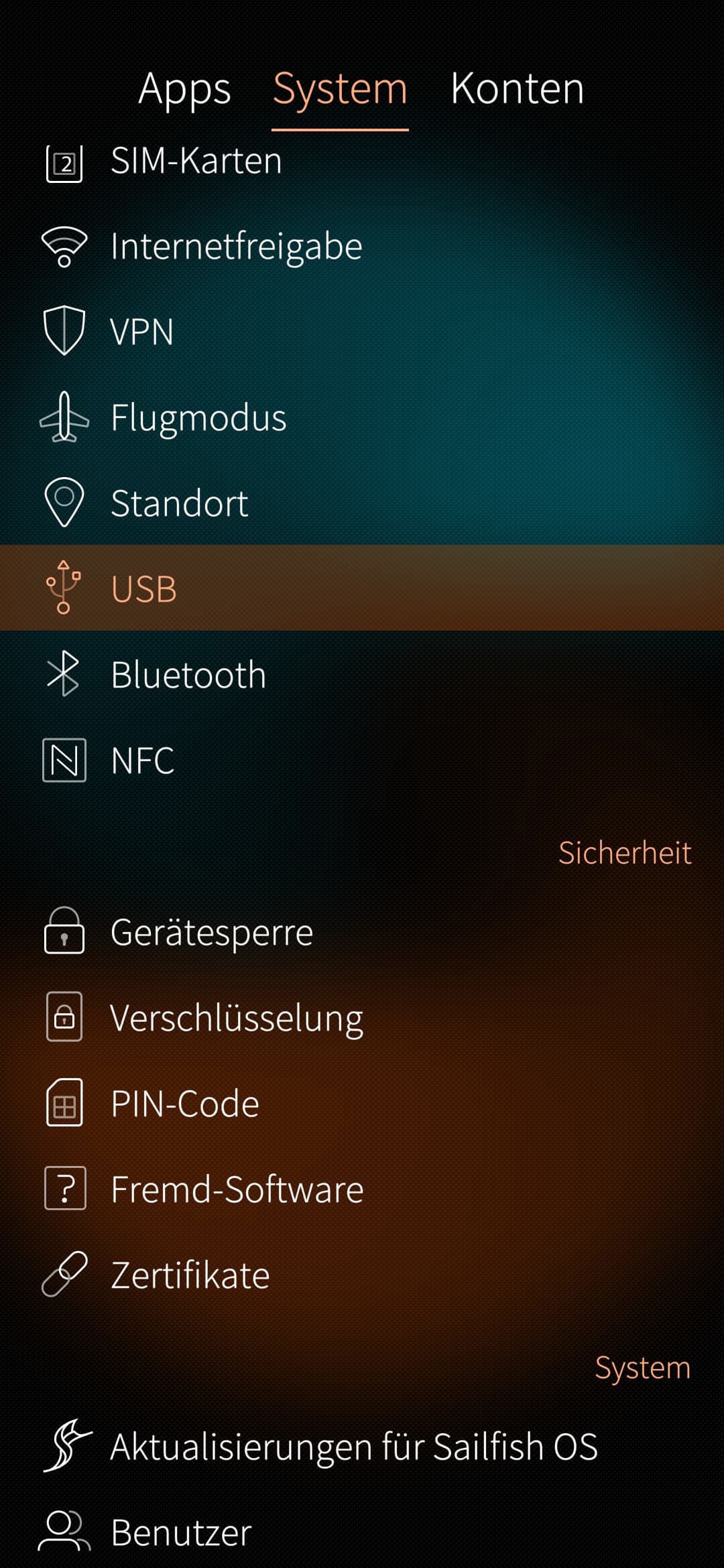
and set mode to MTP
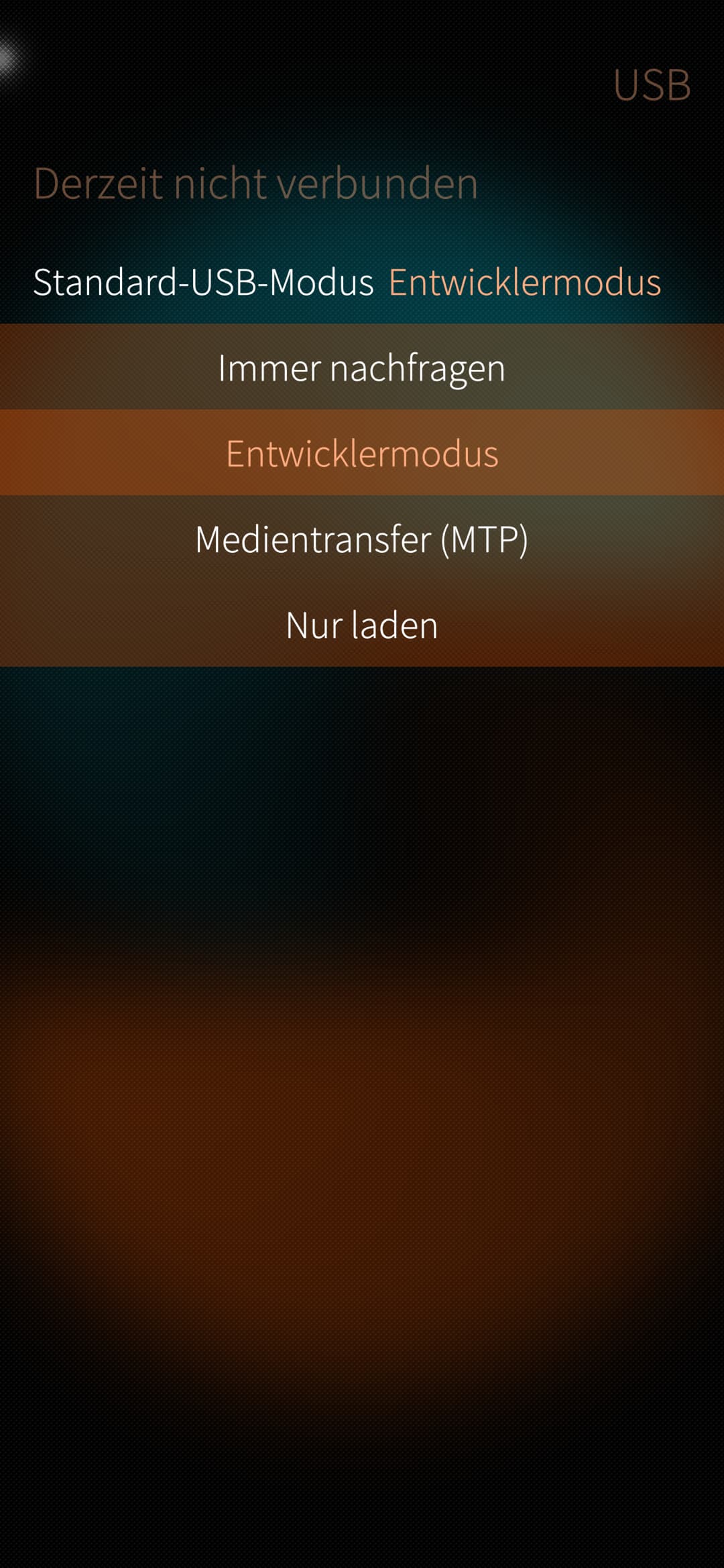
1 Like
we dont need bluetooth
1 Like
its taking a while cause i have to restart to install all the new updates.
what file do i need to find?
the vpn configuration file
why did you update
1 Like
Where do i find that?
because i am on linux. my son told me to do that every time i open my laptop. he’s doing a masters in computer science so he should know
On your laptop, you opened the internet browser and went to proton website, there you clicked download on the needed file, if yes open again the internet browser open settings page and scroll down to the setting which says “download location” or something similar
why did your son install linux for you? (did you use windows before? )
edit:
can you take a screenshot from your laptop desktop screen? (if not no issue)
1 Like