Yes the previous guy who helped has determined i needed to tick a box in the aurora store app. i downloaded proton vpn succesfully whicj eas visoble in the app tray. but now it says i cant use proton vpn by downloading so can you help me set up vpn in anothrt way? I found the syandard jolla vpn option but i dont know how to get it so i usr proton vpm as i have a subscription with them
Browser:
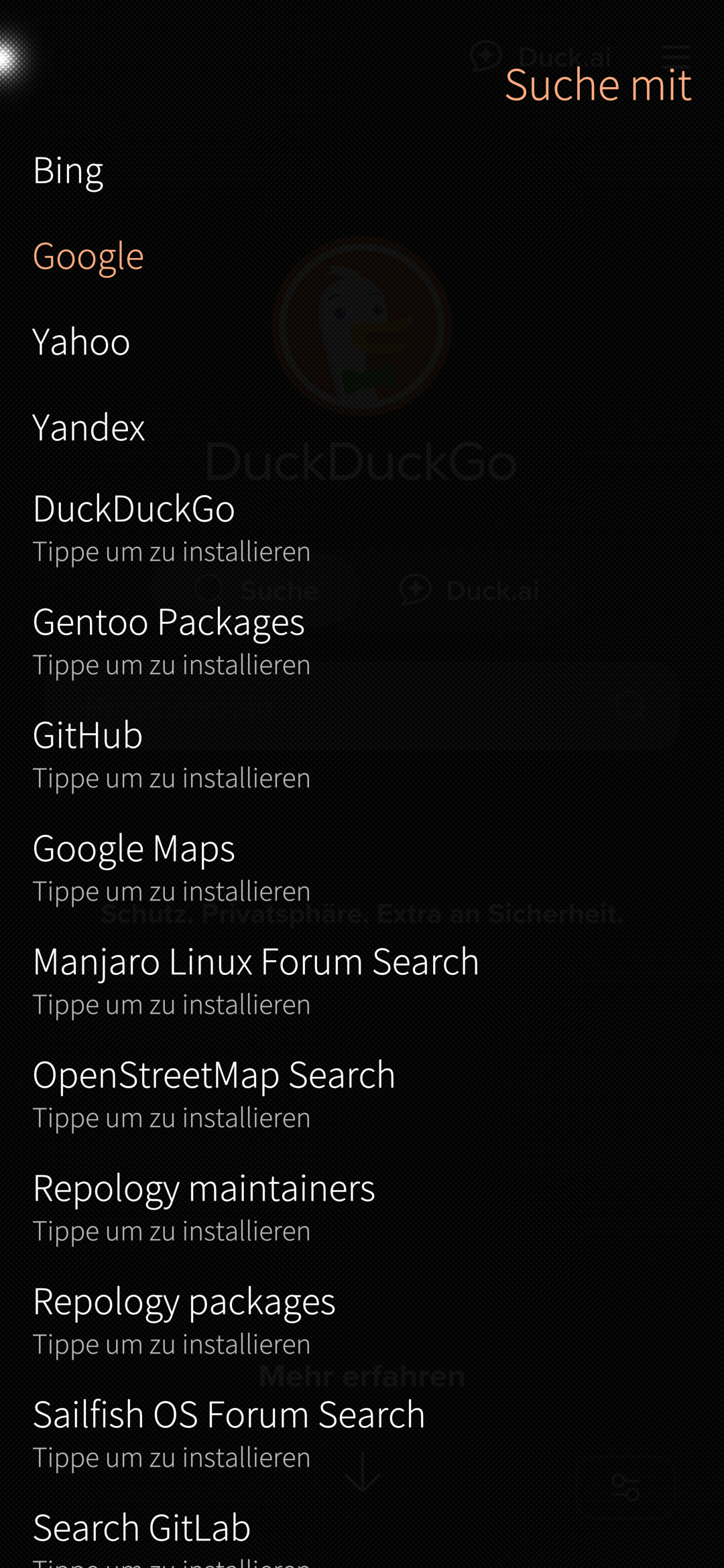
Open Browser, down right open Settings, change search provider if you dont want to use google search (maybe you have to visit search provider website once before it shows in that menu, not sure):
You can, but some Android apps are pointless to try to use within Android App Support.
VPN apps are one such case.
This is because things like Networking are handled by the Operating System, and the Operating System is Sailfish OS, not Android.
So in order to use a VPN setup, you must configure it in Sailfish OS.
No you can of course use also android apps, but then the file gets downloaded to the location where android download files are stored.
This complicates things.
Also if you dont want to use applications built for sailfish os, why buy such phone?
i still dont understand. so you are saying i cant download apps from any of the app stores, but i can download from the jolla store, the aurora store, droidify and f-droid? cause those are the app stores i use.
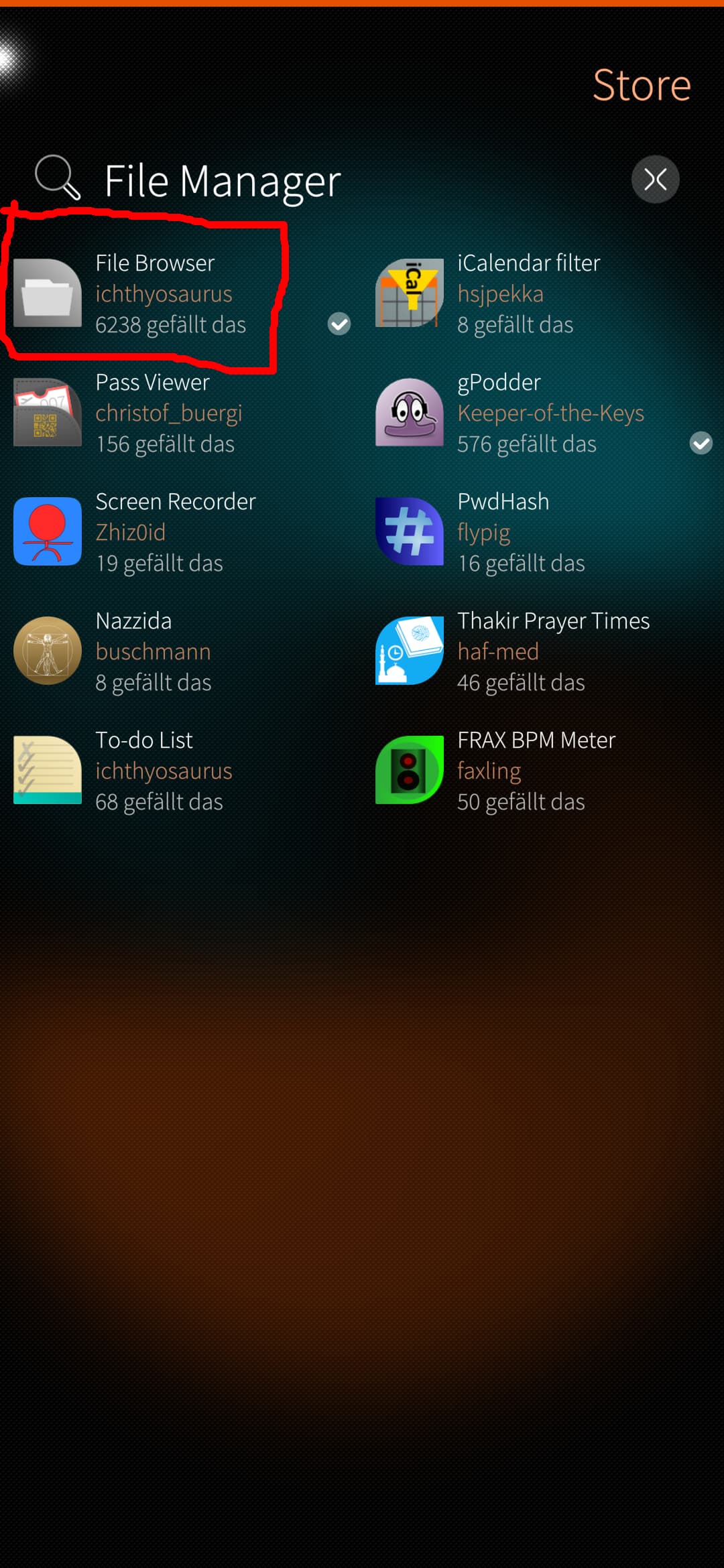
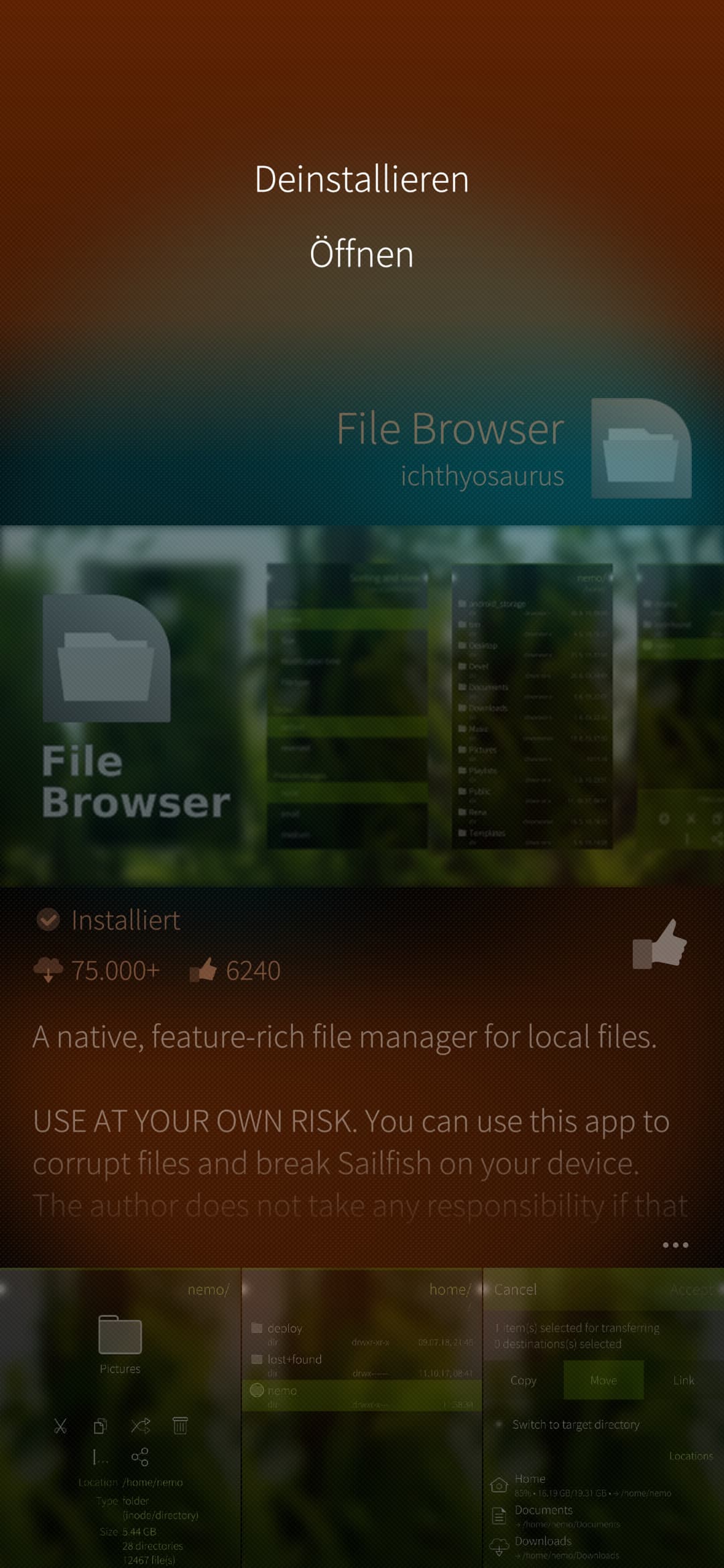
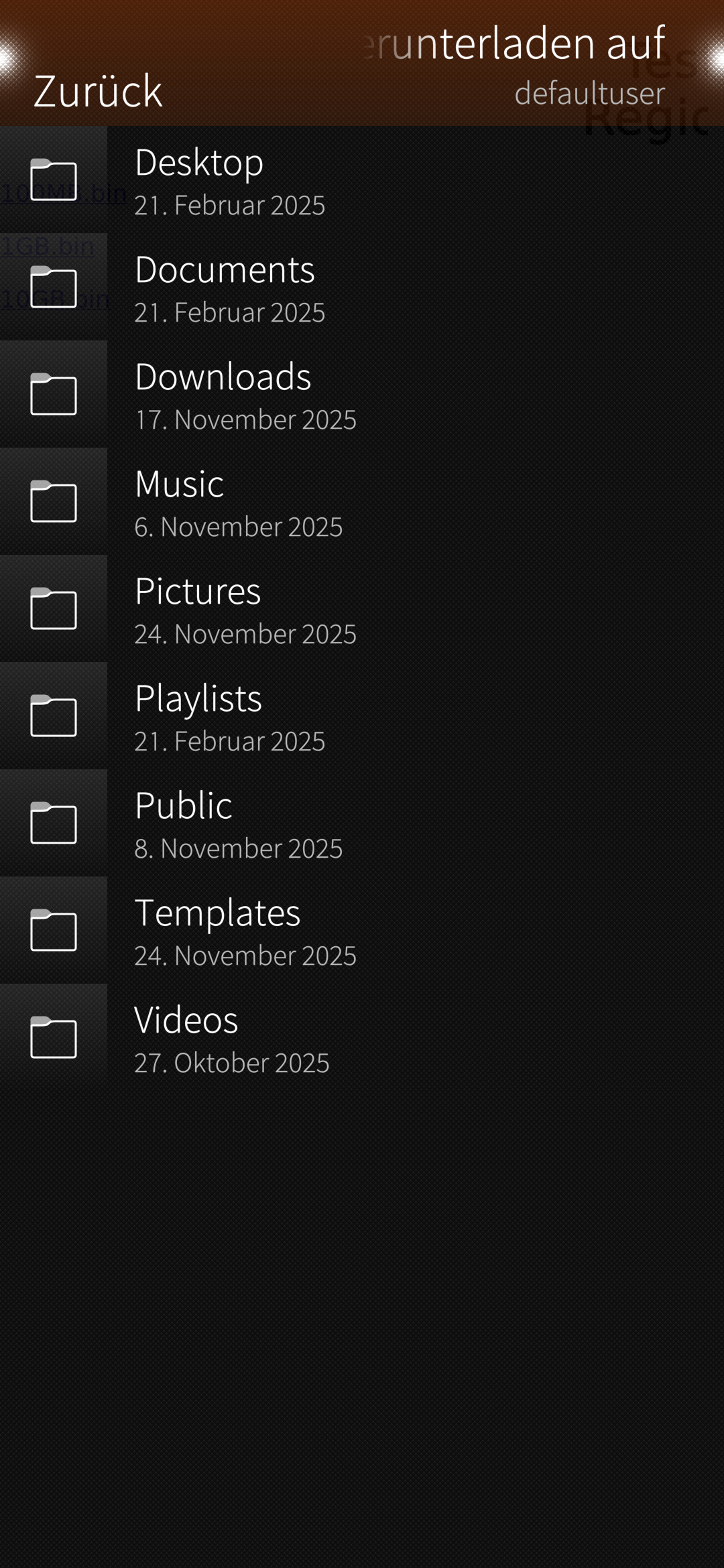
i went into the file browser but i dont know how to use it or what to do?
i still cant access any of the apps i downloaded before i checked the checkbox in aurora store. i dont even know how to uninstall tjem and try again?
i do want to use this phone, i just come from capitalist bastard samsung phone, i just dont understand how to afapt to this compleye alien tech. I know nothing dude, i am a noob with this. i cant deal with these parasitic companies anymorr, hemce why i jave to learn
Maybe this helps you to understand better, sorry for bad drawing:
|----------|
| Sail     |
| fish     |
|          |
| VPN      |
|     -----|
|     | An |
|     | dr |
|     | oi |
|     | d  |
|----------|
Your Android stuff is inside sailfish, so you cant manipulate VPN from within android.
You can use android apps (aurora, fdroid, play store, i dont know) and apps built for sailfish (those wont run on android) like the mentioned file browser or all the apps installed by default
Some stores offer option to just download the apps. But if you use app stores, what is the point to only download them but not install them?
I almost never use only download I just install them so I don’t know for each of them.
I don’t understand. Please post your screenshots (by pressing volume up and down button at the same time). That way we’ll probably understand where did you stuck.
And I didn’t understand if apps shows if you do a bottom swipe?
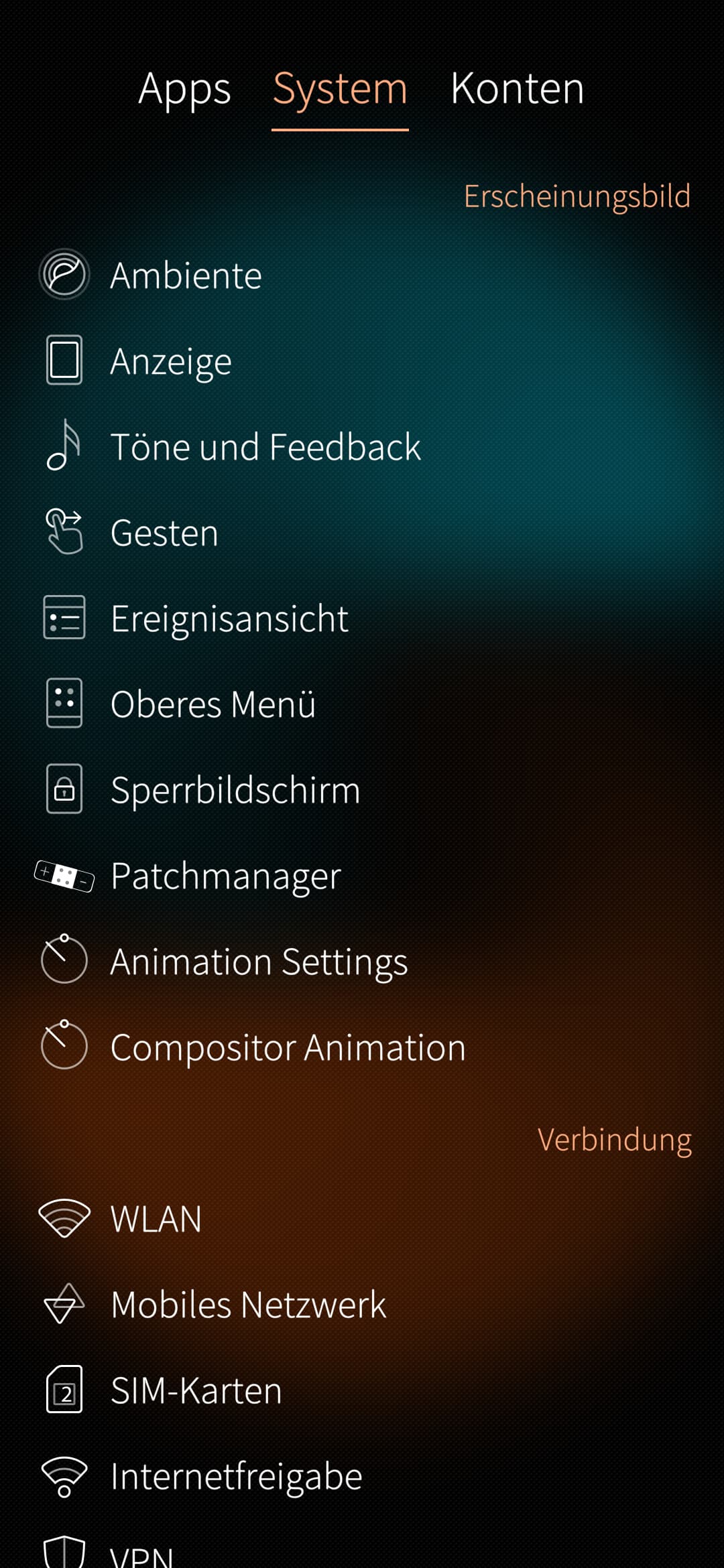
i dont understand what youre saying. this is the problem:
i can only see my downloaded apps in settings/apps because i have downloaded android apps ??
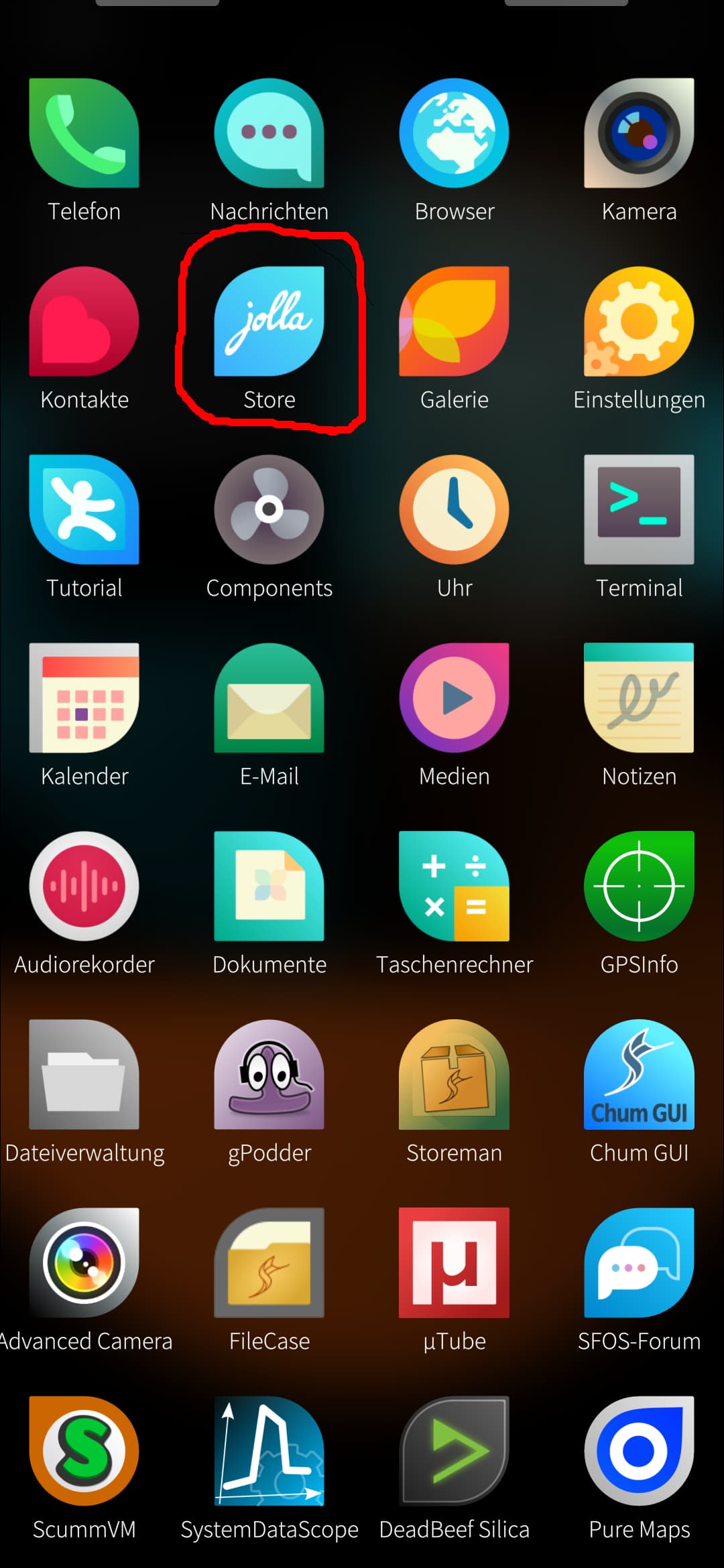
those apps i cannot see in the app drawer (swiping up from the bottom of the screen)
i dont know how to get rid of them all and download & install them correctly.
i dont know which apps are android and which arent, or are you saying i cant download straight from any app store? i have lots of subscriptions, like proton, which i want to continue on this phone, like proton vpn, so how do i uninstall the wrong downloafs, and do it so i can correctly use them?
lile i said, i dont know how to use this filebrowser