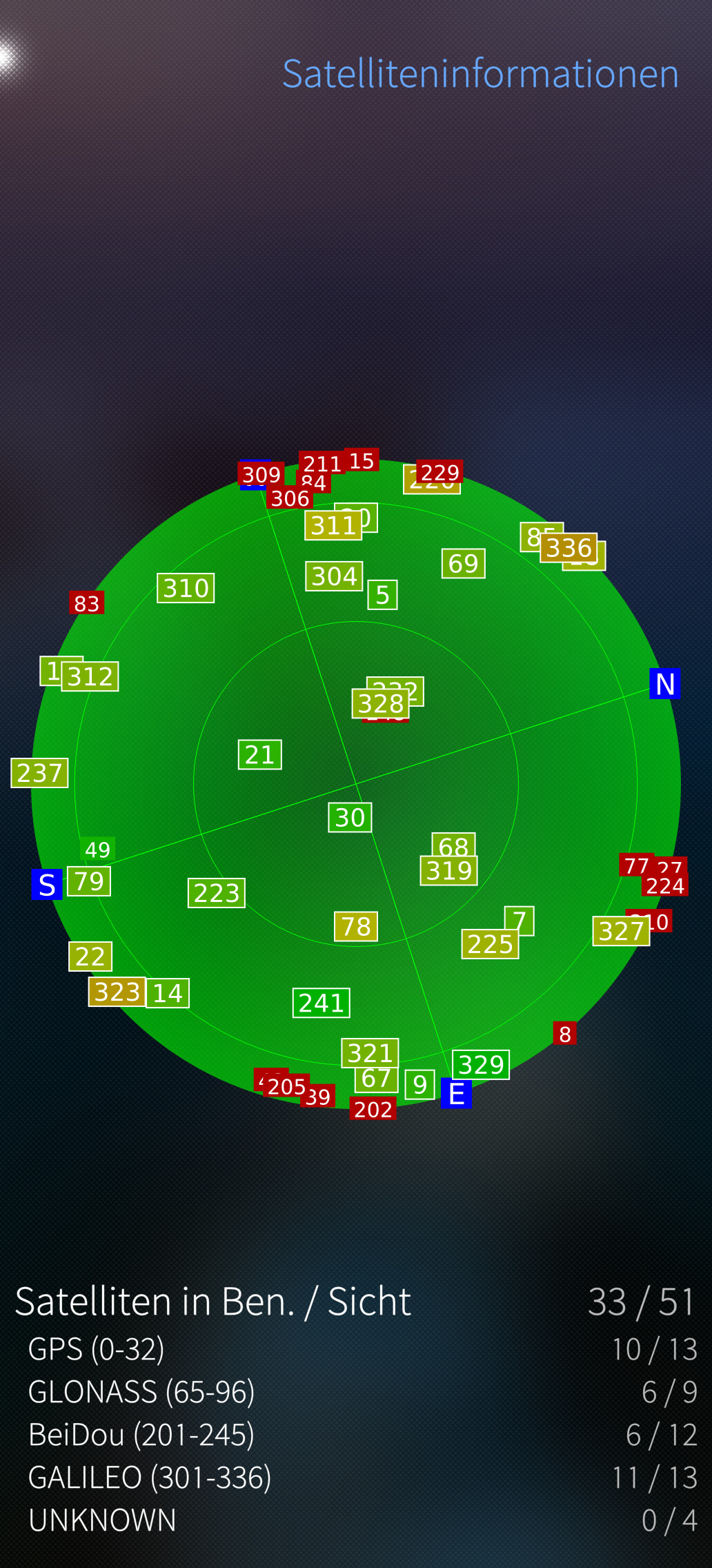
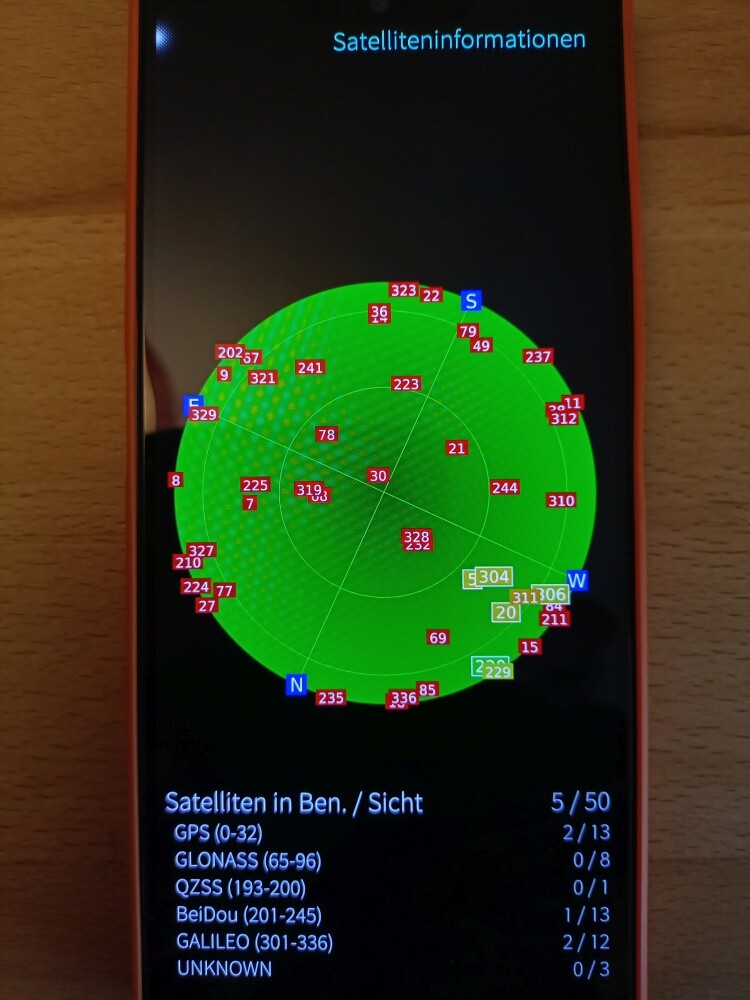
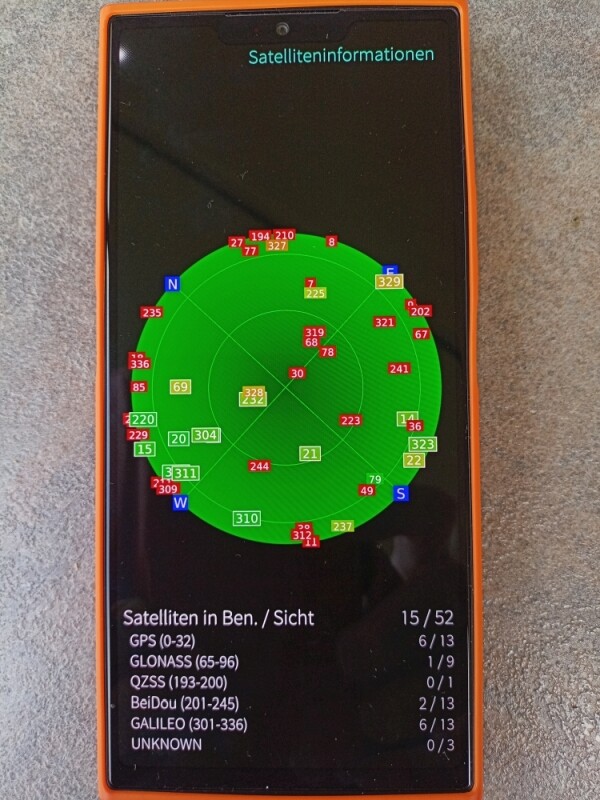
In GPSInfo satellites are found, but I have not yet seen that the use of satellites would also be displayed. After a while, it regularly looks like this, for example: 0/32. Running overnight resulted in 0/52.
GPS Info and OSM Scout agree with an accuracy of 4.8km(!), which I can’t work with.
Location mode in the settings was power saving mode.
After switching to the High Accuracy mode 29m according to OSM Scout.
Only way for Jolla phone to determine approximate location is BeaconDB database. It might be that it isn’t covered that well in your area, but you can improve it quickly by yourself. You can check the database map from here: https://beacondb.net/
And that is used only when using high accuracy mode, otherwise it uses only GPS, which needs visibility to satellites.
I ran into some trouble one day while I was out biking with OSMScout as my guide. When I entered the address, the app quickly found my starting point (I also use Stumblefish). When I changed the route, OSMScout froze after a moment and wouldn’t update the map anymore. This happened several times. Previously, the app had quickly detected these “detours” and rerouted me. Jolla 2026 5.2.0.22
No, it depends on how much of the sky is visible from that window. If there are tall buidlings outside + heavy clouds it is quite normal for every gps receiver to struggle, especially for getting a fix. Go outside.
Back inside in the same place it also finds 8 of 47 for use and updating also runs. In the building near the window. At the moment I don’t really understand what depends on what..
The first time of location activation takes long time because of satellite almanac download. That takes time especially without mobile data.
Later on it shouldn’t take seconds to get position.
In case you are referring to Android / IOS devices as other devices, those use A LOT more than just GPS for location. They do all kind of shenanigans that massive data collection allows them to do, which leads to user experience with better fixes.
When you are able to get first true GPS fix, I at least get fixes after that in seconds, if BeaconDB has that location
For BeaconDB you only have to make sure that you didn’t de-activate it by mistake in the Location settings. If you’re using “high precision” settings, it should be in use.
But I think getting a fix isn’t your problem. If you can read “0/49” that means you have a fix, your phone knows exactly where it is, that’s how it knows 49 satellites should be visible (even though it receives 0 signal at that moment).