REPRODUCIBILITY: 100%
OS VERSION: Sailfish OS 5.07
HARDWARE: Jolla C2
UI LANGUAGE: English
DESCRIPTION:
From day one GPS does not provide any location data on the Jolla C2.
Neither native Sailfish apps (Pure Maps, Jolla Maps, GPSInfo) nor Android apps (Magic Earth, GPSTest) can obtain a position fix.
The GNSS hardware appears active in kernel logs, but no user-space location service seems to be running.
This is from day one and the GPS never worked, is this software or hardware issue?
If it is software what can I try to solve this issue? It prevents from using my C2 as daily driver.
PRECONDITIONS:
Device has working cellular and Wi-Fi connections.
Location settings are enabled (GPS + WLAN + cellular positioning).
Android AppSupport is running and location permissions are granted to Android apps.
STEPS TO REPRODUCE:
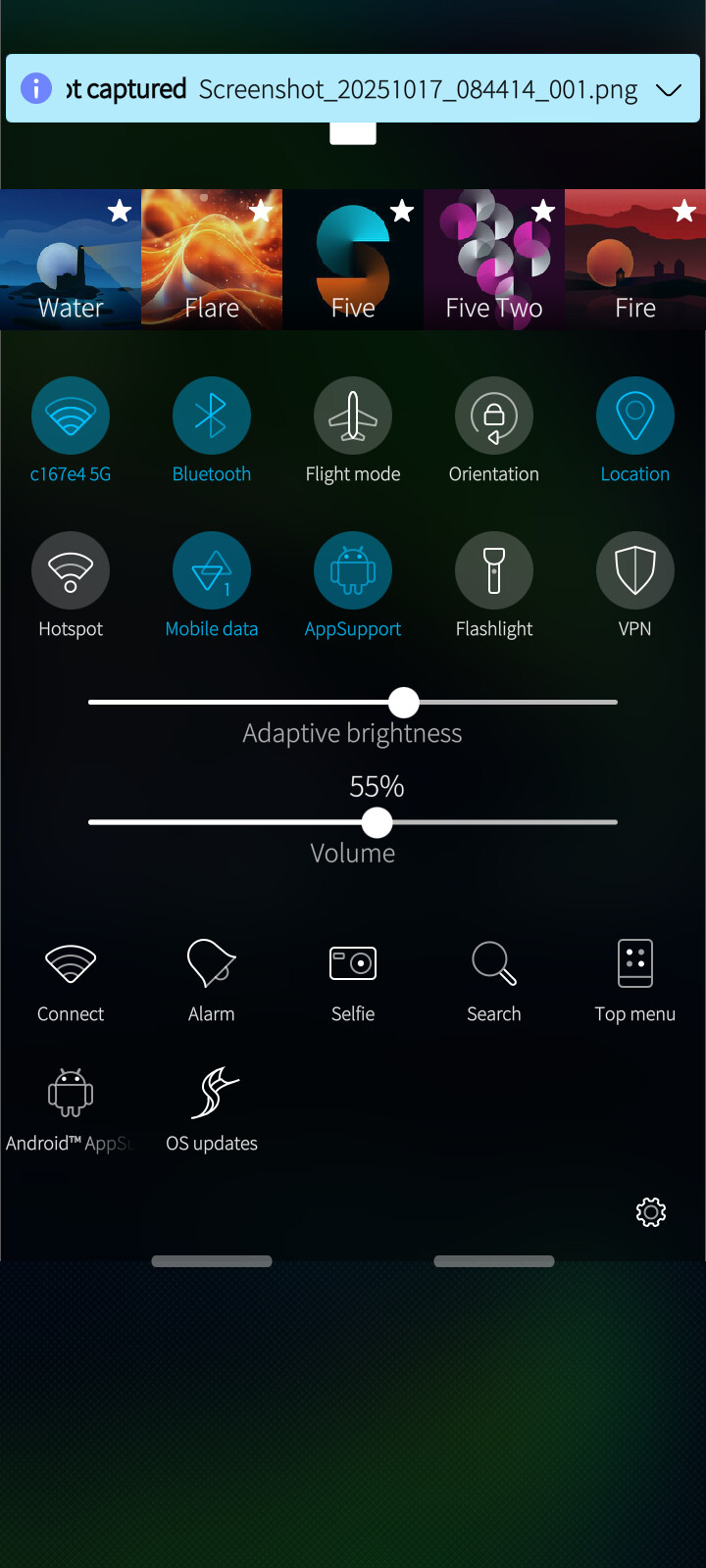
Enable “Location” in Settings → Location.
Launch any app that uses GPS (e.g. Pure Maps or GPSInfo).
Wait outdoors for several minutes
EXPECTED RESULT:
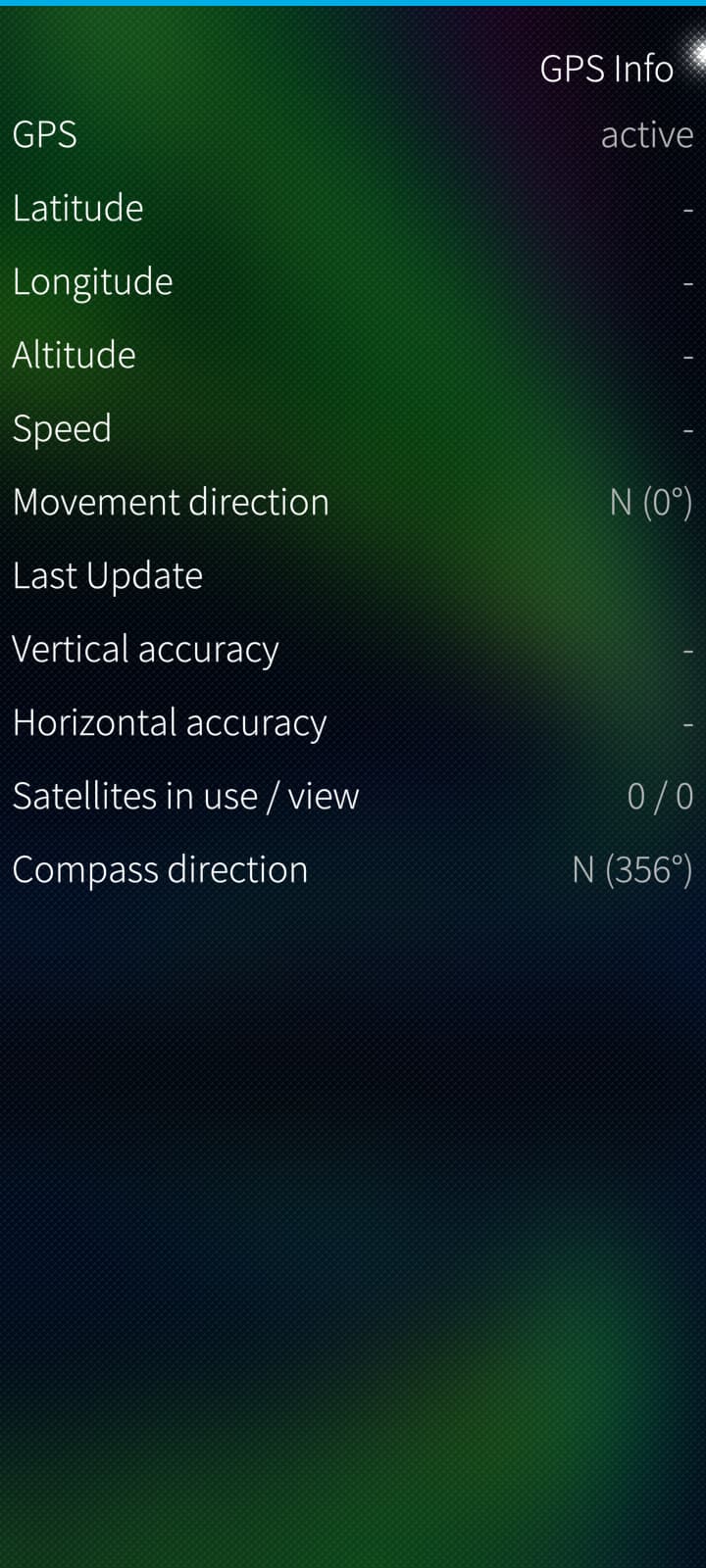
GPS coordinates to show and satellites in GPSInfo
ACTUAL RESULT:
No GPS coordinates to show, no satellites to showing
Neither native nor Android apps receive any GPS data.
MODIFICATIONS:
No community patches or custom repositories enabled.
Only official Jolla repositories active.
No modifications.
I can not find any related topic, I searched all day.
Some members have a partial of slow working GPS (location) service.
Mine doesn’t work at all, I assume this is an other situation.
The main question is, is this hardware or a real software bug and if it is a software bug, I am interested what possible workarounds are.
If you find a topic with the same issue, I am always happy to hear. I did not find any.
If you could give me the correct number, I would have given it to you.
I tried some servicecodes and every time Service unavailable.
Your workaround is interesting but not my solution , I bought the c2 so I can disconnect from bigTech.
In this process I knew there where some give and take, with more give, gps on the other hand is really essential for me.
Problem solved, This is indeed the same issue other user have.
From day one, the places I tested this issue no gps satellite connections.
Today I went to a forest and there it made connection with the satelites.
Still sensitive for losing signal, but because other user have posted this instabel issue, I call my isue fixed.
I am sure now it is not hardware but a software bug/unreliable connection.