Native PureMaps or OSM Scout, With PicoTTS from Chum also with voice guidance. If it has to be Android, then OsmAND Plus from Fdroid. There is also language guidance without TTS → Recorded in all possible languages. For me, this solution is more pleasant. But everyone like him - you liked…
2 Likes
Thanks for the suggestion. As mentioned, already tried Pure Maps and OSM Scout, unfotunately not good enough yet for a regular user.
Will try OsmAND~ from FDroid. (OsmAND+ from Aurora Store is 70€), OsmAND basic version is a freemium so with in-App payments).
Waze works great on my Xperia 10 III, with navigation voice working out-of-the-box 
Yes, here too.
But Waze is Goole. Or?
And Google is … 
1 Like
No, Osmand is OpenSource. You can download the full version from the Fdroid Store. Only in the PlayStore (Aurora) this costs money!! Since they finance themselves in this way. You have the full range of functions in Fdroid version.
3 Likes
I wanted to use Here WeGo as a second option for Pure Maps, but the latest version didn’t work well with my new Jolla phone. Typed text wouldn’t show until I hit enter and any button took 5-10 seconds. I downgraded to 4.17.200 (48576030) and now the app works well. Version 4.18 already had the same problems as the latest one (4.20.110).
Sharing in case it helps someone with the same problem.
4 Likes
The current version is 4.13. Everything above is beta at the moment.
Pure Maps, when using HERE API, will be able to route using Traffic info. When I compared about a year ago, routes calculated with HERE WeGo and Pure Maps/HERE API were the same (needs same conditions in terms of taking into account traffic).
Other routing providers supported right now by Pure Maps don’t take traffic into account, as far as I know.
3 Likes
Would be wonderful to have a Jolla/Sailfish Maps native app included with SailfishOS out of the box.
Here WeGo doesn’t work well anymore. There are also unwelcome trackers in the app.
I tried on Jolla2: Pure Maps, OSMScout, OSMAnd, OrganicMaps, CoMaps and MagicEarth. None of them is able to navigate with voice because downloading TTS on Jolla2 is not possible. MagicEarth not even opens. I contacted them. They said it is probably due to the compatiblity layer in Sailfish. There is no contact with files. Is the wall higher now?
.
I intensively tried out OSMScoutServer with PureMaps for offline navigation. Unfortunately, the maps lack a lot of information and possibilities compared to e.g. CoMaps (Android) and even much more so OSMAnd+ (Android).
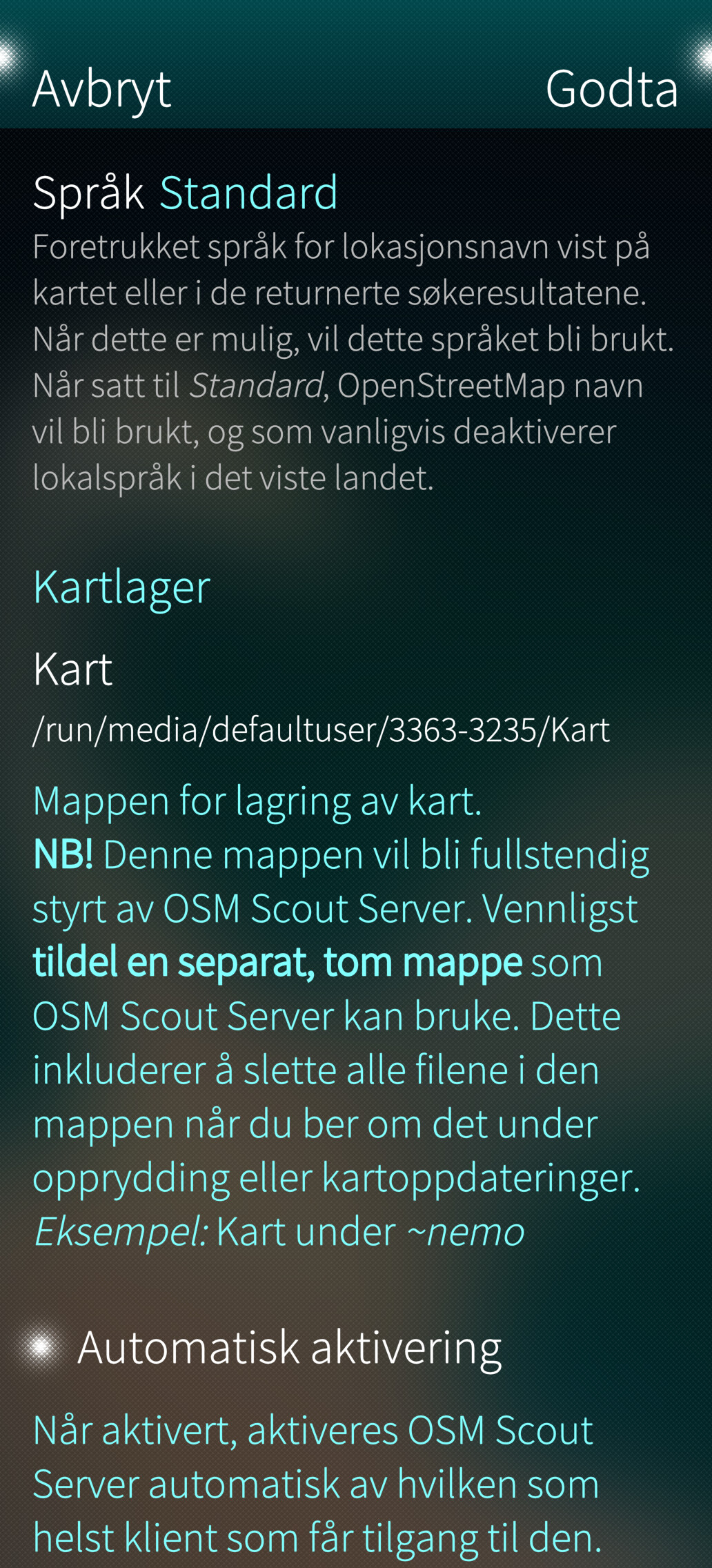
In addition to that, it was/is impossible to define the SD-card as target for saving the maps! 
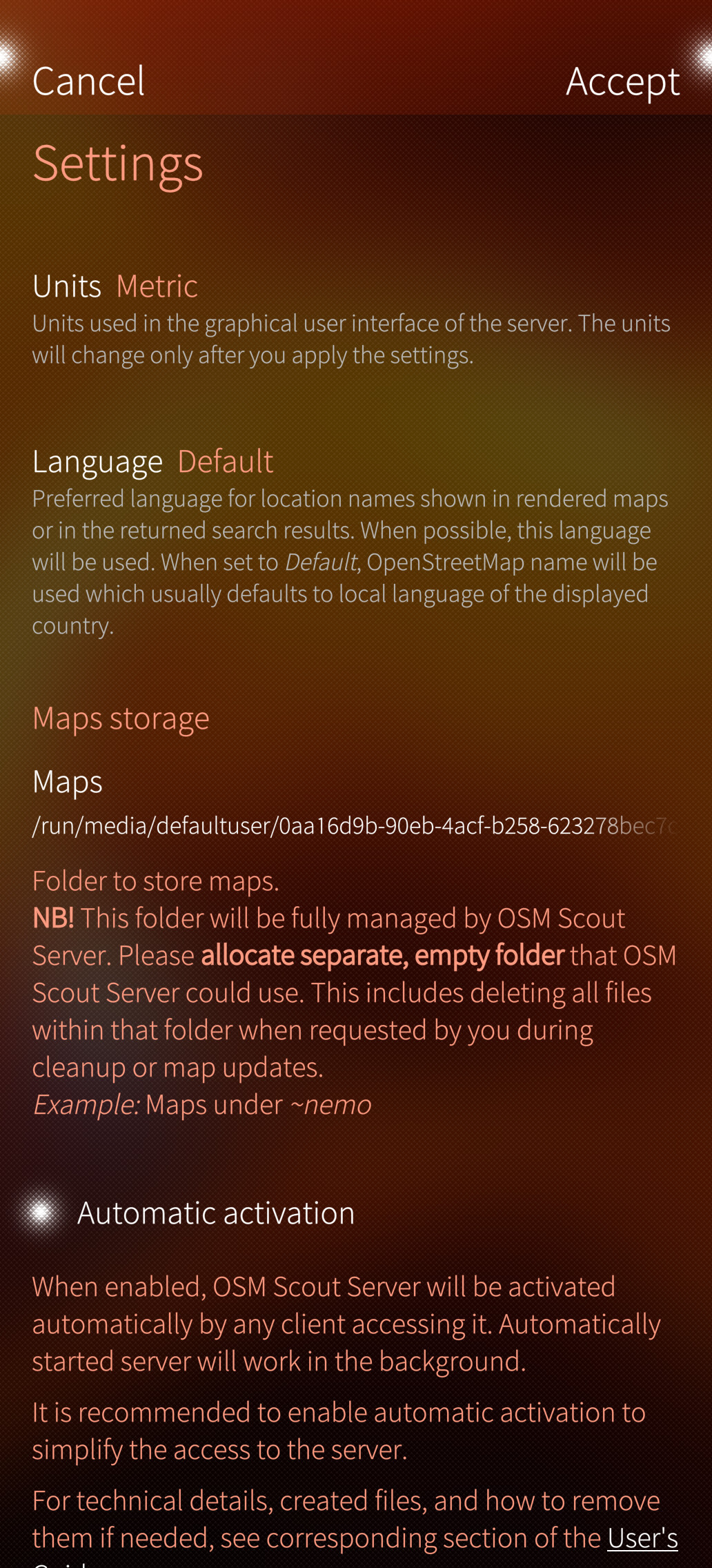
What do you mean? I’ve been using same sdcard between c2, XV and J2 for maps storage in osm scout server/Puremaps without any issues, have you tried to click the path under ‘maps storage’?
2 Likes
Not sure about the first point - they’re technically the same exact maps, so it must be something about the configuration - but as for your second point, just open OSM Scout Server → Settings, and the third setting (no idea what it’s called in English) allows you to save the maps anywhere you want, including the SD card.
1 Like
@throwaway69
Yes, I did. I thought, that’s the only way to change the default directory? Are thereother ways?
I created a directory on the SD-card named OSMScout.maps, but it did not show up as a choice.
I see the sdcard, but am not able to chose it (Screenshot).
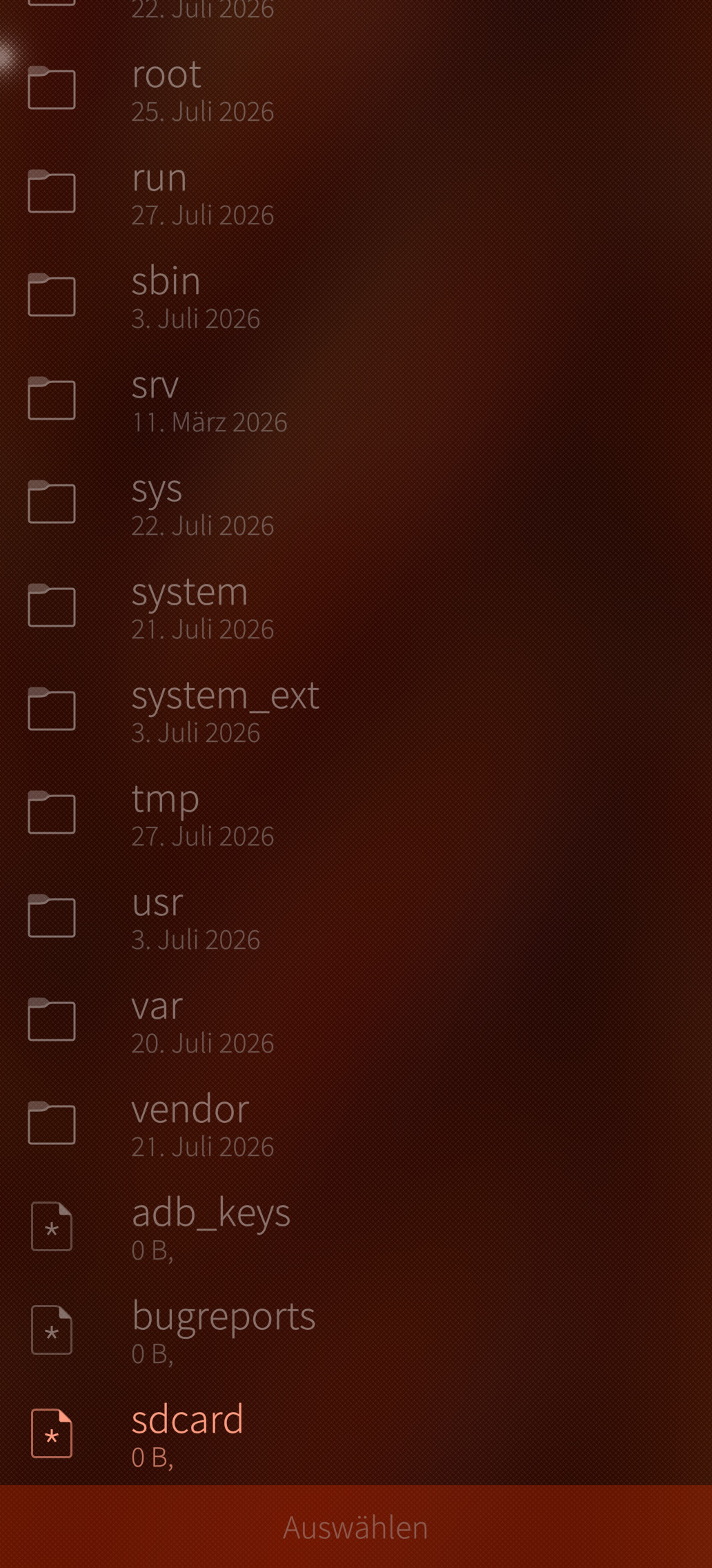
Maybe there is a problem with the SD-card …
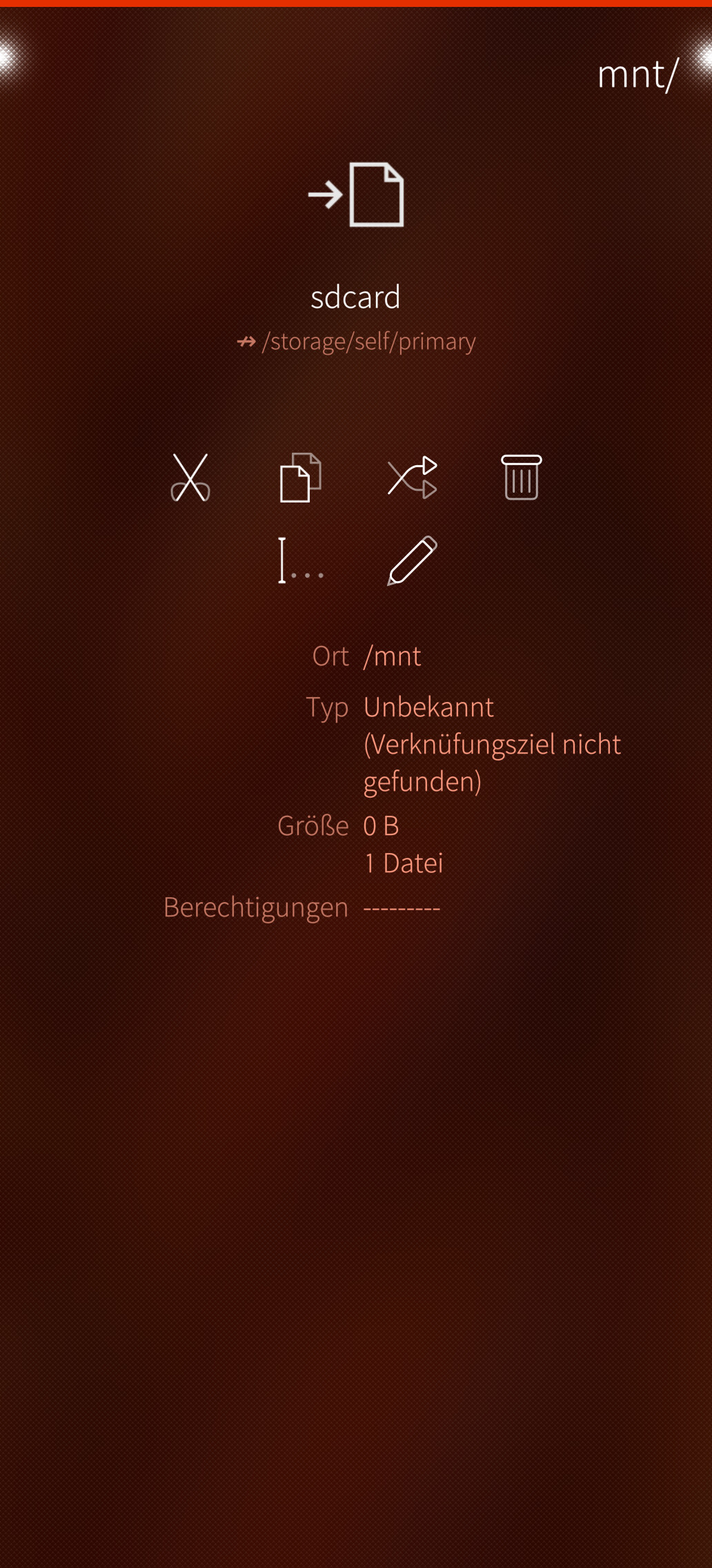
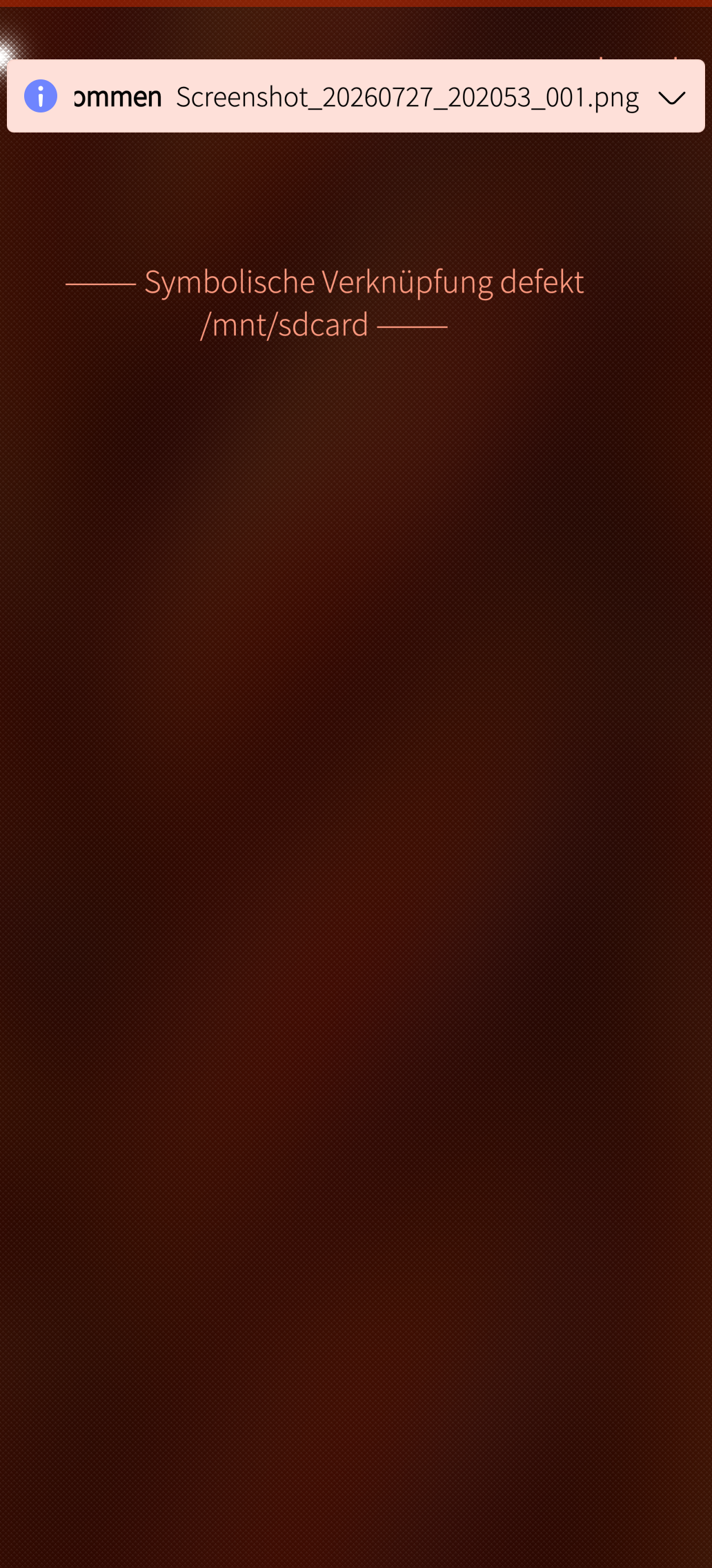
I will try another one.
Explore the /run/media/defaultuser/uuid/ first the sdcard is not mounted at /
Am I really the only one using navit on SFOS?
No need for another one, just default mount point is /run/media/defaultuser/uuid/ (change uuid as needed, but puremaps will let you choose from gui, with single partition you should have no problems, with two the uuid will be important)
1 Like
Puremaps isn’t the problem, actually, but OSMScoutServer. And I can’t see any way to change the path in that app.
What happens when you click the path under ‘maps storage’, you should get a selection dialog that should let you navigate where you want?
@rgsidler. I have no problem to set OSM Scout Server maps path to ssd card folder.