REPRODUCIBILITY: Always
OS VERSION: 5.2.0.17
HARDWARE: Jolla Phone 2026
UI LANGUAGE: Finnish
REGRESSION: Dunno
DESCRIPTION:
Front camera does not work with the inbuilt camer application
PRECONDITIONS:
Phone upgraded to 5.2.0.17 and first boot
STEPS TO REPRODUCE:
Launch camera app
Back camera is visible on the display
Change to selffie camera
Screen goes black
Change to main camera
Screen stays black
Close the app
Re-launch and same steps, same behaviour
EXPECTED RESULT:
Should have showed me the front camera picutre
ACTUAL RESULT:
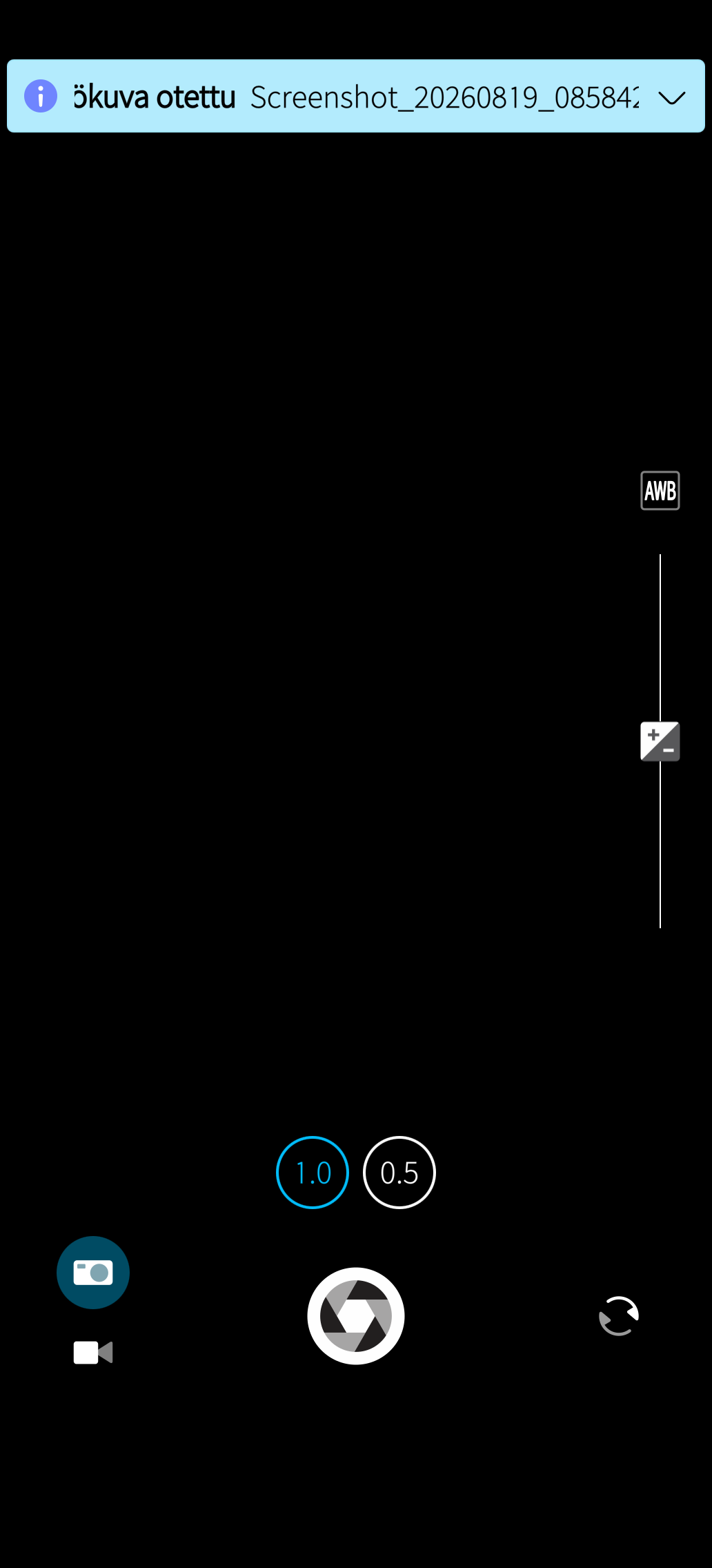
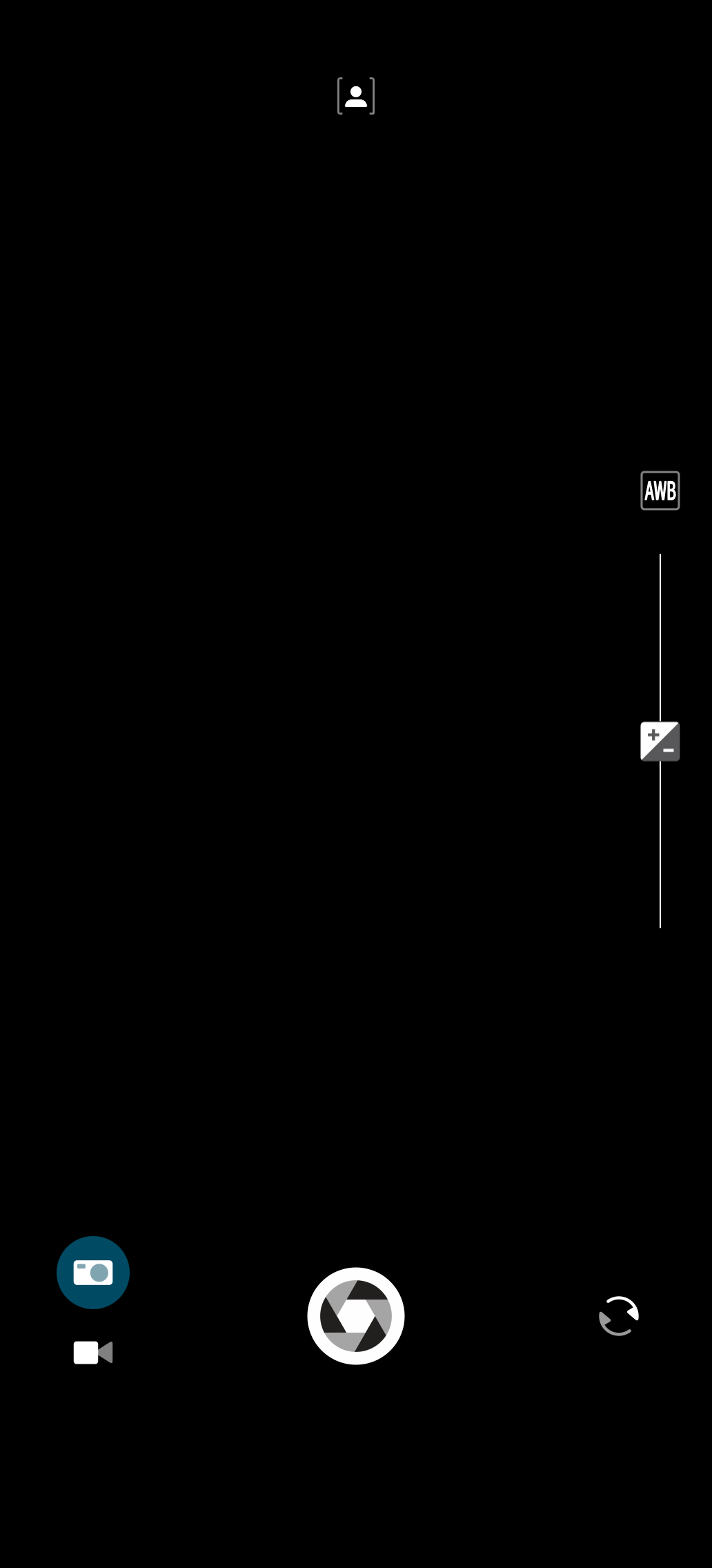
Black screen, with only camera functions/buttons showing on the screen
MODIFICATIONS:
ADDITIONAL INFORMATION:
I updated to 5.2.0.17 yesterday and now the front camera does not work BUT i have not been using front camera in a long time, last time i used it was with orignal OS version that the phone came with (Jolla Phone first day version)
Not yet, it should work after the upgrade without an second reboot or then we need to add an second reboot sequence after it
I had this same problem with Sony Xperia III SFOS several times, but it realy did not matter as I don’t use selffie camera at all, but I know that many of the new JP2026 users will use it and complain if it does not work out of the box
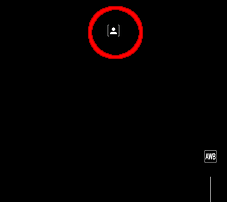
Have you tried another setting for exposure (Swe ‘Porträtt-exponering’, ‘Automatisk exponering’, etc.)? Try ‘A’ instead, it works fine for me. I’m on same hardware and software, btw.
@larsmaria Yep, that should do the trick. Launching with any other exposure mode other than “auto” just results in a black screen. Setting it to “auto” and restarting the camera app should result in it functioning again.
Same bug here. Auto works, everything else opens the camera in a black screen. Changing between front and back camera doesn’t do anything. Selecting Auto and closing and opening the camera app again works, as mentioned.
Works for me, but my selfie camera was set to Auto exposure and I haven’t changed it ever, since I haven’t used the selfie camera for anything else than to test it works.
CSD showed both cameras working and after changing to AUTO setting and app restart the front camera started working. But wow it’s like looking from foggy window, so much dust in the front camera
At least you got it working. The dust collection is another issue. I was able to remove most dust with a gentle pressured air flow. A gasket is need cp. the other threat.